

Booking
Everything people reserve — meeting rooms, desks, equipment and parking — and the rules that decide who gets them.
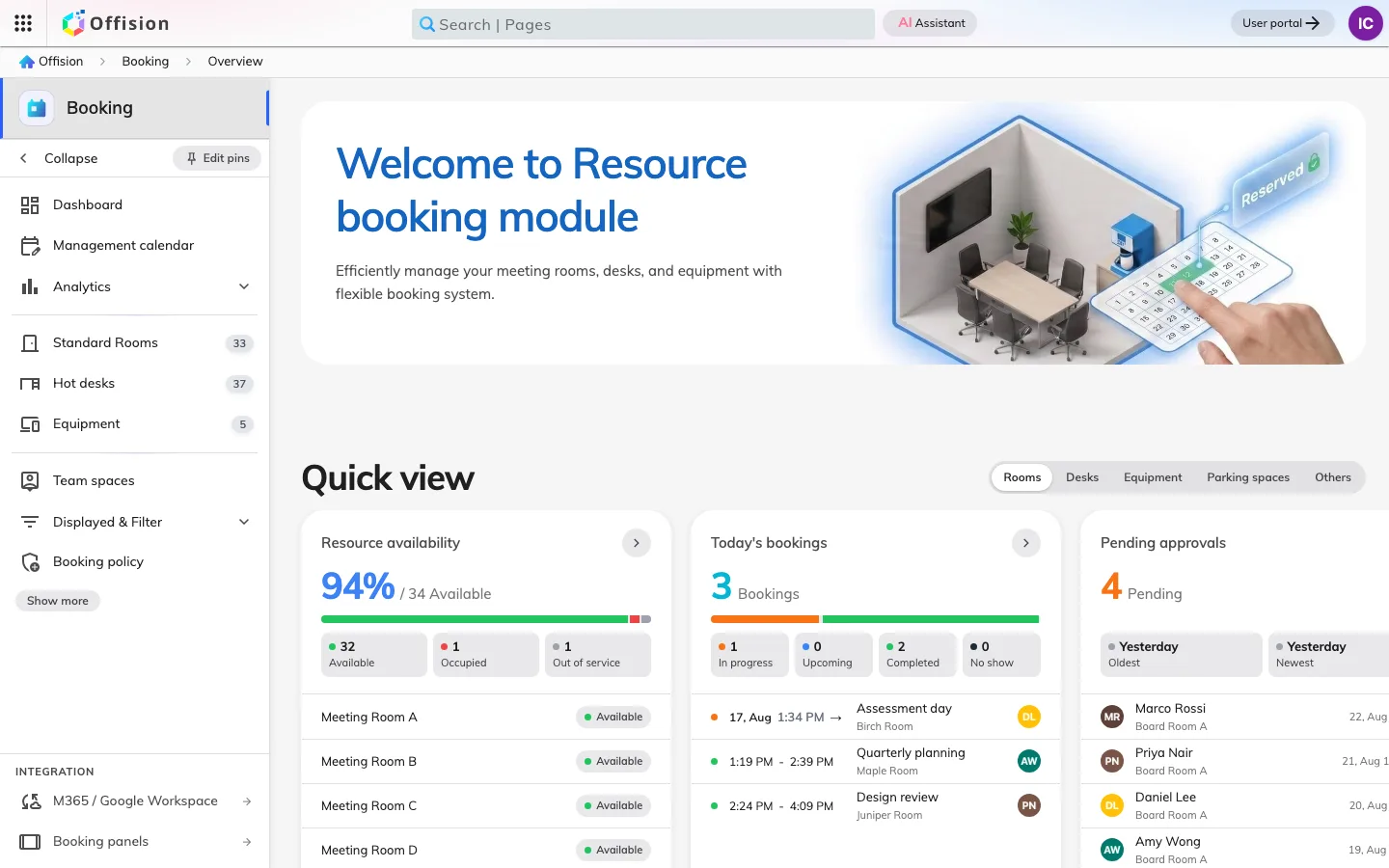
Everything in Booking hangs off a resource — one meeting room, one hot desk, one projector, one parking space. Every other setting in the module is a rule about who may have that resource, when, and on what condition.
What people book
The console files resources by kind: Standard Rooms, Hot desks, Equipment, parking spaces. Each one belongs to a building and a floor, so somebody searching at their own site never has to scroll past another office’s rooms. A resource can be a real room, several rooms combined so that booking the whole thing takes its parts with it, or a thing with no walls at all.
Creating one is deliberately small — a name and a location is all it takes to exist. Everything that makes it behave is attached afterwards, which is why a newly added room is bookable by everyone, immediately, until you say otherwise.
Desks are the same thing on the same form, and they have a section of their own because a floor of them is run differently from a floor of rooms: no capacity to judge them by, a point on a floor plan instead of a name on a door, a printed code instead of a panel, and a check-in deadline that decides how much of the floor comes back each day.
Three rules, checked together
A booking is not decided by one setting. Three separate rules run in one pass when it is saved, and each answers a different question:
- Team space — may this person see the resource at all? Somebody outside the team does not get a greyed-out room; the room is not in their list.
- Booking rules, the resource’s policy — is the booking shaped legally? How far ahead, how long, business hours, all-day, recurring, and whether it has to be approved before it counts.
- Quota — can they afford it? A balance that is charged when the booking is saved, not when it is approved.
Every failure comes back at once, so a booking that is both outside the window and short of quota reports both problems together. No role bypasses the set.
Check-in is what makes a booking real
Where a resource requires it, a booking nobody checks into becomes a no-show and the room is handed back: the reserved period is genuinely shortened, the rest of the slot shows as free everywhere, and on a room synced from Microsoft 365 or Google the shortening is pushed to that calendar too. People check in from the panel outside the door, from a QR code, from a staff card, or from the app.
This is where most of the reclaimed space in a workplace comes from — and it is also the behaviour most often reported as a fault.
What Booking does not cover
The people on a booking are attendees, staff or not. Somebody from outside who has to be met at reception, badged and recorded is a visitor, and that belongs to Visiting. The panel on the wall is hardware, and how it is enrolled and configured belongs to Devices — Booking only decides what it is allowed to do.