

Devices
The hardware on the walls and in the ceilings: door panels, sensors and the controllers that drive them.
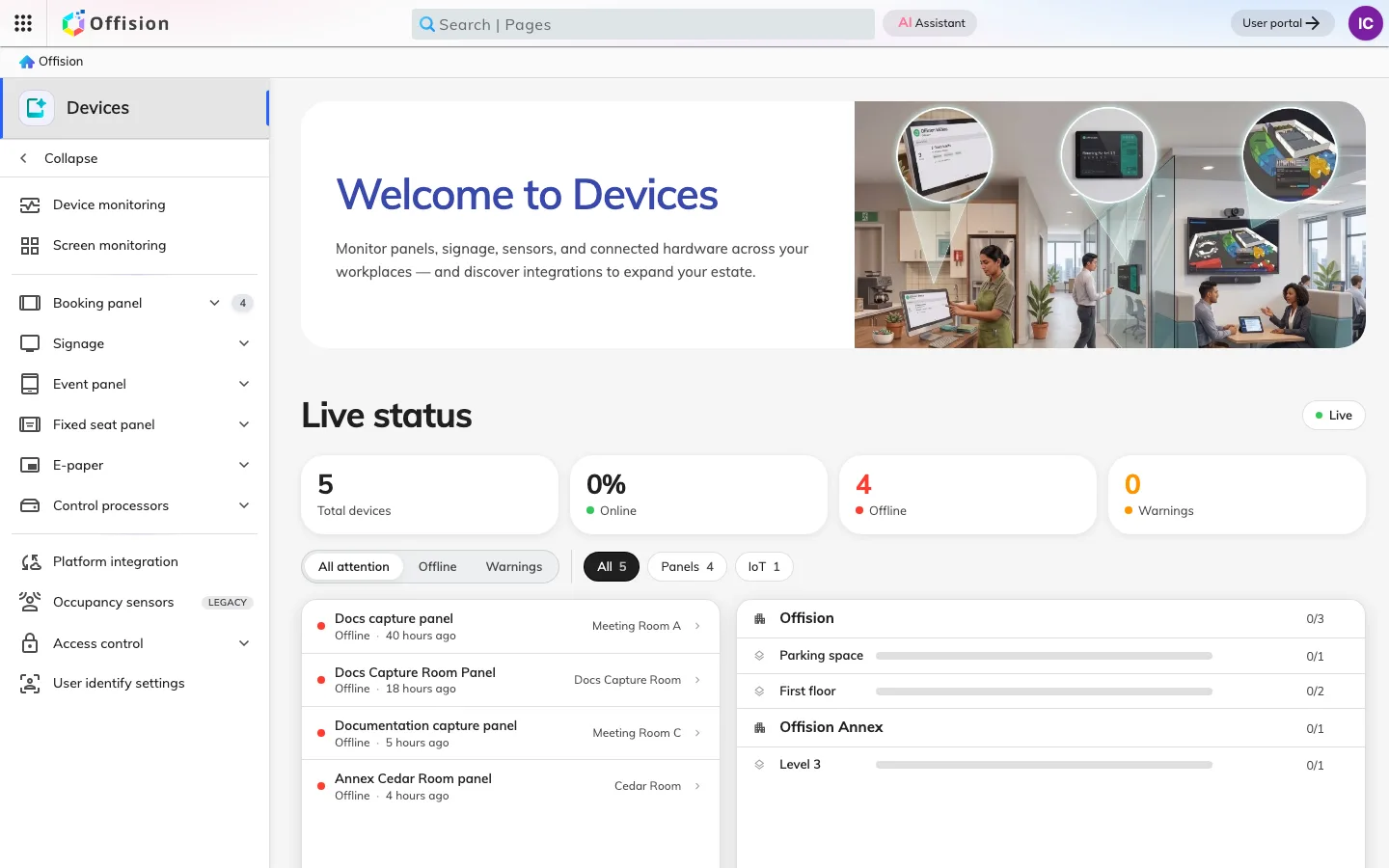
Devices is the hardware Offision runs on and the state it reports back: the touchscreen outside a meeting room, the sensor in the ceiling, the controller in the rack. The console’s job here is to know which of them are alive.
A panel holds almost nothing of its own
The screen by the door is the device most people mean. Offision drives panels from Crestron, Qbic, IAdea, Neat, iPads, and ordinary Android and Windows tablets, and treats them all the same way: a panel is enrolled, paired to a room, and then handed a panel configuration.
That configuration is the part worth understanding. A panel keeps almost nothing locally — its buttons, the credentials it asks for, its wallpaper and its energy-saving behaviour all come from a named configuration that other panels share. Changing one panel can therefore change twenty, and making a single panel behave differently means giving it a configuration of its own rather than editing the one it is on.
The room’s own big screen
The screen at the end of the room usually belongs to something else — a Crestron AirMedia receiver, a Microsoft Teams Rooms device, a Zoom Room. Each of those has a digital signage setting of its own, and each will happily point it at Offision, so the display that spends most of the day showing a join code shows today’s bookings instead and hands itself back the moment somebody presents.
None of that makes the box an Offision device: it stays under its own management, and Offision is only the address it was told to show. What the three brands do not share is what stops them — a Teams Rooms device needs a Pro licence before the feature exists at all.
What happens at the door
A panel is not only a status light. From it, somebody can check in to the meeting they booked, take a free room on the spot, end a meeting early, or look for another room in the same building — the list a panel offers is the building’s rooms, not the floor’s.
Before it does any of that, it may want to know who is asking. A panel can accept a staff card, a PIN, a QR code, a face, or nothing at all, and two panels in the same building can ask for different things because the credential set is part of the configuration, not the hardware.
The lock on the door
A panel that says a room is yours is not the same as a door that opens. Put the lock itself under Offision and the panel outside the room can release it — the credential the panel already asked for becomes the one that gets somebody in. Most of that work happens on the lock’s own settings page rather than in the console.
Sensors, and knowing what is offline
Occupancy and air-quality sensors report into the same place, and a control processor on the local network stands in for the AV equipment that has no way to reach the cloud itself. What all of this shares is a heartbeat: the device list exists so that a panel which has quietly stopped answering shows up as offline before somebody standing in a corridor discovers it — and can email somebody rather than wait for anyone to look.
What Devices does not cover
The rules a panel enforces — whether check-in is required, how long a walk-in may hold a room — belong to the resource, in Booking. And a screen that shows a lobby, a floor’s availability or an announcement is not a panel at all; that is Signage.