

Visiting
Getting a guest from the invitation to the lobby to the meeting, with a record of who was in the building.
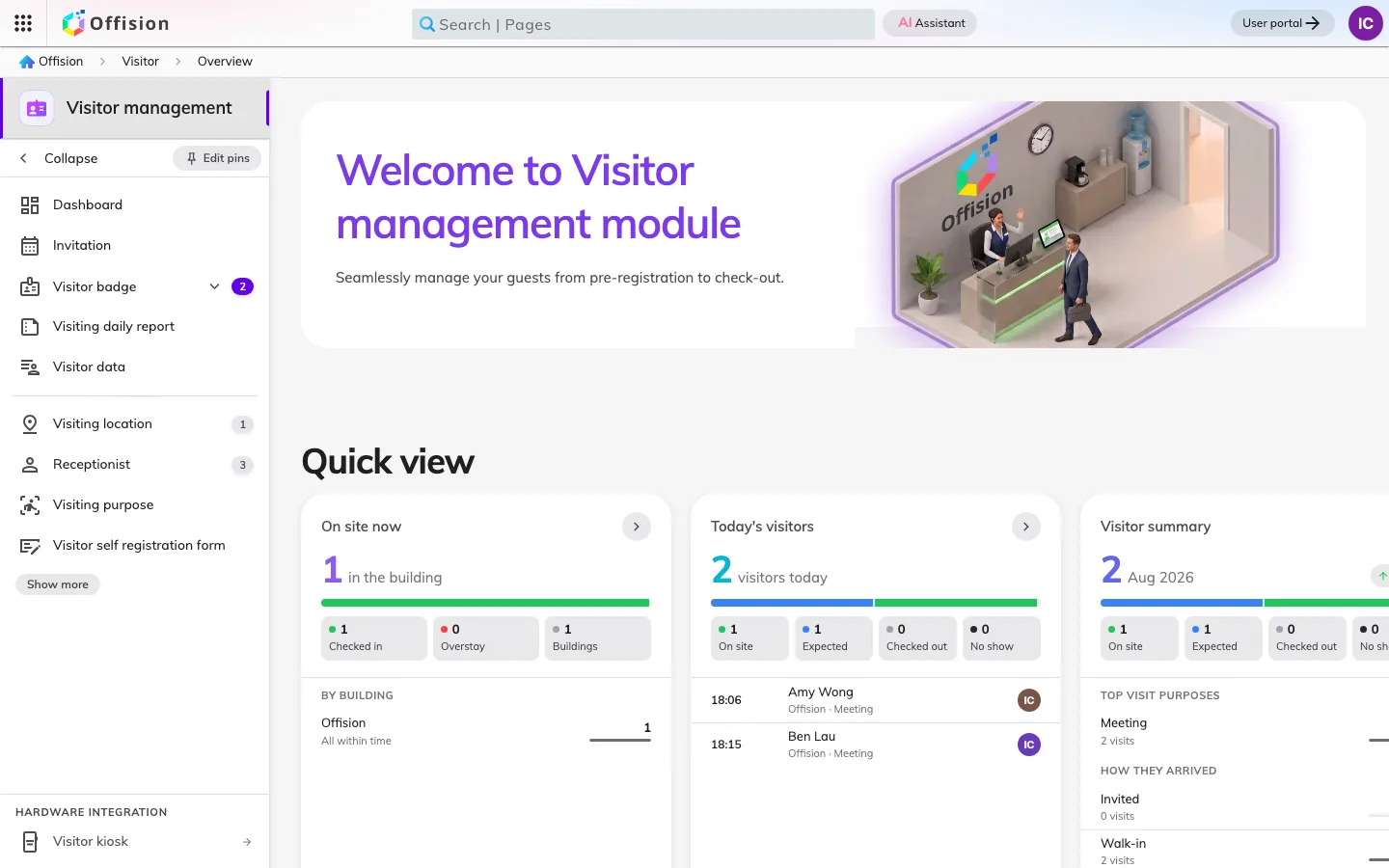
The Visiting module—Offision’s visitor management system (VMS)—records who visits your building and which employee invited them, tracking every guest from invitation through check-in and departure.
How invitations, check-in codes, and walk-ins work
Most visits start when the host employee sends an invitation. The visitor receives an email or mobile message containing a check-in code, which they scan or enter upon arrival at the reception desk or lobby kiosk. Checking in prints a visitor badge, notifies the host, and adds the guest to the list of visitors currently on site.
Guests who arrive without an invitation are registered as walk-ins. When a receptionist completes the walk-in form at the desk, saving the form registers and checks the visitor in immediately without a separate check-in step.
How visiting purposes control visitor forms
Each visiting purpose defines the form fields and requirements for a type of visit, including which guest details are collected, whether a photo or survey is required, and which fields appear on the badge. For example, an interview and a courier delivery use the same check-in workflow with different form requirements.
The physical badge layout is configured once for the entire company and automatically adapts to display the fields provided by each visit.
Where visitors check in
Each building can use any combination of three check-in channels, all of which create the same visit record:
- Reception desk staffed by a user with the Receptionist permission.
- Self-service lobby kiosk where visitors scan or enter their check-in code.
- Visitor’s own phone when scanning a lobby walk-in QR code or opening a digital pass.
Room panels outside meeting rooms do not check visitors into the building. However, an already checked-in visitor can use their badge code at a room panel to claim a free room or unlock an integrated door. For details on what each check-in channel does, see What happens when a visitor checks in.
Where related tasks are documented
- Sending an invitation as an employee: Covered in the User guide.
- Operating the reception desk (checking guests in, registering walk-ins, and viewing on-site visitors): Covered in the Receptionist guide.
- External meeting attendees: External guests added only to a room booking are meeting attendees rather than building visitors unless a visitor invitation is also created.
- Company and external email domains: Excluding internal company domains from visitor registration or blocking public webmail is configured per location in Visiting policy settings.
- Physical door access control: Unlocking doors and turnstiles with a visitor badge is covered in Integrations.