

Which booking rule solves which problem
A short map from the complaints you hear — empty rooms, a calendar claimed months out, after-hours meetings — to the one policy rule that fixes each.
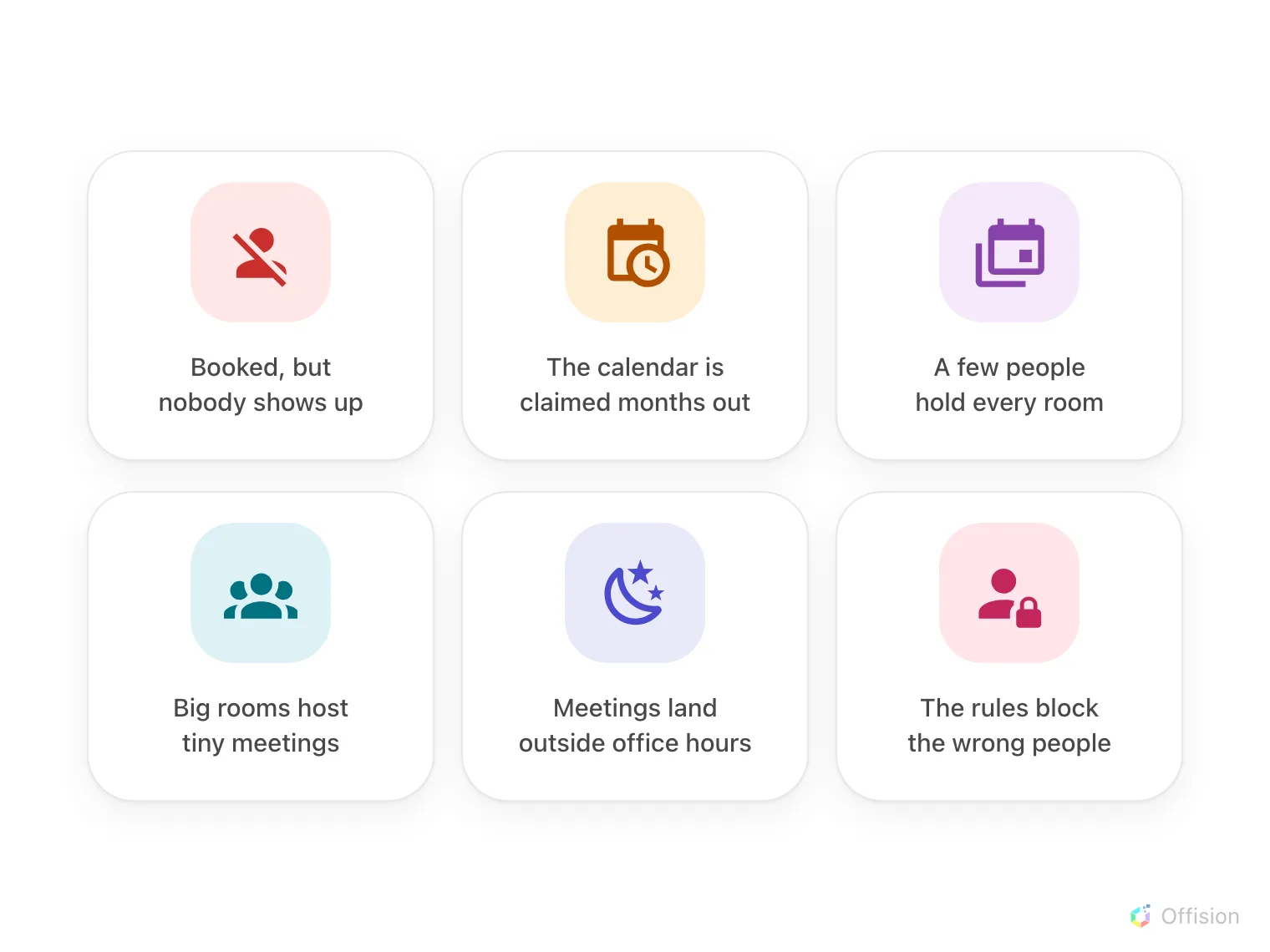
The complaints every office knows — each one below maps to the one rule that answers it.
Every rule here answers a complaint somebody is already making about the rooms, so do not start from the settings list — start from the complaint, and set the one rule that answers it. The rules live on a Booking policy, which covers a class of rooms rather than one room each, and a room with no policy is bookable by everyone, at any time, immediately.
Open Booking policySix complaints, one rule each
- Rooms are booked but nobody comes. Require check-in — a booking nobody checks into becomes a no-show and the room is handed back. See How check-in and no-show work.
- The calendar is claimed months out. Set a rolling booking window so everyone books within the same horizon. See Limit how far ahead people can book.
- A few people hold most of the rooms. Cap how long one booking may run, and give each person a budget to spend. See How booking quota works.
- The big room hosts two-person meetings. Send only the underfilled bookings for approval, so someone says yes before a boardroom is taken for two. See Keep large rooms for large meetings.
- Meetings land outside office hours. Give the rooms business hours, and a booking outside them is refused. See Limit booking to business hours.
- The rules block the wrong people. Do not loosen the policy for everyone — add an override rule for just that group. See Let managers book further ahead.
Start with one rule
Pick the complaint that costs the most, set that one rule on the policy your meeting rooms use, and watch the booking log for a week. Add the next rule only when the next complaint is real — a policy that says no to everything on day one teaches people to stop booking, not to book well.