

How fast Qbic e-paper tags update, and why a second dongle helps
Why a floor of e-paper tags does not repaint at once, what decides the order, and what adding a second Bluetooth dongle actually changes.
A tag has no screen driver of its own. Every change becomes a picture, drawn on the BXP and carried to the tag over Bluetooth — and that is what makes e-paper feel different from a panel. A panel redraws itself. A tag waits its turn.
The end-to-end wait — the network, the radio and the ink — is in Why an e-paper tag takes a minute to change. This page is about the queue in front of that.
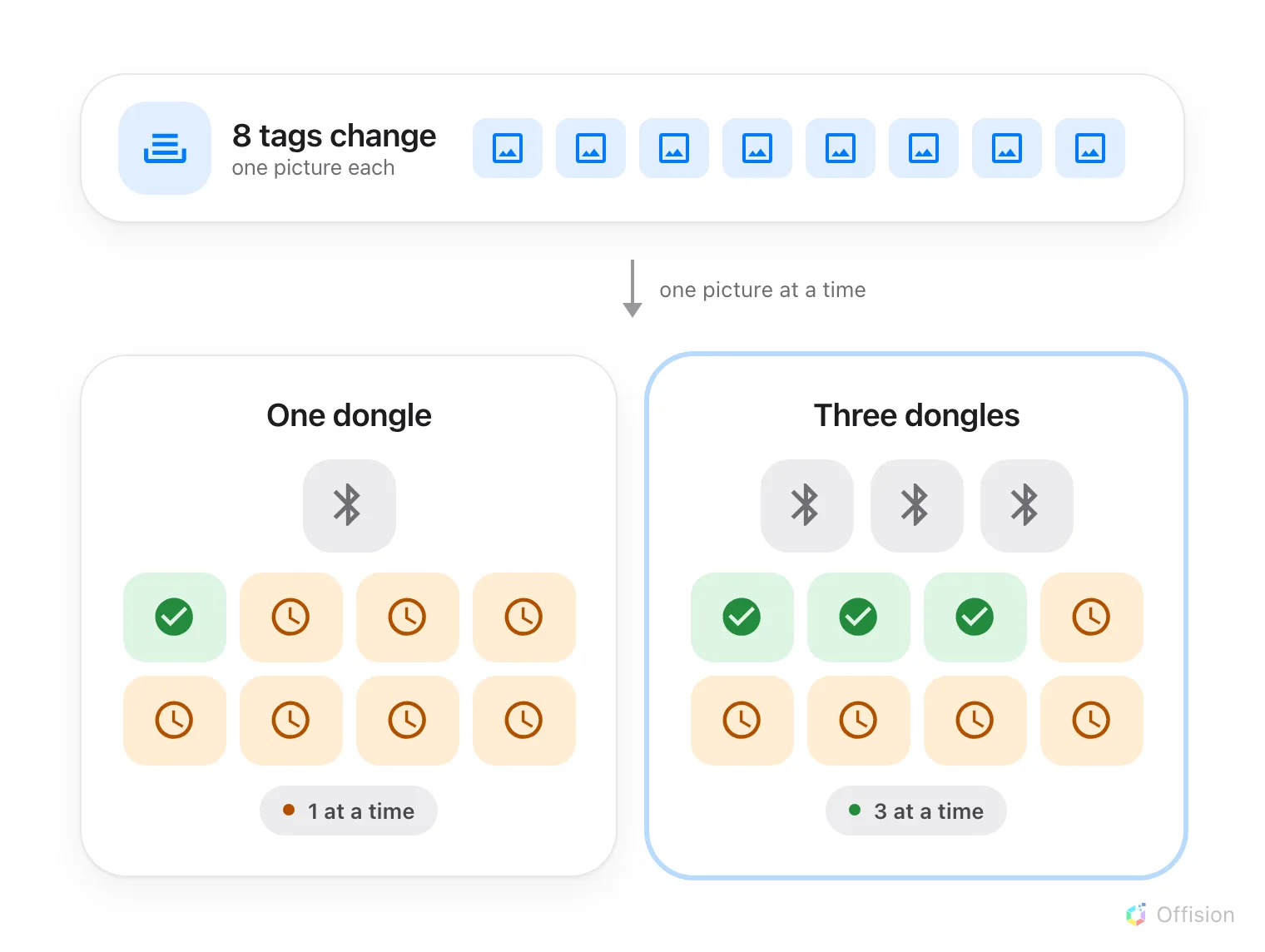
Pictures leave the controller one at a time. A second dongle is a second lane, not a faster one.
What decides when a tag repaints
A tag only repaints when its picture actually changes. The controller compares what it just drew with what that tag is already showing and skips the send when they match, so a room with no bookings does not burn battery redrawing an identical label all day. Left alone, a tag is refreshed about once an hour anyway; a real change — a booking made, a meeting ended, somebody checking in — is pushed immediately.
The same rule sets the battery’s life. Expect to change it about once a year — sooner on a tag that repaints often, later on one that rarely does, and the exact figure differs by brand. The tag’s row in the console shows the percentage, so replace on a low reading rather than on the calendar.
Pictures then queue, and the queue is drained one at a time. Only the newest picture per tag is kept, so a room whose booking is edited three times in a minute sends one picture, not three. But fifty tags changing together are fifty items in one line, and they go out in order.
A dongle sending a picture takes no other until it finishes. That is the part people are surprised by. One dongle is one lane: with fifty tags changing at once, the last one waits for the other forty-nine.
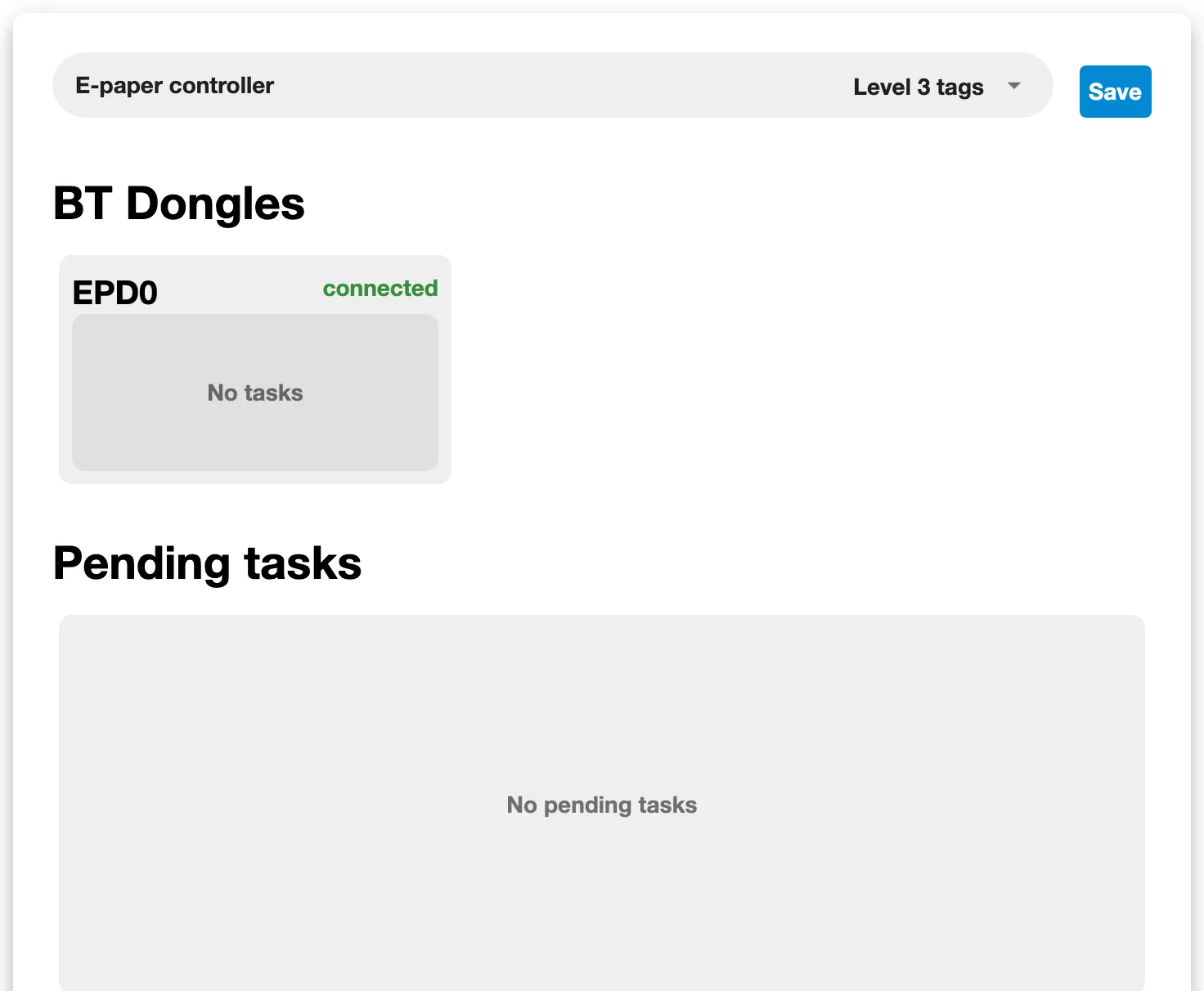
The controller's own E-paper page, where the dongles and the waiting queue are listed.
What a second dongle buys
Two things, and the second one matters more than people expect.
A lane. Two dongles send two pictures at the same time, three send three. On a floor where everything changes at 9am — the start of the day, an emergency message, a new access key — that is the difference between a wall that settles in a minute and one that is still catching up ten minutes later.
Range. A dongle drives only the tags it can hear, and it re-listens for them about once a minute. Tags at the far end of a corridor may belong to no dongle at all, and a tag nothing can hear is a tag nothing can update. On anything larger than a single open floor, coverage is usually the reason to add the second dongle, not speed.
What more dongles do not change
- They do not make one tag faster. An e-paper panel takes a few seconds to flip whatever is driving it. That is the display, not the dongle.
- They do not make Offision send more often. How quickly a change reaches the controller is a matter of the booking itself, not of the hardware behind it.
- They do not fix a tag that is out of range of all of them. Move a dongle, or add one near the tags that are missing.