

Know when a device goes offline
A panel that has quietly stopped answering looks exactly like a panel nobody has walked past. Offision can email somebody instead of waiting for a person to notice — and it waits a while first, on purpose.
A screen on a wall fails silently. It keeps showing whatever it last drew, so from the corridor a panel that lost its network an hour ago is indistinguishable from one that is working. Offision watches the connection rather than the picture, and can email somebody the moment a device has been quiet for longer than you are willing to tolerate.
What counts as offline
Not “the screen is dark”, and not “nobody has touched it”. A device is online for as long as it holds its connection to the server; it goes offline the moment that connection drops and stays dropped.
That is deliberately narrower than it sounds. A panel whose backlight has failed is still online. A panel someone unplugged is offline within seconds. A panel on a flaky access point flickers between the two — which is exactly why the alert does not fire on the first drop.
There is a second, slower route to the same place. A device that holds its connection open but stops sending its health figures for an hour is given up on and marked offline as well. The wait then starts from the moment it was given up on, not from the last figures it managed to send — so an alert down this route arrives later than the device actually went quiet.
Why it waits
Every alert is set to wait a while before it is sent, because a network that blinks for ninety seconds is not a fault anybody should be emailed about. The Offline threshold is how long a device has to stay unreachable before it counts as a problem, and it is the setting that decides whether the alert is useful or ignored.
Set it short and a site with ordinary wireless noise will email somebody several times a week about panels that fixed themselves. Set it long and a genuinely dead panel spends the morning dead. Most estates land somewhere in the middle: long enough that a reboot or a brief outage passes unremarked, short enough that somebody hears before the first meeting of the day.
Who gets told
Nobody by default. The alert names its own recipients — people, groups of people, or both — and reaches exactly those. It is not a broadcast to administrators, and having permission to manage devices does not put somebody on the list.
Everyone named is emailed the same message, and somebody who qualifies twice over — named directly and sitting in a named group — still receives one copy.
Two emails, not one
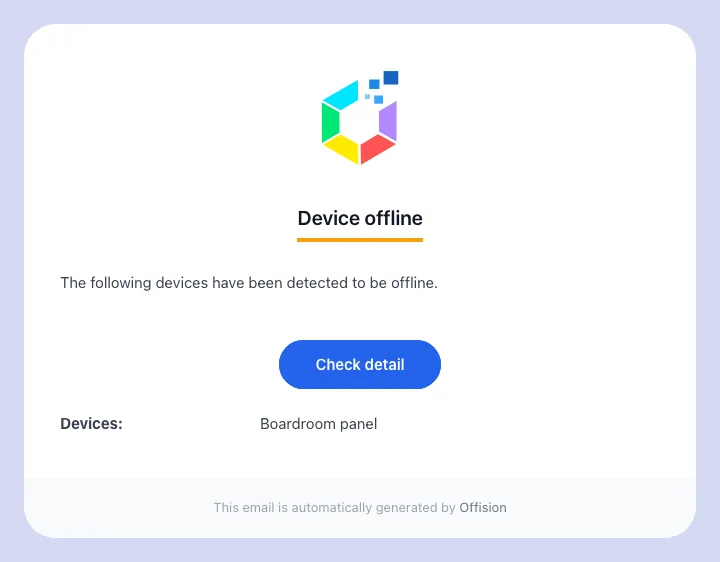
The Device offline email, naming the device that stopped answering.
Device offline goes out once the threshold has passed, and lists every device on that configuration that has just crossed it. If four panels lose the same switch, that is one email naming four devices rather than four emails.
It is sent once per outage. A panel that stays down all weekend does not produce an email every few minutes.
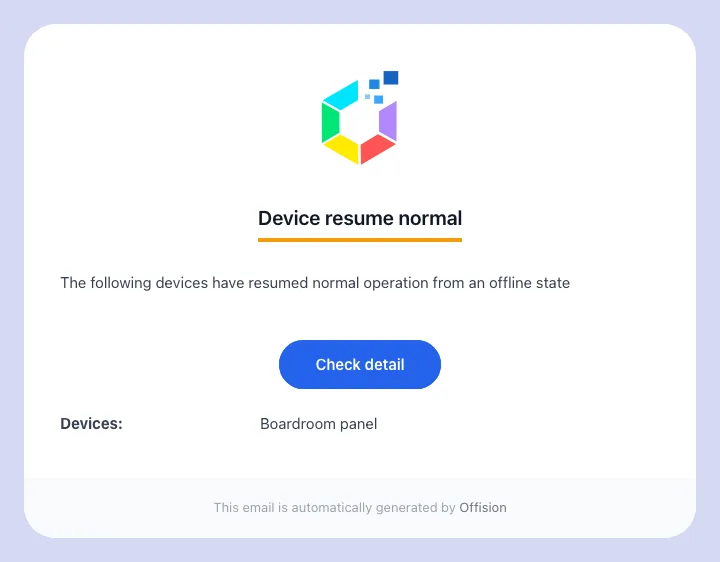
Device resume normal closes the loop when the device comes back.
Device resume normal goes out when the device comes back, to the same people. There is no waiting period on this one — recovery is reported promptly, because the question it answers is “can I stop driving to the office”. Once it has been sent, the device is armed again: the next outage produces a fresh alert.
What it does not do
- It does not reach the device. The alert tells people; it changes nothing on the panel and cannot restart it.
- It does not show on the panel. There is no offline colour, so nothing the corridor can see changes — see what the panel colours mean. The panel does raise a connection message of its own, but that is the panel noticing locally rather than this alert arriving: see a booking panel keeps running when the network drops.
- It does not cover devices that were never paired. A device record created ahead of the hardware arriving has nothing to lose, so it is never reported offline.
- It is not the same as a health warning. A screen with a weak signal, a hot processor or a flat battery is still online, and none of that is emailed. Those show up on Screen monitoring.