

Signage
Screens around the office, what they show, and the players that keep them showing it.
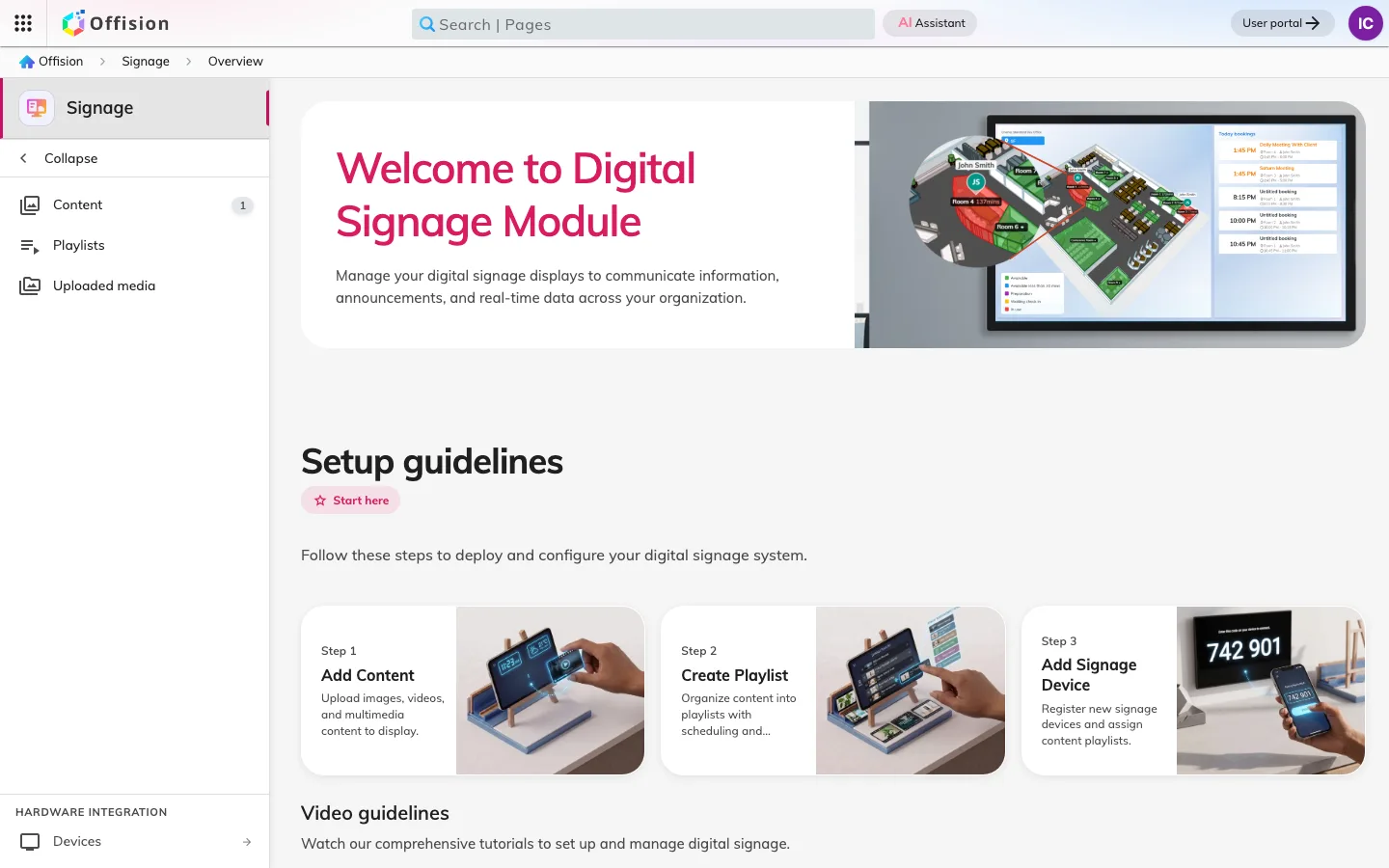
Signage is the screens that are not attached to a single room: the display in the lobby, the availability wall by the lifts, the screen in a corridor. Two things make one work — the content, which is the design the screen plays, and a player, which is the device showing it.
Content is a design, not a screen
Content is built from widgets arranged on a layout: live room and desk availability, today’s bookings, a welcome message for expected visitors, announcements, air quality from the sensors, a clock, a QR code. Nothing on it is a picture of data taken earlier — the widgets read the same bookings and the same sensors the rest of Offision does, so a screen is never a stale copy.
Content is built once and reused. The same reception design can run on every lobby screen in the company, and each screen still shows its own building’s visitors, because what it shows is decided by where the player is.
Purposes, not templates
There is no gallery of ready-made templates to choose from. New content starts from a purpose, and there are five: Reception & lobby, Floor display, Company communications, Wireless sharing idle screen and Service panel. The purpose seeds the screen with the widgets that suit it, and it is what tells two screens apart afterwards.
Every screen then starts on one generated layout — a main area with a few cards and buttons, fitted to the size and shape you said the screen was. You compose it on the canvas rather than pick it off a shelf. Old template (legacy), the quiet link under the purpose tiles, is the one place the old word survives, and it opens a blank design in the classic free-form editor instead.
The player is the device, and its location is a setting
A player is the hardware in front of the content: an iPad, a Crestron or Qbic display, an IAdea box, a Neat screen, or any modern display that can run the player app. Enrolling one pairs it to the content it plays.
Its location is the part that catches people out. A lobby screen greets the visitors expected at the building the player says it is in, and a walk-in registered from it is registered there. A screen that greets nobody is usually a screen with no location, not broken content.
A screen has a week, not a loop
The same wall is worth different things at different hours. A lobby screen that greets arrivals at nine is worth giving to the canteen menu at noon and to room availability all afternoon; a corridor screen can be quiet at the weekend. So a screen’s main area is not fixed to one thing: it can hold a single widget, turn through a rotation, or run a weekly schedule written in days and hours. Whichever it is doing, an arriving guest or a booking about to start interrupts it and then hands back.
Interactive, where it needs to be
A screen is not always something to read. A lobby screen can register a walk-in visitor; an availability screen can book the desk somebody is standing next to; either can hand off to a phone with a QR code. Signage is often the only piece of Offision a guest ever touches.
What Signage does not cover
The panel outside a single meeting room is a different device with a different job, and it lives in Devices. Rooms, desks and their rules come from Booking — a screen reports availability, it never decides it.