

Where you can use Offision
Every place Offision runs — a browser, the Windows and Mac apps, iPhone, iPad and Android, Microsoft Teams and Outlook — what each one needs, and the single place it deliberately does not run.
Offision is one account with several front doors. Whichever you open it through, it is the same bookings, the same rooms and the same colleagues — what changes is what the device around it can do, and in one case whether it opens at all.
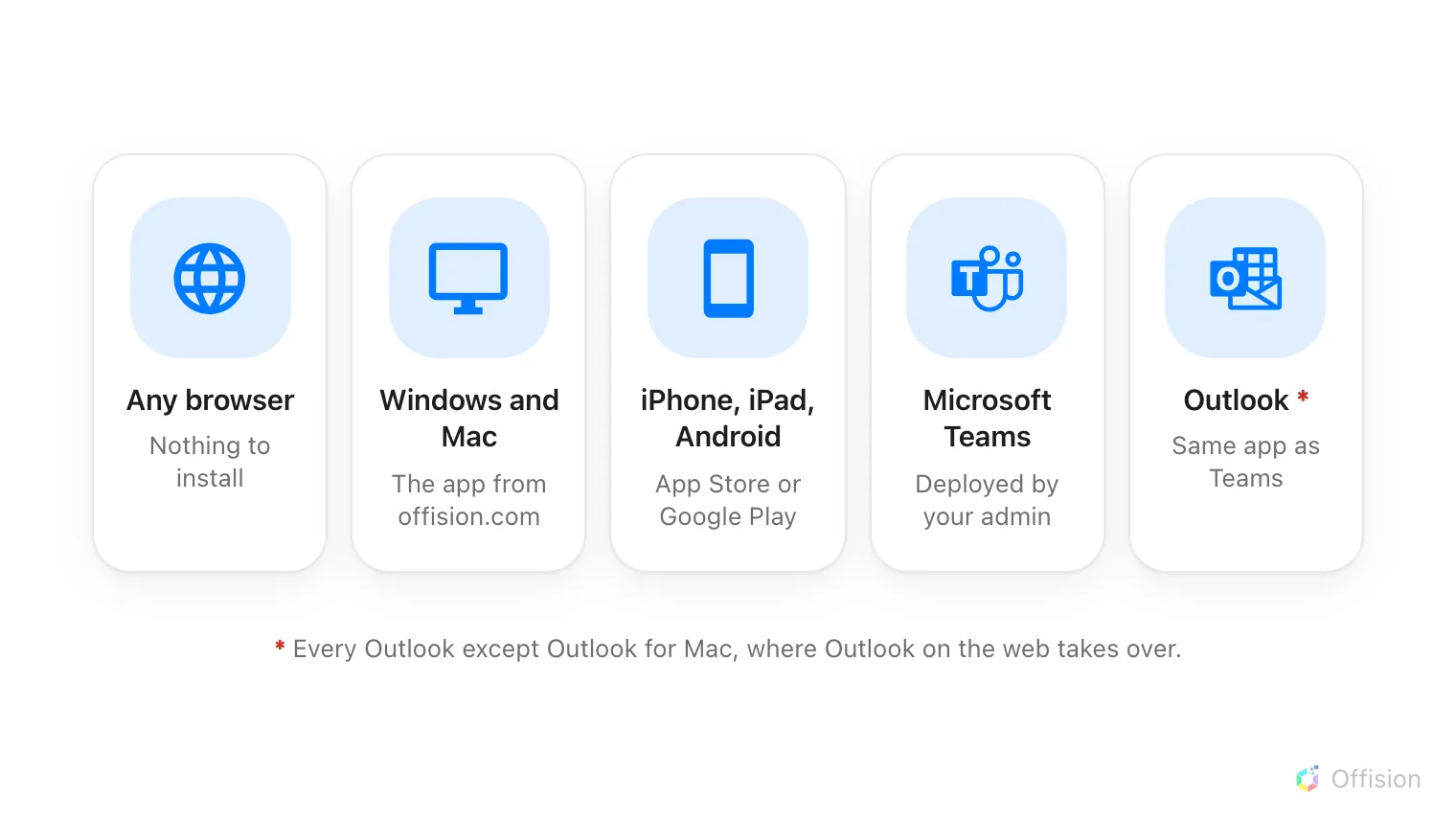
Five ways in, and one exception — Outlook for Mac.
What you need for each one
| Where | What you need | How you get it |
|---|---|---|
| Any browser | Nothing | Already there |
| Windows app | Windows 10 or 11, 64-bit | offision.exe from the download page |
| Mac app | A Mac with Apple silicon | offision.dmg from the download page |
| iPhone, iPad | iOS or iPadOS 16.4 or later | App Store |
| Android | An Android phone or tablet | Google Play, or the installer file |
| Microsoft Teams | Your Teams admin to deploy it | Then it is in your Teams app list |
| Outlook | Your administrator to allow it | Then it is in Outlook’s Apps rail |
| Outlook for Mac | Does not run here | Open Outlook on the web in a browser |
The browser is the one that always works, and it is the full Offision — nothing in the manual is unavailable there. Everything else in the list is a convenience: a shortcut on your dock, a notification on your phone, a booking started from the meeting you are already writing.
What the apps add, and what they take away
The differences are small but they surprise people, so they are worth knowing before you pick a door:
- The phone apps can do what a browser cannot reach — scanning a QR code to check in, and checking in by location.
- Teams and Outlook cannot check you in by location. Neither gives a page inside it access to where you are, so a room that asks for a location check-in cannot be checked into from those tabs. Offision says so when you try, and offers to open a browser or your phone instead. See Check in by QR code and GPS.
- Remember me is missing from the desktop and phone apps — deliberately. Those are your own devices, so they always remember you. It is only offered in a browser, where it might not be your own computer.
What this does not control
Whether you are allowed through a door is your administrator’s decision, not your device’s. Where Allow user access from Outlook / Teams Add-in is turned off for your account, Offision refuses to open in Teams and Outlook even though both are installed correctly — and the fix is a conversation, not a reinstall.
Nothing on this page changes what you can book, either. The rooms you see and the rules you are held to are the same in every one of these places, because they belong to the account and not to the app.