

Your events and your QR code
Where your ticket lives, what to show at the door, and why a colleague's ticket arrives by email when yours does not.
My events is your ticket wallet. Everything you have signed up for is there, each with the QR code you show at the door.
Open the event and hold the code up to whoever is checking people in. That is the whole of it — there is nothing to print and nothing to install.
An empty tab says No tickets yet, with a line explaining that events you join appear there with your QR code, ready to show at the door.
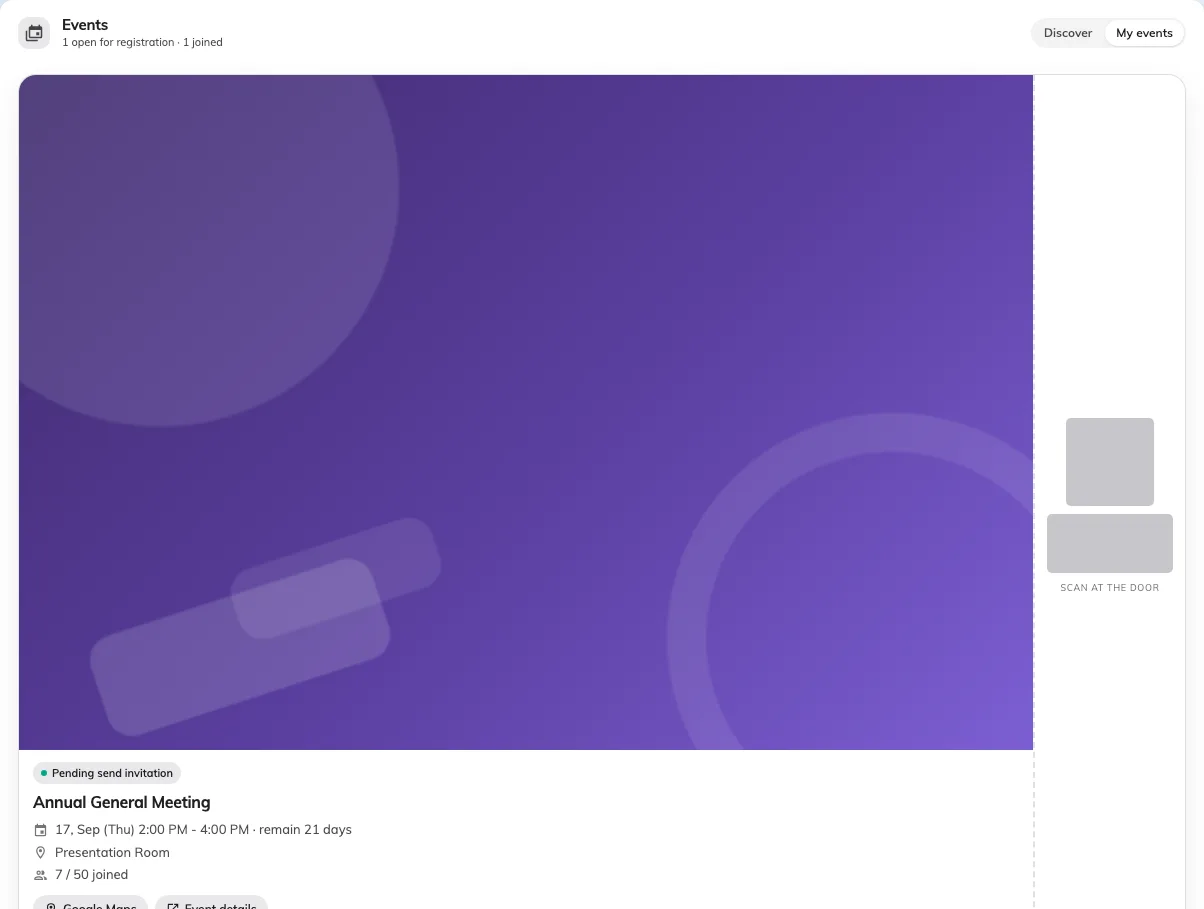
Your ticket. The code is covered here; on your own screen it is the one they scan.
Series events have a ticket each
A course or a repeating session gives you one ticket per section you signed up for, so the tab shows a count — N section tickets. Check you are holding up the right one; the door scanner reads the section, not just the event.
If the code will not scan
Nothing about your phone is usually the problem. Ask whoever is scanning to look you up by name instead — they can check you in that way, and it takes the same few seconds.