

Answer a poll on Home
Vote once or answer a questionnaire from Home, and understand when results appear.
Sign in to the Offision app and open Home. Your administrator’s audience settings determine which polls you receive.
For a vote, select one option on its card to submit your vote. For a questionnaire, open the answer action, work through the questions, complete required answers, and submit at the end. You can submit only once per poll; you cannot change your answer afterwards.
After a vote, the card shows aggregate results if the administrator allows them; otherwise it acknowledges your answer. A questionnaire shows that you answered, without a shared results panel. Anonymous results do not display names, but the account is still used to prevent duplicate responses.
Hide hides the card for you; it does not remove the poll for colleagues or erase your response. Cannot find or answer a poll?
To bring it back, select the Poll filter on Home and use the hidden card’s Hidden action.
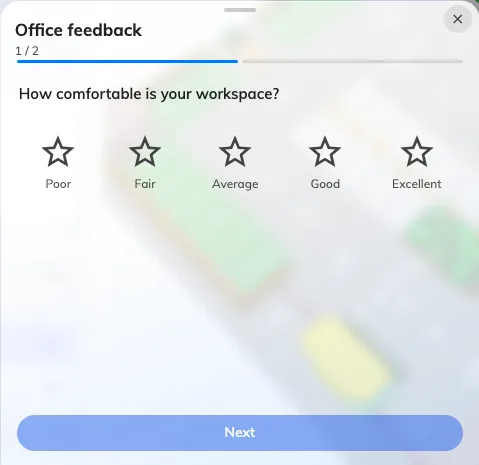
The questionnaire opens one question at a time before submission.