

Integrations
Connecting Offision to the calendar, directory and messaging tools your company already runs on.
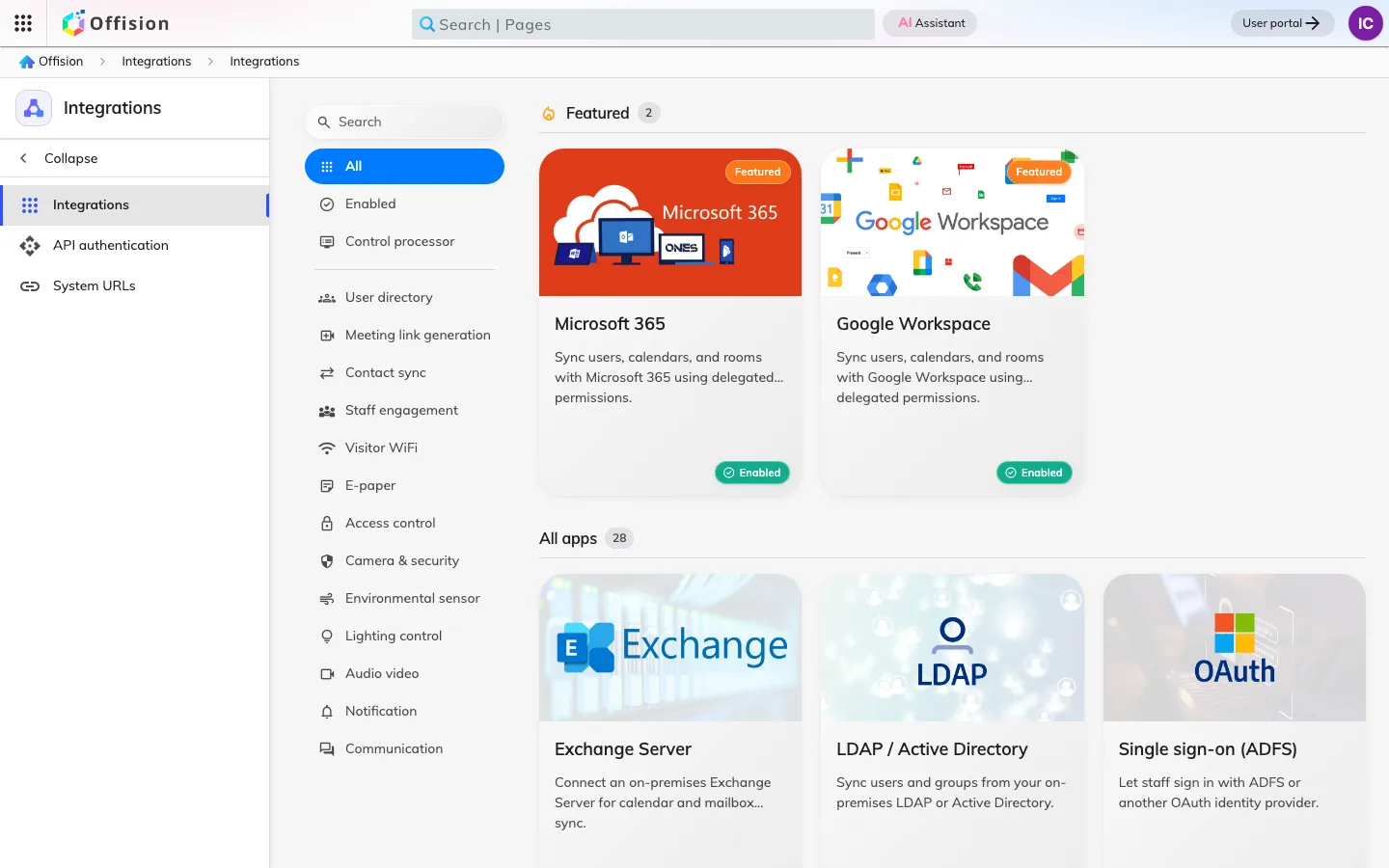
Offision is rarely the first system a company runs. Integrations is where it is joined to the calendar people already live in, the directory their accounts already exist in, and the doors that were already locked before it arrived.
Calendars, first
Microsoft 365 and Google Workspace are the two that matter most, and connecting either does three separate things: it brings the rooms across as bookable resources, it brings the people across as accounts, and it keeps bookings in step in both directions — a meeting created in Outlook appears in Offision, and a booking made on a room panel appears in the organiser’s calendar.
The decision that shapes all of it is the connection mode, and it is made once at the start. The modes differ in what syncs by itself and what a person has to authorise for their own mailbox, so the choice quietly sets what you can automate a year later. It is worth reading about before you connect rather than after.
Signing in with an account people already have
The same two providers can carry sign-in, so nobody needs an Offision password. This is a separate switch from the calendar connection: a company can sync rooms without moving sign-in, or move sign-in without syncing anything.
Badges, and everything else on the network
Access control is the other half of the module — the software half. A badge issued to a visitor can be verified by an access-control system you already own rather than by Offision, and the codes on it can be issued by that system too. The lock on the door is not here: a lock is a device, and it lives in Devices.
Room hardware can feed data in as well as take commands: connect Neat Pulse and every Neat bar, board and pad becomes a room sensor, flowing to the booking calendar and the signage in front of the room — though what each model actually senses differs, and a Neat Pad reports air alone. Webex Control Hub does the same for Cisco RoomOS devices and Logitech Sync for Logitech ones, while Milesight covers the desks and the rooms with no video hardware in them, over battery sensors and a gateway of your own. Which models report what, and which of them a booking can act on, is in Which occupancy sensors work with booking.
The Marketplace is the catalogue for the rest — the connectors, IoT devices and single sign-on providers that are switched on per company rather than shipped on by default. Some of what it lists is hardware and documented as such: the Minew tile drives e-paper room and desk labels from Minew’s cloud, and the labels themselves live in Devices.
What Integrations does not cover
Once a room has synced, it is an ordinary resource: what it costs, who may book it and how far ahead all belong to Booking. Once a person has synced, their permissions and groups belong to Directory. A connection moves things in; it does not govern them afterwards.