

The Announcements widget
What was posted in Broadcast, on the screens it targeted — paged on cards and columns, one scrolling line on a text bar. The dwell, the marquee, and where the words actually come from.
The announcements people post in Broadcast, shown on this screen. The widget writes nothing itself: someone posts an announcement, aims it at devices, and every screen carrying this widget in that place shows it — one announcement at a time, turning to the next on a timer.
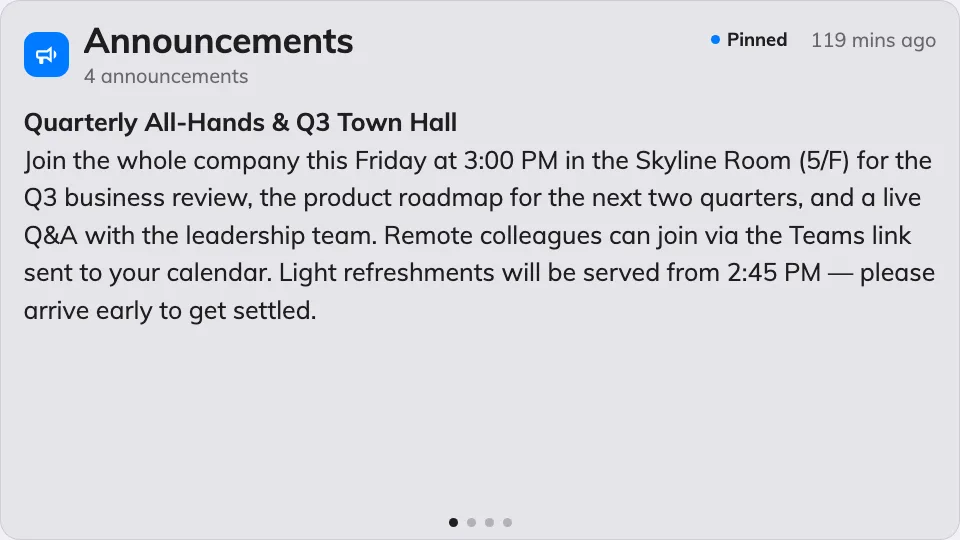
One announcement at a time on the main stage.
Can go on: Main stage · Side widgets · Info cards · Text bar
Settings
| Setting | What it does | When to change it |
|---|---|---|
| Seconds per announcement | How long each announcement stays before the next — every placement except the text bar | Announcements long enough that readers run out of time |
| Rolling speed | Text bar only: how fast the line travels | Slower for a bar people read across a lobby |
| Rolling direction | Text bar only: Right to left or Left to right — a bar on a side edge offers Bottom to top and Top to bottom instead | Match the reading direction of the display language |
On a text bar the widget stops paging: every announcement joins one scrolling marquee line, and only the speed and direction above apply.
What this does not control
- What the announcements say, and which screens get them. Both are decided when the announcement is posted in Broadcast — the widget only shows what targets this screen’s location.
- Its size and colour. The design’s font size, appearance and widget background apply here like everywhere else — see Widgets and the places they go.