

Broadcast
Telling everybody something at once — on the app in their pocket and on the screens they walk past.
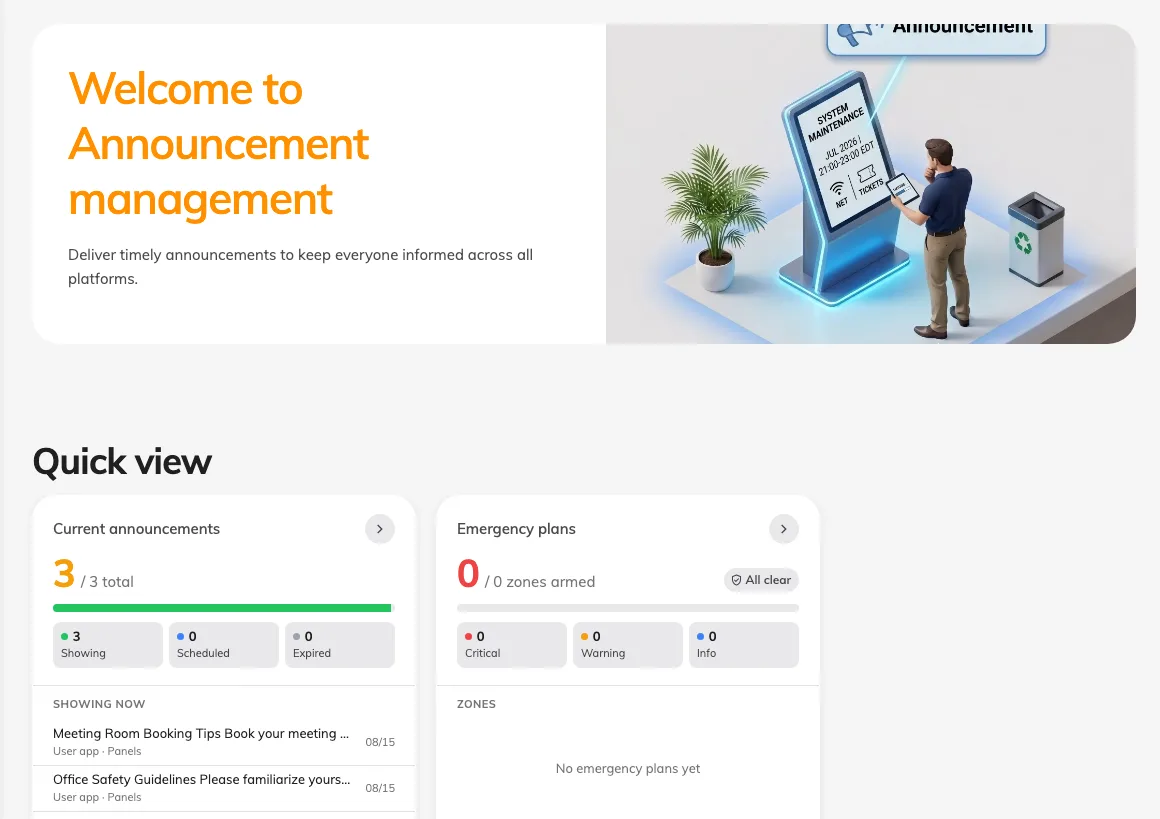
Broadcast is how you tell everybody something at once. One message, written once, and delivered to two quite different places: the Offision app in someone’s pocket, and the screens they walk past on the way in.
The message is one thing; the audience is two
An announcement is a piece of text you write and a set of answers about who should see it. Those answers come in two independent halves — people and places — and either can be left wide open:
- User portal sends it to accounts — Everyone, or Specific users and groups.
- Devices puts it on booking panels and signage — All screens, or Specific floors and buildings.
Both halves can be on at once, and usually are. That is the whole point: the same notice reaches the person at their desk and the person walking into the lobby, without anybody writing it twice.
Nobody has to be looking
Posting an announcement to the User Portal also notifies the people it targets: a row in the app’s notification list, and a push on the browsers, phones and Teams clients they are signed in on. A screen shows a notice to whoever happens to look up; a notification finds people who are not looking.
That happens once per announcement. Editing one afterwards corrects what is on screen but notifies nobody a second time — so a correction that matters is a new announcement, not an edit.
It is not a schedule and not a chat
An announcement has an optional effective period, which controls when it is visible — not a send time and not a recurrence. There is no reply, no read receipt across the company, and no per-person delivery report; a reader can mark their own copy read and that is the extent of it.
What Broadcast does not cover
Which screen a notice appears on is decided by where that screen is, not here — that is the device’s location, in Devices and Signage. Who is allowed to post one is a permission, in Directory. And a notice tied to one booking belongs on the booking, not on a company-wide announcement.
Collect answers with Poll
Broadcast also contains Poll. Create a vote or questionnaire for signed-in employees on Home. Poll audiences and results are separate from announcement delivery to people and screens. Employees can answer on Home.