

The Teams phone call people list widget
A people list that rings colleagues through Microsoft Teams — who is offered, how many show, and how the call is confirmed. Touch screens only.
People the screen can call — through Microsoft Teams. A visitor taps a name and the call reaches that person in Teams, so a company that lives in Teams needs nothing else installed to answer the door. The picker lists it as Teams phone call people list (Beta) — it ships as a beta.
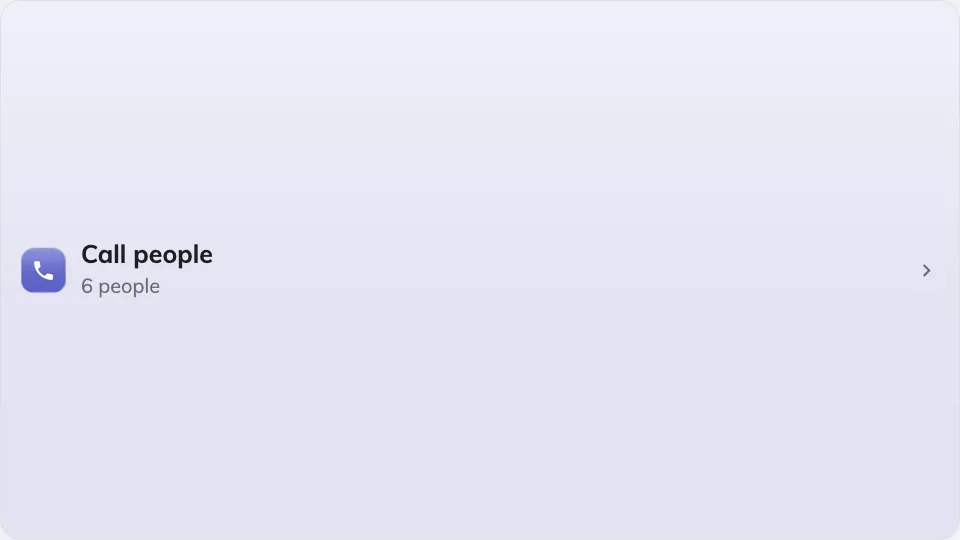
The Teams call people list on the main stage.
Can go on: Main stage · Side widgets · Info cards · Action buttons
Settings
| Setting | What it does | When to change it |
|---|---|---|
| Design | Button — a launcher that opens the people picker — or Direct list, the names right on the screen | Direct list when calling is what the screen is for; Button keeps a busy design quiet |
| Who can be called | All users, or only the groups picked By user group | A front door should not offer the whole company — list the people who take front-door calls |
| User group | The groups offered, once By user group is chosen | — |
| Maximum people shown | Caps the list, 10 by default | A small card, or a large directory |
| Confirm style | The last step before ringing: Tap to call or Slide to call | Slide to call where stray touches are likely |
On an Action button the widget is always a call button — the tile has no room for a list, so the picker opens in a dialog whatever the design says. And because this widget exists to be pressed, a screen described as having no touch hides it entirely — there is no QR fallback. See Widgets and the places they go.
What this does not control
- Who exists to be called. Users and user groups come from user management — this widget only chooses which of them are offered.
- The Teams side of the call. The widget places the call; answering it is ordinary Teams, on whatever device the person carries.
- Its size and colour. The design-wide font size, appearance and widget background apply here like everywhere else — see Widgets and the places they go.