

Who gets told when an issue is reported
Learn which users receive email and in-app notifications when an issue is reported, assigned, or commented on, and which actions send no notifications.
Ticketing sends two email notifications and three in-app notifications. Because each channel uses a different recipient list, the same ticket event can notify different people by email and in the app.
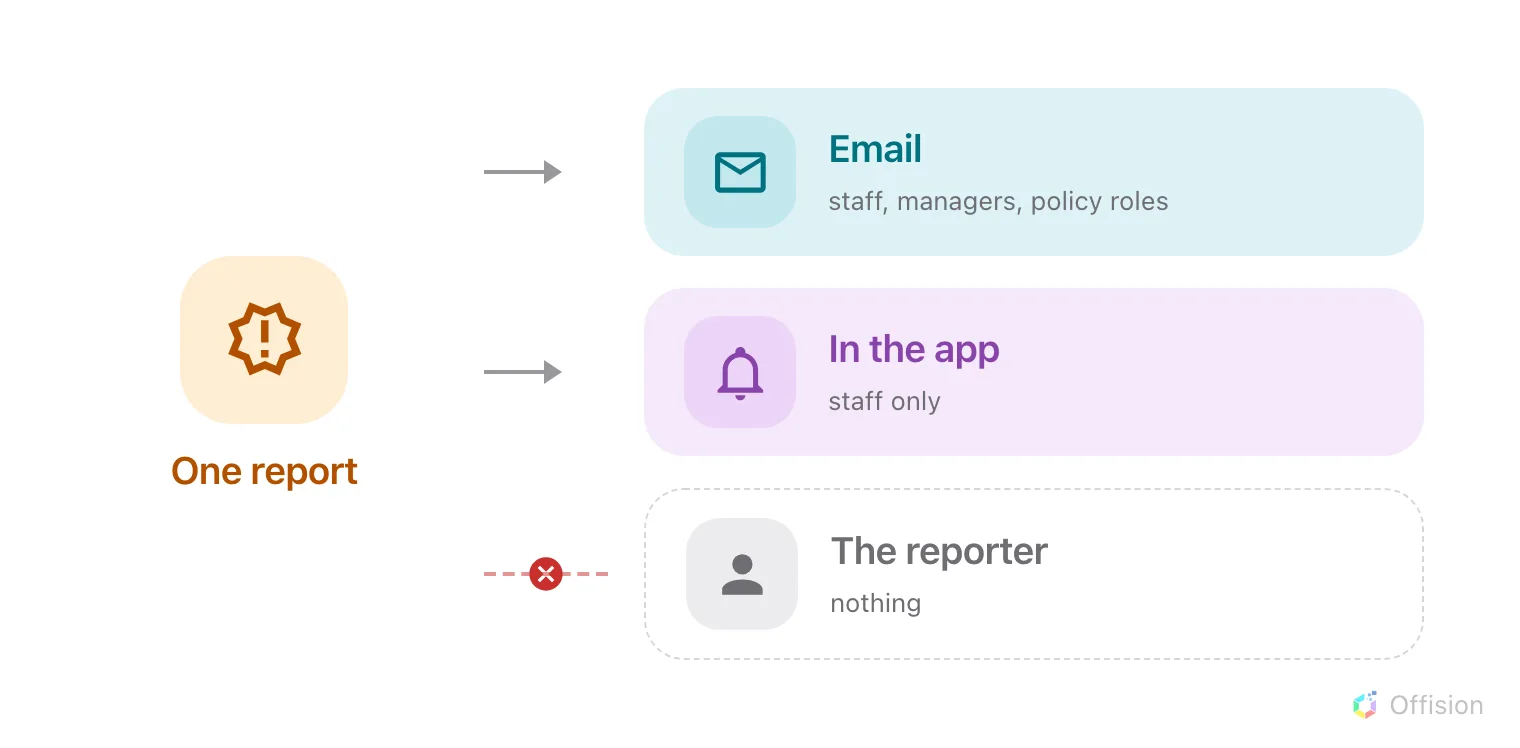
A reported issue sends email and in-app notifications to different recipient lists, and sends neither to the reporter.
Email notifications
New issue reported
Offision sends this email immediately when a ticket is created from the app, a room panel, or the Add issue button in Admin.
The recipients depend on whether the new ticket already has an assignee:
- Assigned at creation: Only the assigned staff member receives the email.
- Unassigned at creation: Every user with Support manager read access and every member of Support staff receives the email.
In both cases, if a ticket policy covers the reported resource, Offision also emails the role holders defined in that policy.
Each recipient receives at most one email per report, even if they qualify through multiple roles or lists.
Support ticket assigned to you
Offision sends this email only to the newly assigned staff member when a ticket is assigned or reassigned. The previous assignee does not receive a notification when unassigned.
In-app notifications
| Notification | Recipients |
|---|---|
| New issue reported | The assignee if the ticket has one; otherwise Support staff members only. |
| Support ticket assigned to you | The newly assigned staff member. |
| New comment | The reporter, the assignee, and everyone who has previously commented on the ticket (excluding the comment author). |
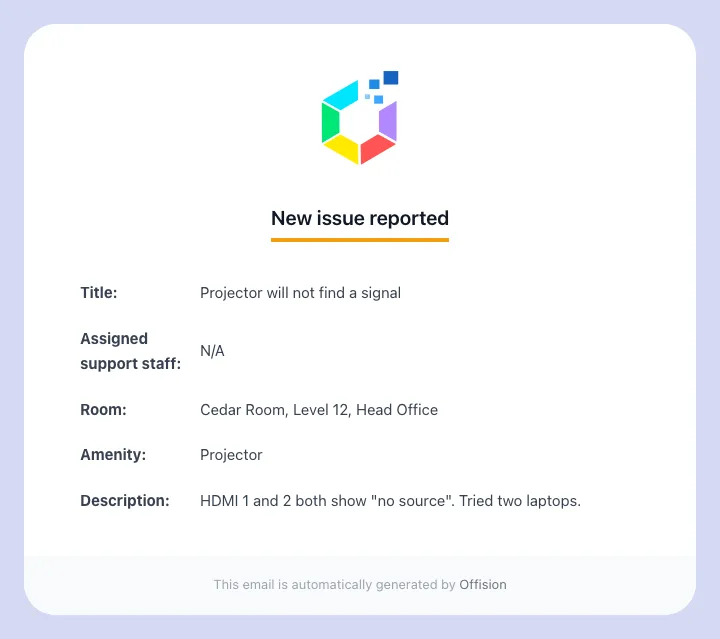
The New issue reported email.
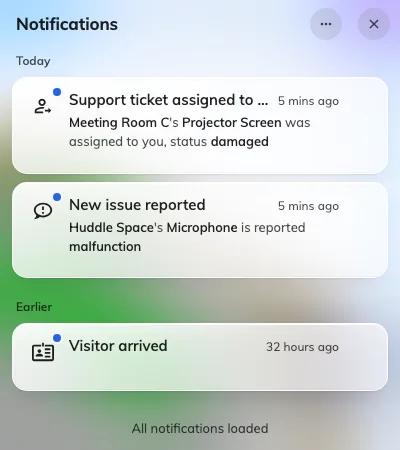
Ticket notifications in the app.
Differences between email and in-app recipients
Unassigned ticket notifications differ between email and the app:
- Email: Sent to Support managers, Support staff, and matching Ticket policy role holders.
- In-app: Sent to Support staff only.
If a support manager has the Support manager role permission but is not listed in Support staff, they receive the email but do not receive an in-app notification. Adding the manager to Support staff enables in-app notifications for them. Similarly, ticket policies only route email notifications and never trigger in-app notifications.
Actions that do not send notifications
- Status changes: Changing a ticket to In progress, Resolved, or Closed never sends an email or in-app notification to anyone, including the reporter. Post a comment if you need to notify the reporter.
- Bulk updates: Changing statuses or deleting tickets in bulk sends no notifications.
- Submitting a report: The person who submits the issue does not receive an email or in-app confirmation when creating the ticket.
How reporters track their tickets
Users who report an issue from the Offision app can view the live status and comment thread in the Reported issues widget.
Reports submitted at a room panel cannot be tracked by the reporter. Room panel reports are often anonymous and are not linked to a personal account. See Report a problem at the room panel for details.