Map
Drawing each floor once, so every room and desk has a place people can point at — on the app, on the screens in the lobby, and in the directions somebody follows to get there.

Map is where each floor gets drawn once — a plan at the floor’s real size, with every room and desk on it in the place it actually occupies. Everything that shows a floor plan afterwards, from the app in someone’s pocket to the board in the lobby, is reading the map made here.
You never draw in 3D
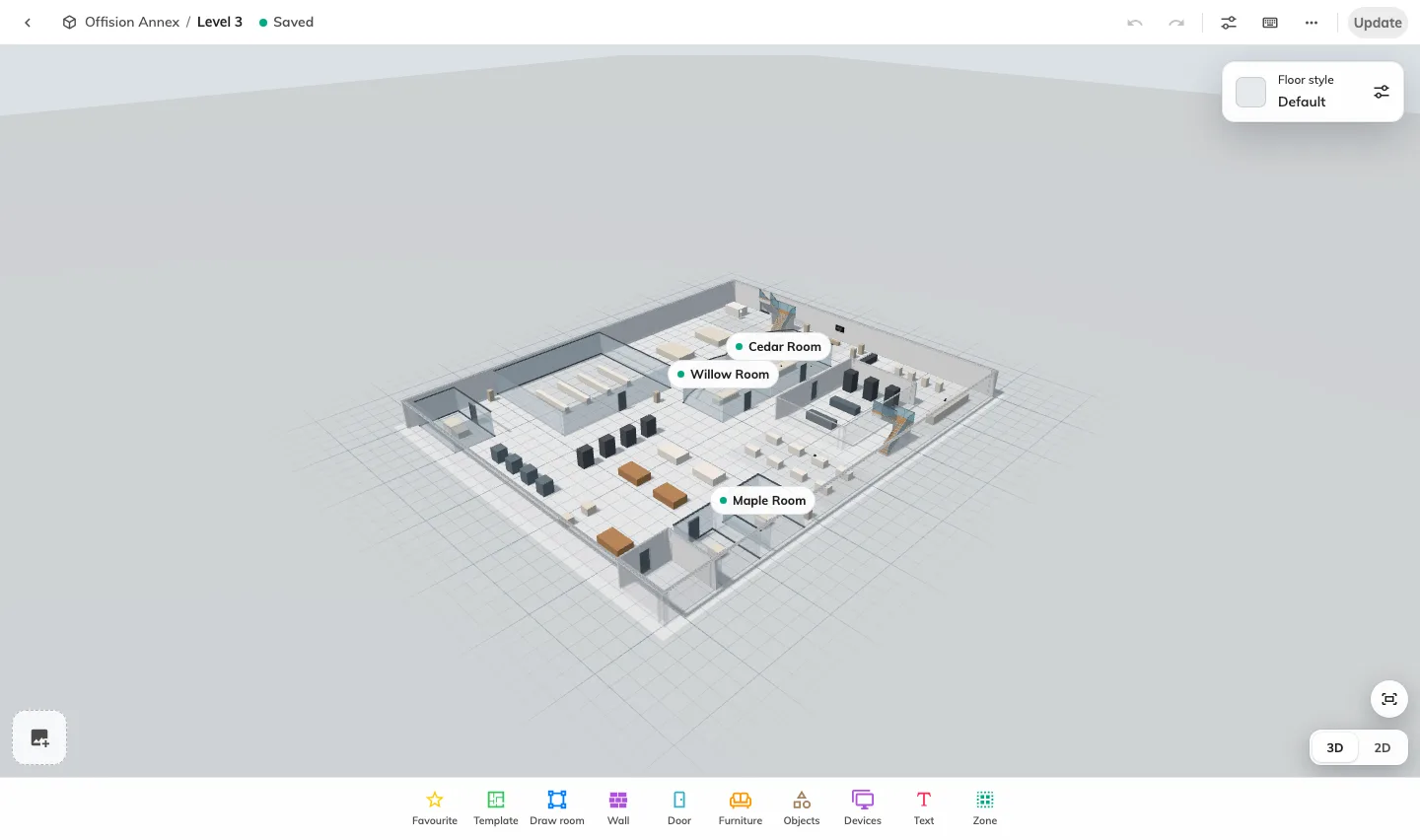
The word “3D” causes more confusion than anything else in this module, so it is worth settling first. You draw a flat plan — rectangles, ellipses and furniture shapes, seen from above — and then give each one a height. The 3D map is what comes out of that. 3D preview is a tab for looking at the result and saving the angle it opens at; it is not a mode you build in.
That is the whole shape of the work: draw flat, set heights, preview in 3D.
Drawing is one job; saying what is on the plan is another
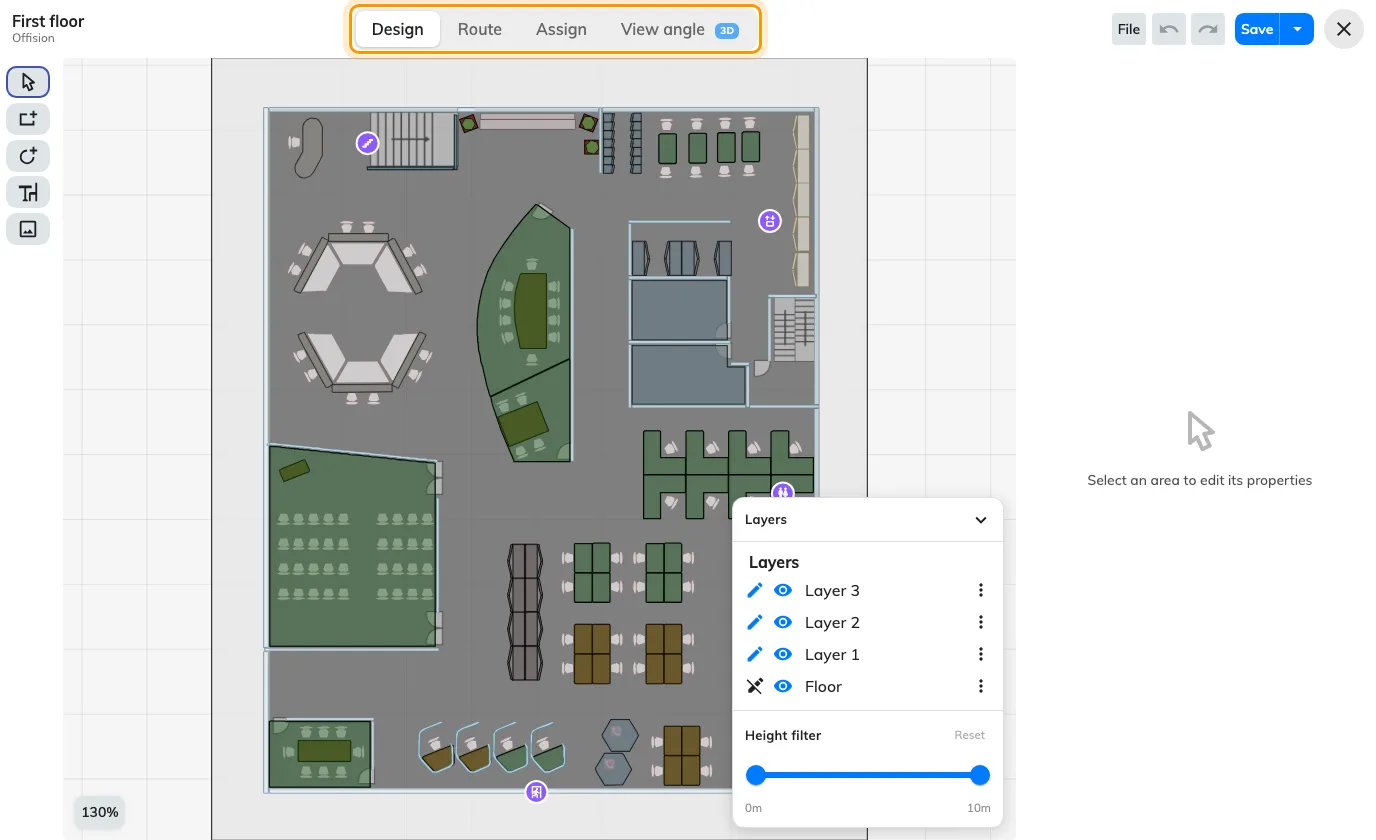
An area on the map and a room in your estate are two different things. The editor’s Design mode draws the shapes; Assign mode links them to the rooms, desks, equipment and parking spaces that already exist. Until a shape is linked, it is decoration — the app will draw it, but nobody can book it from the map.
That separation is deliberate, and it is what lets a floor be redrawn without touching a single booking.
Getting somebody there is a third
Route mode draws the paths people actually walk, so the map can give directions rather than just show a picture. It can be drawn by hand or generated in one click from the plan you already have, and a printed QR sticker can act as the “you are here” that a route starts from.
What Map does not cover
Buildings and floors are created in Directory — Map draws the inside of a floor that already exists. The rooms and desks it links to are created in Booking. What the labels on a finished map look like is a display setting, in System. And lockers, sensors and panels are placed on a floor from their own forms, not from this editor.