

Attendance
Who was at work, and when: the working schedule each team clocks in against, the GPS, IP and selfie checks that verify a clock-in, and the records and reports the punches turn into.
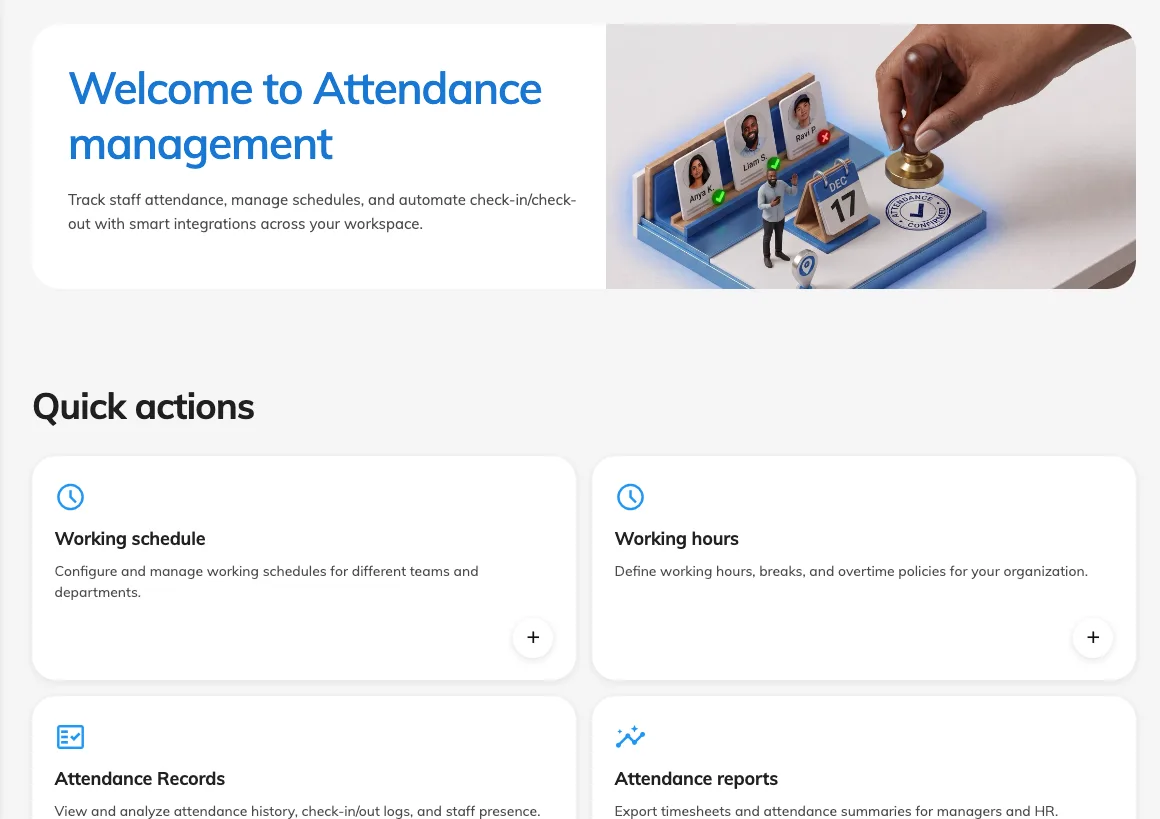
Attendance answers one question with evidence: who was at work, and when. Staff clock in and out — from the app on their phone or a panel on the wall — and every punch is checked against a working schedule before it counts.
The working schedule
The schedule is where the policy lives. It names a working hour (which weekdays count, and what time work starts and ends), the workers who clock in against it — assigned one by one or as whole user groups — and the supervisors who may read the results. Everything else is a rule on the schedule: how early a clock-in may come, which channels are allowed, and what proof a punch must carry.
Proof, not promises
A clock-in can be required to prove where it came from. A GPS geofence accepts a punch only within a set radius of the workplace; an IP allowlist accepts it only from the office network; a selfie shows who was actually holding the phone. Each check is a switch on the schedule, so one team can clock in from anywhere while another must stand in the lobby.
What comes out
Every punch is a record — who, when, how, and from where. The attendance report turns a month of records into verdicts per person per day: on time, late, left early, absent. Supervisors see their own team’s results in the app; administrators see everything, and can correct a record when reality and the punch disagree.
What Attendance does not cover
Clocking in is not checking in to a booking — that confirms a room is used and releases it when it is not. And it is not event check-in, which marks a participant present at one event. Attendance is about the working day itself.