

Ticketing
Anything in the workplace that stops working: how people report it from the app or the panel on the wall, who is told, and how it is tracked to a fix.
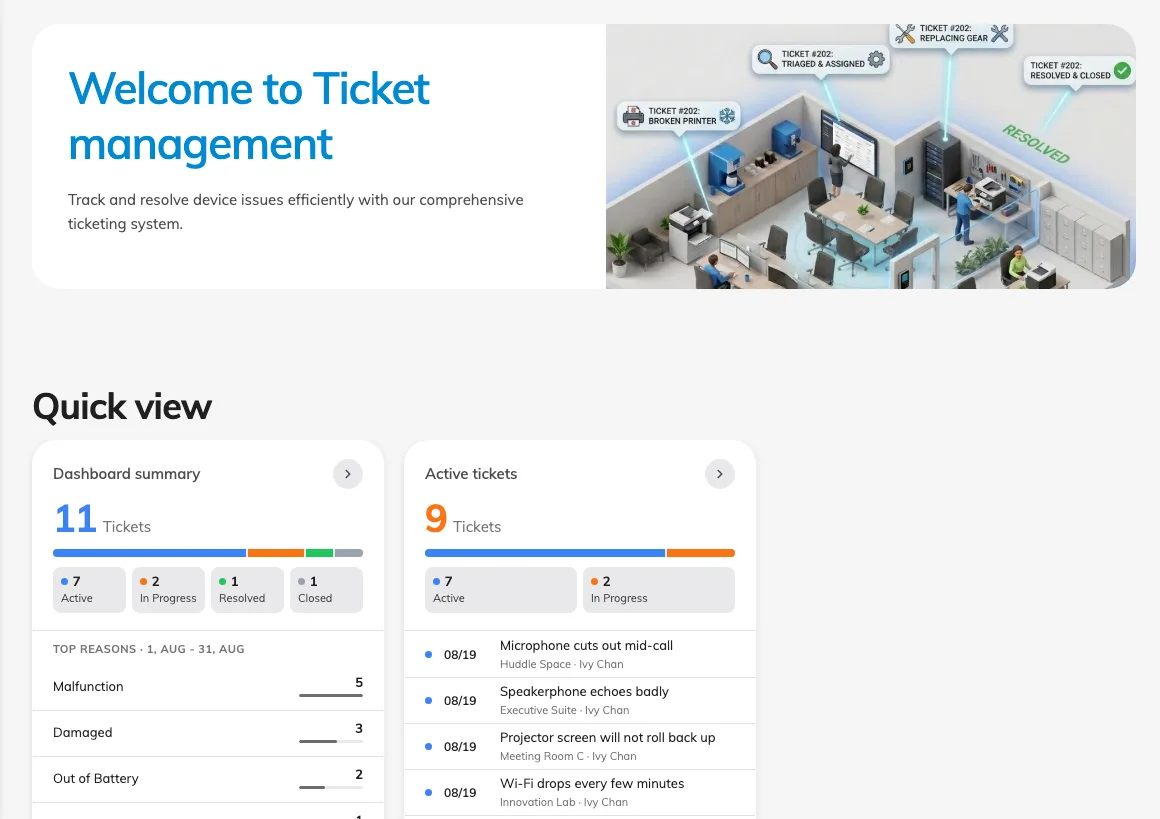
A reported issue is a fault with workplace equipment or facilities, such as a display that will not turn on, a broken chair, or a room panel with a low battery. When someone submits a report, Offision creates a ticket that support staff track until the problem is resolved.
Where issues can be reported
Users can report faults directly from where they encounter them:
- User Portal and mobile app: Lets a user specify the room or desk, the affected amenity, the issue category, photos, and a description, and track the ticket status afterward.
- Room panel: Lets anyone report an issue in two taps by choosing the affected amenity and the reason. Because the panel submits the report on behalf of the room rather than an individual user, panel reports cannot be tracked by a personal account.
Reports from both channels enter the same ticket queue.
One shared ticket queue
Every new report enters the queue with the status New, can be assigned to a support staff member, and progresses through In progress, Resolved, and Closed. Status changes are reversible, so a resolved or closed ticket can be reopened if the fault recurs.
Each ticket is linked to one resource and at most one amenity on that resource. This allows administrators to filter the queue by room and view which rooms and equipment fail most often on the dashboard.
Who receives notifications
When a new ticket is created, Offision sends an email and an in-app notification to support staff. When a ticket is assigned to a specific staff member, that assignee receives another email notification. The person who reported the issue does not receive email notifications; instead, users who report issues from the app can check live status updates and comments in the app.
You can also configure a ticket policy to send report emails to users who hold a specific role on the affected room or building, so facility managers are notified about issues on their floors without being added to global support staff.
What Ticketing does not cover
A reported issue is separate from a service request. Service requests cover scheduled hospitality or support tasks tied to a booking (such as catering or post-meeting cleanup) and are handled by service staff during service hours. Ticketing covers broken equipment or facility faults on a resource, independent of any booking.
Reporting an issue does not block bookings for that room. A room with open tickets remains bookable until an administrator disables or closes the resource in Booking.