

Guest booking
Publish a guest page, offer licensed rooms and follow the booking from selection to its final result.
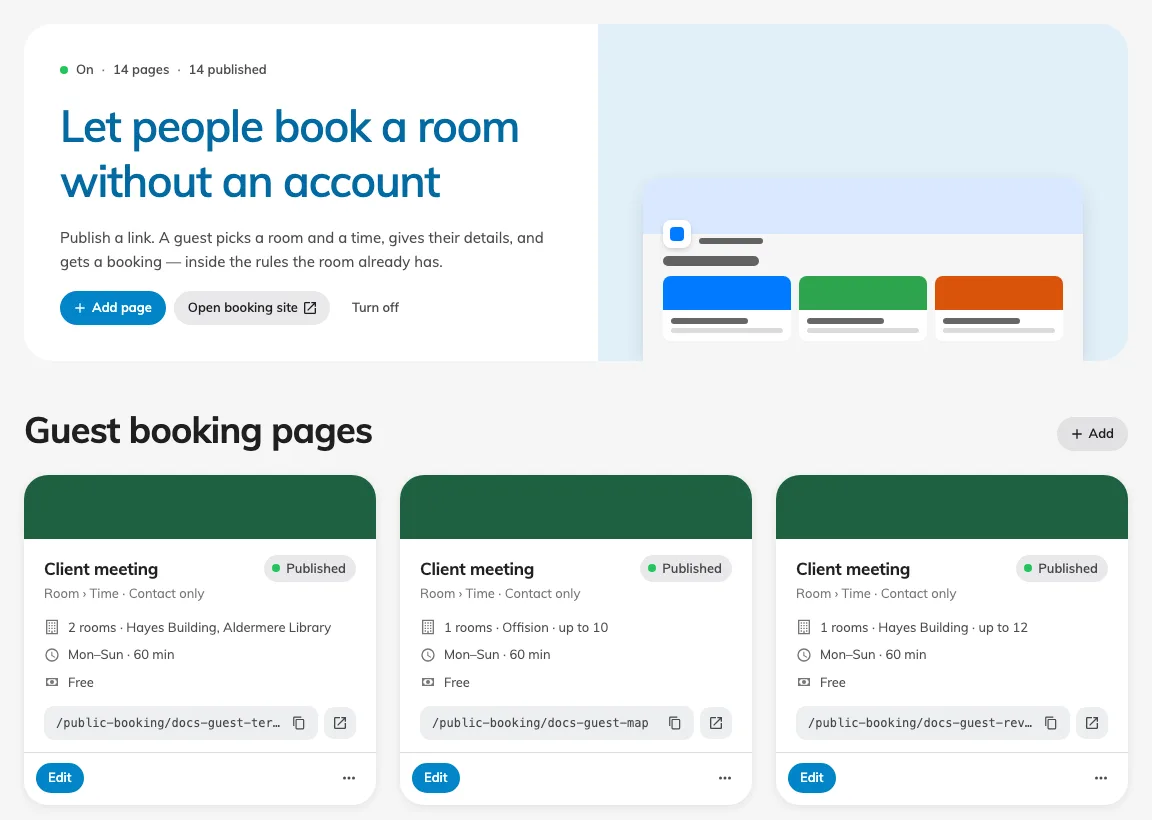
Why use this feature
Offer a clear route from an invitation to a usable room reservation. Guests can check choices and submit their own details, while staff keep one booking calendar instead of copying requests from messages. Build the page around a real service: which rooms you offer, how much notice staff need, what information prepares the visit, and whether the guest receives immediate confirmation or a review decision.
Guest booking lets people outside your organisation book rooms from a published page without an Offision account. The page offers a room list, available time and the details to provide. Submission creates a real booking or a request awaiting review; the final status matters more than the wording you put on the page.
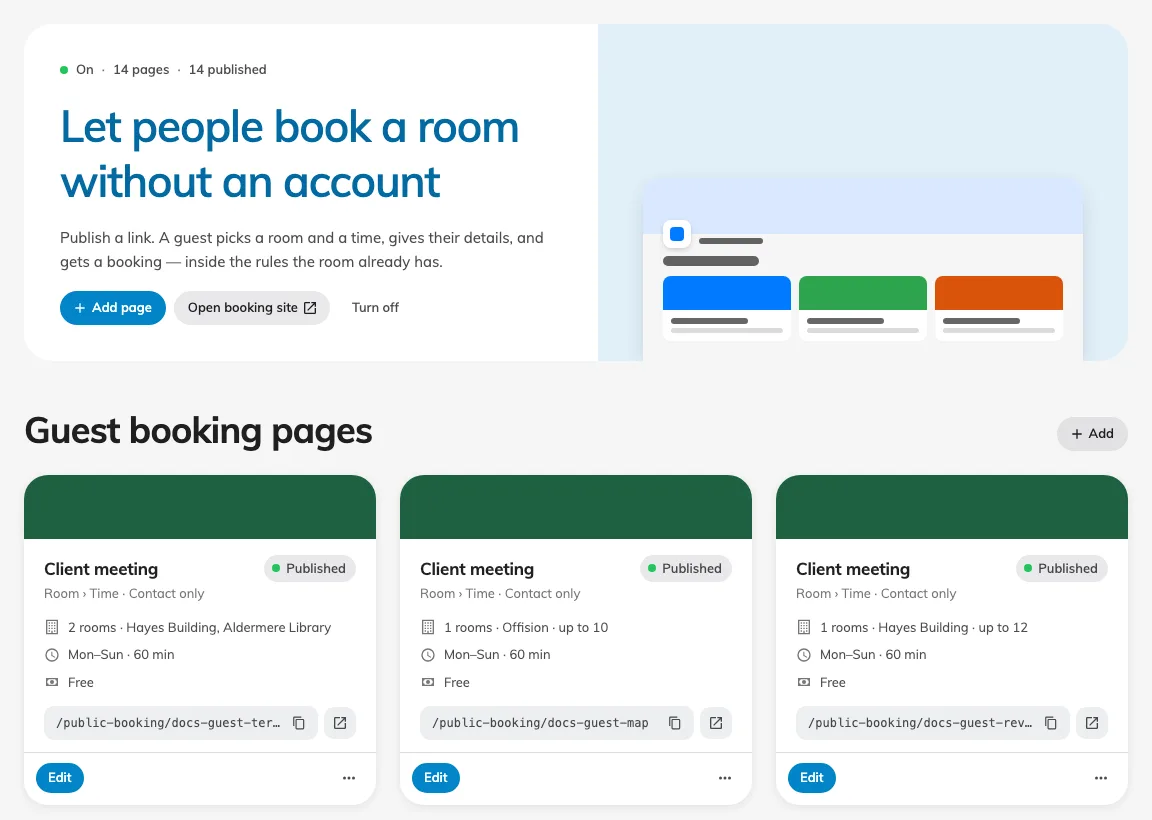
The overview shows saved page cards and their publish state.
The older manual called this Public booking. Guest booking now has its own category: start with setup, design the guest page, then follow the guest and staff experience. Room booking policies and booking forms remain in Booking. Turning off the module stops published links while keeping the pages and existing bookings.
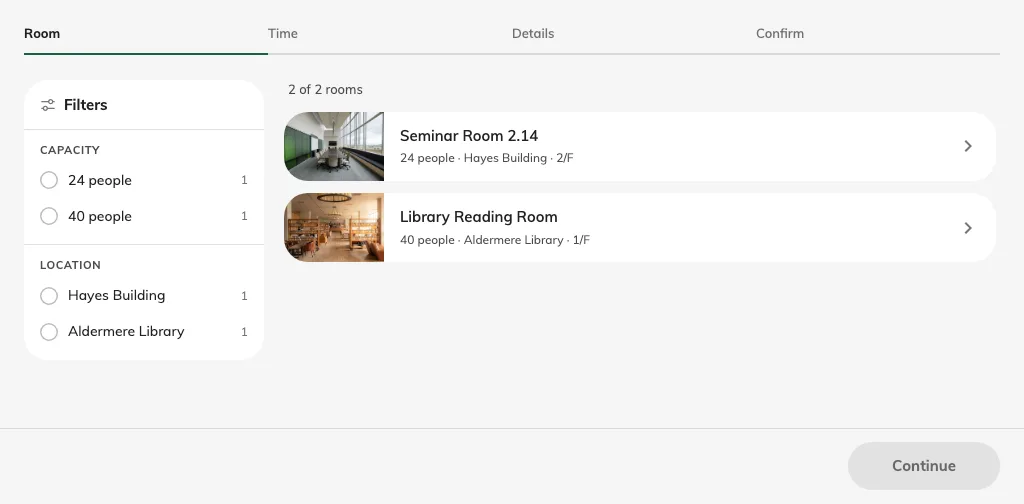
Guests choose from the page’s licensed rooms.
Pictures in these articles pair the setting with what a guest sees. A preview is useful for layout and wording; test the saved published page anonymously to check real availability, validation and the completion result. A guest booking is not automatically a visitor pass or a settled payment.