

Service
Tea, cleaning, catering and help — ordered along with a booking, or asked for while the meeting is running — and the people who deliver them.
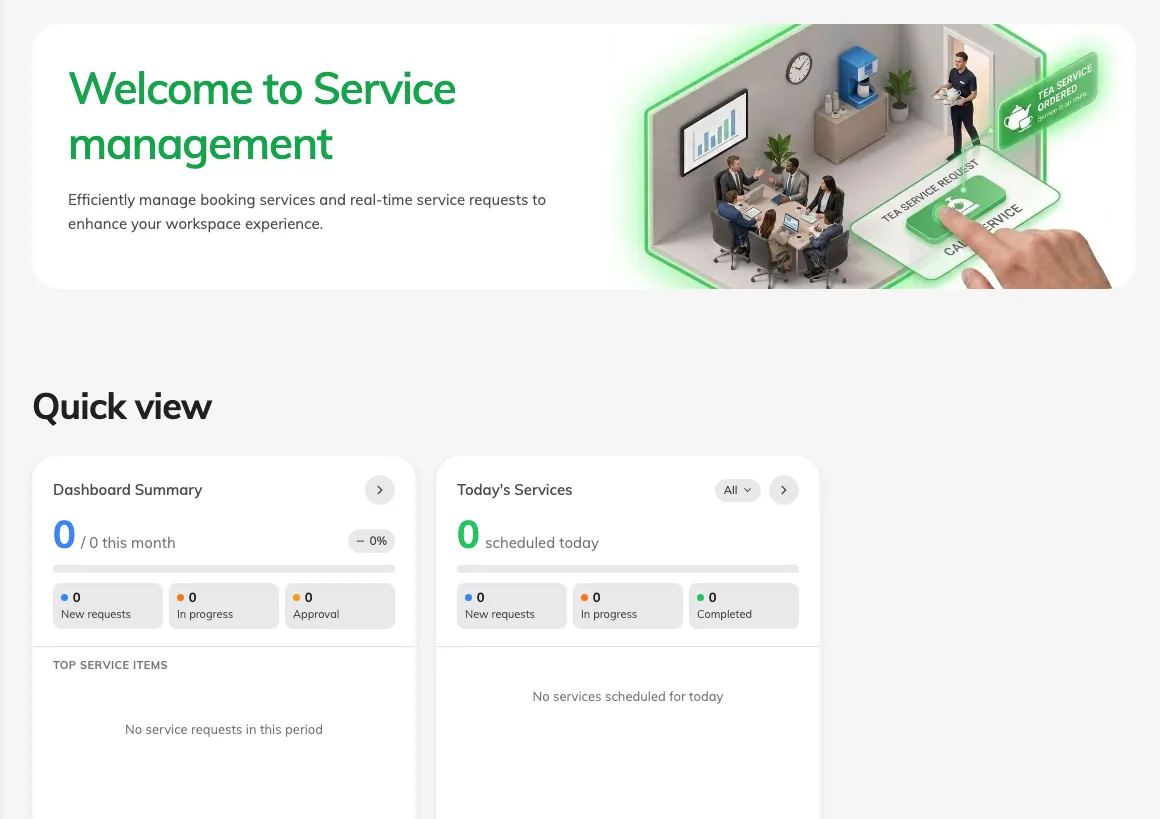
A service is something a person does for a booking — carrying in tea, cleaning the room afterwards, fixing the screen that will not wake up. Offision keeps one catalogue of them, and every request lands in the same queue however it was made.
Two ways to ask
The split runs through the whole module, and it is fixed when you create the service rather than when somebody asks for it.
- A booking service is ordered as part of the booking. Tea for ten at the start, cleaning at the end. Because it is known in advance, it can take preparation time before and after the meeting — and that time comes out of the room’s availability.
- An in-use service is asked for while the meeting is running, from the panel on the wall, the app, or a QR code on the table. A second pot of tea, a spill, someone who cannot get the projector working.
A service exists on one side or the other. It never appears on both, so anything people want in advance and mid-meeting is set up twice.
One queue behind them
However it was asked for, a request arrives as New, is assigned to a member of service staff — by hand, or automatically to whoever has least on — and is worked through In progress to Finished, or turned down as Rejected. Staff are notified the moment a request appears. The person who asked is notified only when the staff member chooses to tell them.
What Service does not cover
A service never holds a booking up. If a room needs approving before it can be booked, that is Booking’s queue and it runs separately — a service request cannot block a booking, and an approved booking does not approve anything ordered with it.
Services are also not a way to control who may book a room. That is team space and booking rules, in Booking. Service only decides what can be asked for once the room is already booked.
An in-use service can have a Daily last order time: requests close at that clock time in the room’s time zone and reopen the next day, subject to service hours and an active booking. A booking service instead has a deadline relative to the booking start. Both service types can show a photo when people choose them. Set these on the service, not on the daily report or the panel.