

Report a problem at the room panel
Two taps on the panel by the door — which amenity, what is wrong. What the panel asks about who you are, and what the report cannot carry.
Nobody walks back to their desk to report a dead projector. The panel outside the door takes the report where the fault is, in two taps.
Where it is on the panel
Which control you get depends on the panel’s skin:
| Skin | Where |
|---|---|
| Modern | Report issue in the room information panel |
| Mini | Report issue in the menu |
| In-room control | Report in the dock along the bottom |
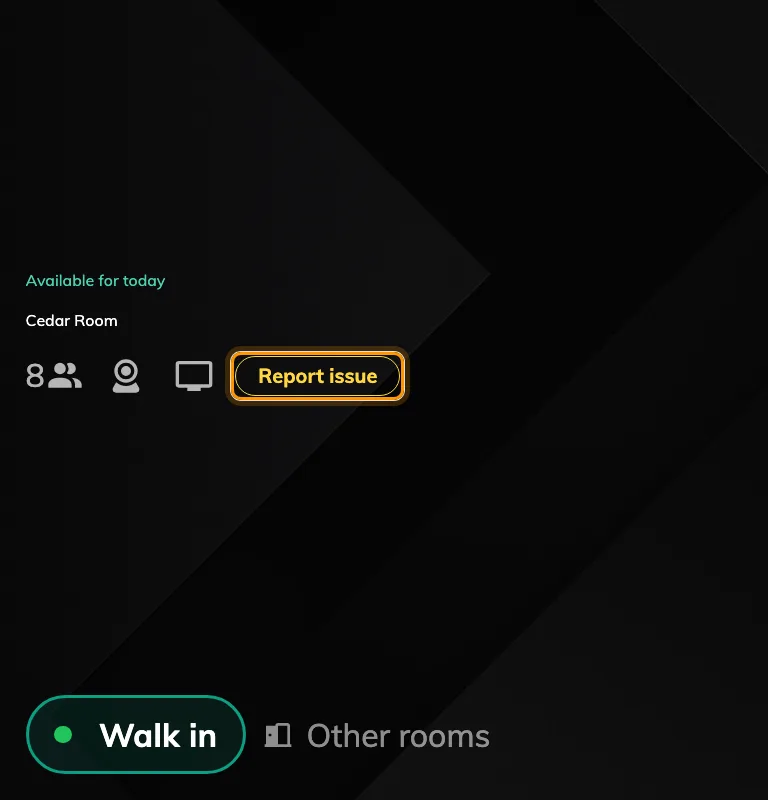
Report issue on the modern skin, beside the room's amenities.
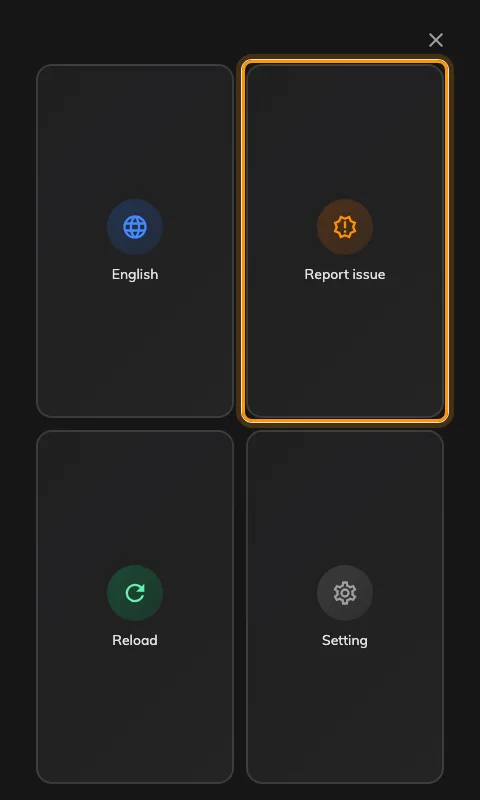
The mini skin's menu, with Report issue among the tiles.
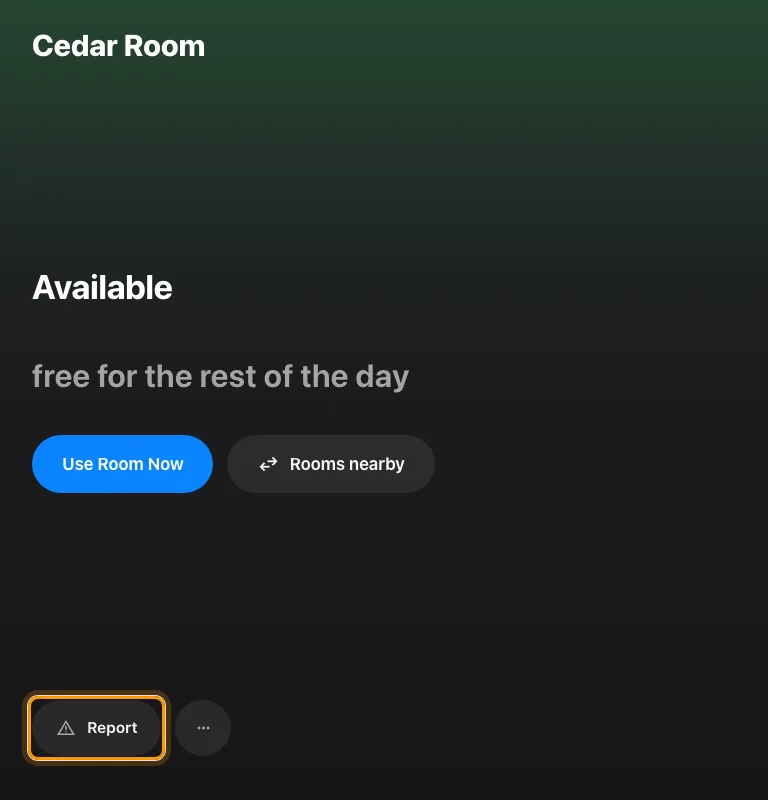
The in-room control skin's dock, with Report at the far left.
1. Which amenity
The panel asks which amenity has the problem, listing the ones set up on that room, with Others for anything not on the list.
A room with no amenities set up skips this step entirely and goes straight to the next one — so if your panels never ask this question, the rooms behind them have no amenities recorded.
2. What is wrong
Four choices: Damaged, Malfunction, Out of battery and Other.
That is the report. The panel confirms it and returns to the room.
3. Who reported it — and when you are asked
This is where the skins differ, and it is the part worth understanding before somebody asks why panel reports have no name on them.
- The in-room control dock never asks. The report is filed as the organizer of the meeting running in the room, or with nobody named if the room is empty.
- The modern and mini skins ask, using the same identification the panel uses for check-in — a staff card, a PIN, whatever that panel is set to. An Anonymous button is always offered beside it, so nobody is forced to identify themselves to report a fault.
- On a desk or a piece of equipment with somebody booked on it right now, the report is filed as that person without asking anybody anything.
- A panel set to skip identification behaves like the dock, on every skin.
An anonymous report is a complete, valid ticket. It simply has nobody to notify about it afterwards.
What a panel report cannot carry
A panel report is deliberately two taps, and it pays for that:
- No photograph. Only the app can attach one.
- No description. There is nowhere to say what you had already tried.
- Its title is always “Report from device”. Every panel report in the queue looks alike by title, so the resource, the amenity and the reason are the only things distinguishing them.
- It cannot be followed. An anonymous report has no reporter to show it to, and even a named one does not put the ticket on the panel afterwards.
Check it worked
The panel confirms the report on screen. To be sure it landed, open Reported issues in the admin console: a new ticket titled Report from device should be there, naming that room and the amenity you chose.