

Event coordinator guide
Running an event from the Offision app: building it, opening it for sign-ups inside and outside the company, and checking people in at the door on the day.
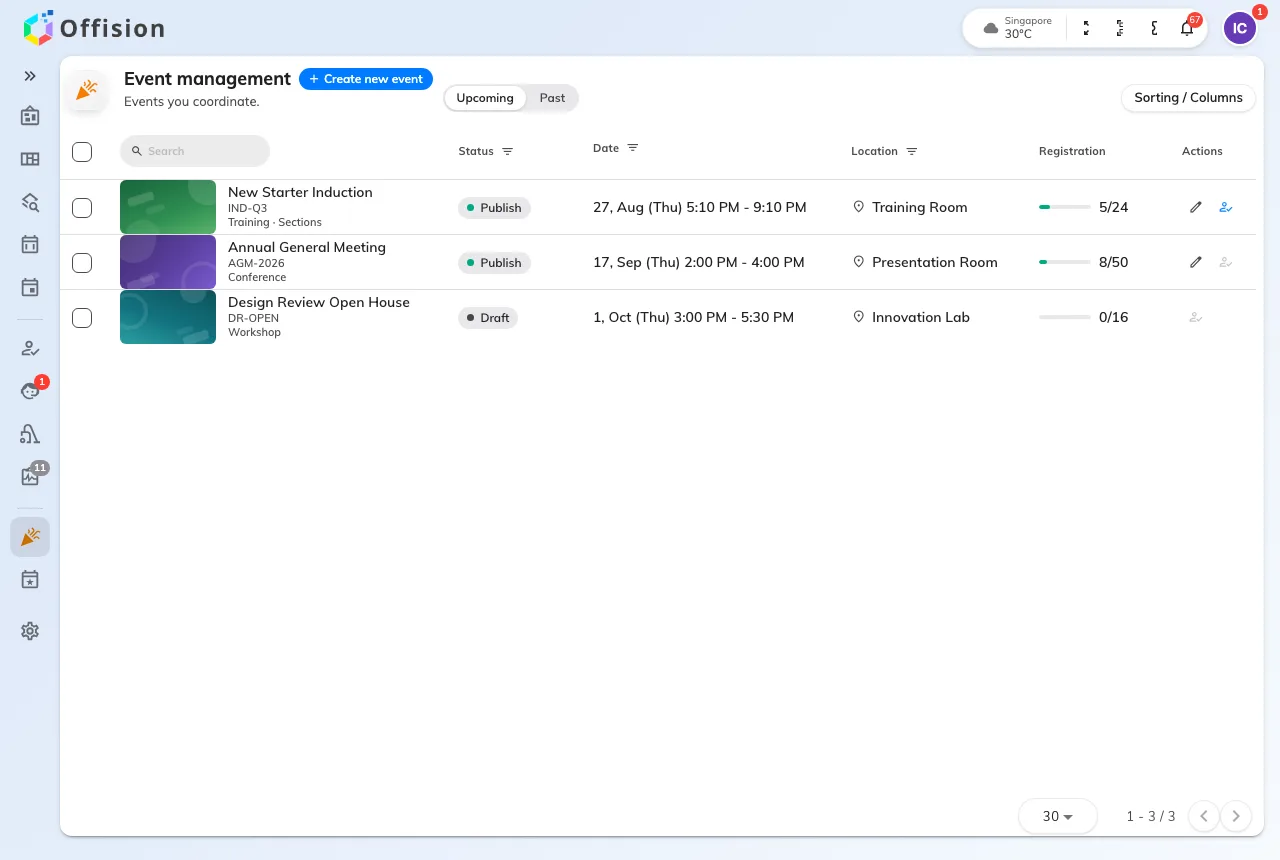
This guide is written for the person running the event, not the administrator who switched events on. Like a receptionist or a service staffer, an event coordinator is an ordinary Offision user with something extra: hold the Event coordinator permission and a coordinator licence, and the app grows an Event management page. That page is where the whole job happens.
Two pages called Events, and they are not the same
Event list is the one everybody has: what is on, and a button to join it. Nothing on it needs a permission, and it is documented in the user guide with the rest of what any employee does.
Event management is yours. It shows the events you are on the team of — the ones you built, and any you were added to — and it is the only place an event is built, published and run from. It is not every event in the company; that view belongs to an administrator.
The order the job happens in
Build the event, decide who may sign up, then run the day. The rail follows that sequence rather than the screens, because the editor is one dialog and you will be in and out of every page of it.
Publishing is the switch that turns everything on. Before it, nothing is visible to anybody and nothing has been sent — which makes a draft the safe place to get the awkward decisions right, and there is one of those in the first step.
Two things that catch people out
The two audiences are not mirror images. Colleagues and outsiders are opened separately, and an event can be open to one and closed to the other. The settings sit on different pages and ask for different things.
An assistant is not a coordinator. You can hand somebody the door without handing them the event: an assistant checks people in and sees nothing else. That is one row on the Event team page, and it is the difference between delegating the day and delegating the whole thing.
What this guide does not cover
Whether events exist at all, who may be a coordinator, what the public pages look like company-wide, and the wallet-pass design are all set once by an administrator, in the console, for everybody. They are documented under Events.
Attending an event — finding one, signing up, and the code you show at the door — is in the user guide, because everybody does it.