

System
The company-wide settings everything else inherits: where email comes from, what time it is, and how Offision looks.
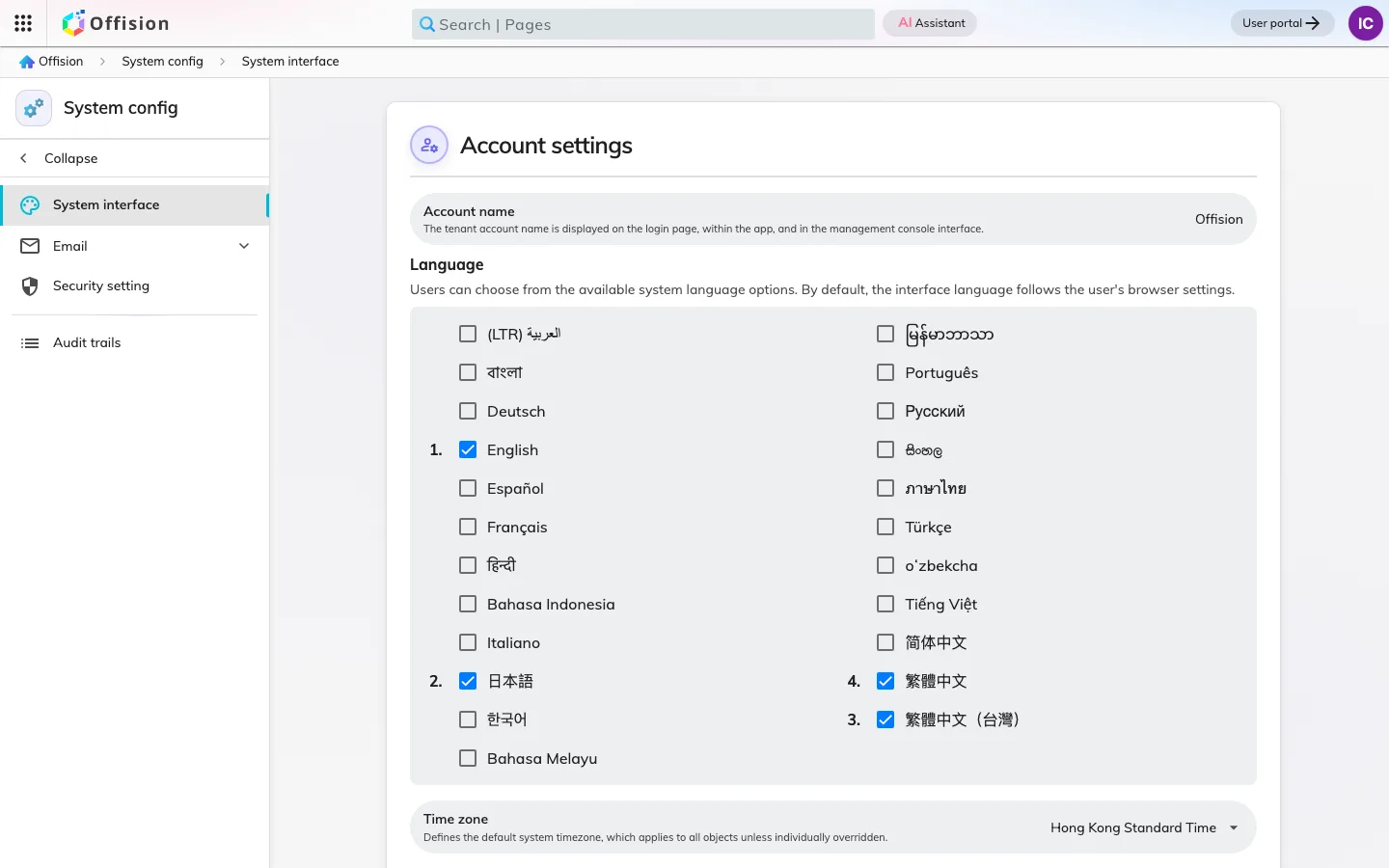
System holds the handful of settings that belong to the company rather than to any one module — the things every other page silently inherits. There are not many of them, and each one reaches everywhere.
How Offision speaks
Most of what Offision tells people arrives by email: a booking confirmed, a request waiting for approval, a visitor at the door, a forecast for next week. Out of the box that mail comes from Offision’s own servers. Pointing it at your own mail server instead means notifications arrive from your domain, which is what stops them being treated as somebody else’s mail.
Branding is set in the same place. A logo, a background colour and a footer are applied to every notification at once, and you can post yourself a test message before committing to it.
What time it is
The system time zone is the zone every schedule, board and report falls back to — and fallback is the operative word. Anything that carries its own zone wins: a building has one, taken from its position on the map, and a reader has one, taken from their browser. Two people can therefore read the same booking as two different times and both be right, which is the single most common confusion in this module.
Set the system zone to the site most of your people are at, and let the buildings correct it for the rest.
Identity and language
The company’s name, its logo and the languages it runs in are set here too. Enabling a language is what allows the console, the app, the panels and the outgoing mail to appear in it — and it is worth knowing that mail follows the company’s language, not the recipient’s.
What System does not cover
Anything a module can decide for itself is decided there: booking rules in Booking, badge design in Visiting, panel wallpaper in Devices. Accounts, permissions and the buildings themselves belong to Directory. If a setting affects one module only, it is not here.