

Customize the emails guests receive
Open Emails in the page editor. There are five types: confirmation, verification code, approved, rejected and cancelled. Open a type to edit its subject and body beside the rendered preview. The verification message is relevant only when email verification is enabled; approval-result messages require the corresponding review outcome.
Why use this feature
Emails continue the guest experience after the page is closed. They provide a reference to keep, clarify whether a request is pending or decided, and supply the next action where enabled. Use each message type for its own event and choose wording that answers the guest’s immediate question: what happened, what reservation it concerns and what to do next.
1. Open the page
Open Emails in the page editor. There are five types: confirmation, verification code, approved, rejected and cancelled. Open a type to edit its subject and body beside the rendered preview. The verification message is relevant only when email verification is enabled; approval-result messages require the corresponding review outcome.
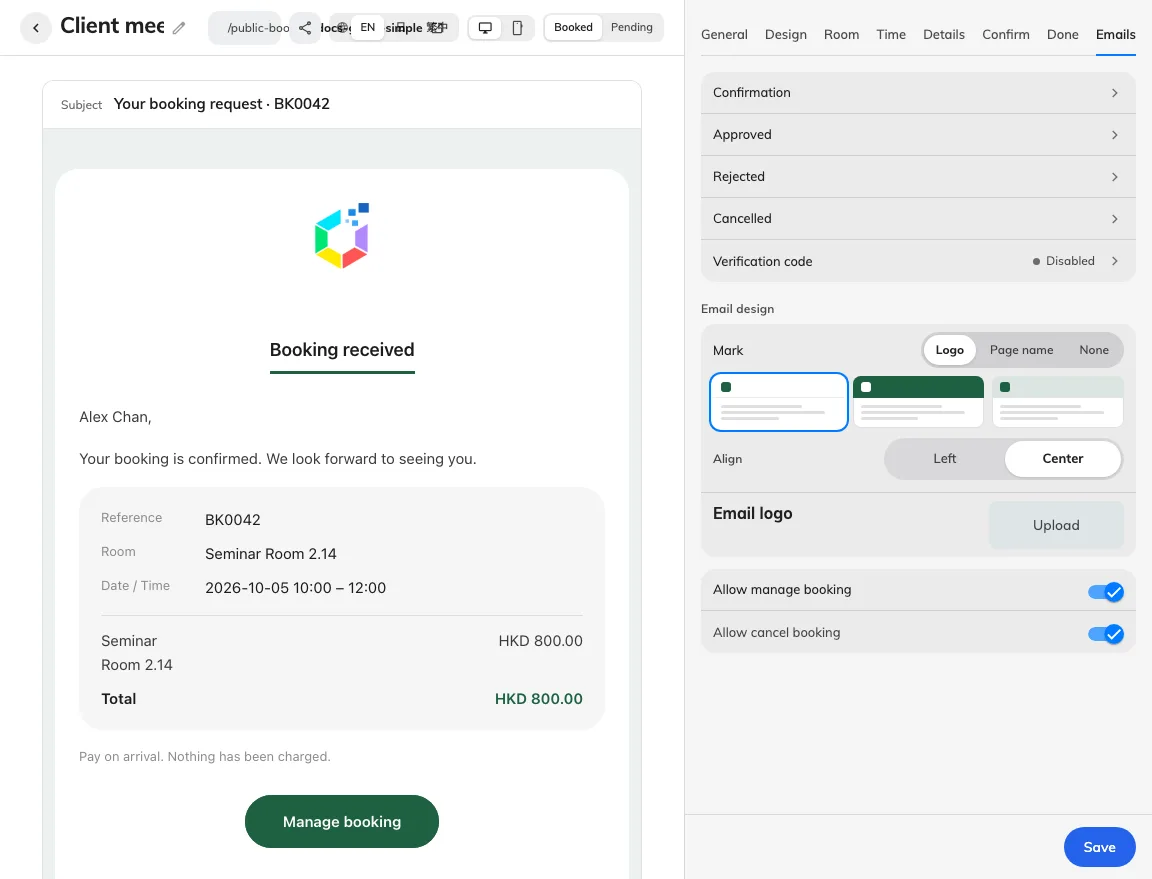
Five message types have separate settings.
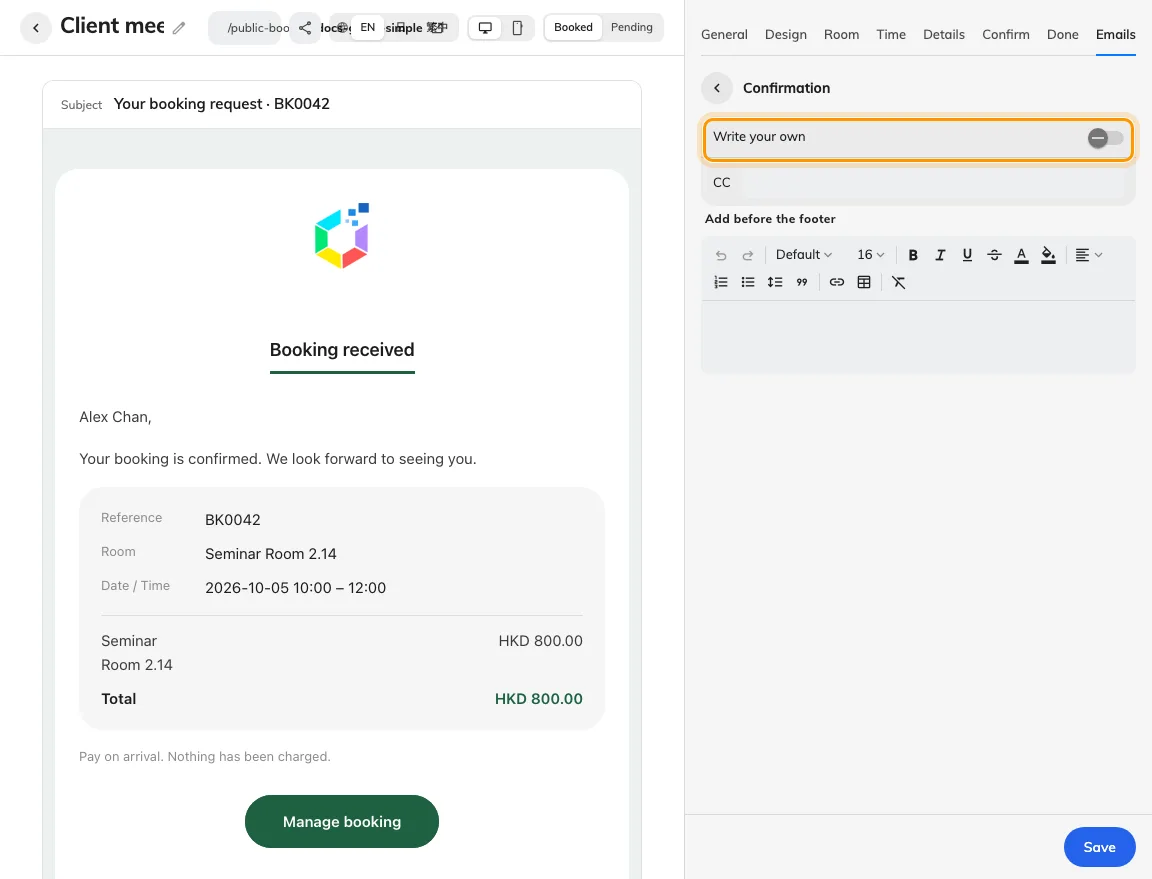
Edit confirmation wording without hiding essential booking facts.
2. Set the guest experience
Use the field picker for guest details, page, room, reference, period, price and the manage link instead of typing a sample value into the template. Some values only exist after booking, and the code and rejection reason belong to their own message types. Review any send switch, copied recipients, summary/price/button visibility and sign-off. The shared email header applies across the page’s messages.
For whole-day bookings, date and period fields show the booked date or inclusive date range; time fields are empty. Keep date or period in custom wording so the message still identifies the booking. Combined-room summaries and room fields use the combined room’s name. Check whole-day selection before comparing its email with a timed booking.
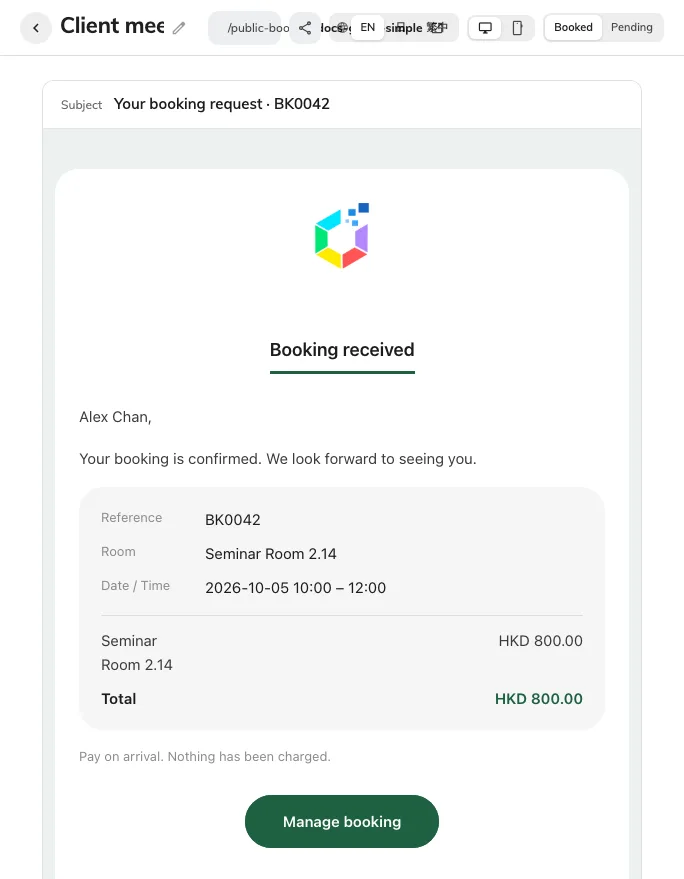
This is the editor’s confirmation email preview, not a delivered message.
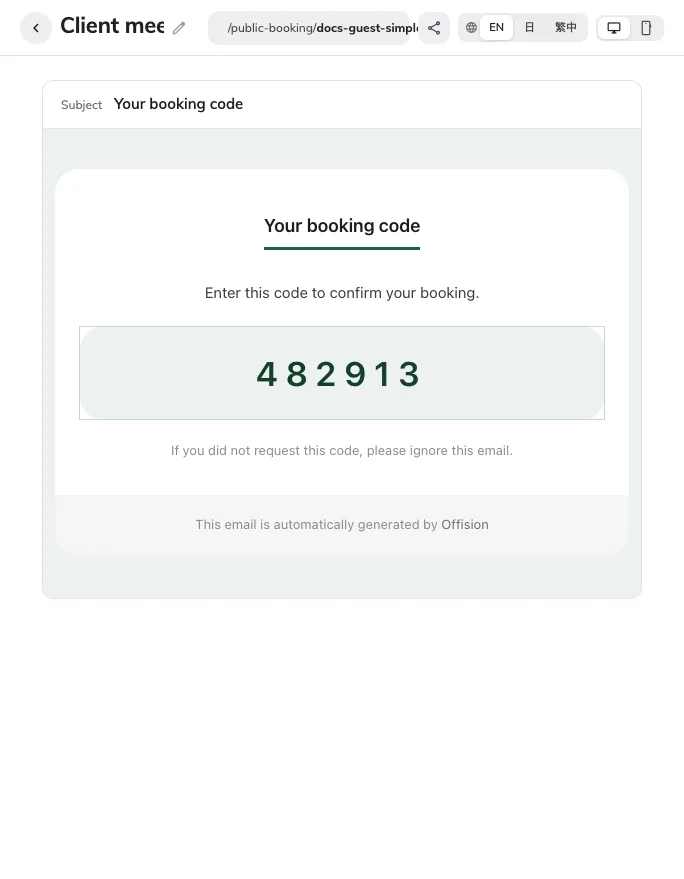
Preview the verification-code message separately.
3. Check the result
Save, then generate real test messages for the enabled types. Check the delivered subject, translated body, inline logo, matching reference and the manage button’s destination. A preview is not proof of delivery. If approved or rejected mail is switched off, the guest’s booking status can change without that follow-up message; pending wording must not promise one unconditionally.
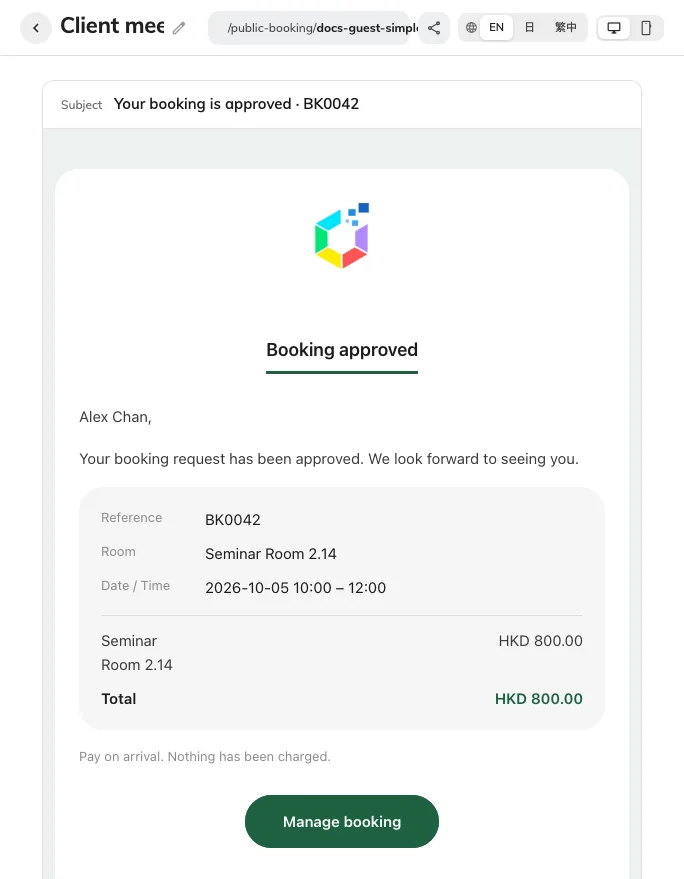
Review-result previews have their own send switch.