

How the page editor changes the guest experience
The editor pairs the guest preview with the settings for that step. General chooses the flow and languages; Design controls the appearance; Room or Map and Time control choices; Details controls the form; Confirm controls checks and agreements; Done and Emails control follow-up. Switching flow changes the order of Room and Time, while Closest room starts with location.
Why use this feature
Use the editor to shape a complete service, not only a cover image. Every tab changes a decision or action in the guest journey: finding a room, choosing a period, supplying information, agreeing to conditions and understanding the result. The paired preview helps staff see the effect of a setting immediately; the published page then verifies how those choices work with real availability.
The editor pairs the guest preview with the settings for that step. General chooses the flow and languages; Design controls the appearance; Room or Map and Time control choices; Details controls the form; Confirm controls checks and agreements; Done and Emails control follow-up. Switching flow changes the order of Room and Time, while Closest room starts with location.
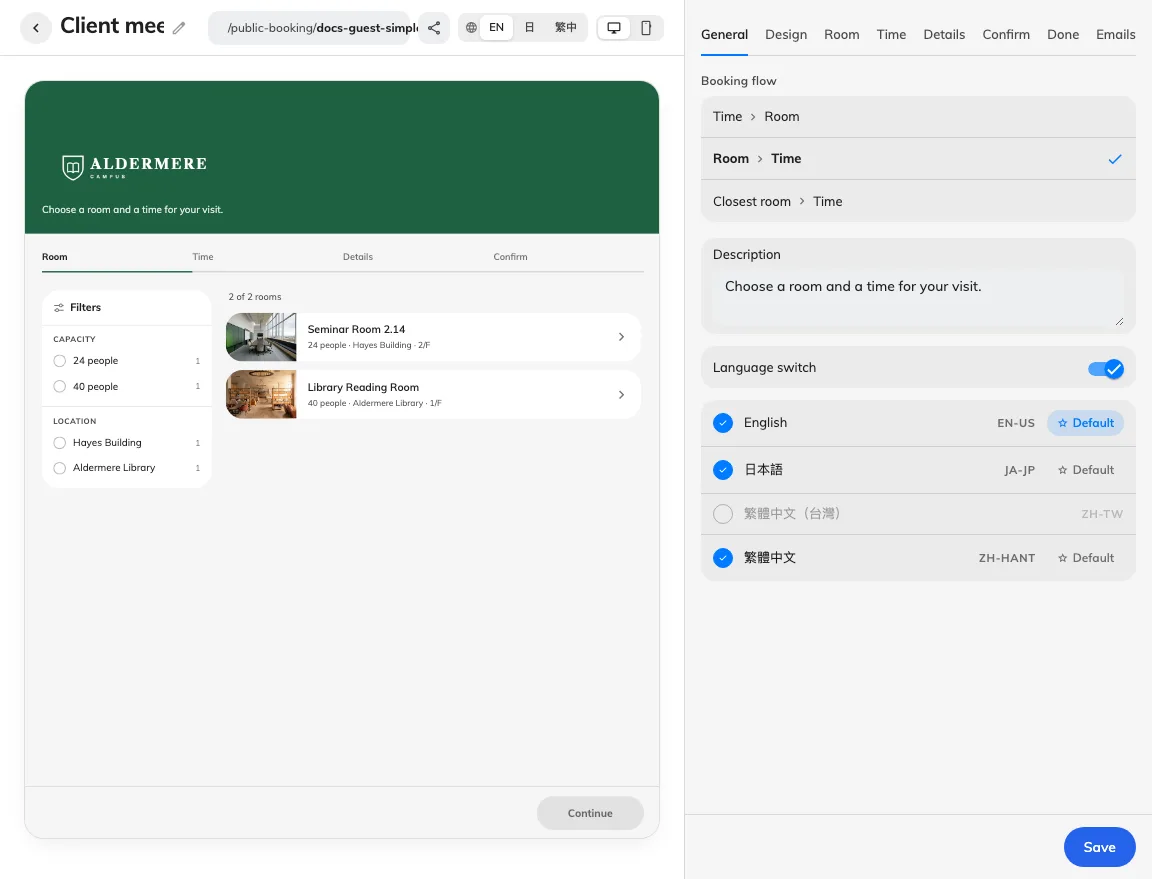
Preview and settings describe the same guest step.
Use the preview language and desktop/phone controls to inspect each step. Style presets set a coordinated appearance; choose custom styling to edit the individual look controls. Long items such as terms, payment and a single email open inside the settings column. The back control returns to the tab without leaving the whole editor.
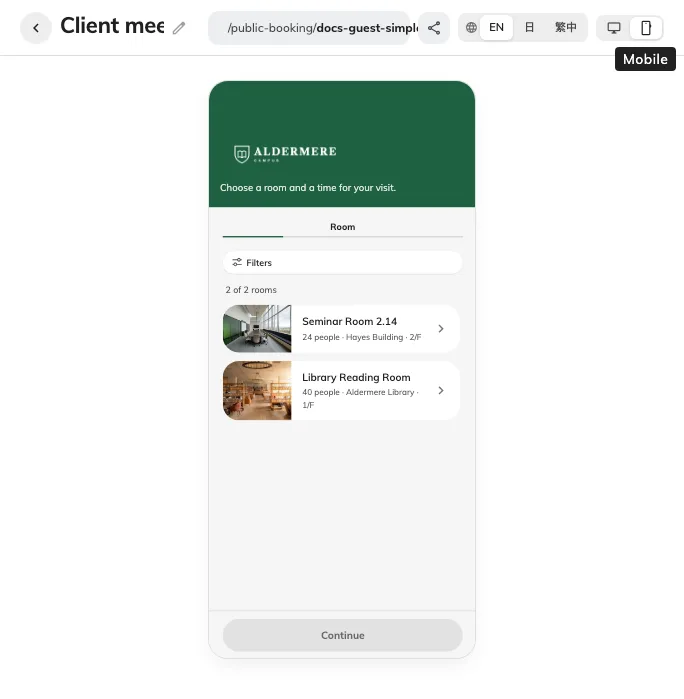
The phone preview shows how the page fits a narrow display.
Preview changes are not yet published changes. Save the whole page using the action beneath the settings column, then check its published link in an anonymous session. Preview examples can explain layout without proving the room is licensed, a time is free, verification mail arrives or a booking was created.
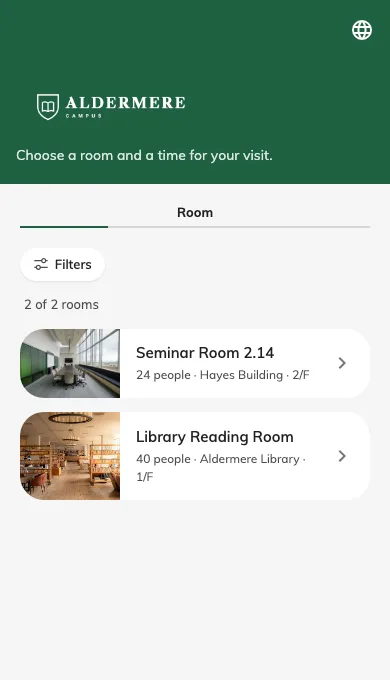
This is the saved public page on a phone-sized viewport.
Return to the same editor tab
The editor address follows the selected tab. Refreshing or reopening that address returns to the tab; the browser’s Back and Forward controls follow tab changes. Switching tabs keeps the current form, but does not save it. Leaving the page still requires saving or discarding changes. A tab unavailable for the current flow falls back to an available tab.
General’s More reveals the type-based flows. These add a Type tab for names, descriptions, room options and remarks; see Booking flows.