

A guest receives no email or verification code
Confirm which message is missing: verification code, confirmation, approved, rejected or cancelled. A verification message is sent before booking, so absence of a booking reference is expected then. Check the guest supplied the intended email; when email is hidden or omitted, confirmation and a cancel link are not available.
Why use this feature
Email provides two different services: checking an address before submission and informing a guest about an existing request afterwards. Identifying the missing event prevents staff from troubleshooting an approval message when the request is still pending, or looking for a booking reference before verification is complete. The goal is receipt of the right message for the right action.
Check page access
Most commonConfirm which message is missing: verification code, confirmation, approved, rejected or cancelled. A verification message is sent before booking, so absence of a booking reference is expected then. Check the guest supplied the intended email; when email is hidden or omitted, confirmation and a cancel link are not available.
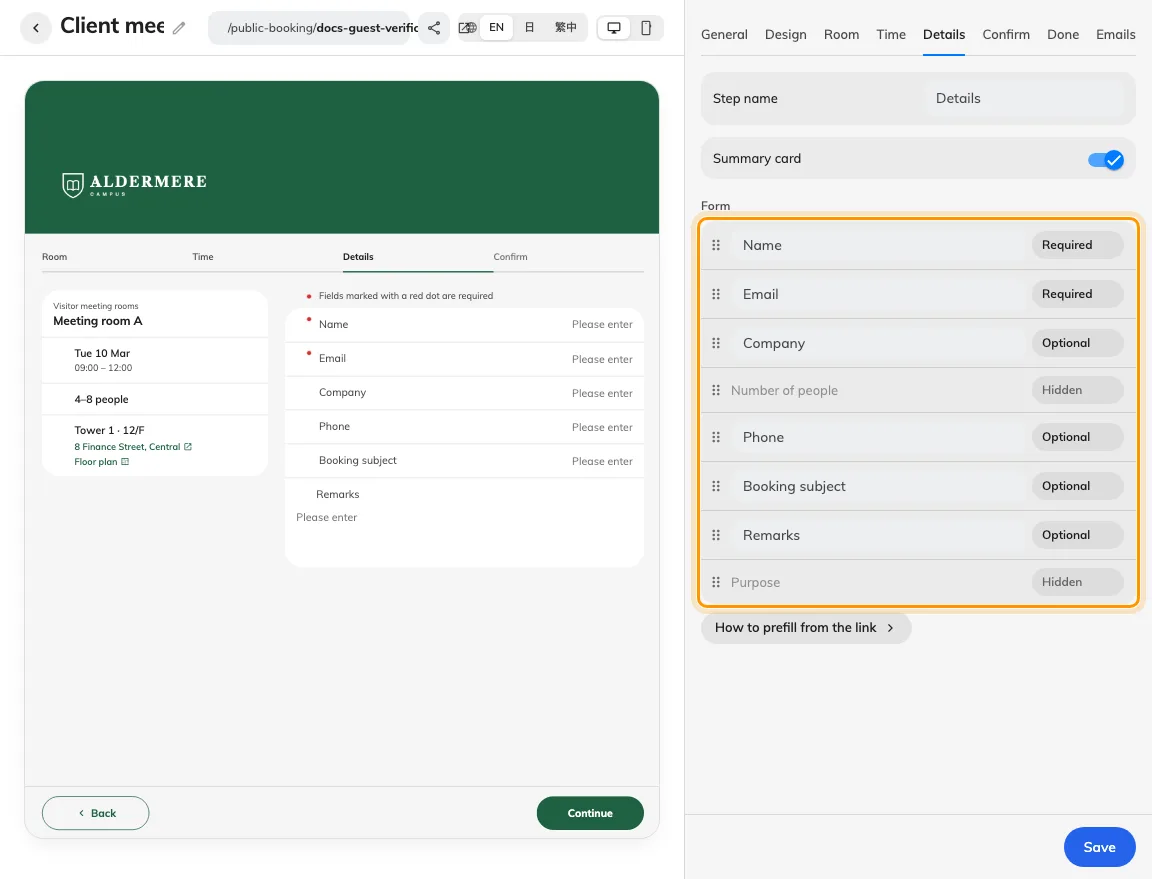
Email collection and verification are separate settings.
Check the room
CommonFor verification, confirm Verify email is enabled and use the current code after any resend. Observe the resend control’s cooldown instead of repeatedly submitting requests. For review-result mail, inspect the corresponding Send this email switch on Emails and confirm the booking actually reached that result. A pending request is not yet an approved event.
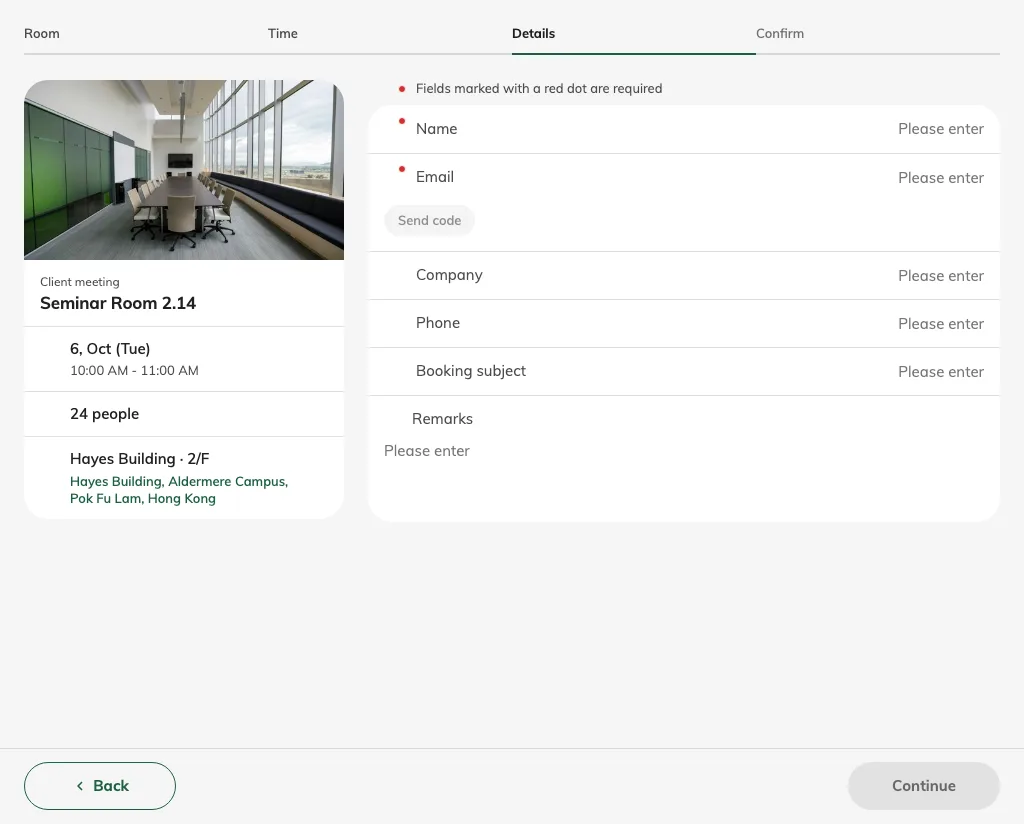
The guest must supply an email on a verification page.
Check the guest result
Less commonCheck junk mail and ask an administrator to verify the account’s outbound email configuration and delivery records. Test with a safe address, then confirm receipt of the intended message and that its reference or code matches this attempt. Collect the page, message type, request time and time zone, guest address and booking reference if present. Never collect passwords, verification codes or private manage tokens in a support screenshot.
For sender and SMTP configuration, use outgoing email settings. Captcha keys do not configure email delivery.
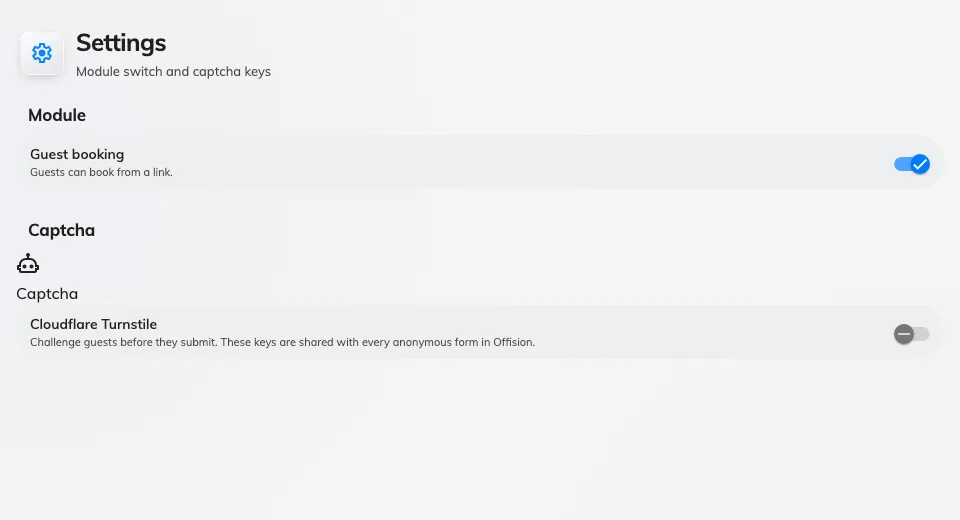
Captcha keys are in Guest booking Settings; outgoing email is configured separately.