

What guests receive after submitting
The completion screen distinguishes confirmed bookings from requests awaiting approval. Understand references, follow-up messages and the default-on Make another booking setting; custom wording must preserve the actual result.
Why use this feature
The result gives the guest a dependable answer to “Do I have the room?” Staff also need that distinction to decide whether preparation can start or a review is still required. The completion page, manage page, calendar and emails should communicate the same outcome. Keep any custom thank-you wording secondary to the actual status and the action the guest needs next.
The completion screen distinguishes a booking from a request awaiting approval. A booking reference identifies what was submitted, but a pending reference is not a confirmed room. Custom completion wording should never change that meaning or tell every pending guest that approval is certain.
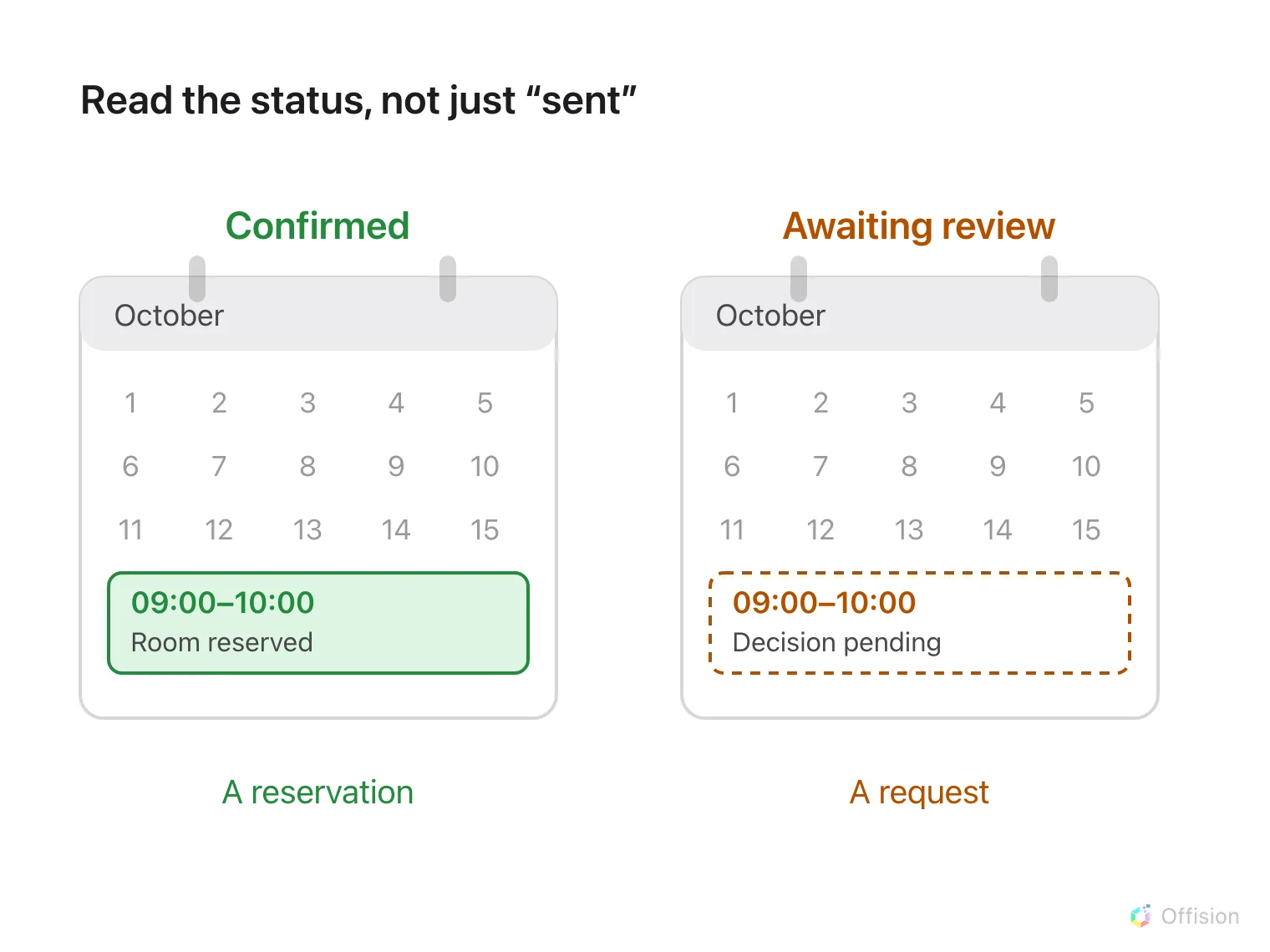
A guest sees either a confirmed reservation or a request still awaiting staff review.
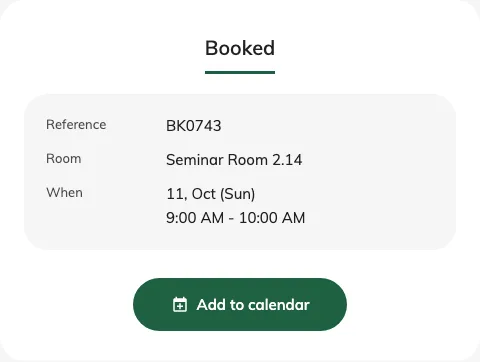
The completion screen reports the actual booking result.
After review, the booking can be approved or declined; cancellation produces its own final result. Follow-up messages depend on the page’s send settings and a supplied email. A manage link opens the existing booking’s current status. Adding a calendar entry is a convenience and does not override an approval decision or restore a cancelled room.
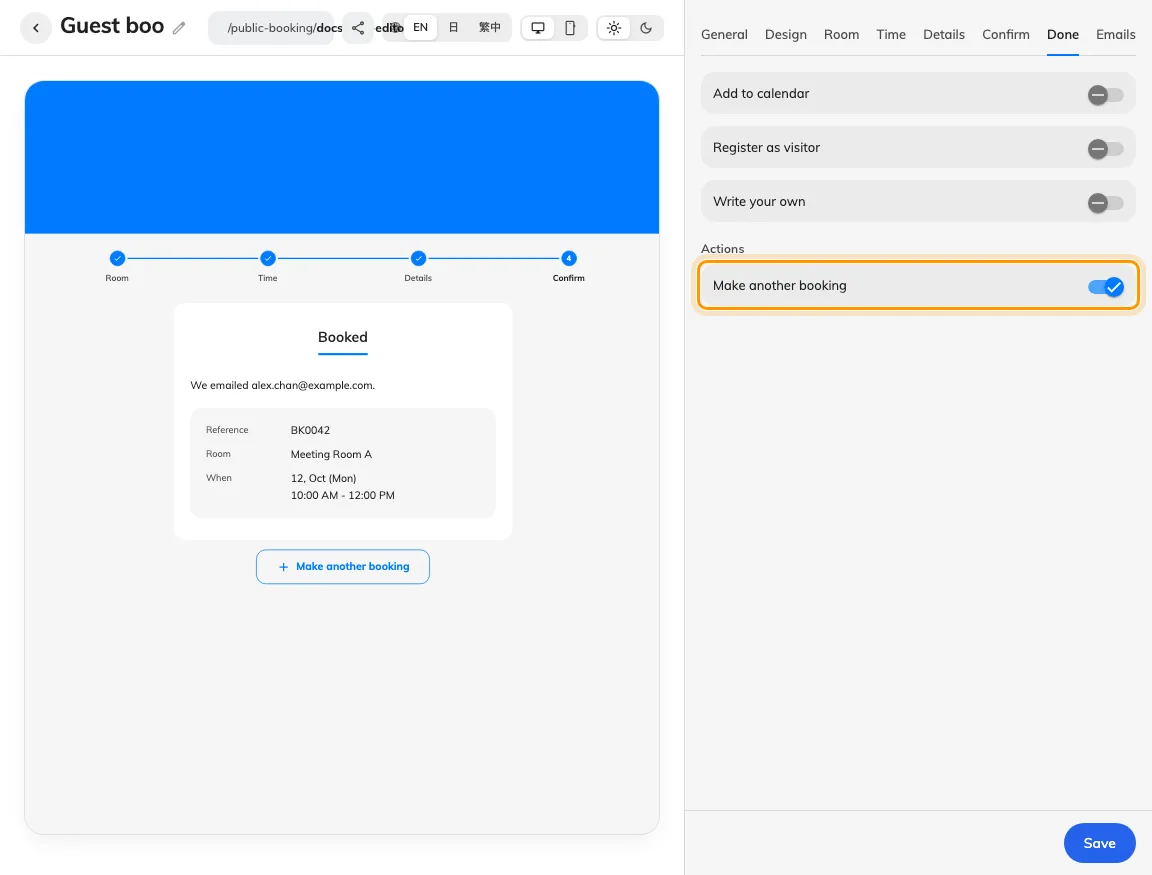
Done settings include the default-on Make another booking action and show its position below the completion result.
Ordinary review leaves the time unheld while waiting; review with blocking time holds it. Another guest can therefore take an ordinary pending request’s time before it is approved. A received payment proof and a room reservation are also separate facts. Visitor registration must be checked in the visitor records; do not treat the room confirmation as a visitor pass.
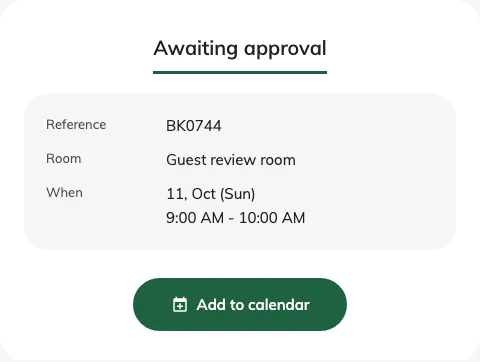
A submitted request reports Awaiting approval when its room requires review.
Offer another booking
Edit the guest page and open Done. Make another booking controls the action below the completion result and is on by default, including for existing pages. Turn it off when the guest should finish after one submission, then save and check the desktop and phone previews.
When offered, it starts a fresh selection on the same page and retains contact details. Room/time choices, booking answers and verification reset. It does not change the booking just submitted. The separate Back to booking home button has been removed; use this setting to offer a next booking.