

Publish your first guest booking page
Open Book a room in the admin console. On its overview, turn the module on if needed and choose the add-page action. Give the page a recognisable name and address. Use Contact only when no shared booking form is needed; otherwise choose the booking form.
Why use this feature
Start with a small, complete service rather than every available option. One page with suitable rooms, clear opening hours and the necessary contact details is enough to prove the guest can book and staff can fulfil the visit. Publishing makes that saved service accessible; a test reservation verifies the whole journey before the link is shared more widely.
1. Open the page
Open Book a room in the admin console. On its overview, turn the module on if needed and choose the add-page action. Give the page a recognisable name and address. Use Contact only when no shared booking form is needed; otherwise choose the booking form.
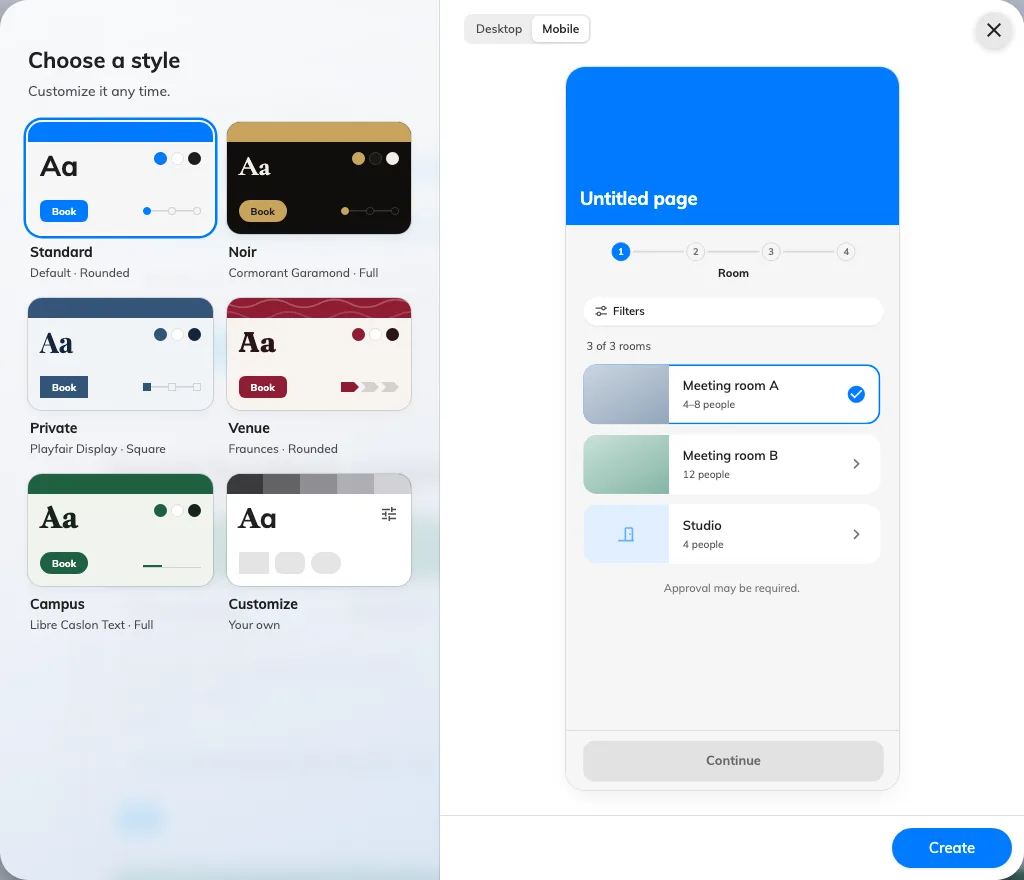
Create a page before configuring its guest flow.
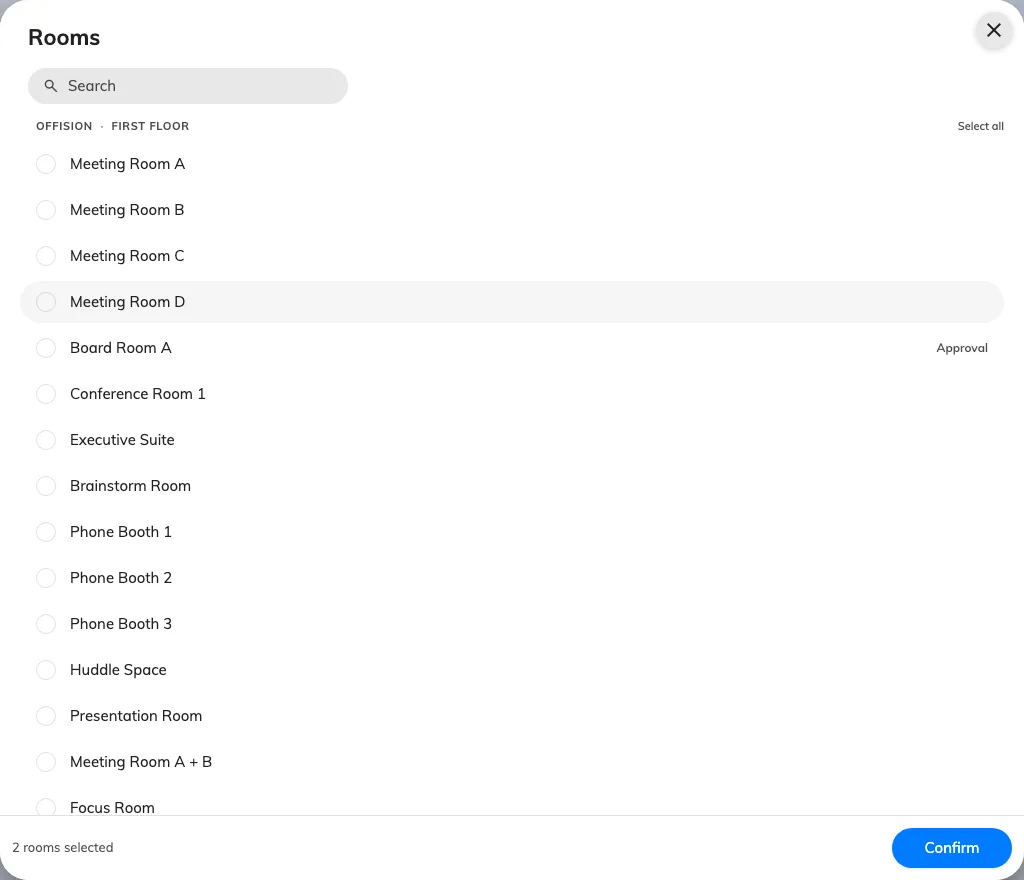
Select the rooms this page offers.
2. Set the guest experience
Open Room and add the rooms guests may book. Resolve unlicensed-room warnings with a licence manager. On Time, set open days, hours and slot length. On Details, require the contact information needed for the visit; keep email available if guests need a confirmation or cancel link.
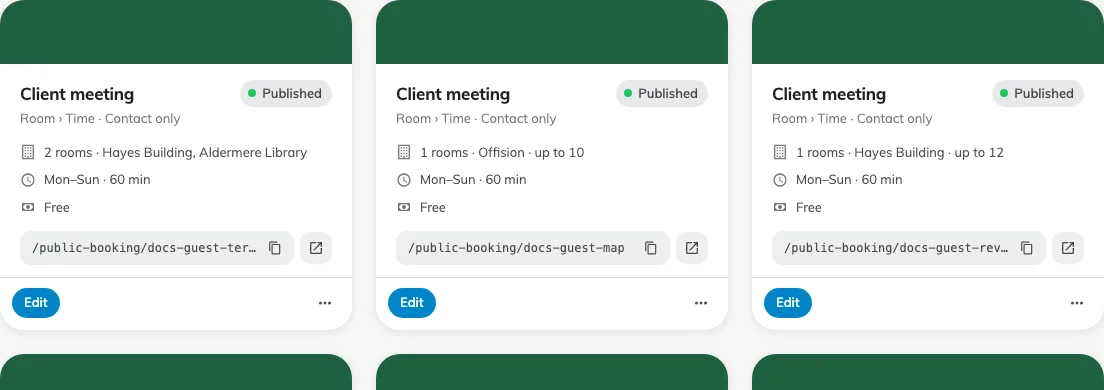
The status control publishes or pauses the saved page.
3. Check the result
Save the editor, return to the overview and publish the page with its status control. Open the copied page link in a private browser session. Choose a room and time, complete the form and submit. Done means the guest sees a booking reference and its confirmed or pending status, and staff can find the matching room and period in the booking calendar.
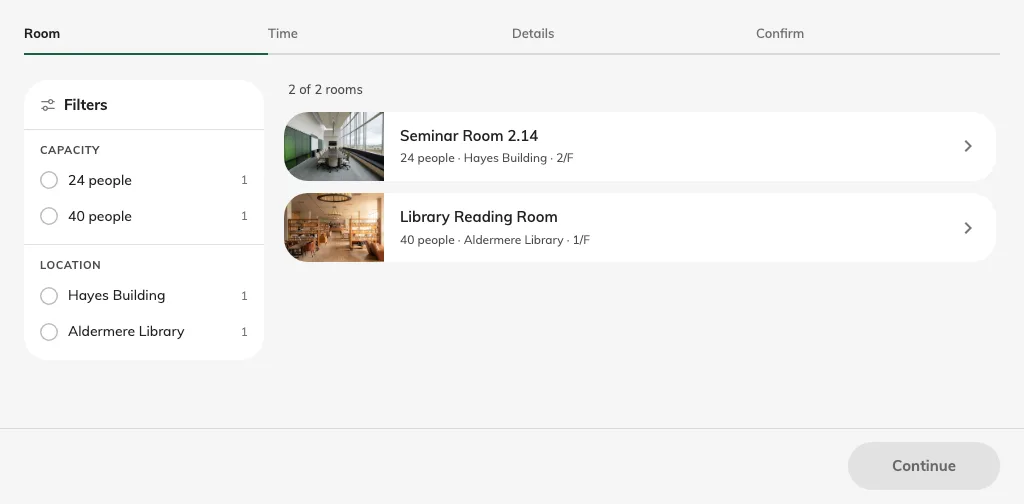
Check the room list from a signed-out session.