

How guest booking pages work
Publishing a page does not make every room on it available. A room must be selected on the page and licensed for guest booking. Existing reservations and out-of-service periods still prevent conflicts. A page can therefore be published while its guest room list is empty.
Choose the booking flow
The page offers five flows. In General, open More below Booking flow to find the two type-based choices:
| Flow | What the guest chooses |
|---|---|
| Time › Room | A time, then a room available for it. |
| Room › Time | A room, then an available time. |
| Closest room › Time | A nearby room from the location view, then a time. |
| Type › Room › Time | A public booking type, one of its rooms, then a time. |
| Time › Type › Room | A time, a type with available rooms, then a room. |
In the Type tab, add Public booking types, such as a consultation or training session. Each has a translated Name and Guest description, Room options set to All rooms or Specific rooms, and Remarks set to hidden, optional or required. Reorder the type list to choose its guest order. Room options only narrow the page’s own rooms; they do not add rooms or licences. A type with no eligible rooms cannot be selected. In the time-first type flow, availability is checked for the selected time.
Types are page choices, separate from booking purposes and room categories. They do not change the existing time-selection, pricing or approval rules. Save the page and test the chosen type, its room choices and any required remarks on the published page.
The page editor limits how many types can be added; see The limits Offision applies.
Why use this feature
A page is a booking service for a particular audience. A client meeting page can offer different rooms, hours and questions from a training page, while both use the same underlying room calendar. This lets staff tailor the invitation without creating a second inventory. Keep page presentation, resource availability and the final booking decision distinct when explaining the service to guests.
Publishing a page does not make every room on it available. A room must be selected on the page and licensed for guest booking. Existing reservations and out-of-service periods still prevent conflicts. A page can therefore be published while its guest room list is empty.
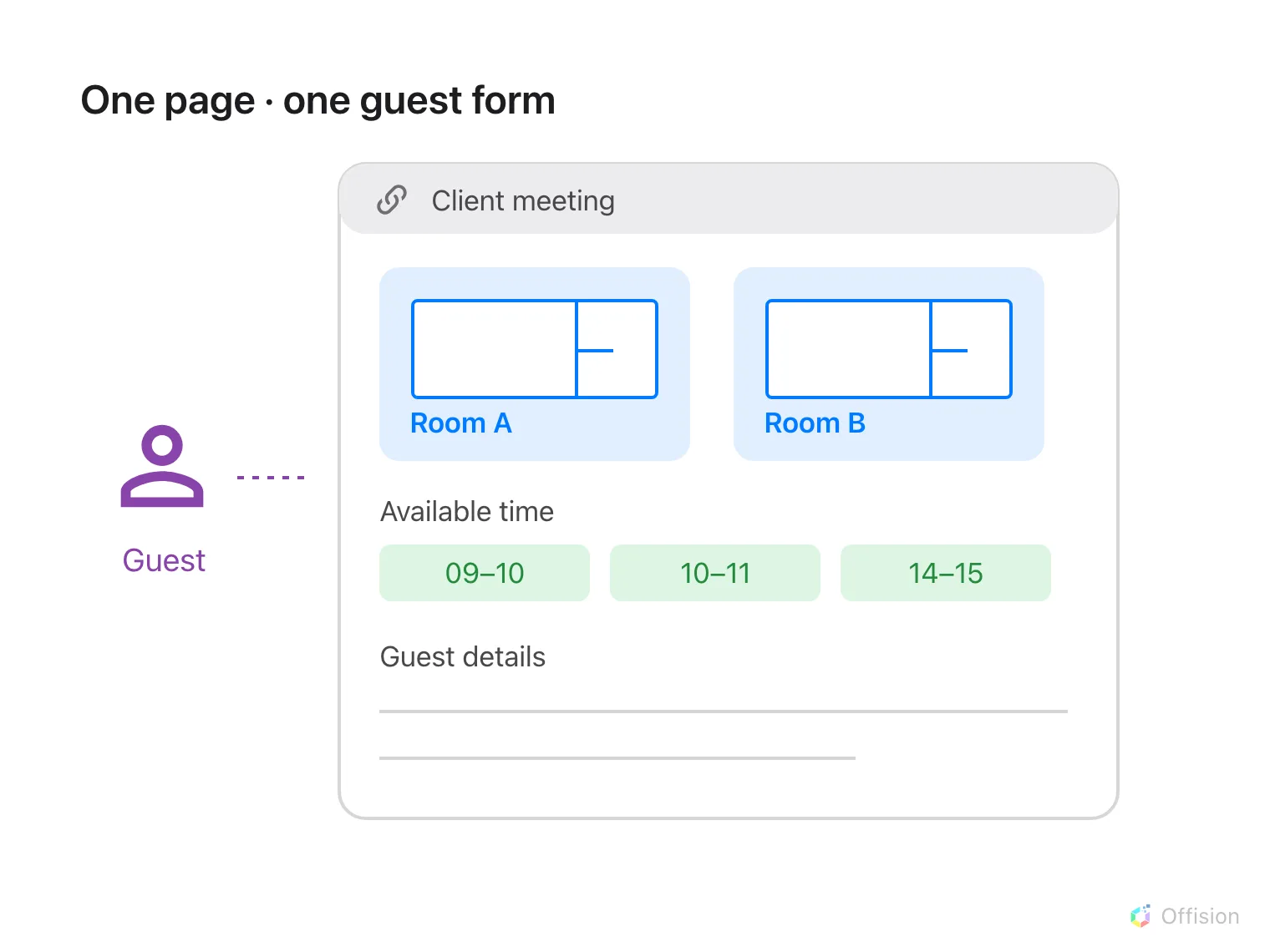
One shared page offers several rooms, a time picker and one guest form.
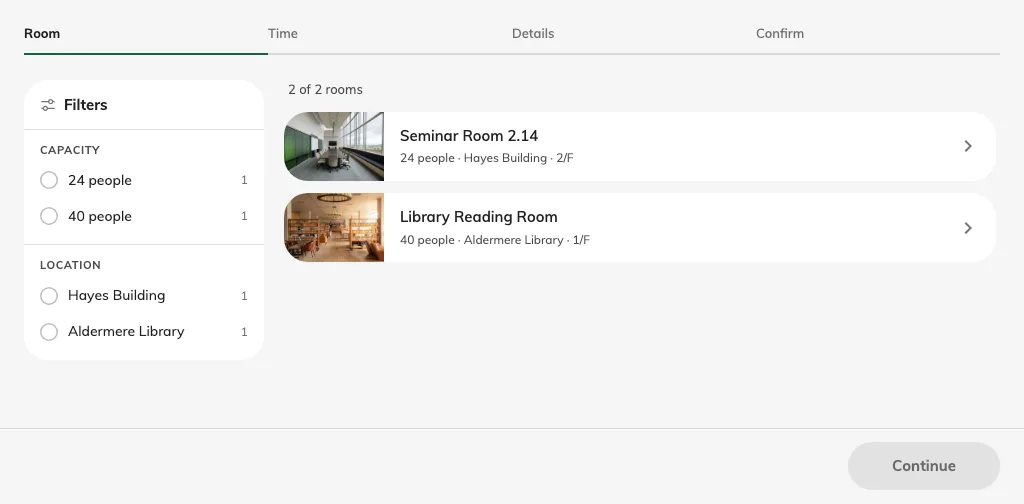
The published page starts with room selection.
The page owns its schedule, booking period, contact requirements and design. Apply room booking rules decides whether room policy restrictions also apply; it is off by default. When enabled, room hours, lead-time and duration rules can reject a choice that fits the page schedule. Approval follows the room review policy in either case.
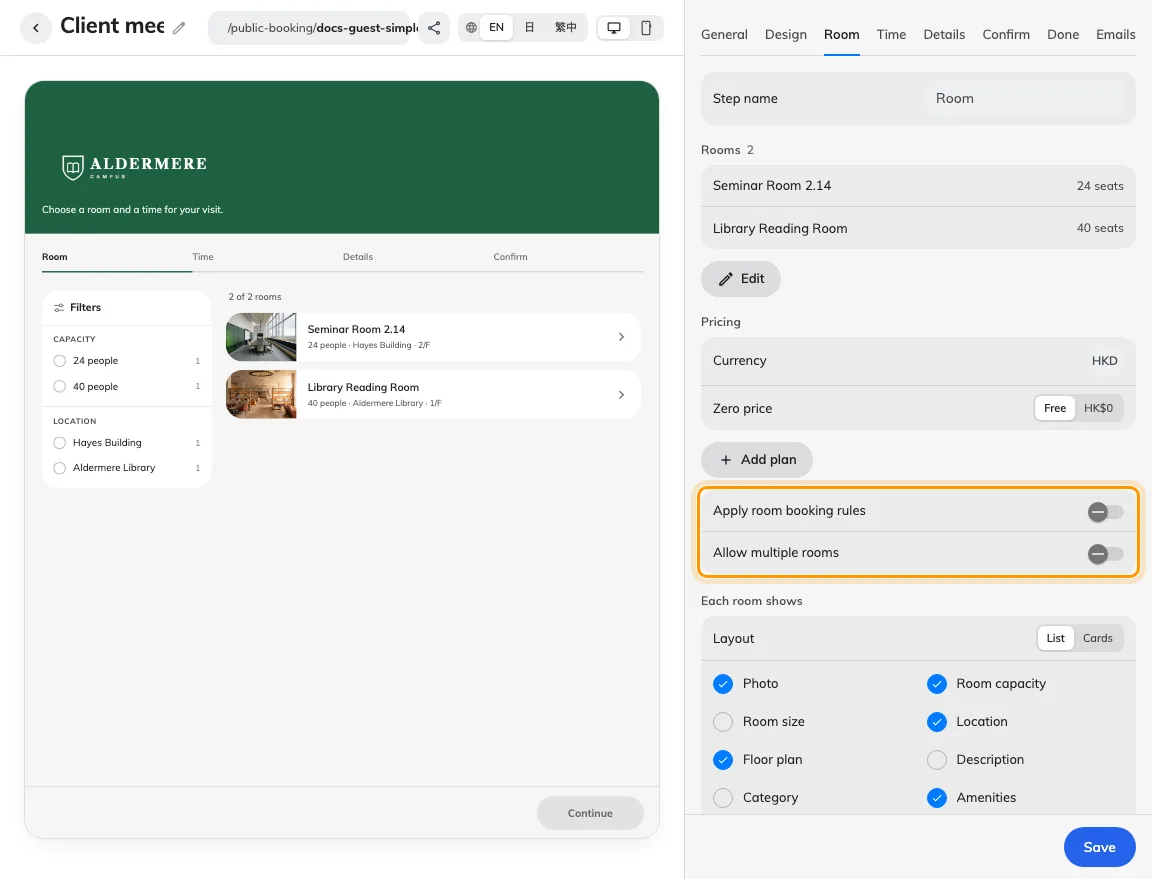
Room membership and room-rule checks are separate controls.
Rooms may appear on several pages. Contact rows and booking-form fields control what a guest supplies, while the room and time choices control what they reserve. A manage link identifies an existing booking; it is not a general sign-in account. Do not assume a room booking creates a visitor badge: check the visitor result separately.