

Guests cannot find an available time
Start with the page’s Time tab. Check that the day is open and offers a session, custom block or whole-day window. Then compare the requested date with the Starts and Ends booking period. An empty window, closed weekday or day without blocks can make the calendar look broken while it is following the page’s settings.
Why use this feature
The calendar is the intersection of the service’s schedule and the room’s real availability. An absent time may be correctly excluded by preparation time, a holiday, another booking or a duration limit. Checking those layers separately helps staff distinguish an intended restriction from a setting that prevents the service they meant to offer.
Check page access
Most commonStart with the page’s Time tab. Check that the day is open and offers a session, custom block or whole-day window. Then compare the requested date with the Starts and Ends booking period. An empty window, closed weekday or day without blocks can make the calendar look broken while it is following the page’s settings.
If Starts or Ends uses Specified date, check that date rather than only the relative notice or advance value. The end date is included, and boundaries use each room’s time zone. See booking-period settings.
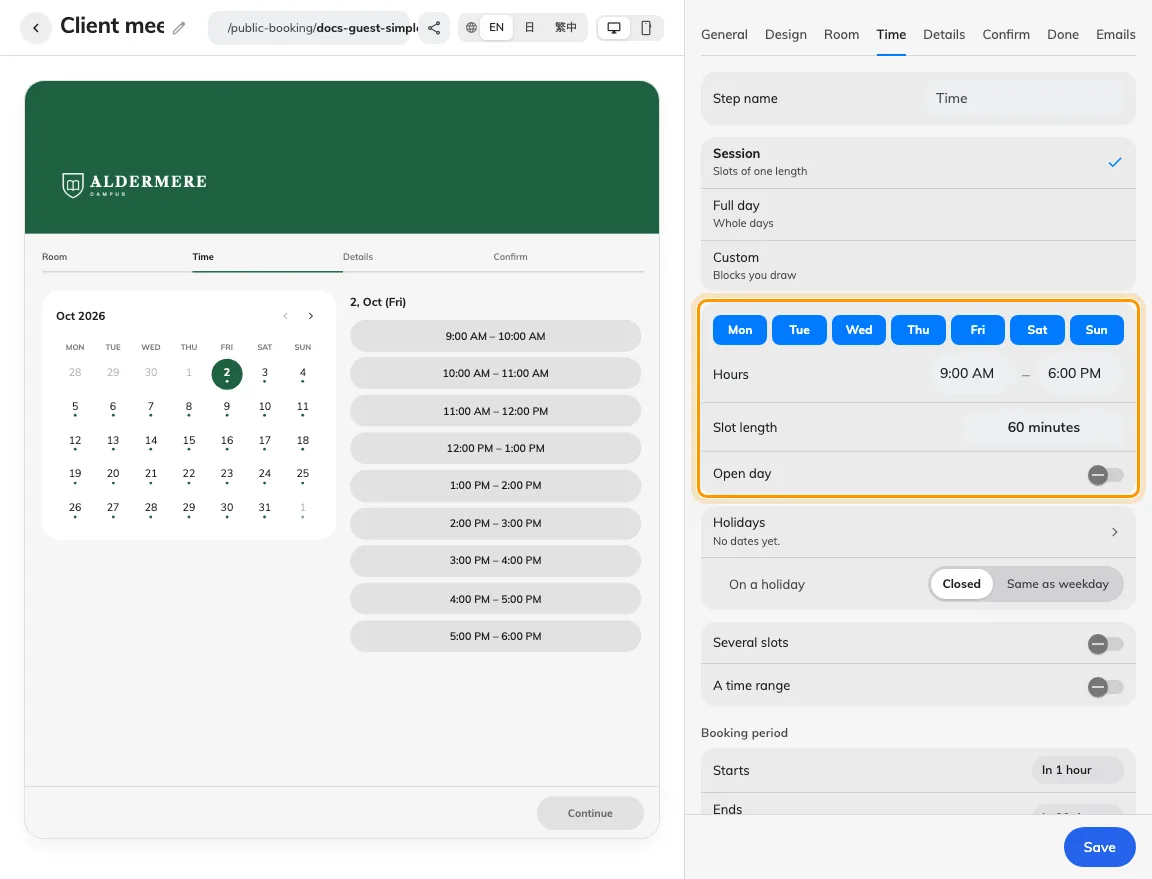
Check the page timetable and booking period together.
Check the room
CommonCheck the page’s holiday dates and selected holiday behaviour, then the room’s existing bookings and out-of-service periods. When Apply room booking rules is on, inspect the room’s hours, lead time, duration and release restrictions too. For combined selections, test one slot first, then add the range or second slot; a maximum-hours rule may reject only the combined choice.
For whole-day bookings, the calendar opens on the selected day’s month, or the earliest available day on or after today if nothing is selected. A month you choose with the navigation arrows stays open. Opening on a month does not select a day for you.
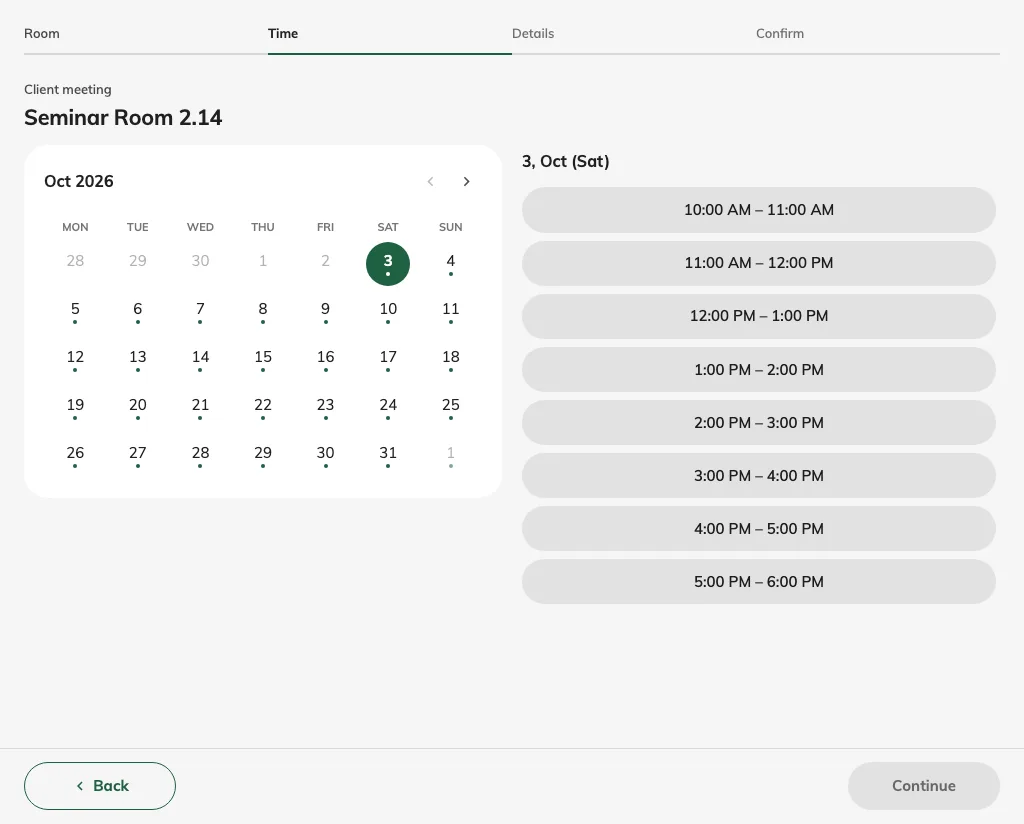
Check the selected room’s current calendar anonymously.
For a continuous range, check Across days and Include weekends & public holidays. Inclusion permits offered weekend and page-holiday slots; exclusion removes their charges and prevents using them as endpoints. Closed weekends and page holidays can be bridged without charge, while the full interval remains held. Closed ordinary weekdays still follow the saved spanning rule. Cross closed days is older wording; see several selections. Check the page holiday list and last-sync state; selected public calendars refresh daily, and an urgent missing date can be added manually.
Check the guest result
Less commonA taken slot is absent in room-first flow; time-first can show a room as busy at the chosen period. Even a displayed slot can be taken by another guest before submission. Refresh and try a newly available period after correcting the cause. If unresolved, collect the page, room, exact start/end, time zone, mode, limits and error wording.