

Find a guest and their booking history
Open Customers in Guest booking. Customers are grouped by the email used on guest bookings, so a submission without email cannot give the same email-based identity. Use the customer search to narrow the list. A changed email may belong to a different record even when the person’s name is the same.
Why use this feature
Customer history gives staff context when the same email is used for repeat bookings. It helps answer which pages the guest has used and whether this is a first or returning contact, without opening every reservation individually. Use the profile as a starting point for service follow-up, then open the particular booking to establish its current room, period and status.
1. Open Customers
Open Customers in Guest booking. Customers are grouped by the email used on guest bookings, so a submission without email cannot give the same email-based identity. Use the customer search to narrow the list. A changed email may belong to a different record even when the person’s name is the same.
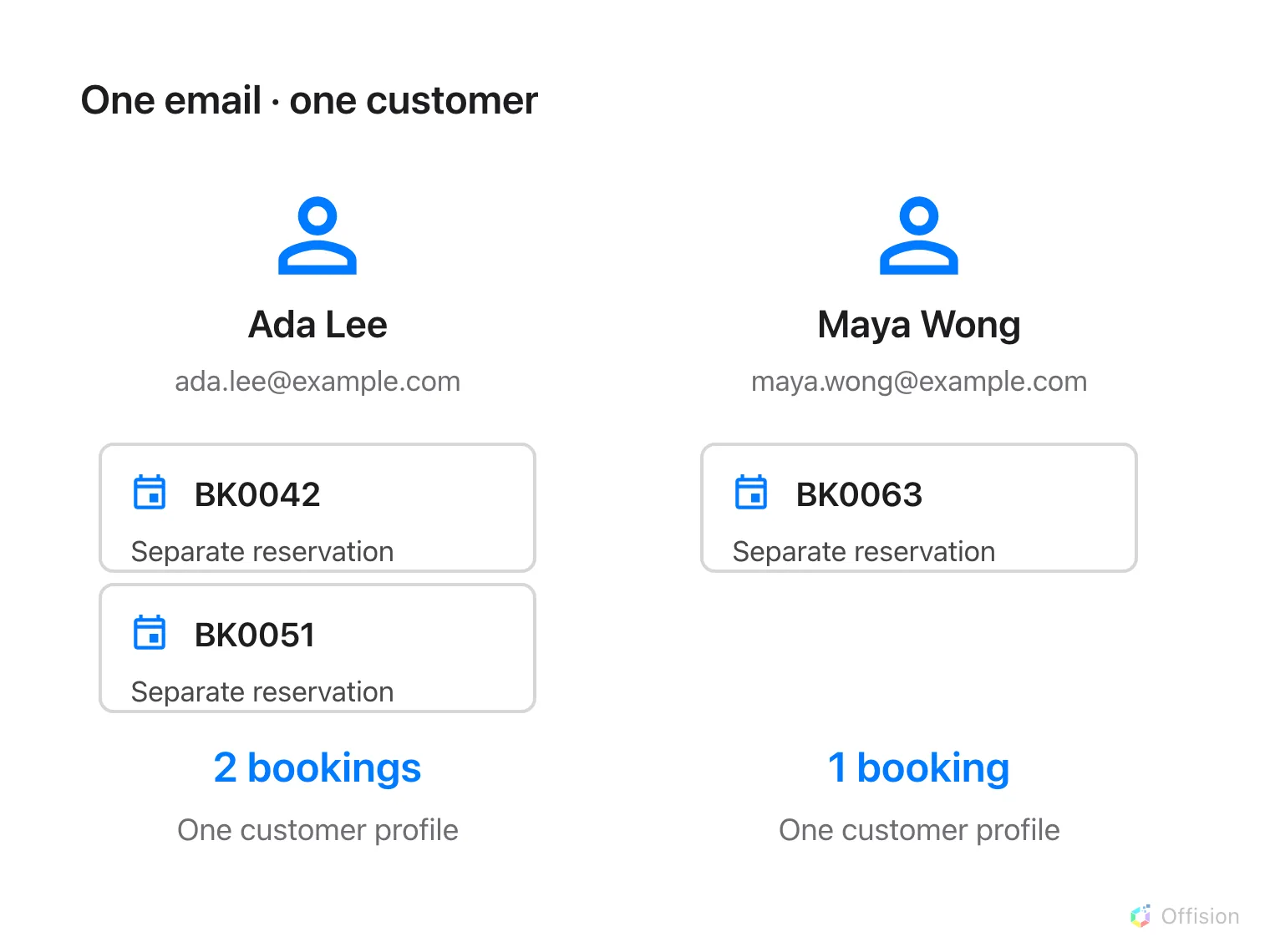
Bookings with the same supplied email form one customer profile; each reservation stays separate in the calendar.
2. Find the guest
Select a customer to open the detail panel. Read their email, available contact data, language, booking count, first and last booking dates and associated pages. Missing names are displayed as missing, not fabricated from the email. The email action opens your mail application; selecting it does not itself send a message.
3. Find individual bookings
Use the booking reference or guest contact details to locate the individual reservation in the booking calendar. Compare room, period and page source there; aggregate first/last dates do not prove that a particular reservation is currently confirmed. For a repeat-guest test, make a second booking with the same fictional email and check that the count and last-booking date update.
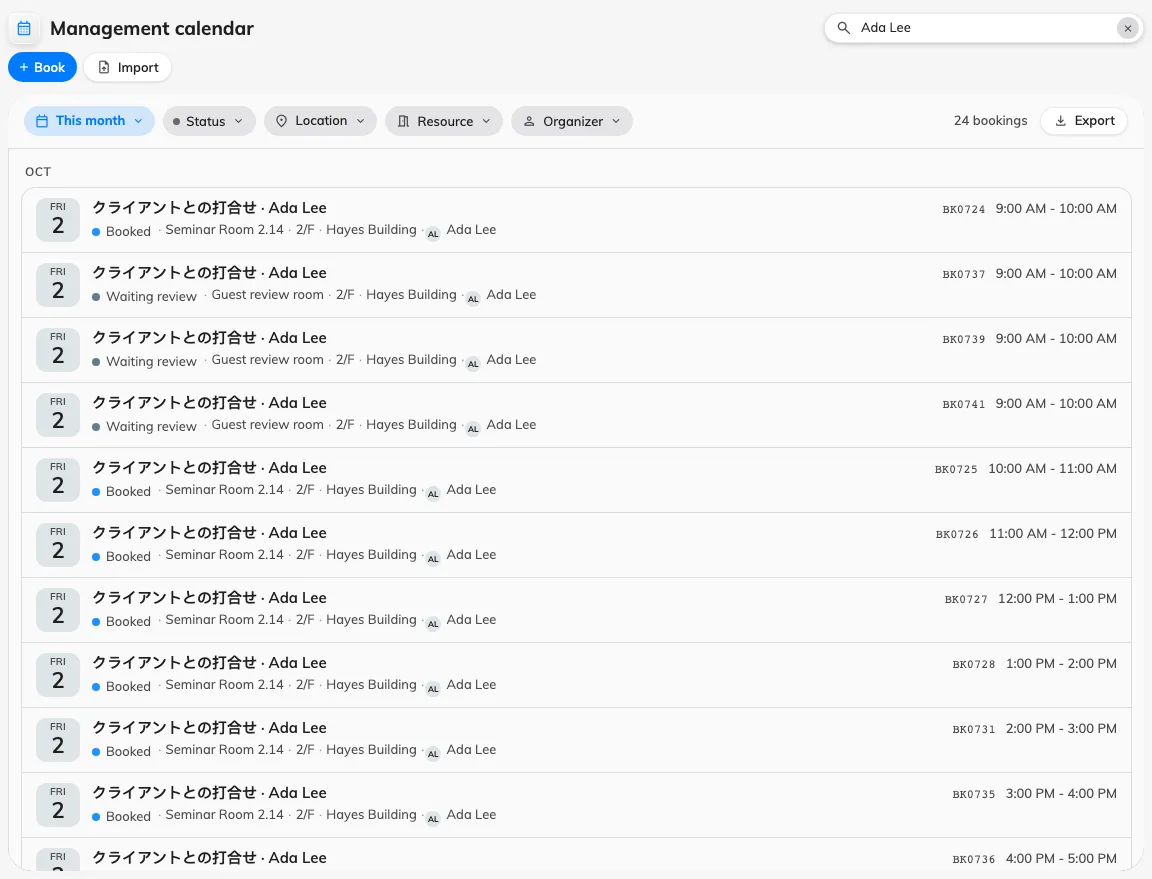
Search the management calendar for the guest name to find individual bookings.