

Let somebody create events
Event coordinator takes two things, not one — the permission and a licensed seat — and an account missing either is refused at the same button.
Nobody can create an event until you say so. Event coordinator is what lets somebody build one, and it is deliberately narrow: a coordinator may create events and manage, edit or delete the ones they created. It gives them nothing over anybody else’s.
1. Open Event coordinator
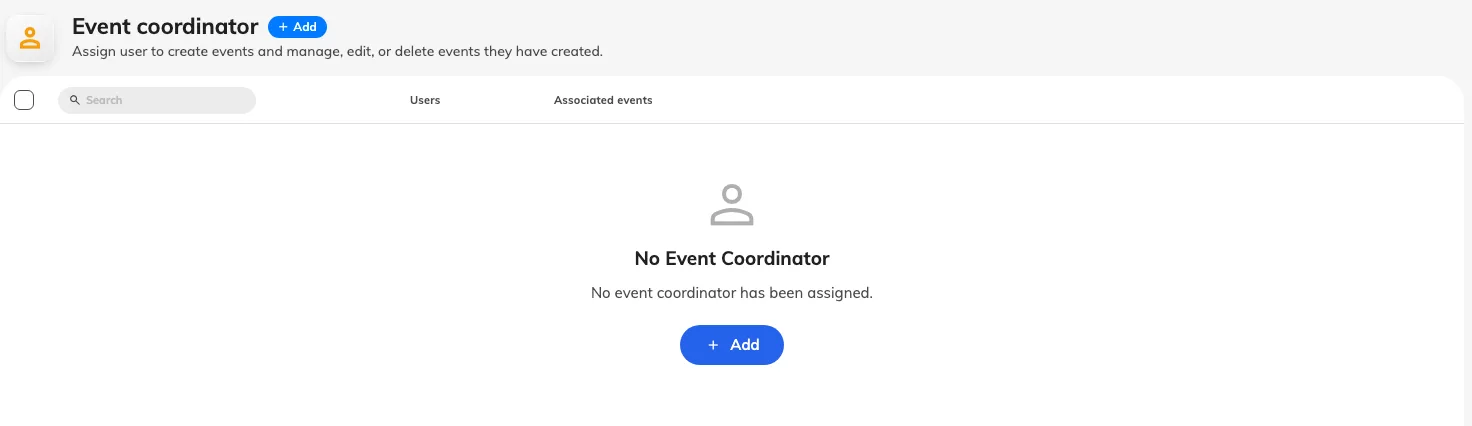
The Event coordinator list, before anybody has been added.
The list shows everybody who currently holds it. On a tenant where nobody does, it says so plainly — No event coordinator has been assigned — and until that changes, the only person who can put an event together is somebody who grants themselves the permission on the way past.
2. Add the people
Add Event Coordinator picks from your directory. Add the person who actually runs your events rather than the department that owns them: a coordinator is a job, and the list is short in most companies.
Removing somebody takes the permission away but leaves their events alone. Those events keep running, keep their registrations, and keep whoever else is on their team — so check who else is on an event before you remove its only coordinator, or nobody will be able to edit it.
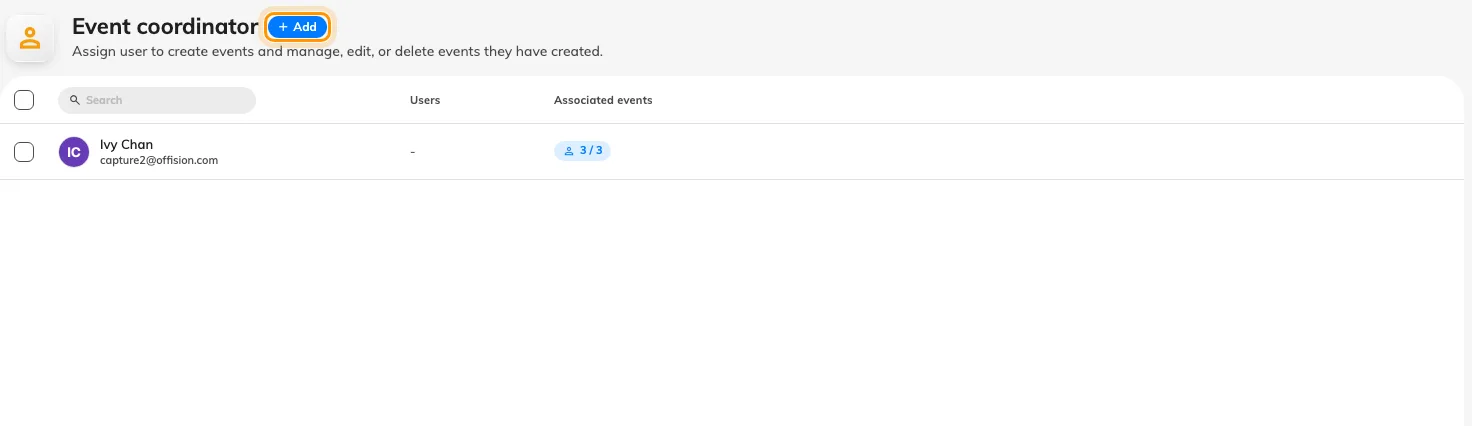
Add takes either people or whole user groups.
3. Make sure they hold a licence too
This is the step that catches people out. Creating an event needs the permission and an Event coordinator licence, and they are granted in different places. An account with one and not the other is refused at the same button with the same dialog, which is why “I gave them the permission and it still does not work” is the usual way this arrives.
The dialog itself names which half is missing, under What’s needed — Activity coordinator permission and Event coordinator capability are listed separately, and the one that is not ticked is the one to go and fix.
What this does not decide
- Who may edit an existing event. That is the event’s own team — its owner, its editors and its assistants — and it is set on the event, not here.
- How many events they may run. That is a licence limit on the whole company, not on the person.
- Whether anybody can see what they build. A published event still has to be opened to an audience — see internal and external events.
Check it worked
Ask the person to open Events in the app and start a new event. Reaching the form at all is the proof; if the permission dialog appears instead, read What’s needed and grant the half that is missing.