

Sort events into categories
Categories give an event a colour and an icon, group the programme for reporting, and are what somebody filters by on the public page.
A category is how an event is classified. Every event must have one — it is a required choice on the form, so nobody can create an event until at least one category exists.
That choice then does three things: it colours the event everywhere it appears, it is what people filter the public page by, and it is how the dashboard groups the programme.
Open Event categoryYou already have some
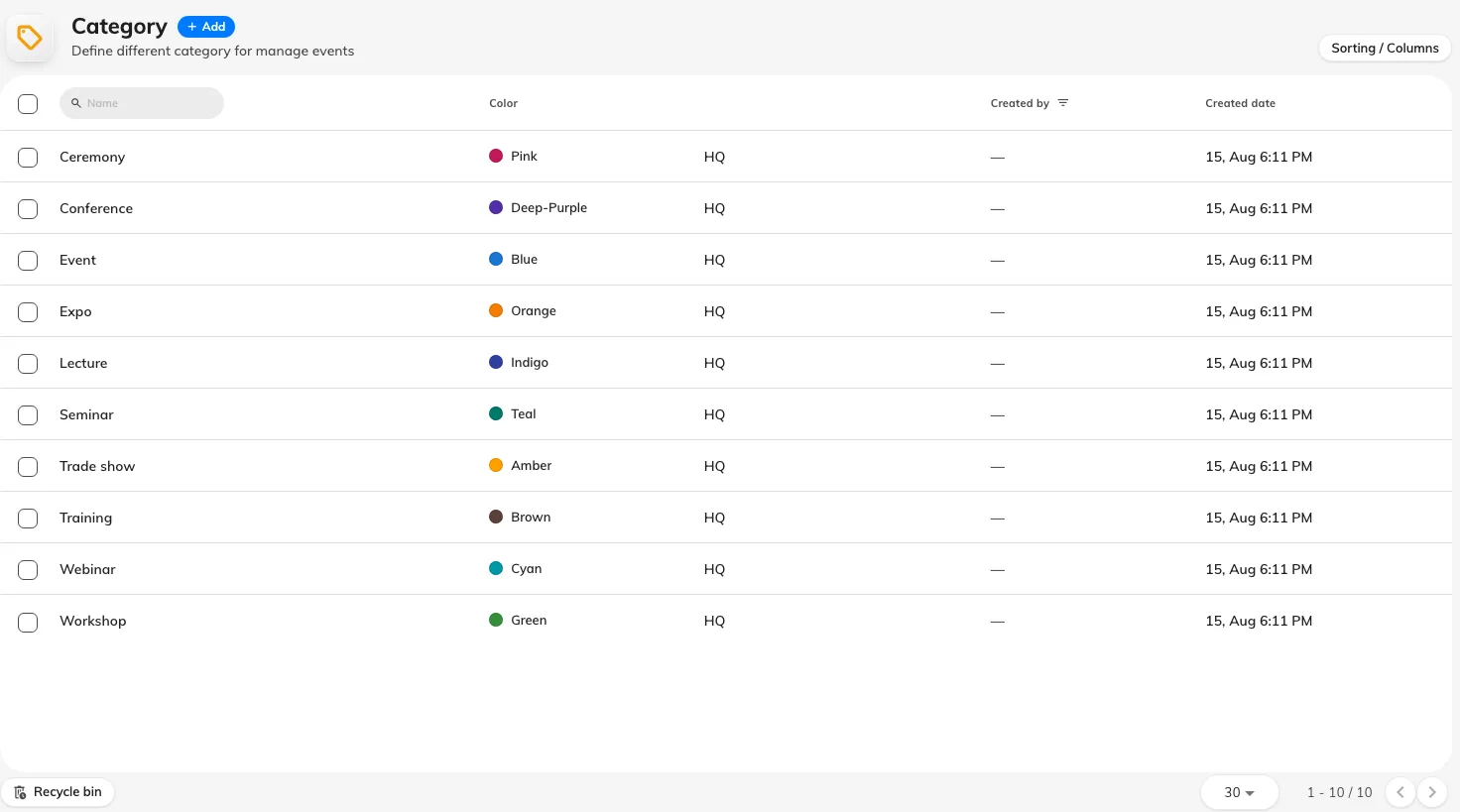
The categories a new Offision starts with.
A new Offision starts with a set already in place — Event, Lecture, Webinar, Seminar, Workshop, Conference, Trade show, Expo, Ceremony and Training — so the page is never empty and nobody is blocked from creating their first event.
Most companies edit that set rather than building one. Rename the ones that match what you actually run, and delete the ones you never will: ten categories on the public filter, eight of them unused, is worse than three that mean something.
What a category is made of
A category is deliberately small. It carries a name, a colour, an icon, and the branch it belongs to.
The colour and the icon are not decoration. They are what a category looks like on the public event page, in the app’s event list, and on the screens in the lobby — so pick colours that stay apart from each other at a glance and mean something to the people reading them, rather than picking a palette.
The branch decides which part of the company sees the category at all. On a single-site company, leave it alone.
Naming them for the reader, not the organiser
Categories are one of the few things in an event that an outsider sees, since they are the filter on the public list. Name them the way somebody outside your company would search — Training, not L&D FY26.
What this does not decide
- Whether an event is individual or a series. That is chosen on the event, each time, and a category does not constrain it.
- Who may see the event. Categories do not restrict anything; an event’s audience is set on the event.
- Anything about the registration form. Two events in the same category can ask completely different questions.
Check it worked
Create an event, give it the category, and publish it. The colour and icon should appear on the event in the console list — and if the event is visible to external participants, on its public page too.