

Fill in the event details
The description, speakers, requirements, tags and contact details — what each is for, and which of them your guests actually see.
Everything on Event info and Details is what somebody reads when deciding whether to come. None of it is required, and an event with none of it filled in looks exactly as thin as that sounds.
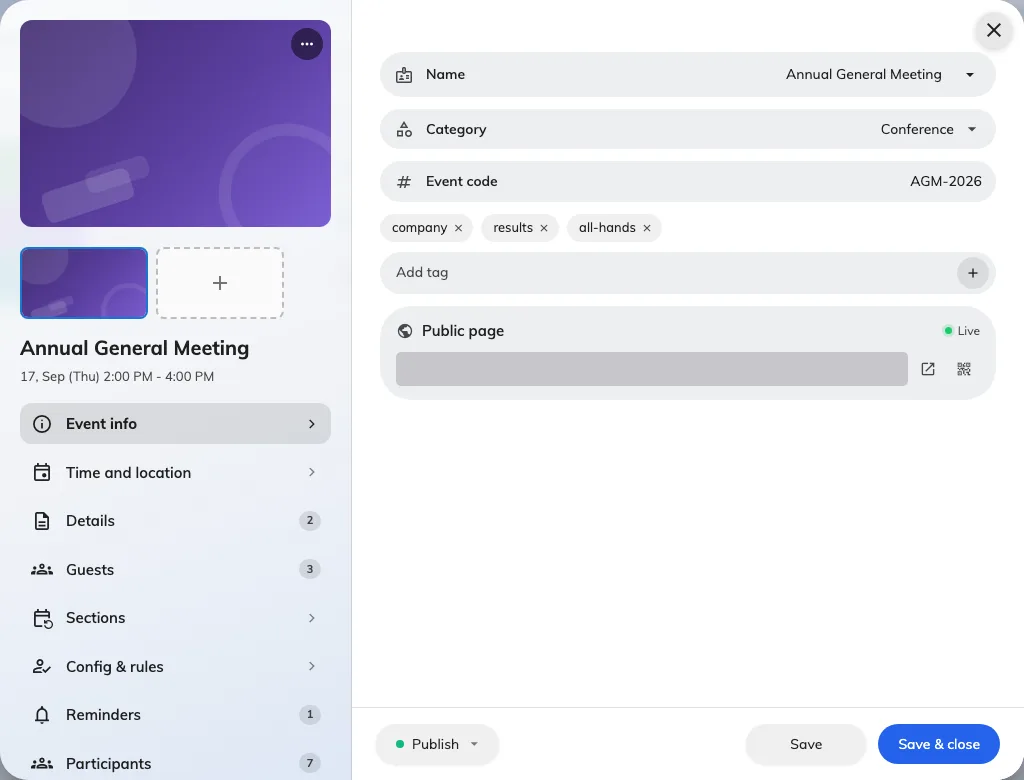
Event info: the name, category, code and tags, with the public link beneath them.
The poster
One image, used everywhere: the top of the public page, the screens in the lobby, and the banner on everybody’s wallet pass. It does more work than any other field here.
Description
The main body of the public page. Write the first line as though it is the only one anybody reads, because on a phone it very nearly is.
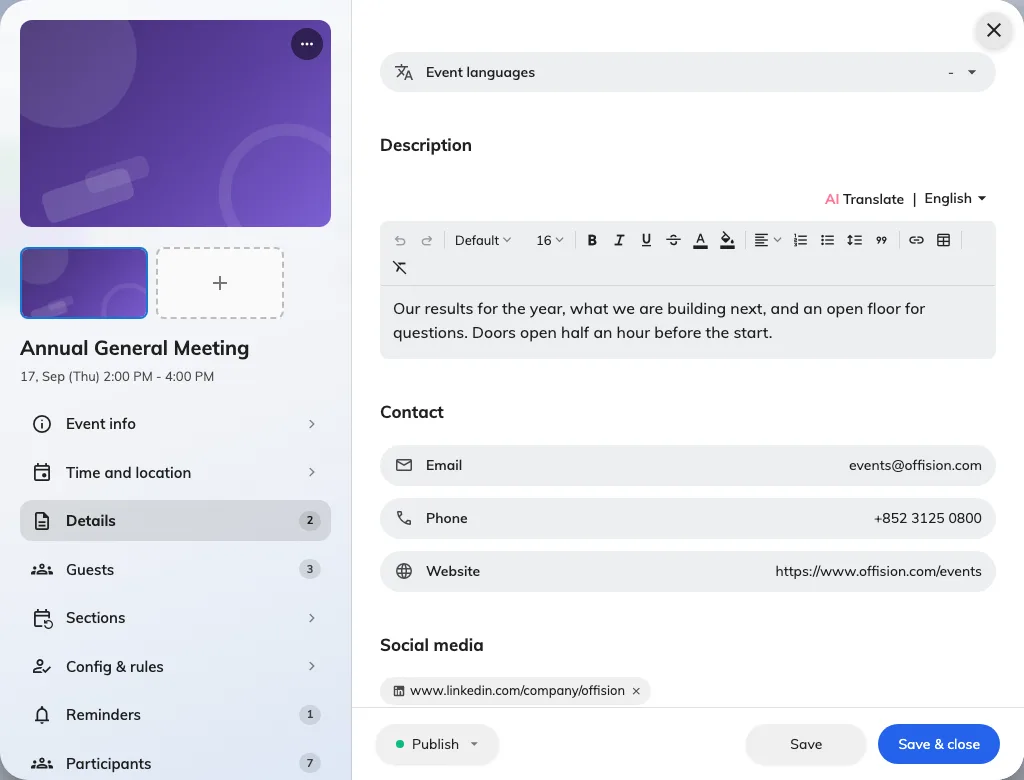
Details: the description, requirements and tags, all on one page of the rail.
Speakers and guests
Names, titles and photographs of whoever is presenting. They appear on the public page and on the event panels — which is why an email address on a guest is marked as being for contact only and is never shown.
Each guest carries a role: Organizer, Speaker, Moderator or plain Event guests.
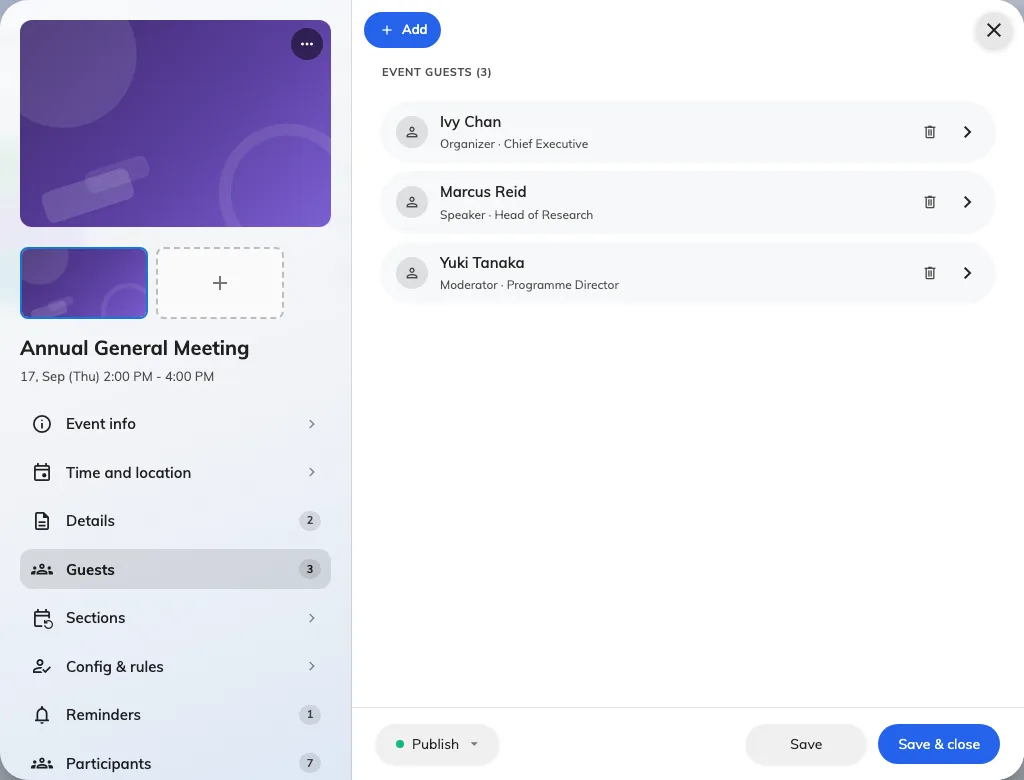
Speakers and guests: one row per person, each carrying a role.
Requirements
What somebody has to bring, know or do beforehand — a laptop, a prerequisite course, a dress code. These read as a short list rather than prose, so keep each one to a line.
Tags
Free-text labels for your own classification, beyond the single category. Useful when you run many events and want to group them your own way.
Contact information
An email address, a phone number and a website, shown to people who have questions. Put a monitored address here rather than your own if the event is large — this is published on a page anybody can reach.
Next
Add sections to a series event, or go straight to who your event is open to.