

Who your event is open to
Two audiences, set independently, each with its own switches and its own window — and an event open to neither is invisible to everybody.
Config & rules is where you decide who may sign up. It opens with one switch — Require registration — and then splits into two sides that are set completely independently.
Internal participant settings is your colleagues. External participant settings is everybody else.
An event can be open to one, to both, or — easily, by accident — to neither. That last case is the commonest reason an organiser reports that nobody can see their event: it was published, and never shown to anyone.
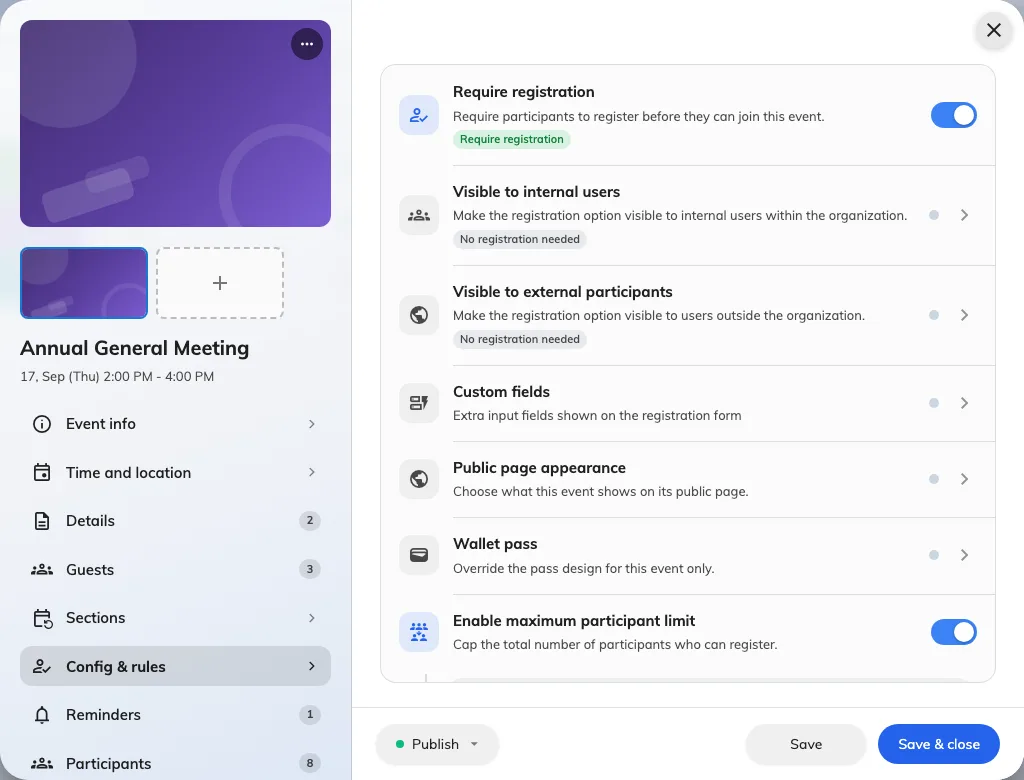
Config & rules: the two audiences are separate switches, each with a page behind it.
The two sides are not mirror images
Each side has the same three controls: whether that audience sees the event at all, whether they may sign themselves up, and a registration window of their own. The windows are genuinely separate, which is what lets external sign-ups close a week early while colleagues can still put their name down the night before.
Beyond those three, the external side carries things the internal side has no equivalent of.
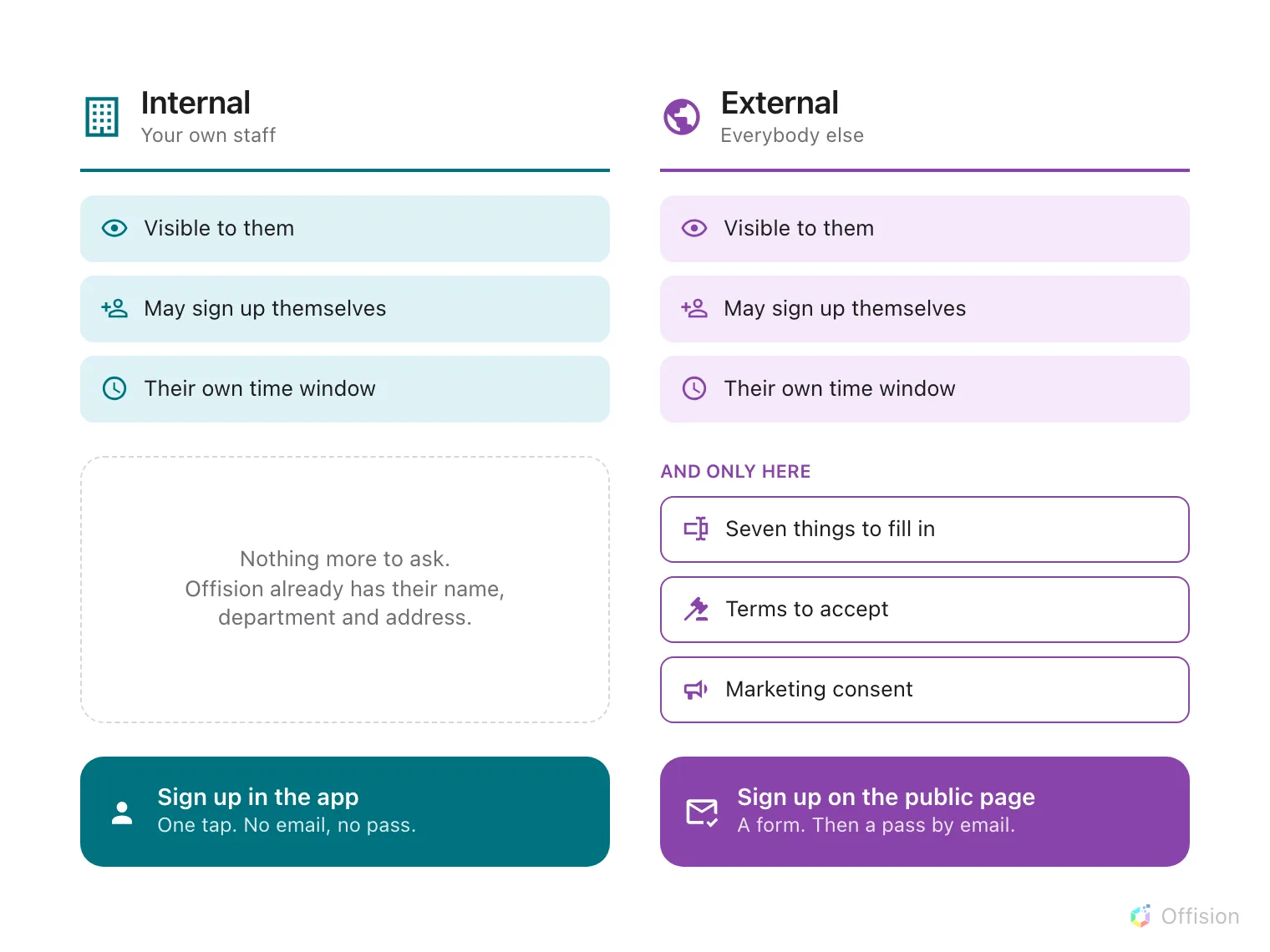
Internal is a strict subset of external: the same three switches, and none of the three below them.
The reason is worth knowing, because it explains the whole shape: a colleague is already a record in Offision, so there is nothing to ask them. An external registrant is a stranger typing into a form, so everything you need has to be asked for.