

Set when and where it happens
Two kinds of location, and why choosing a room here also books it.
Time and location is the editor page that answers where people are actually going. An event can have more than one location — a talk with a reception after it in another room is one event with two.
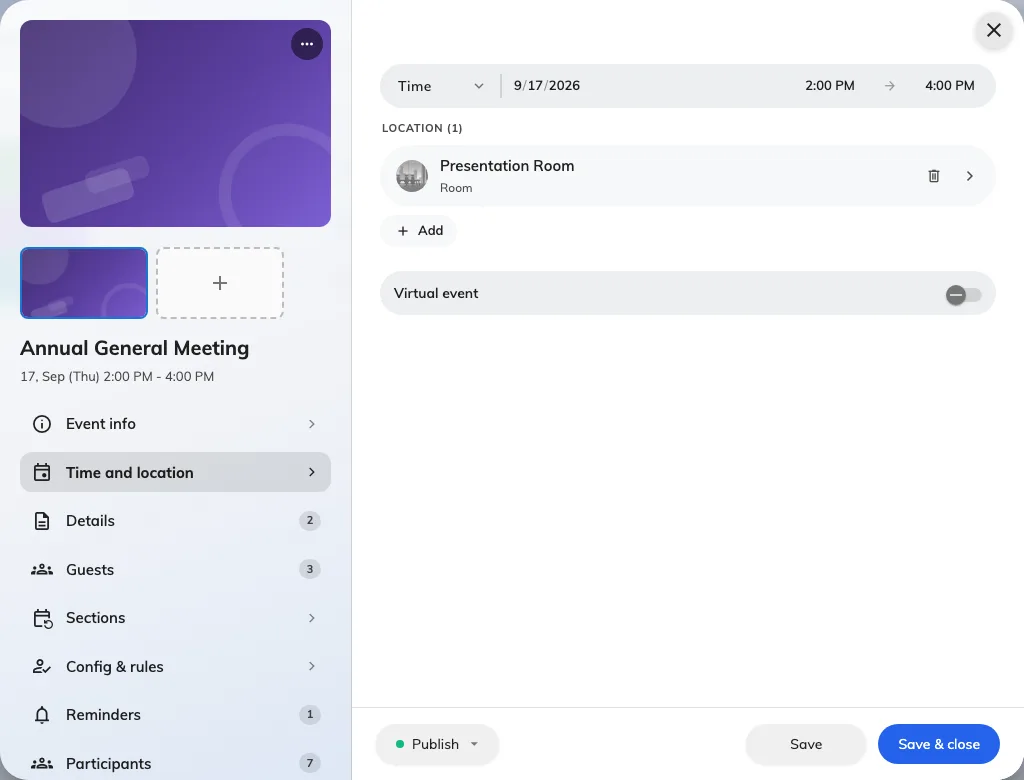
Time and location, with the room this event is held in.
The two kinds of location
Internal (room) picks one of your company’s own rooms.
External (Google map) drops a pin anywhere else — a hotel, a partner’s office, a conference centre.
Pick by where the event is, not by which is more convenient. The choice changes what people see: an internal room shows its building and floor and can be found on your floor plans, while an external location gives guests a map link.
Locations on a series event
Each section carries its own location, because the third week of a course is often somewhere else. Set a location on the event for the general case, then override the sections that differ.
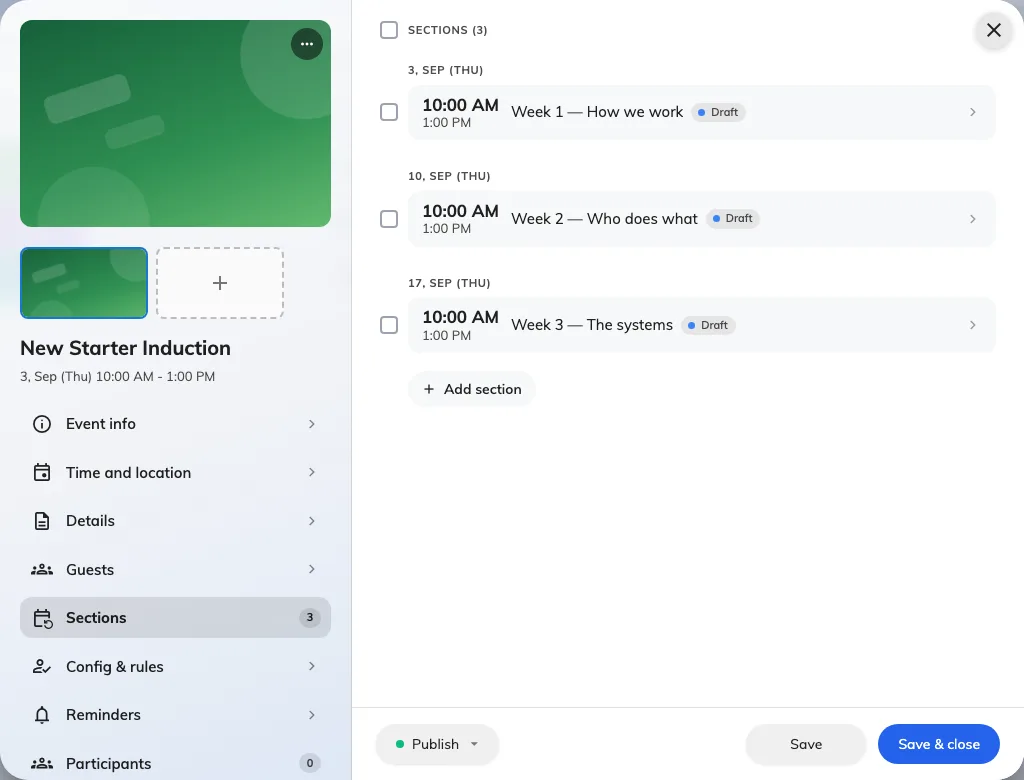
Three sections under one series, each carrying its own location and status.
The period
The start and end you set when creating the event live here too, along with All day for something that has no sensible clock time.
Times are in the location’s own time zone, which matters for anybody joining from elsewhere: an event in Hong Kong shows in Hong Kong time on the event, and in each person’s own time in their app.