

4.6.1
Booking hosts can manage their reservations, named polls show who answered, and visiting purposes can be tailored to each building.
Let hosts manage their bookings
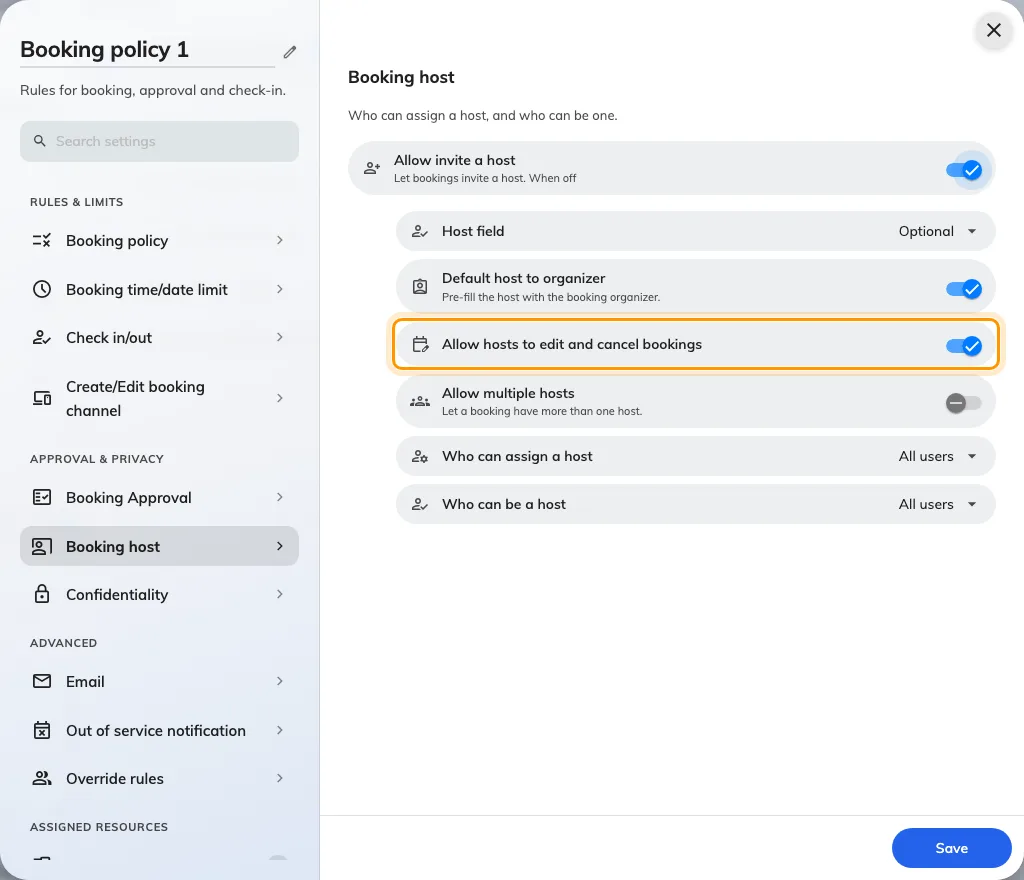
Hosts previously had to ask the organizer to change or cancel a reservation. In Booking › Booking policy › Booking host, Allow hosts to edit and cancel bookings now lets saved hosts manage it when every applicable policy permits; this setting is on for existing and new policies. Turn it off where hosts should run the meeting without managing its reservation. The original organizer stays the same, ordinary attendees gain no extra permission, and normal edit/cancel deadlines and re-approval rules still apply.
Read who gave each poll answer
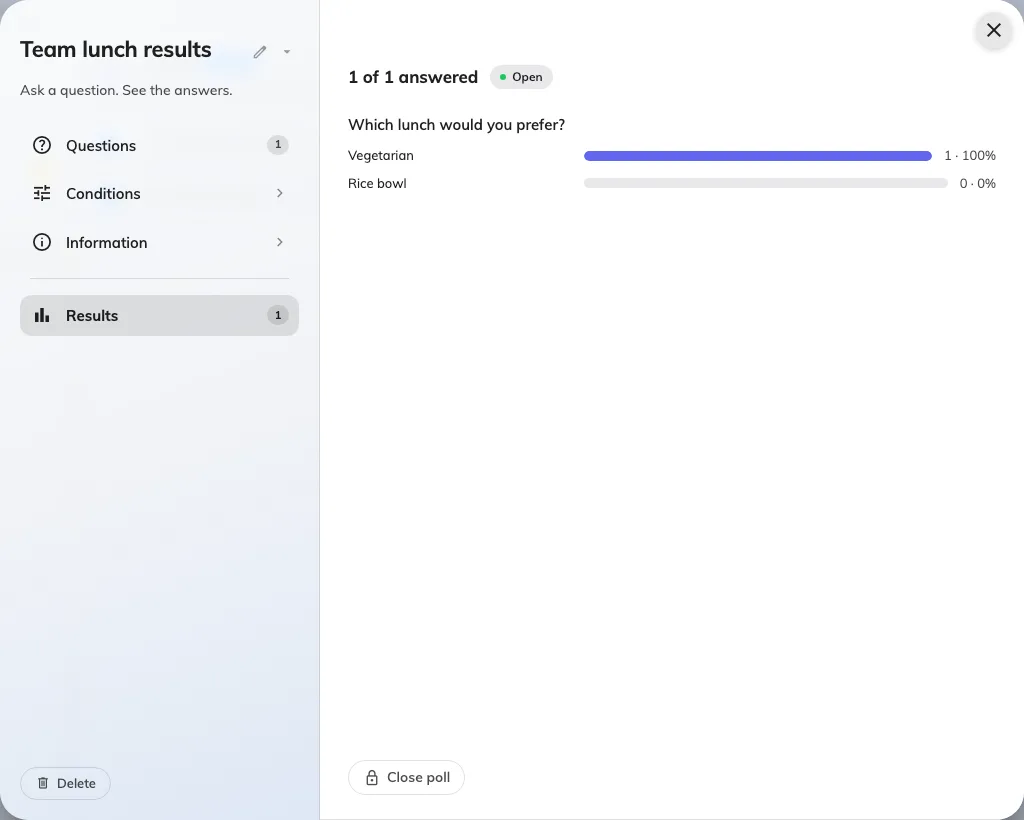
Named polls did not show respondents for every question type. With Announcement licensed and enabled, open Broadcast › Poll, select a poll and open Results to see respondents under each question. Select a choice or rating bar to filter that question’s respondents, or use Responses to read one person’s answers together. Anonymous polls continue to hide identities.
Choose visiting purposes for each building
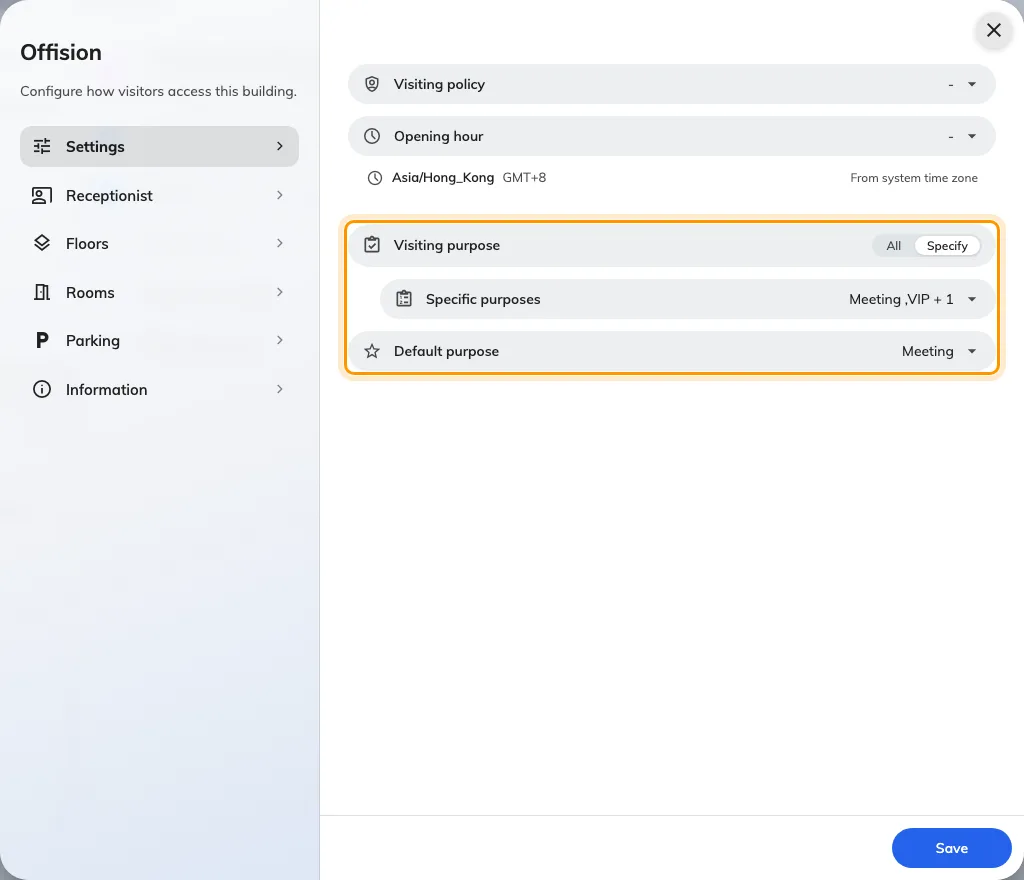
A shared visiting-purpose default could offer the wrong starting choice for a building. For buildings enabled for visitor invitations, open Visiting location, edit the building and use Settings to choose All or Specify, then choose an offered default or No default. With several purposes and no default, the person inviting or registering a visitor chooses; a sole available purpose is selected automatically. Building settings replace the former Set as default action on an individual purpose.
What changed
Broadcast
- Named poll results did not show respondents for every question type. Now we show who answered each question and let you filter by a choice or rating, when Announcement is licensed and enabled.
Booking
- Booking times could be hard to compare across time zones. Now we show the booking’s UTC offset and the same period in your current time zone when the offsets differ.
- Hosts previously had to ask the organizer to manage the reservation. Now saved hosts can edit and cancel when every applicable booking policy allows it; the permission is on by default for existing and new policies, and the usual booking restrictions still apply.
Visitor
- Each building previously shared the visiting-purpose default. Now you can choose the purposes offered at each building and its default in Visiting location, for buildings enabled for visitor invitations.
Fixes
- Panel Configuration searches could repeat results from nested settings in collapsed groups.