

4.5.10
New this release: time and weather on your boards, a floor plan you can turn and tilt, and a link from every device group to its module.
Show the time and weather on a board
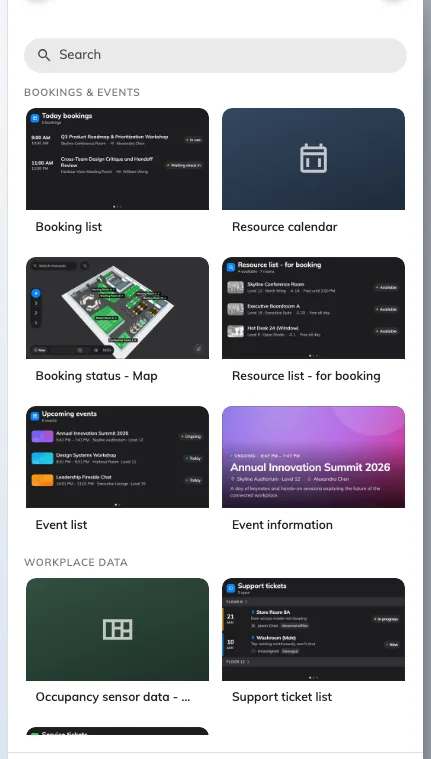
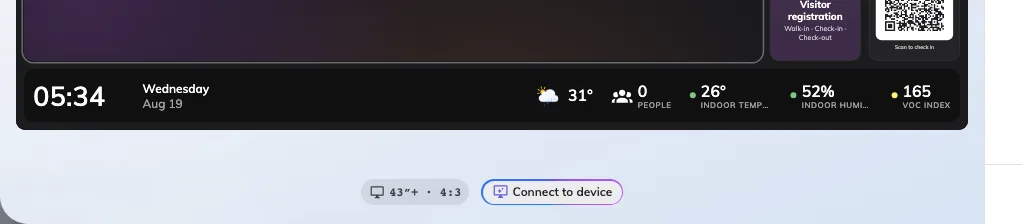
Your boards had no way to show the time or the weather, so people looked past them for a clock. Open a board in the Signage Content editor, click a text band along its edge, and choose Info bar from the widget picker. The bar carries the clock, today's date and the weather — and the weather follows the floor the board is on, or a city you name in its settings.
Turn and tilt the map
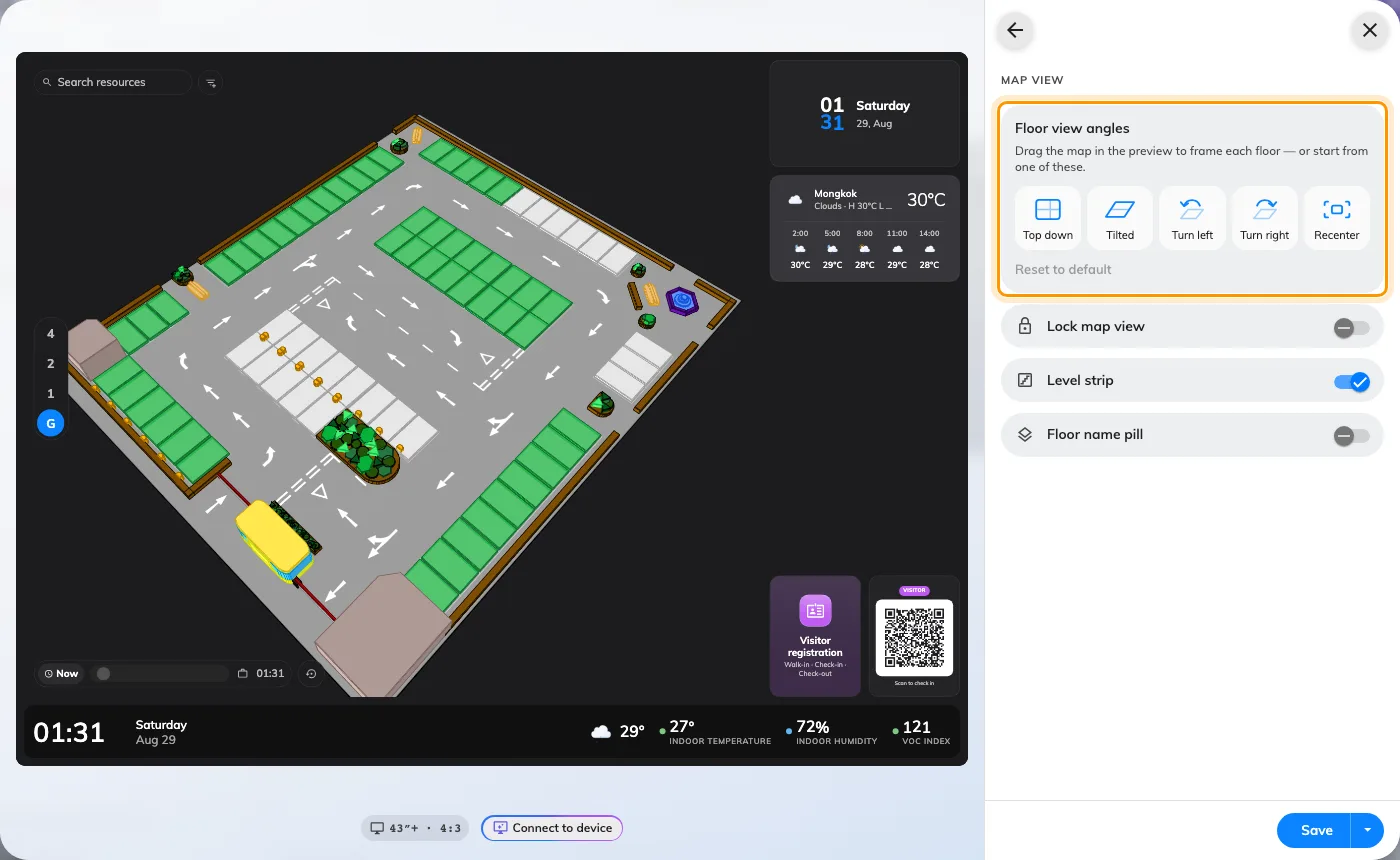
A map on a board always faced the same way, however your visitors approached it. Now you drag it in the preview to frame the floor by hand, or pick Top down, Tilted, Turn left or Turn right in its View section. Turn on Lock map view when the screen must never wander off the pose you chose.
Jump from Devices to the module
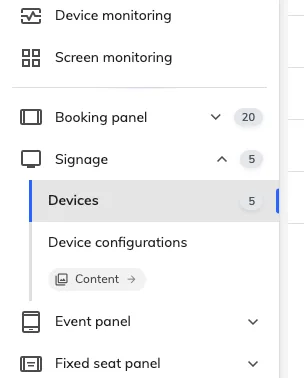
Getting from a device to the module it serves meant going back through the main menu and starting again. Every group in the Devices rail — booking panels, signage, event panels — now ends with a link to that module. One click takes you from a panel to the rooms it is mounted on, or from a signage device to its content.
Redesigned event pages
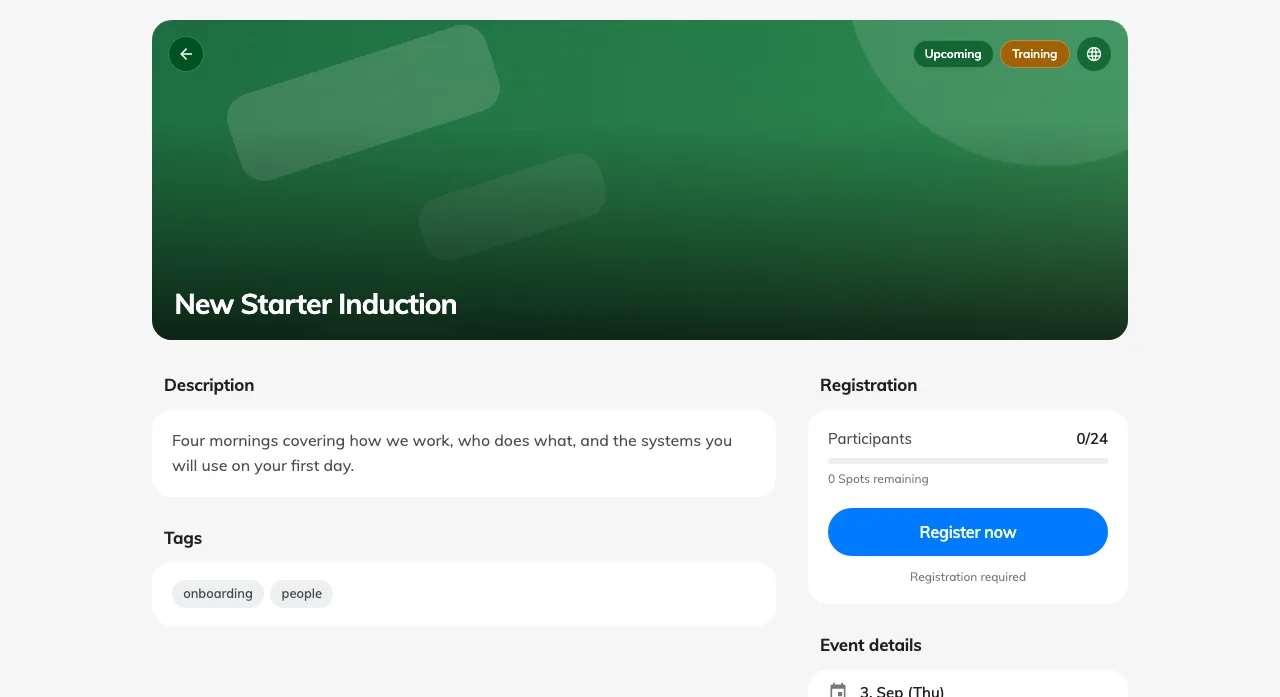
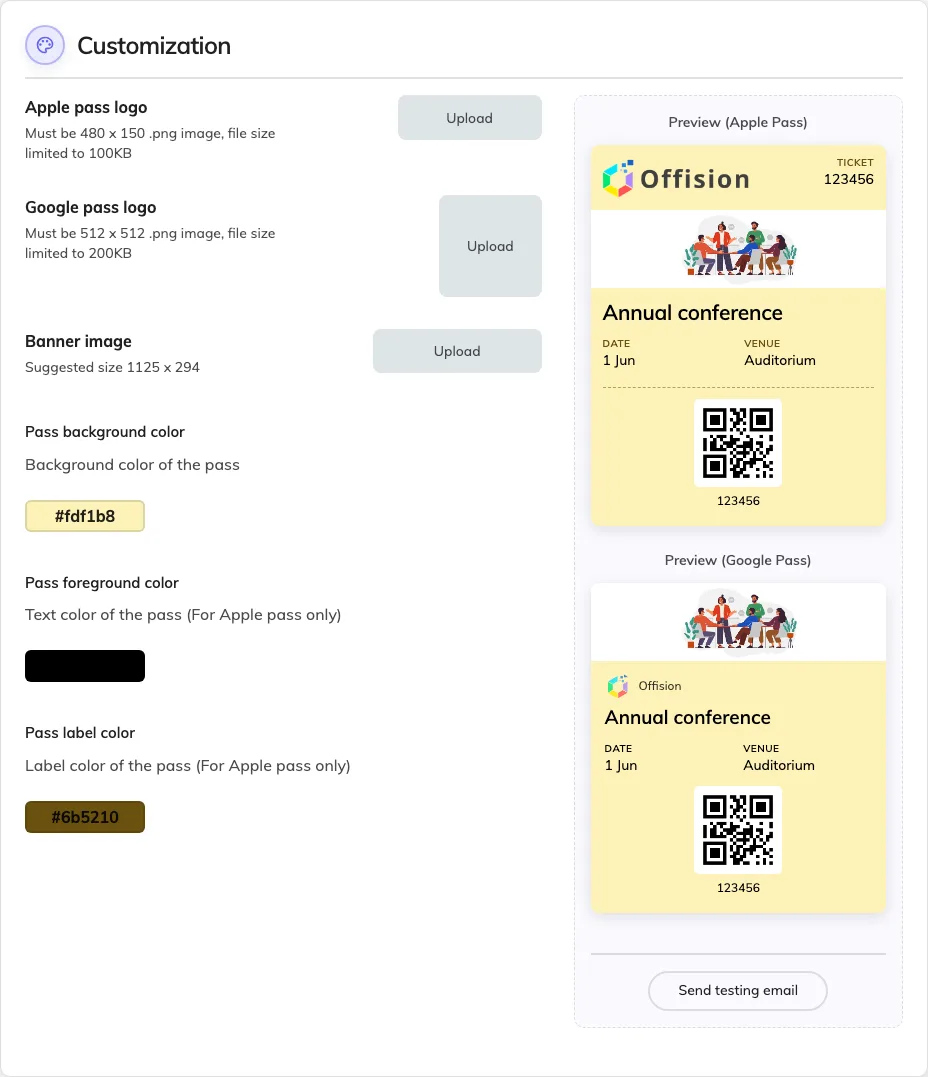
Your guests met a cramped page when they opened an event on their phone. We redrew the public event page, the registration form and the confirmation for small screens as much as desktops. The event's wallet pass is designed on Events › Wallet pass, where you choose the colours and the fields on the ticket once, for every event.
What changed
Signage
- Your boards had no way to show the time or the weather. The new Info bar widget carries both.
- The floor plan faced one fixed way, whichever corner your visitors came from. You can now drag it to turn and tilt the view.
- Framing a floor by hand was fiddly to repeat on the next board. Preset buttons now set the angle for you.
Device
- Getting from a device to the module it serves meant a trip back through the main menu. Each group now links you straight there.
Event
- Your guests met a cramped page on their phones. We redrew the event page, the registration form and the confirmation for small screens.