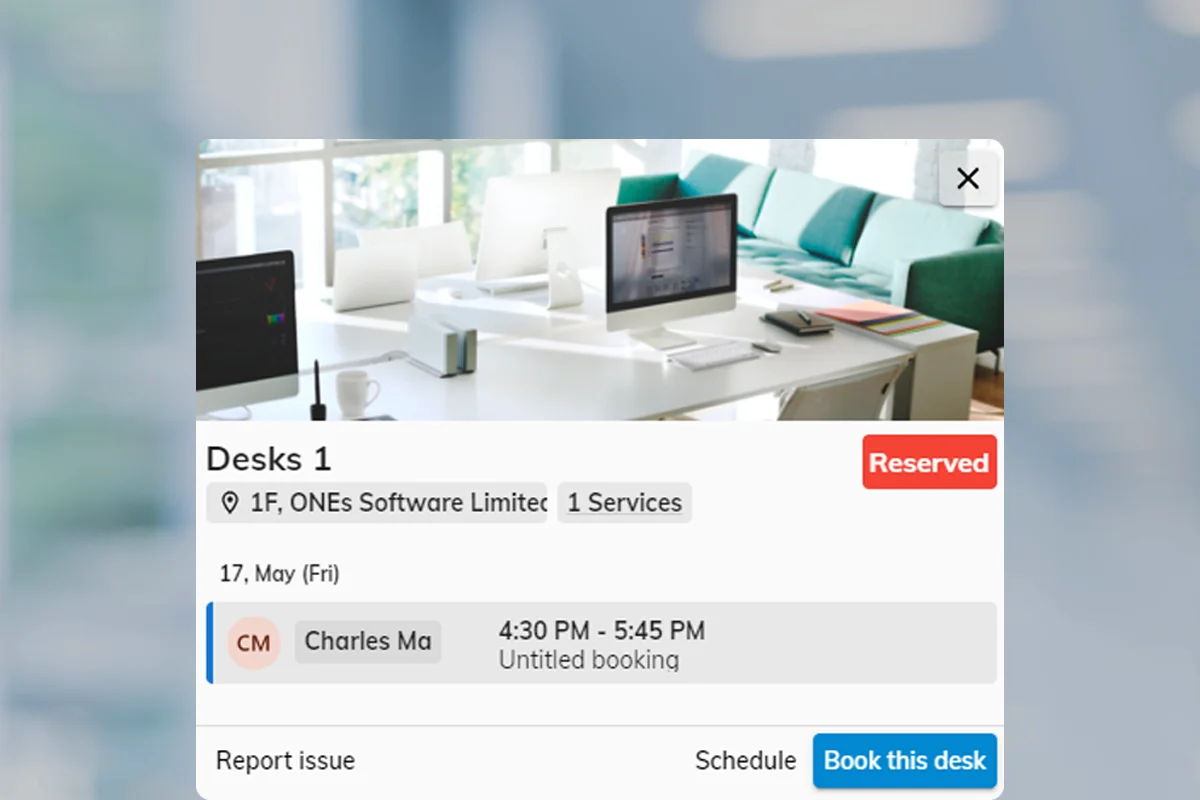
A policy for every booking problem.

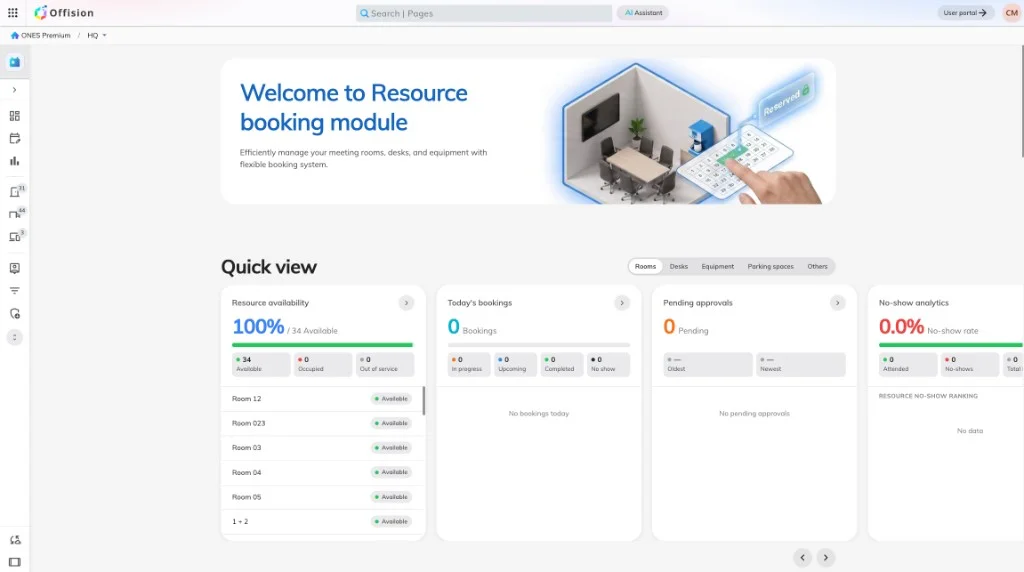
Resource policies are the rules a room, desk or piece of equipment carries — check-in, how far ahead people may book, who may use it, and what happens when someone breaks the rules. Build a set once, assign it by purpose, not one size for the whole campus.

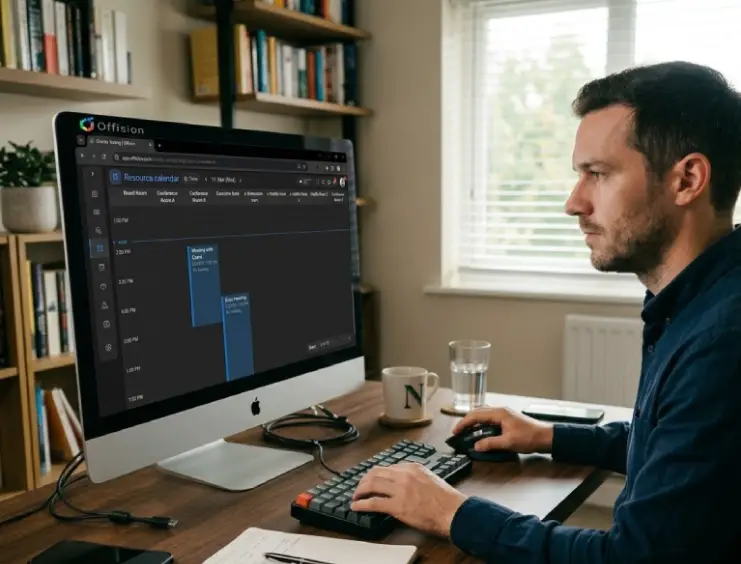
Administrator reviewing resource booking policies and date-range limits on a laptop dashboard

Resource policy

One template per purpose

Overview

One resource, one policy.

A boardroom, hot desk and loaner kit can each carry a different policy. Booking windows, approvals and check-in live on the policy you assign — not as rumoured rules in someone's inbox.

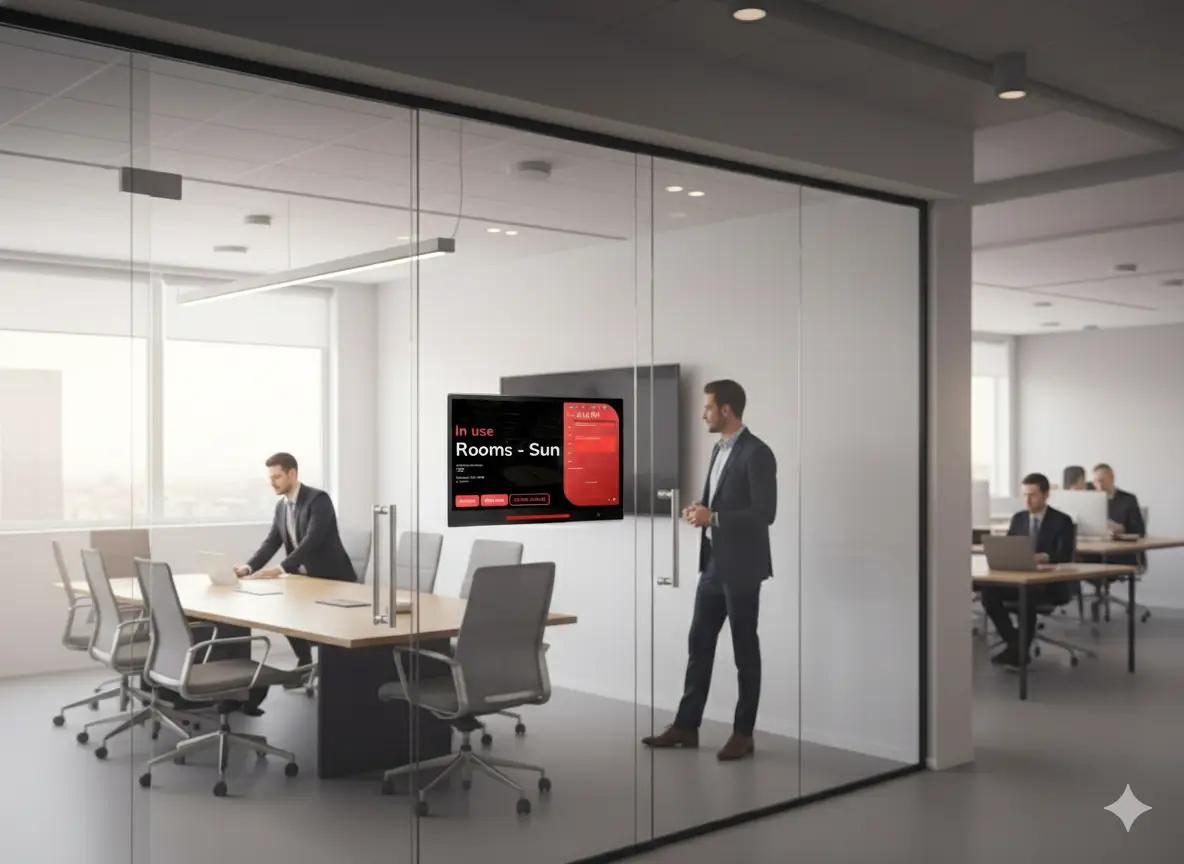
Check-in at the room door on a booking panel
Check-in policy

Release rooms that stay empty

Ghost bookings waste prime space. A check-in policy makes people confirm within a window — or releases the room automatically when no one arrives, including via occupancy sensors.

  • Require check-in — turn on to enforce attendance confirmation
  • Check-in window — set minutes before and after the booking start time
  • Auto check-in by occupancy sensor — hands-free detection via IoT sensor
  • Allow early check-out & extend — let users end early or extend on-site

Pro tip: Pair check-in with occupancy sensors for fully automatic detection — no tapping required.

Read: rooms booked but empty
Booking form showing advance date-range limits on a calendar
Booking window policy

Cap how far ahead people may book

When everyone shares one horizon, prime slots disappear early. Date-range limits on the policy cap advance booking, session length and total hours — with longer windows for staff groups where you need them.

  • Booking period limit — restrict bookings from day X to day Y (e.g. 0–30)
  • Min / max booking duration — set minimum and maximum minutes per booking
  • Limit per-period booking time — cap total hours a user can book per week or month
  • Edit / delete deadline — prevent last-minute changes before booking starts

Pro tip: A 14–30 day advance booking window works well for most office resources.

Read: staff and students need different windows
Admin console showing team and authorization settings for a room
Authorization policy

Control who may book and who may only view

Not every resource should be open to everyone. Authorization on the policy defines who can book, who can read the schedule, and who is blocked — by user or group.

  • Default permission — set the base access level (allow / read-only / block)
  • Team members — specify users or groups who can book the resource
  • Read-only members — users who can see the schedule but cannot book
  • Block users or groups — explicitly deny access to specific people

Pro tip: Use read-only for transparency — users can see when rooms are occupied without being able to book them.

Meeting room booking panel showing a pending approval state
Approval policy

Review high-impact bookings before they land

For costly or high-capacity rooms, add an approval step. Reviewers approve or reject — with conditional triggers so routine bookings still go through instantly.

  • Require approval — all bookings need review, or enable conditional mode
  • Conditional triggers — by duration, room capacity %, recurrence, all-day, or service requests
  • Auto-reject — automatically reject if no one approves within X days
  • Block timeslot — hold the time slot while the booking is pending approval

Pro tip: Use conditional approval to only review bookings that exceed capacity or duration thresholds — keeps routine bookings frictionless.

Room display showing limited meeting details for privacy
Confidentiality policy

Hide what passers-by should not see

Room panels and signage can expose sensitive topics. Confidentiality settings control what non-participants see — from organiser only to fully hidden.

  • Hide all booking details — only show that the room is occupied
  • Show organiser name only — reveal who booked but hide the meeting topic and attendees
  • Information presentation level — applied across User App, Booking Panel, and Signage

Pro tip: Show organiser only strikes a good balance between privacy and helping people find the right room.

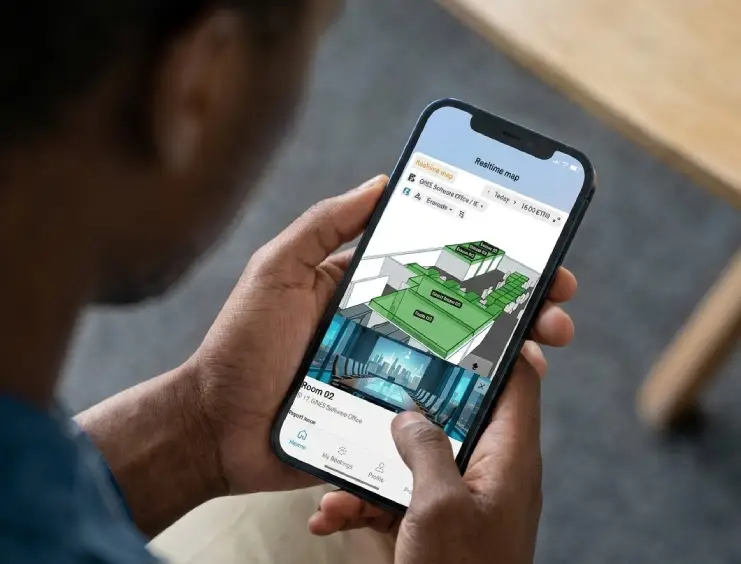
Employee booking a room from the mobile user app
Channel policy

Choose where bookings are allowed

Offision supports the user app, admin console, booking panels and floor displays. Channel settings on the policy enable or disable each interface per resource.

  • User App — allow or disable booking from the mobile / web app
  • Admin Console — allow booking managers to create bookings on behalf of users
  • Booking Panel & Signage — allow walk-in bookings from the room display
  • Floor Display — allow bookings directly from the floor map display

Pro tip: Disable walk-in panels for high-demand rooms that should only be reserved in advance.

Desk booking policy assigned to resources in the admin console
Setup

Create, assign, refine.

Policies are reusable templates. Create one per purpose, attach them to resources, then use groups and overrides where one room needs an exception.

  • 1Create a policy — Name the purpose — ghost bookings, boardroom access, student window — and turn on the settings that fix it.
  • 2Assign to resources — Attach the policy to rooms, desks or equipment. Each resource carries exactly one default policy.
  • 3Add group overrides — Staff, students and booking managers can see different windows or permissions on the same room without duplicating resources.
See room booking
Fine control

When the basics need another layer

Beyond the six common pains, policies also carry overlap rules, walk-in-only mode, terms and conditions, and sensor automation.

Recurring and cross-day bookings

Allow or block recurring, all-day and multi-day bookings per policy — so labs and hot desks behave differently.

Walk-in only

Restrict a resource to on-site walk-in booking — advance reservations disabled entirely.

Overlap behaviour

Allow overlapping bookings, block within the same policy, or block globally — your call per resource type.

Terms and conditions

Require users to accept terms or a custom message before a booking confirms.

Override rules

Give organizers, booking managers or specific groups exceptions to the default policy.

Occupancy sensors

Auto check-in when presence is detected and auto check-out when the room empties.

FAQ

Common questions

Need help matching policies to your rooms, desks or campus rules?

A resource booking policy is a reusable template of rules for how a room, desk or piece of equipment may be booked — check-in, advance windows, authorization, approval, confidentiality and channels. You create policies in the admin console and assign one to each resource.

Yes. Create a policy per purpose — check-in for open meeting rooms, a short student window for study spaces, authorization for the boardroom — and assign each to the resources that need it.

Restrictive settings such as disabling recurring or all-day booking apply conservatively. Time and date limits follow each resource's own policy.

Overrides let specific groups or booking managers bypass a default limit — for example a longer advance window for staff on the same room where students stay on seven days.

Yes. Conditional approval triggers on duration, capacity, recurrence, all-day bookings or attached services — routine bookings confirm instantly; only the exceptions need review.

Ready to match policies to your pain points?

Start with the symptom, assign the policy, and let Offision enforce the rules automatically.

Get Started Free