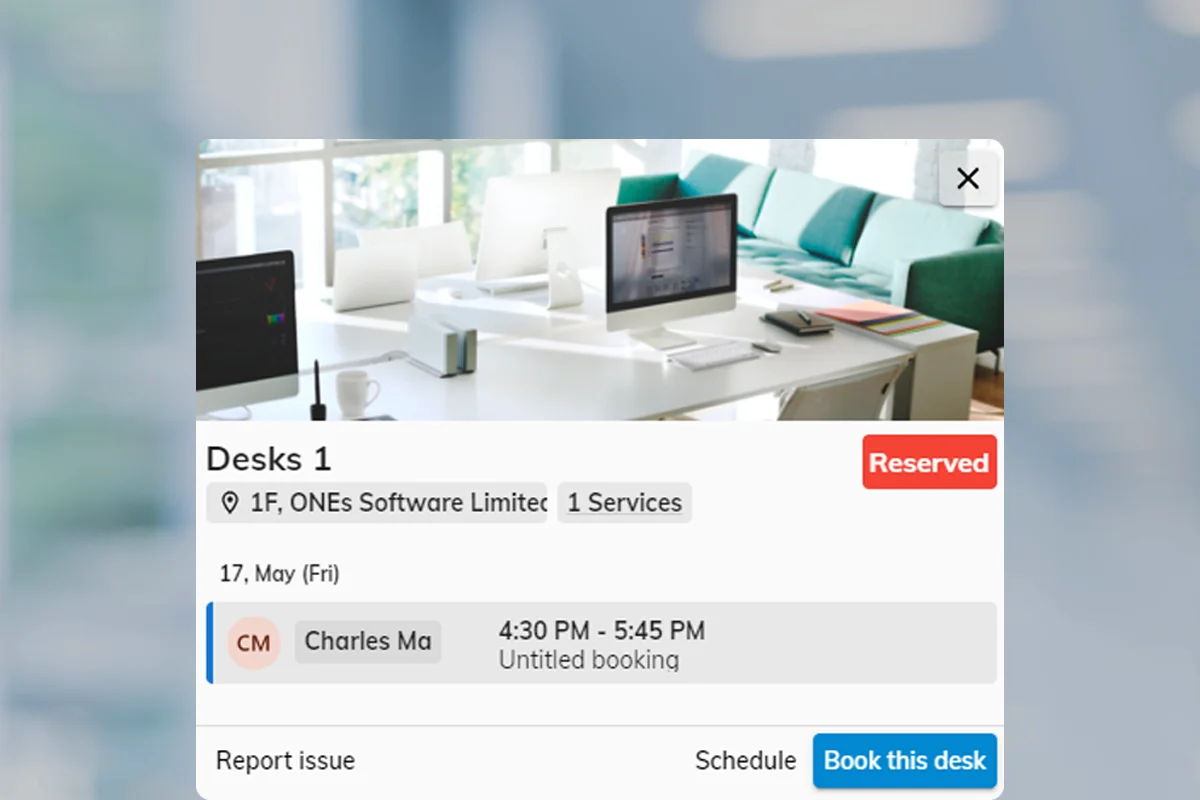
Resource policies are the rules a room, desk or piece of equipment carries — check-in, how far ahead people may book, who may use it, and what happens when someone breaks the rules. Build a set once, assign it by purpose, not one size for the whole campus.
Resource policy
One template per purpose
A boardroom, hot desk and loaner kit can each carry a different policy. Booking windows, approvals and check-in live on the policy you assign — not as rumoured rules in someone's inbox.
Pick the problem that sounds like your workplace. Each card maps to a policy purpose you configure once and assign to the resources that need it.
Check-in policy
Booking window policy
Authorization policy
Approval policy
Confidentiality policy
Channel policy
Ghost bookings waste prime space. A check-in policy makes people confirm within a window — or releases the room automatically when no one arrives, including via occupancy sensors.
Pro tip: Pair check-in with occupancy sensors for fully automatic detection — no tapping required.
Read: rooms booked but emptyWhen everyone shares one horizon, prime slots disappear early. Date-range limits on the policy cap advance booking, session length and total hours — with longer windows for staff groups where you need them.
Pro tip: A 14–30 day advance booking window works well for most office resources.
Read: staff and students need different windowsNot every resource should be open to everyone. Authorization on the policy defines who can book, who can read the schedule, and who is blocked — by user or group.
Pro tip: Use read-only for transparency — users can see when rooms are occupied without being able to book them.
For costly or high-capacity rooms, add an approval step. Reviewers approve or reject — with conditional triggers so routine bookings still go through instantly.
Pro tip: Use conditional approval to only review bookings that exceed capacity or duration thresholds — keeps routine bookings frictionless.
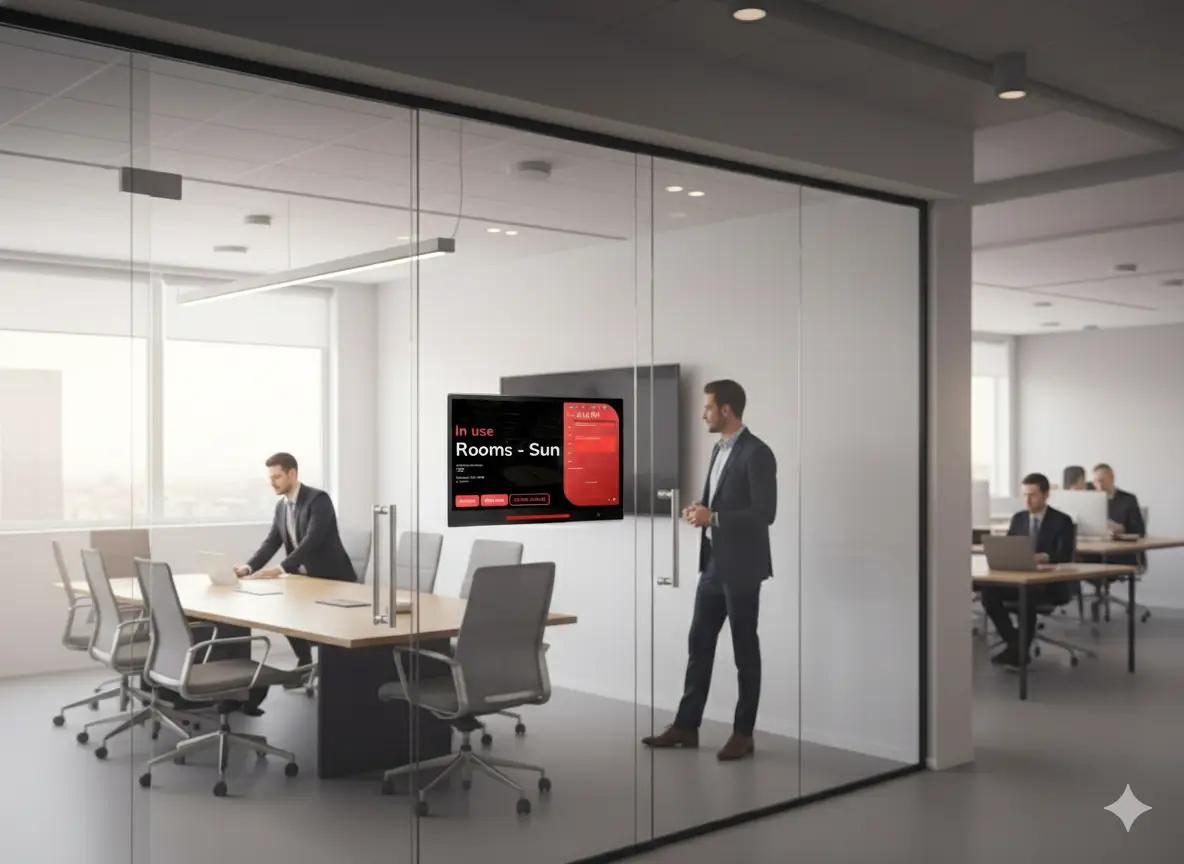
Room panels and signage can expose sensitive topics. Confidentiality settings control what non-participants see — from organiser only to fully hidden.
Pro tip: Show organiser only strikes a good balance between privacy and helping people find the right room.
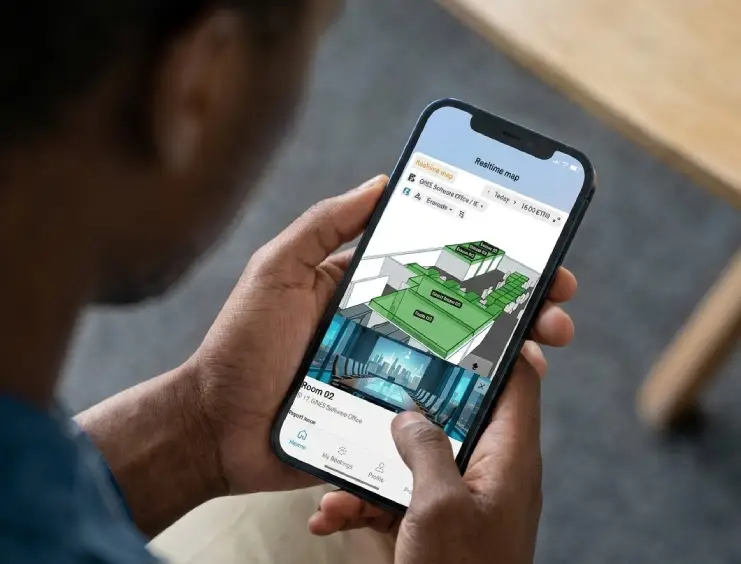
Offision supports the user app, admin console, booking panels and floor displays. Channel settings on the policy enable or disable each interface per resource.
Pro tip: Disable walk-in panels for high-demand rooms that should only be reserved in advance.
Policies are reusable templates. Create one per purpose, attach them to resources, then use groups and overrides where one room needs an exception.
Beyond the six common pains, policies also carry overlap rules, walk-in-only mode, terms and conditions, and sensor automation.
Allow or block recurring, all-day and multi-day bookings per policy — so labs and hot desks behave differently.
Restrict a resource to on-site walk-in booking — advance reservations disabled entirely.
Allow overlapping bookings, block within the same policy, or block globally — your call per resource type.
Require users to accept terms or a custom message before a booking confirms.
Give organizers, booking managers or specific groups exceptions to the default policy.
Auto check-in when presence is detected and auto check-out when the room empties.
Need help matching policies to your rooms, desks or campus rules?
A resource booking policy is a reusable template of rules for how a room, desk or piece of equipment may be booked — check-in, advance windows, authorization, approval, confidentiality and channels. You create policies in the admin console and assign one to each resource.
Yes. Create a policy per purpose — check-in for open meeting rooms, a short student window for study spaces, authorization for the boardroom — and assign each to the resources that need it.
Restrictive settings such as disabling recurring or all-day booking apply conservatively. Time and date limits follow each resource's own policy.
Overrides let specific groups or booking managers bypass a default limit — for example a longer advance window for staff on the same room where students stay on seven days.
Yes. Conditional approval triggers on duration, capacity, recurrence, all-day bookings or attached services — routine bookings confirm instantly; only the exceptions need review.
Start with the symptom, assign the policy, and let Offision enforce the rules automatically.