Select another country/region to browse the content applicable to your location.
Policy Guide

Resource Policy Guide

Resource policies are configurable rules that govern how your workspace resources are booked, used, and managed. Explore real scenarios to find the right settings for your organisation.

Policy Settings
Check-in required within 15 mins
Booking limited to 14 days ahead
Manager approval for large rooms
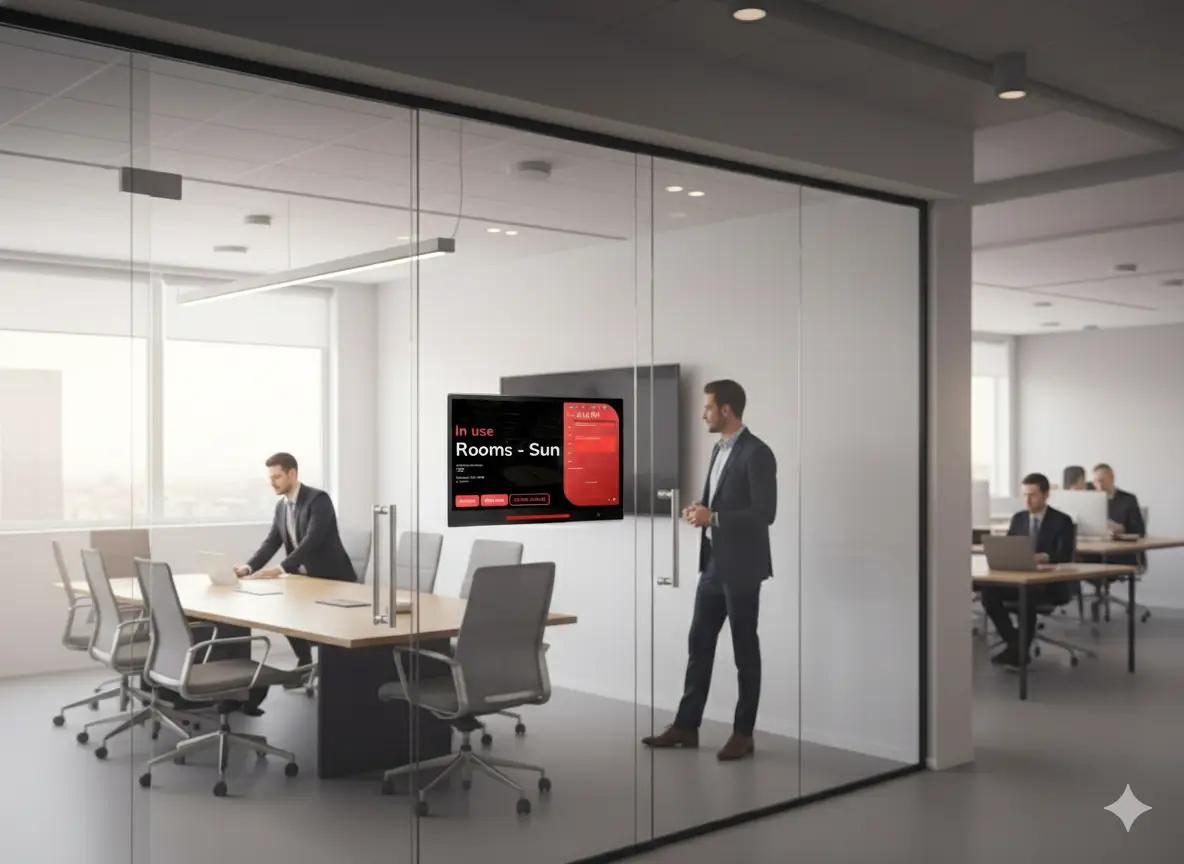
Meeting details hidden on display

Why use resource policies?

Policies let you automate workplace rules, reduce wasted space, and ensure fair resource usage — without manual enforcement.

Reduce No-Shows

Check-in policies automatically release rooms that are booked but unoccupied, freeing space for others who need it.

Control Access

Authorization settings restrict who can book, view, or manage specific resources — perfect for executive rooms or sensitive areas.

Streamline Approvals

Approval workflows ensure high-demand or costly resources are reviewed by the right people before being confirmed.

Real Cases

What challenge are you facing?

Click a scenario below to discover which policy settings solve it.

Rooms are always booked but nobody shows up

Check-in Policy

People book rooms months in advance, blocking everyone

Time & Date Limits

Only certain teams should use the executive boardroom

Authorization

Large meetings need manager approval before confirmation

Booking Approval

Meeting details are visible to everyone on the room display

Confidentiality

We can’t control which channels people book from

Booking Channels
More Capabilities

Additional Policy Settings

Beyond the core scenarios, resource policies offer even more fine-grained controls.

Recurring / All-day / Cross-day Control

Toggle whether users can create recurring, all-day, or multi-day bookings for resources under this policy.

Walk-in Only Mode

Restrict a resource to on-site walk-in booking only — advance reservations are disabled entirely.

Overlap Booking Behaviour

Control whether a user can have overlapping bookings — allow freely, block within the same policy, or block globally.

Terms & Conditions

Require users to read and accept terms and conditions or a custom message before their booking is confirmed.

Override / Exception Rules

Create special rules for organizers, booking managers, or specific user groups that override the default policy.

Occupancy Sensor Integration

Auto check-in when continuous presence is detected, and auto check-out when the room empties for a set duration.

FAQ

Frequently Asked Questions

A resource booking policy is a collection of rules that govern how a workspace resource — such as a meeting room, desk, or equipment — can be booked and used. It covers check-in requirements, time limits, approval workflows, authorization, confidentiality, and more. You create policies in the admin console and assign them to resources.

Yes. You can create multiple policies and assign each one to different resources. For example, executive boardrooms might have an approval-required policy with team-only access, while open meeting rooms use a simpler policy with no approval and open access.

When a booking spans multiple resources with different policies, certain restrictive settings (like disabling recurring or all-day booking) default to off. Time and date limits are applied per-resource based on each resource’s own policy.

Override rules let you create exceptions to the default policy for specific conditions. For example, you can allow booking managers to bypass the advance-booking limit, or give organizers special check-in windows. Overrides are applied based on the user’s role (organizer or booking manager) or specific user/group assignments.

Yes. Conditional booking approval lets you define triggers — such as booking duration exceeding a threshold, attendee count being below a capacity percentage, all-day bookings, recurring bookings, cross-day bookings, or bookings that include service requests. Only bookings that meet one or more conditions require approval; the rest go through instantly.

Still have questions?

Our team is ready to help you configure the perfect policy for your workspace.

Ready to set up your resource policies?

Start configuring booking rules, check-in requirements, and approval workflows — all from one platform.