Neat
Neat
 Crestron






 1
1
Set up a smart workspace
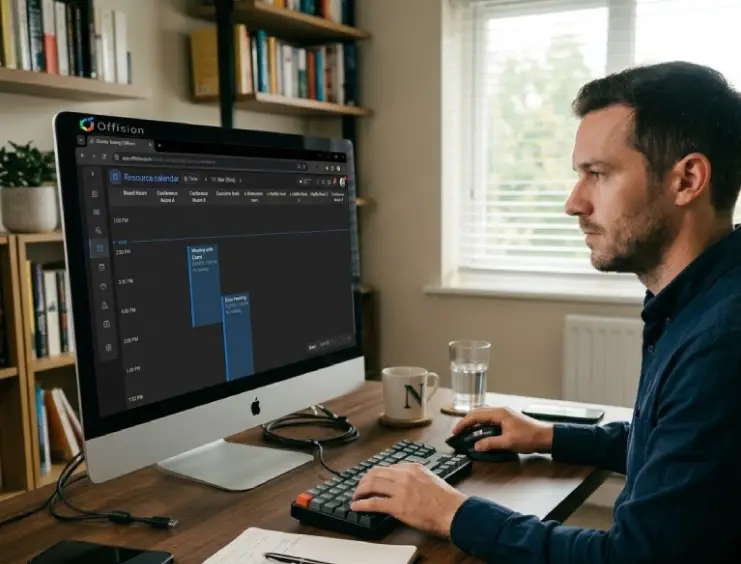
Model desks and floors once. Sync calendars with Microsoft 365 and Google Workspace.
Desk Booking
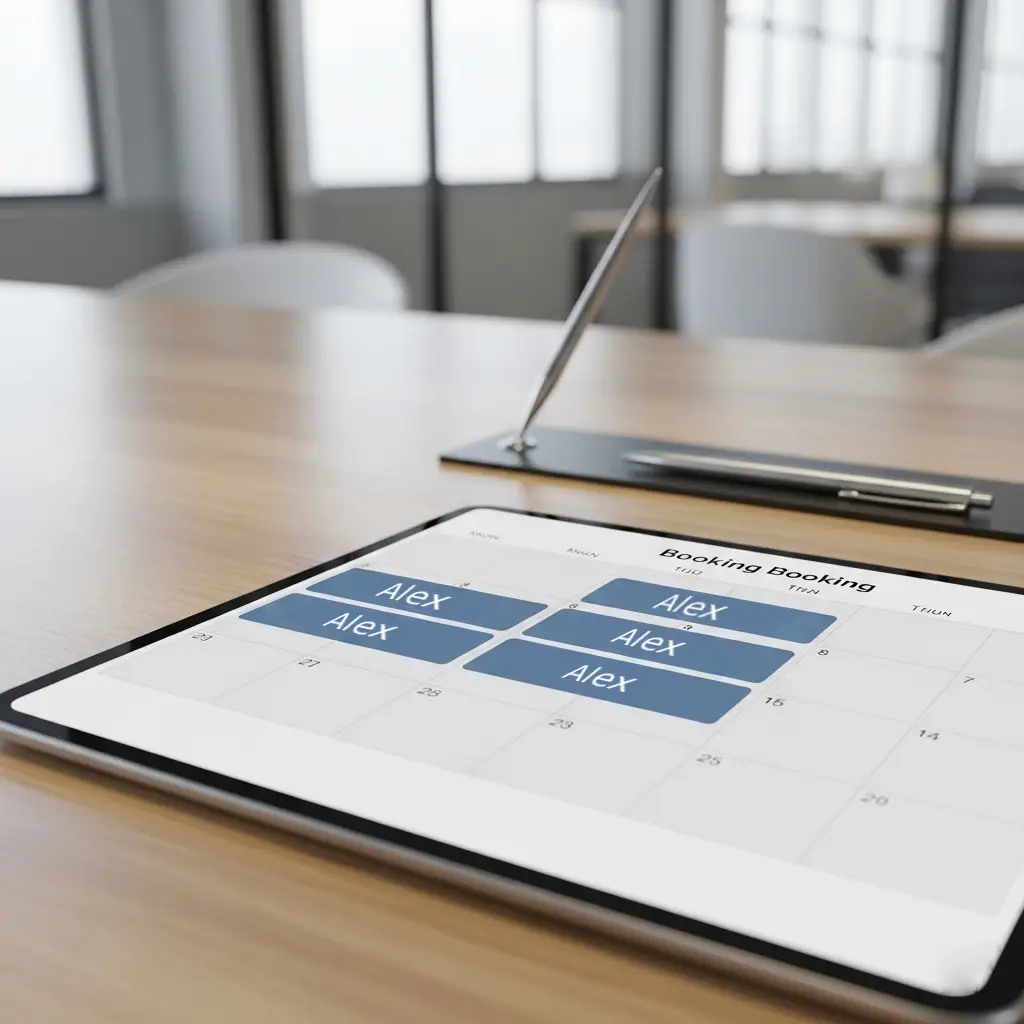
Provide a more agile office by introducing a digital desk booking and scheduling function. Assist users in reserving a workspace easily via a few touches on mobile.
Part of the Offision smart office platform — Learn about the smart office platform
Desk booking software lets employees find, reserve, and check in to shared or assigned workstations from web, mobile, or on-site devices—using live floor plans, calendar sync, and rules that prevent double bookings. Offision connects desk inventory, hybrid policies, and workplace analytics in one platform.
Hot desking — Unassigned desks booked for the day or a time slot, then released when done—built for hybrid schedules and fewer empty seats.
Office hoteling (hotel desk) — A specific unassigned desk reserved in advance for one or more days—like booking a room—so people and teams can plan ahead by zone.
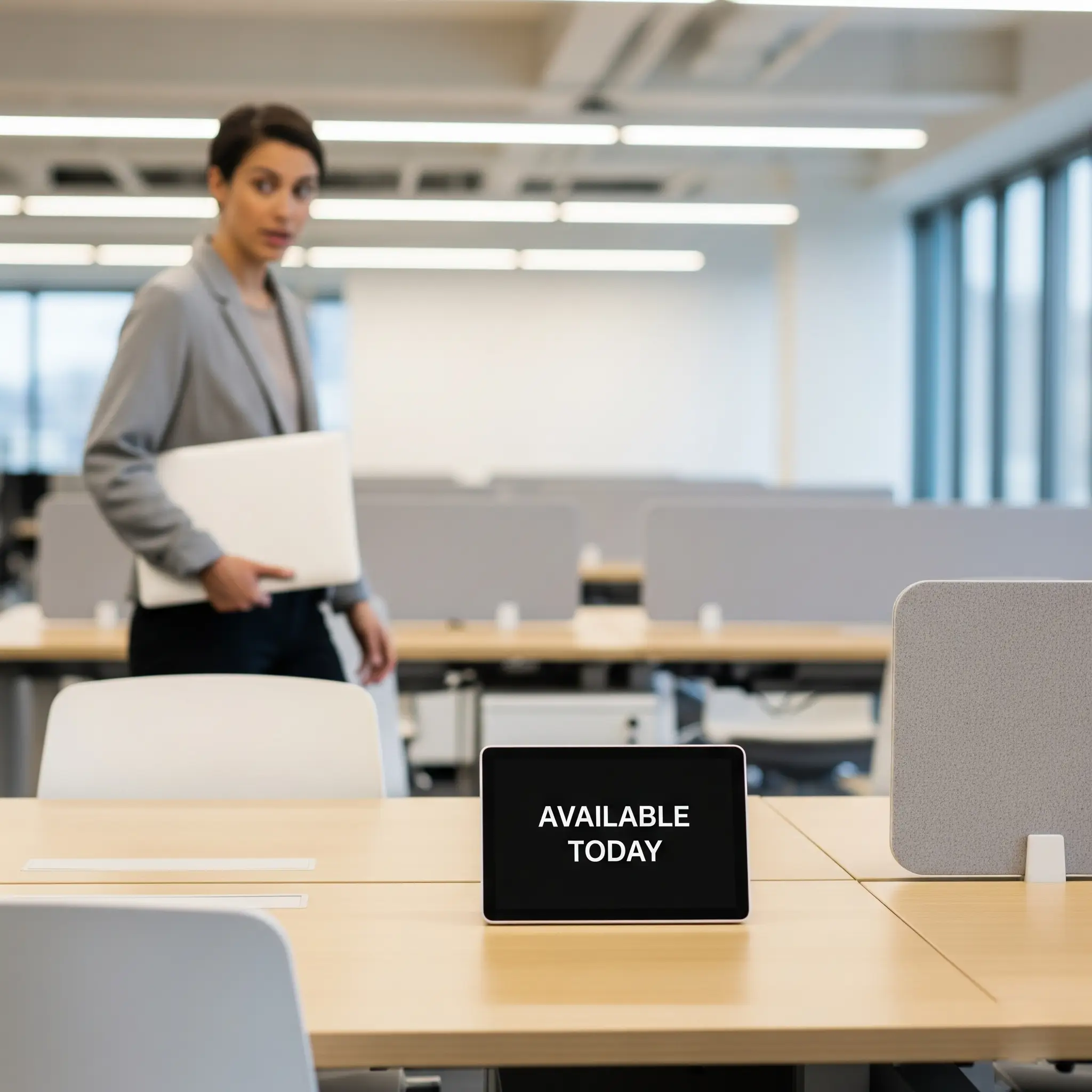
Book ahead. Find a desk fast. No ghost reservations.
Without remote booking, employees arrive not knowing if a desk is free. First-come-first-served chaos and wasted commutes.
Wandering the floor to find an open seat wastes time and frustrates teams. No visibility into what's actually available.
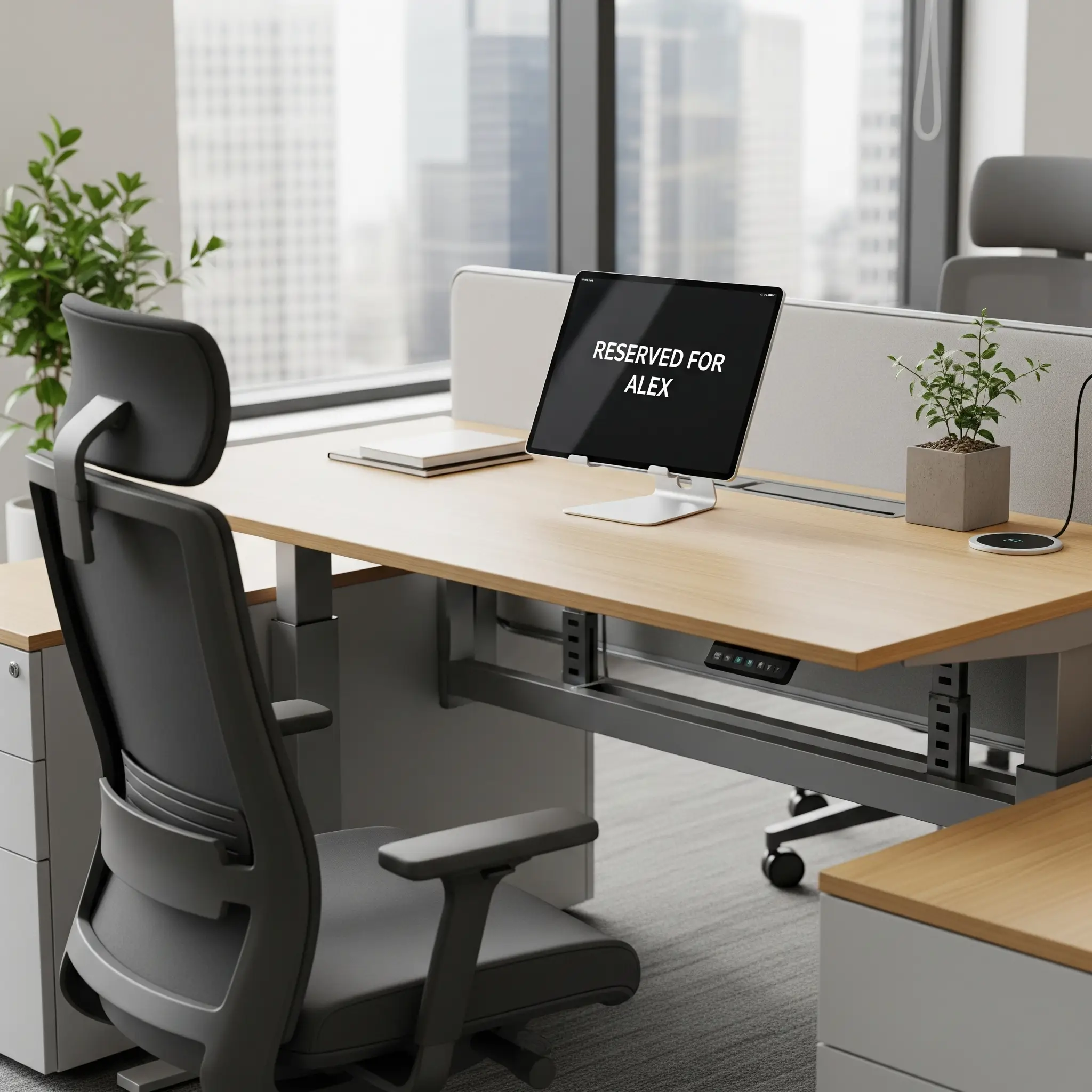
Desks stay reserved for people who never show up. Space sits unused while others hunt for a spot.
Desk bookings grew 33% year over year, and 34% of businesses plan to bring more employees back to the office over the next 12 months.
Demand still piles up Tuesday through Thursday. Desk booking that spreads occupancy across the week keeps midweek peaks from turning into a hunt for a seat.
Eptura 2025 Workplace Index Read the 2025 Workplace Index report33% desk bookings, year over year
34% plan more days in the office
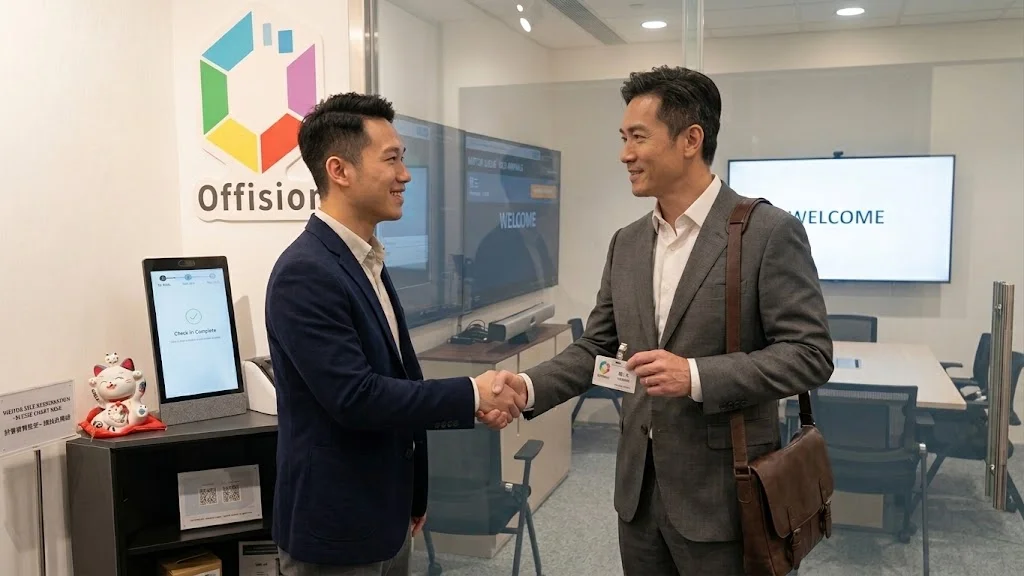
Model your space once, book from any device, and check in with stickers or panels—live in days, not months.
Model desks and floors once. Sync calendars with Microsoft 365 and Google Workspace.
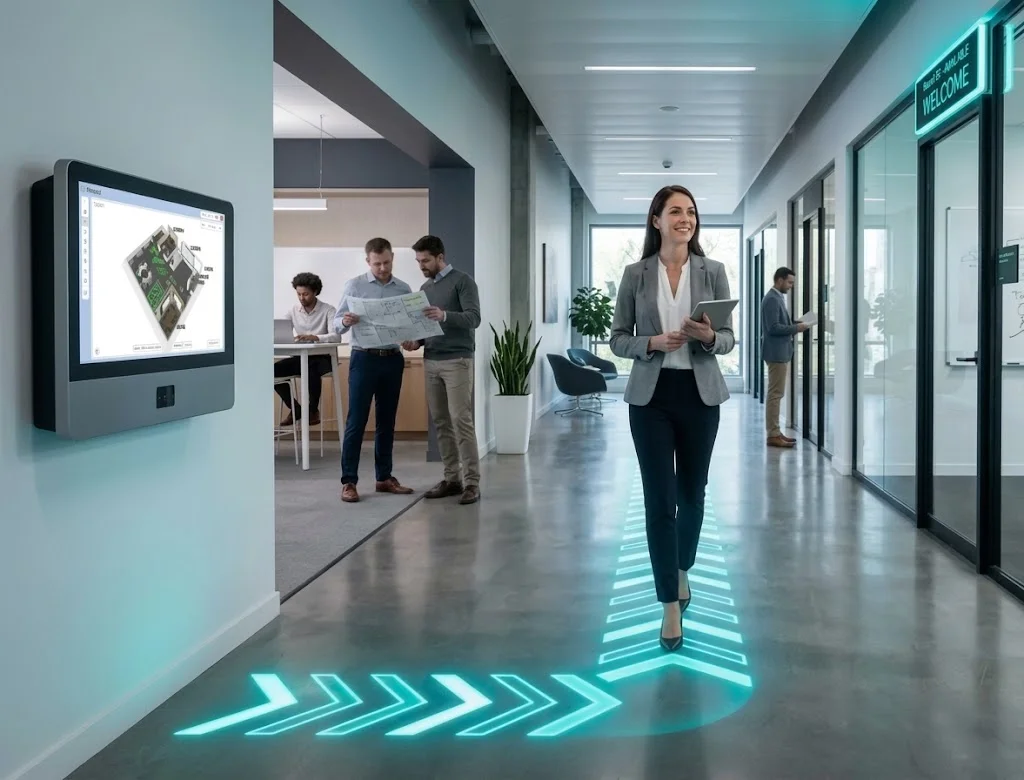
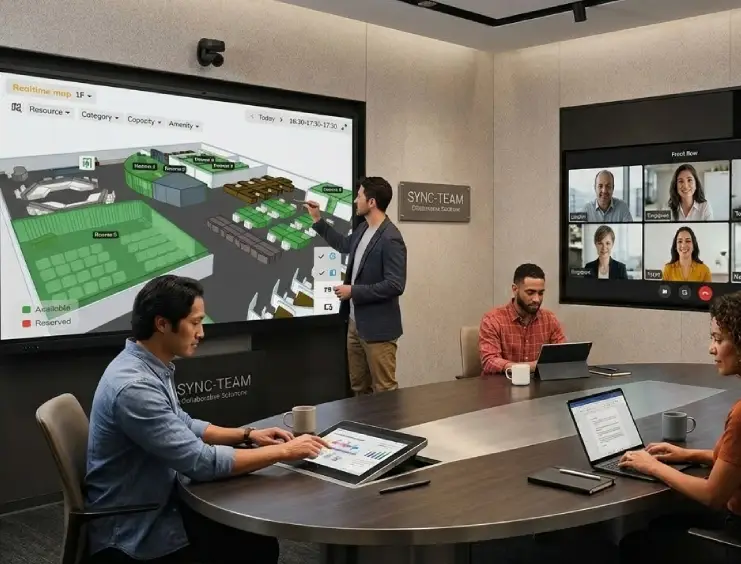
Live maps show what's free. Reserve the right desk in seconds.
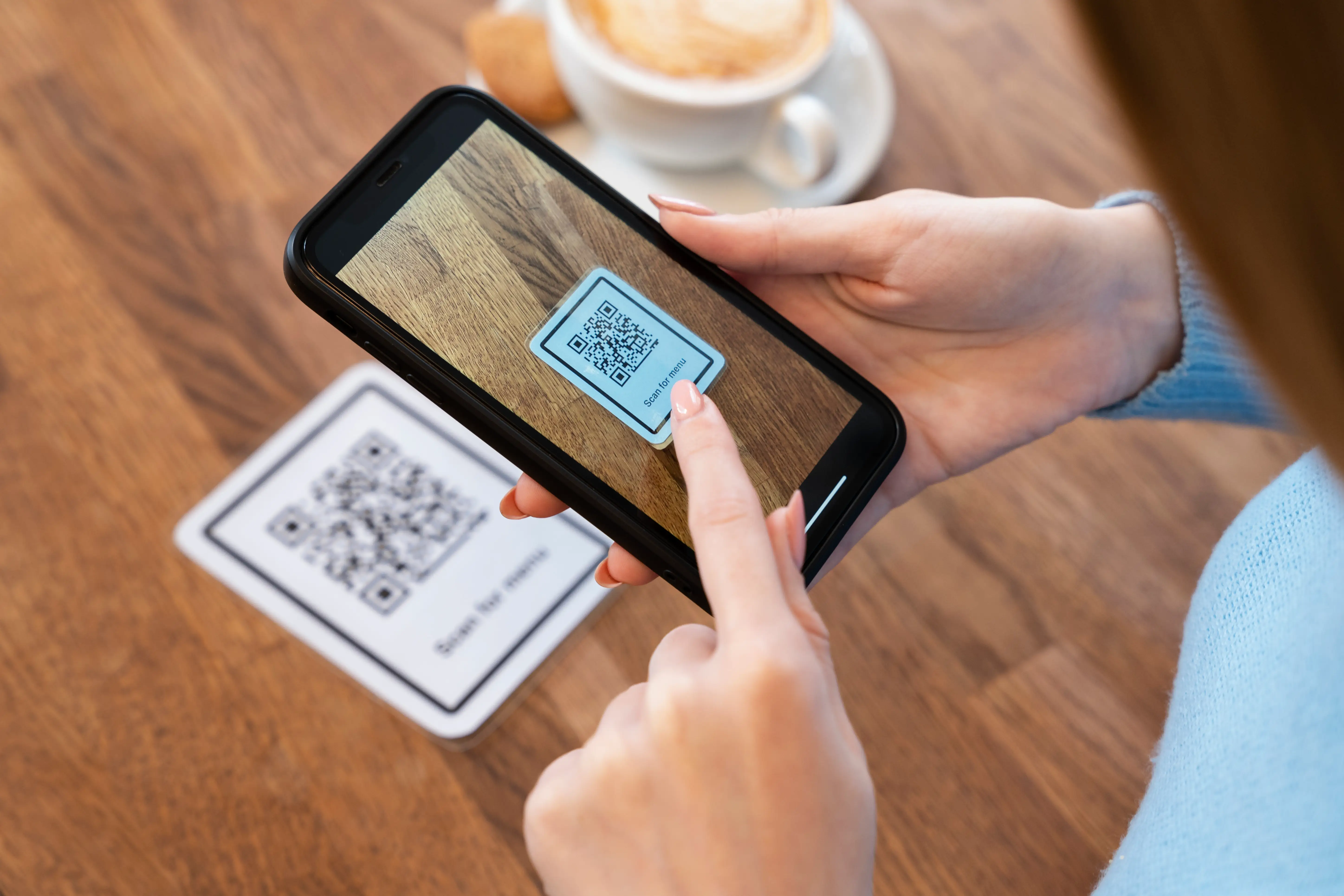
QR stickers for check-in and a smooth walk-up experience.
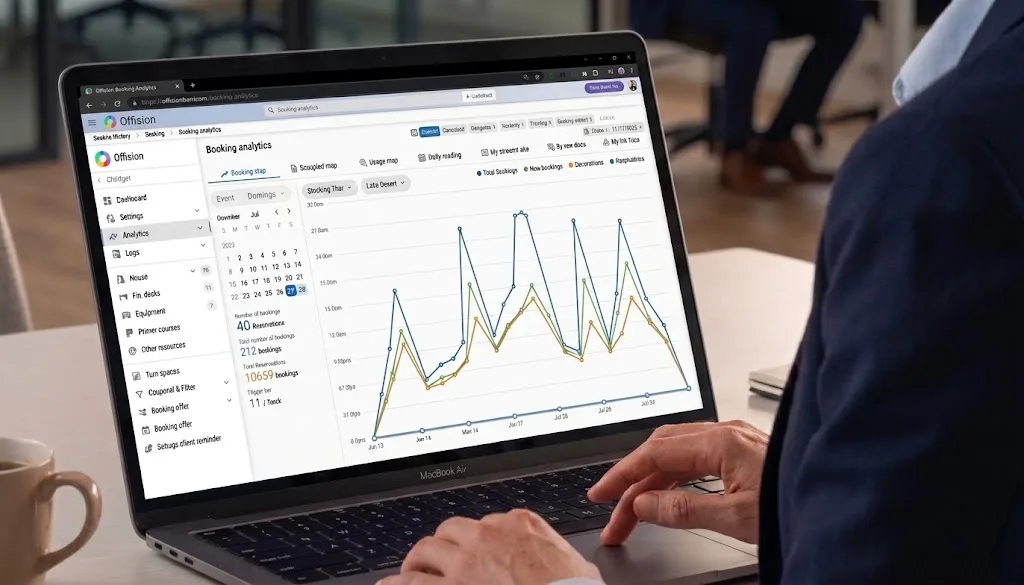
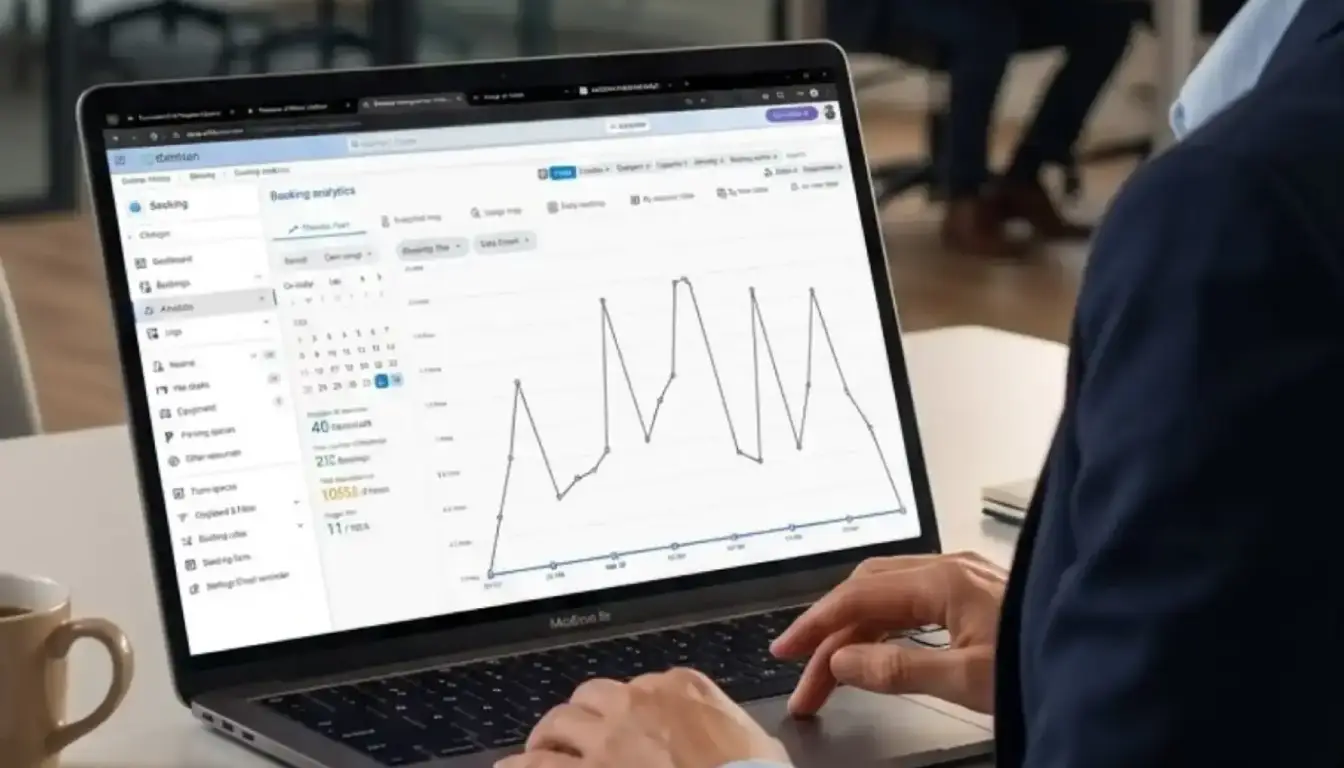
Analytics shows the why. Maps show the where.
Heatmaps and trends—see what's full, empty, or underused.
Searchable 3D plans. Book desks and rooms without guesswork.
All you need is on the Offision user app. You can tap on your mobile to search for the required desk and book it immediately.
Learn more 3D Floorplan Learn more about the Offision user app
Each booking is a session you can start, extend, or end from mobile, web, or on-site devices. Admins configure desk types—hot, hotel, or assigned—with rules that match how your teams work.
An unassigned desk available for booking and use on the same day. This offers maximum flexibility and supports spontaneous office visits.
A flexible desk that can be reserved in advance for one or more days. This guarantees a workspace, allowing employees to plan their week with certainty.
A permanent workspace dedicated to a specific employee. This provides stability and a personalized space, fostering a sense of belonging.
Learn moreOne assigned workstation shared by colleagues whose office days do not overlap, with priority booking windows for selected groups.
Learn moreDesk booking sits in the same workplace platform as room booking and visitor management.
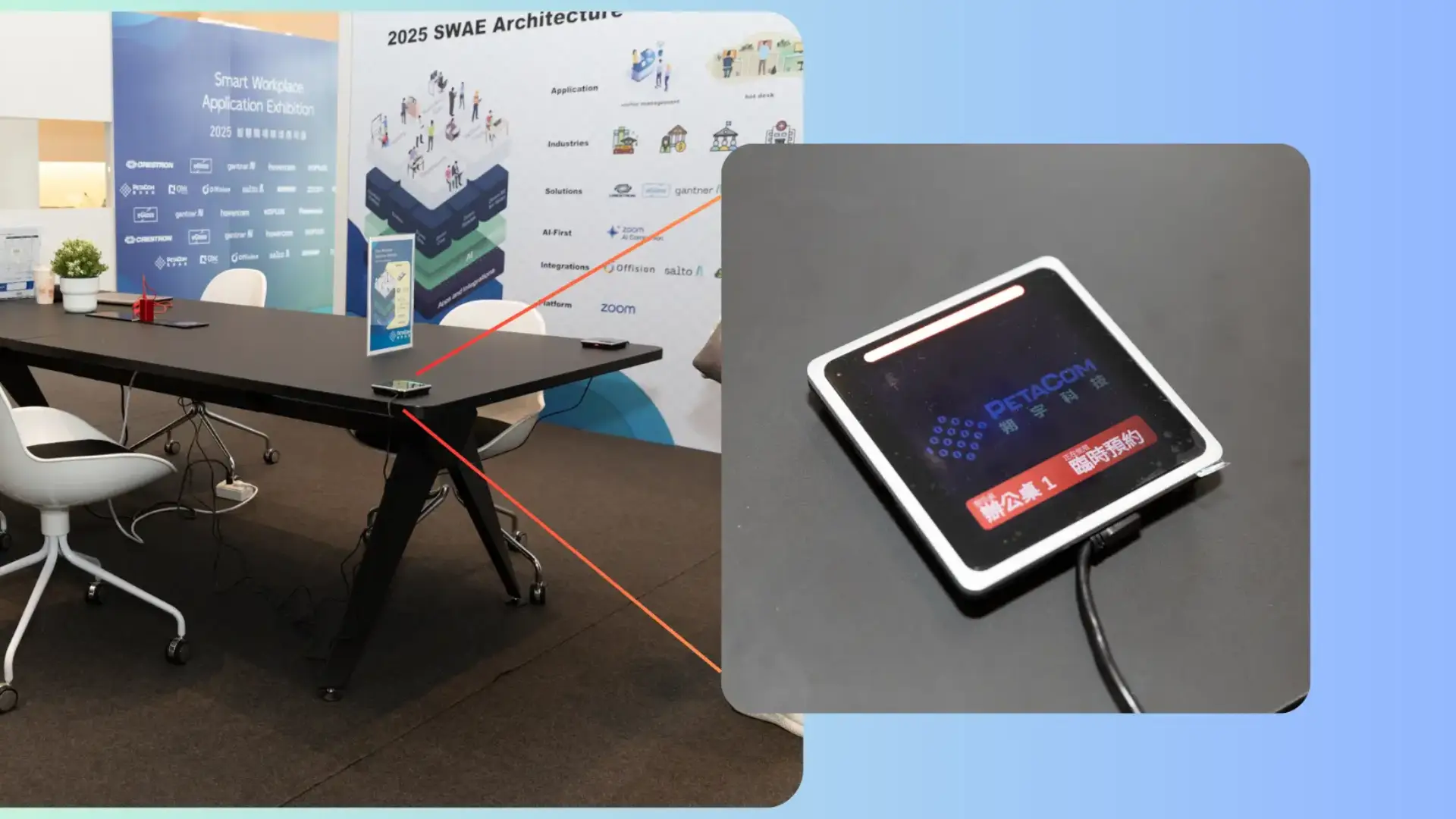
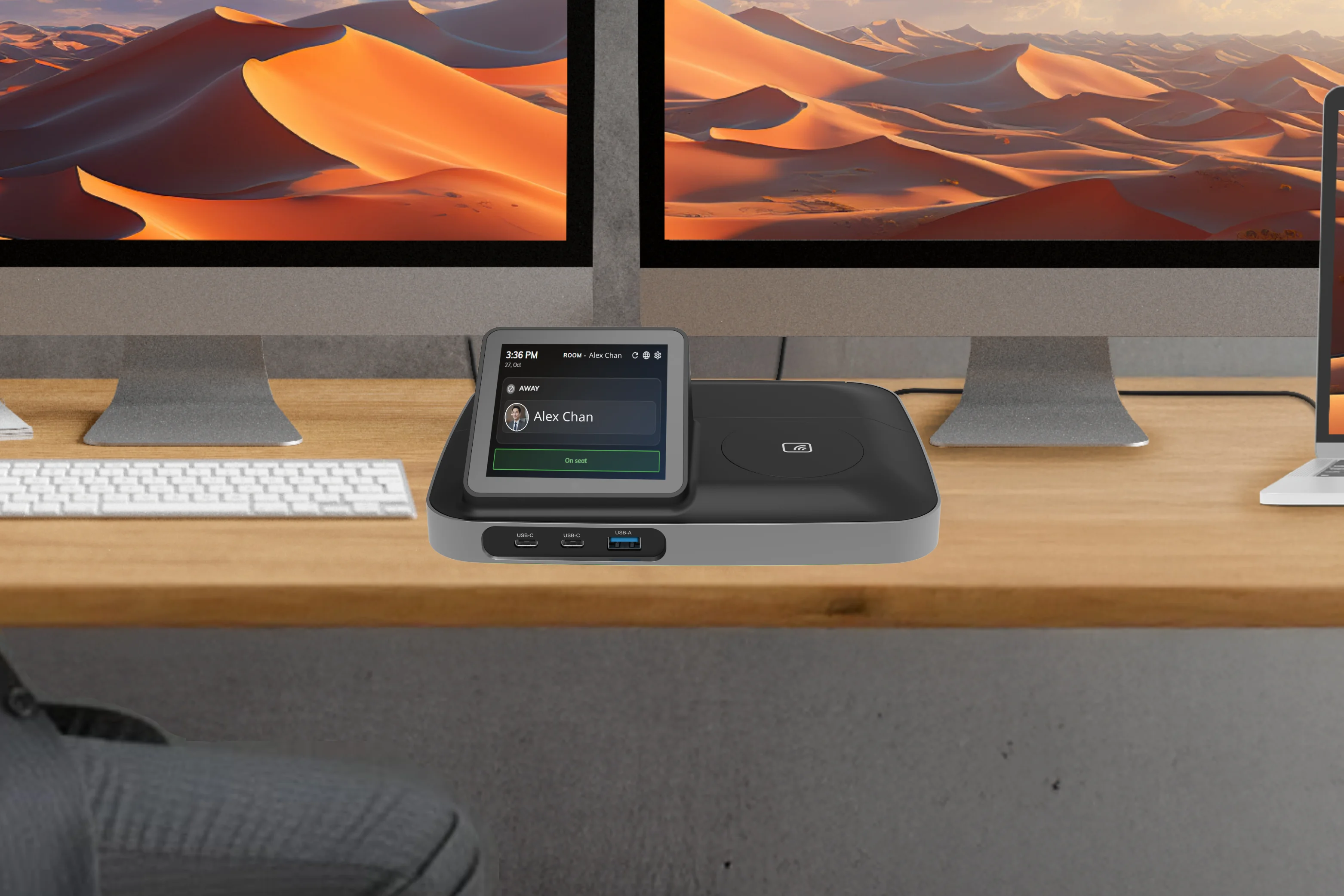
Pair Offision with purpose-built desk devices — LED pucks, touch panels, and docking stations — for instant check-in, real-time status, and a seamless on-site experience.
A sleek compact design, 3.6" multi-touch display for desking booking, Apple Wallet integration and is splash-resistant.
The innovative desk booking docking station that transforms modern workstations. Instantly book your desk with a tap and connect all your devices in seconds, delivering a personalized BYOD-ready workspace experience.
Browse the full hardware catalog for desk panels, room displays, and signage.
Everything you need to know about Offision desk booking
Hot desk booking software lets employees see available workstations, reserve a desk for a day or slot, and check in from mobile, web, or on-site devices. It supports flexible and hybrid office layouts.
Team members book before they arrive, view live floor plans, and policies like auto-release return unused desks so others can use them.
Yes. Offision offers mobile apps and web access so people can find and book desks from anywhere.
Hot desking is often same-day flexible seating; hoteling reserves a desk ahead for one or more days. Offision supports both patterns with configurable desk types and rules.
Real-time availability and booking rules ensure a desk cannot be assigned to two people at once, with optional check-in and auto-release for no-shows.


©2026 ONES Software Ltd. All rights reserved.