


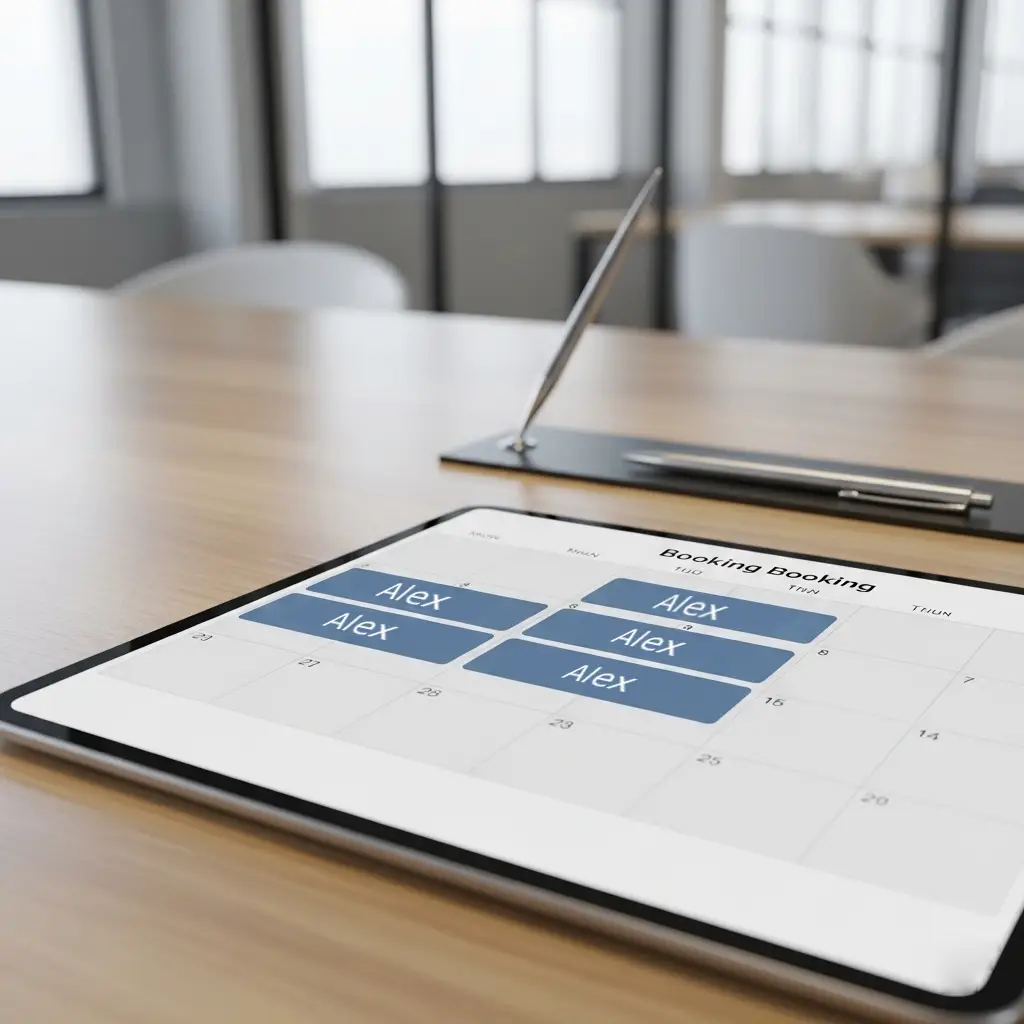
Hotel desk (flexible)
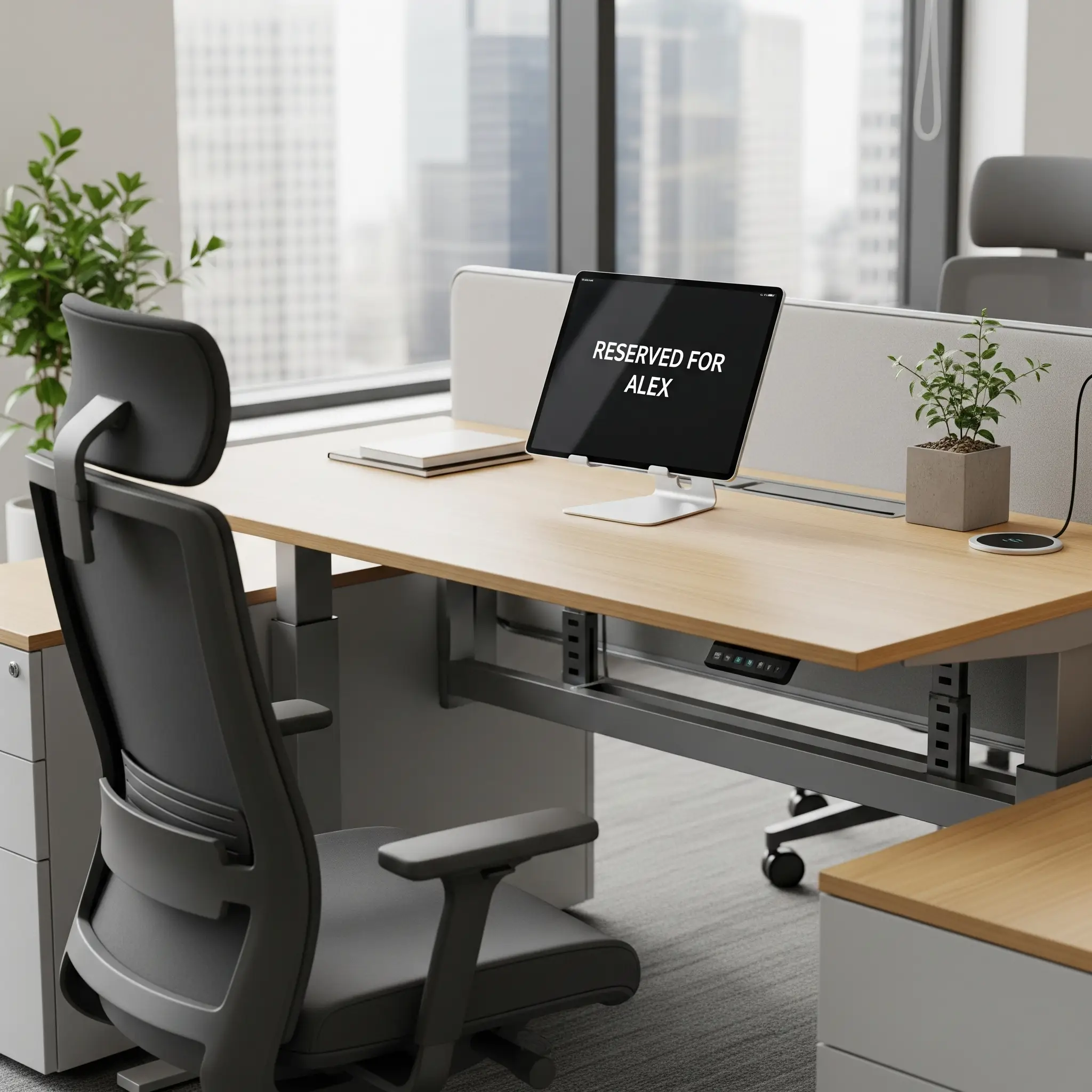
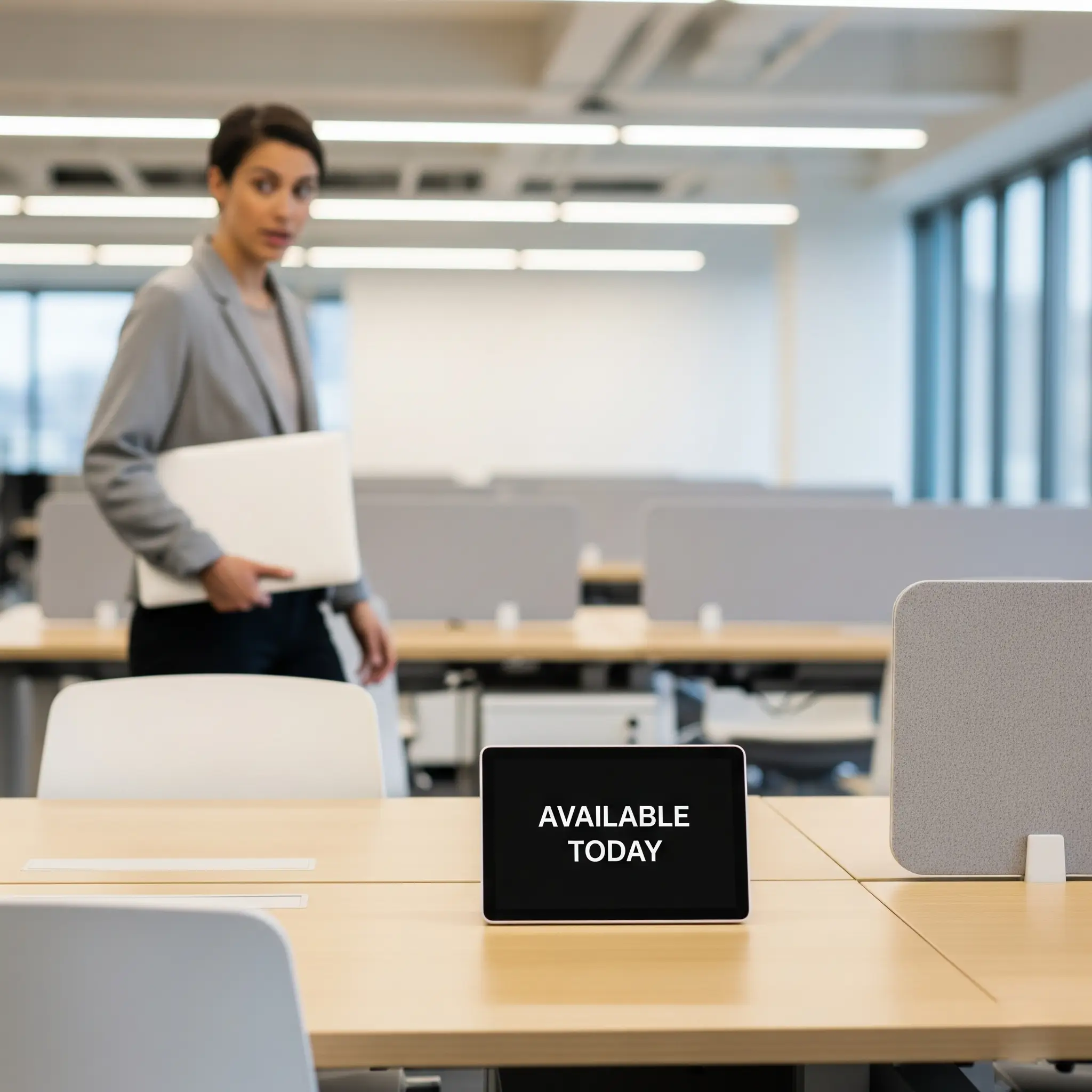
A flexible desk that can be reserved in advance for one or more days. This guarantees a workspace, allowing employees to plan their week with certainty.
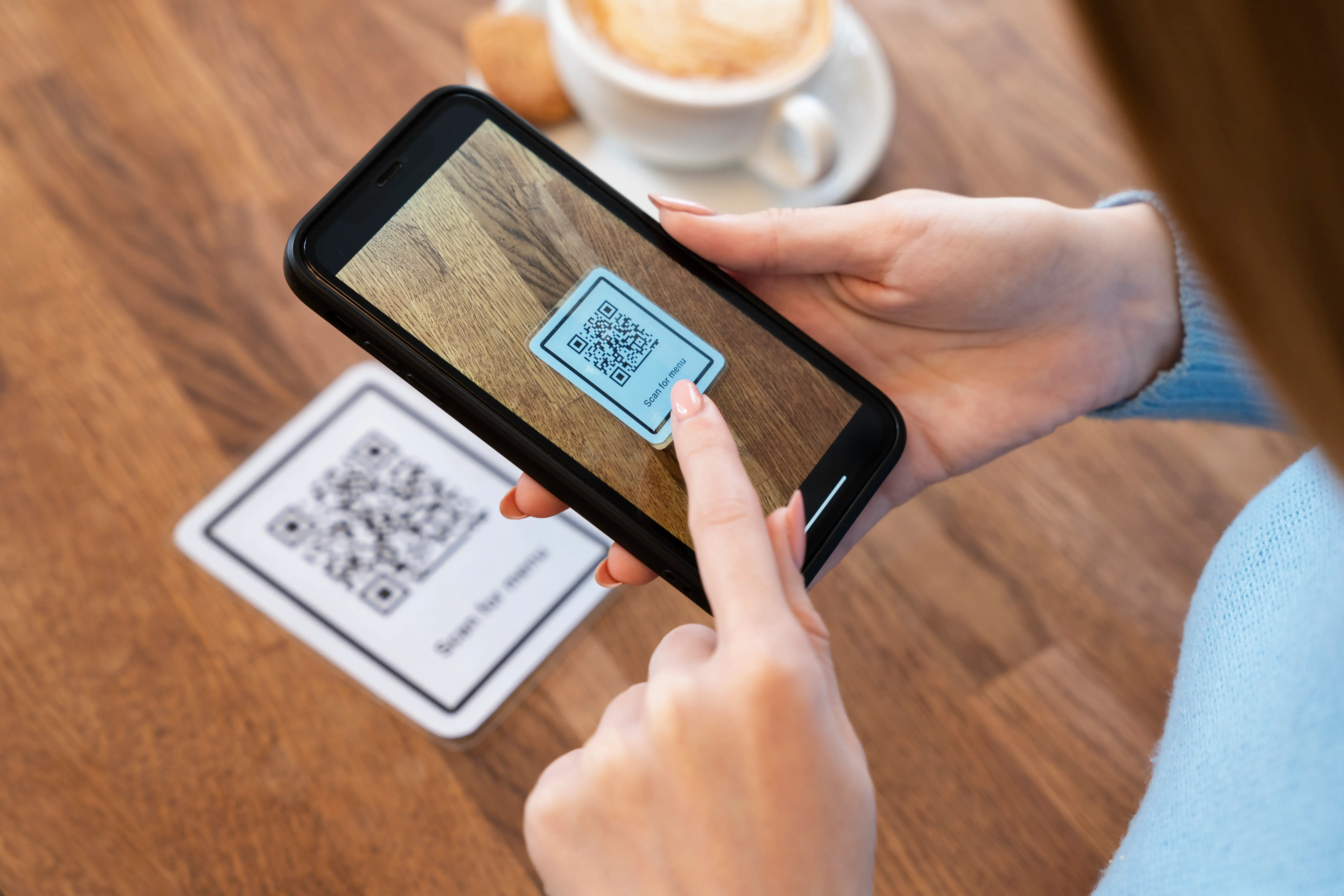
Scan the desk QR code, book your space and see the floor plan update.
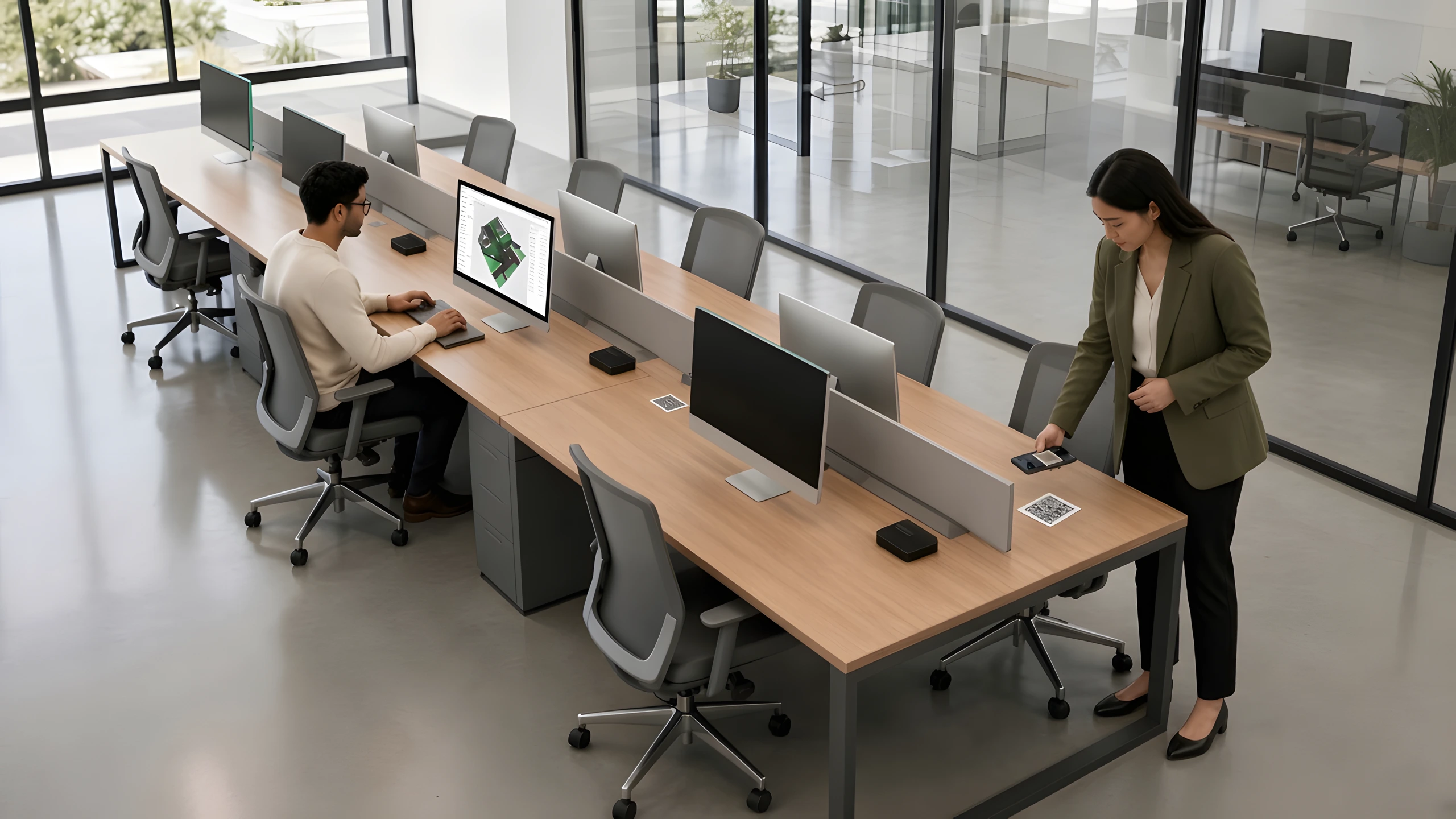
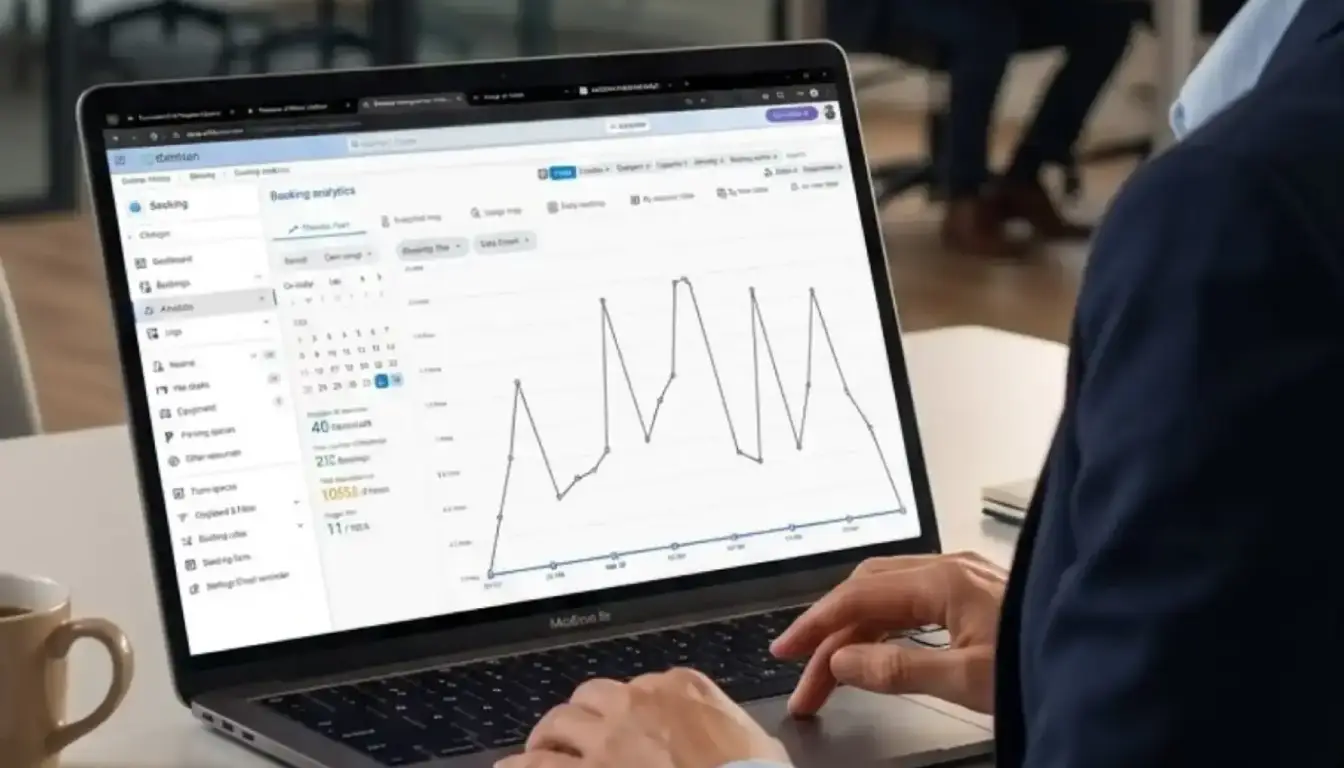
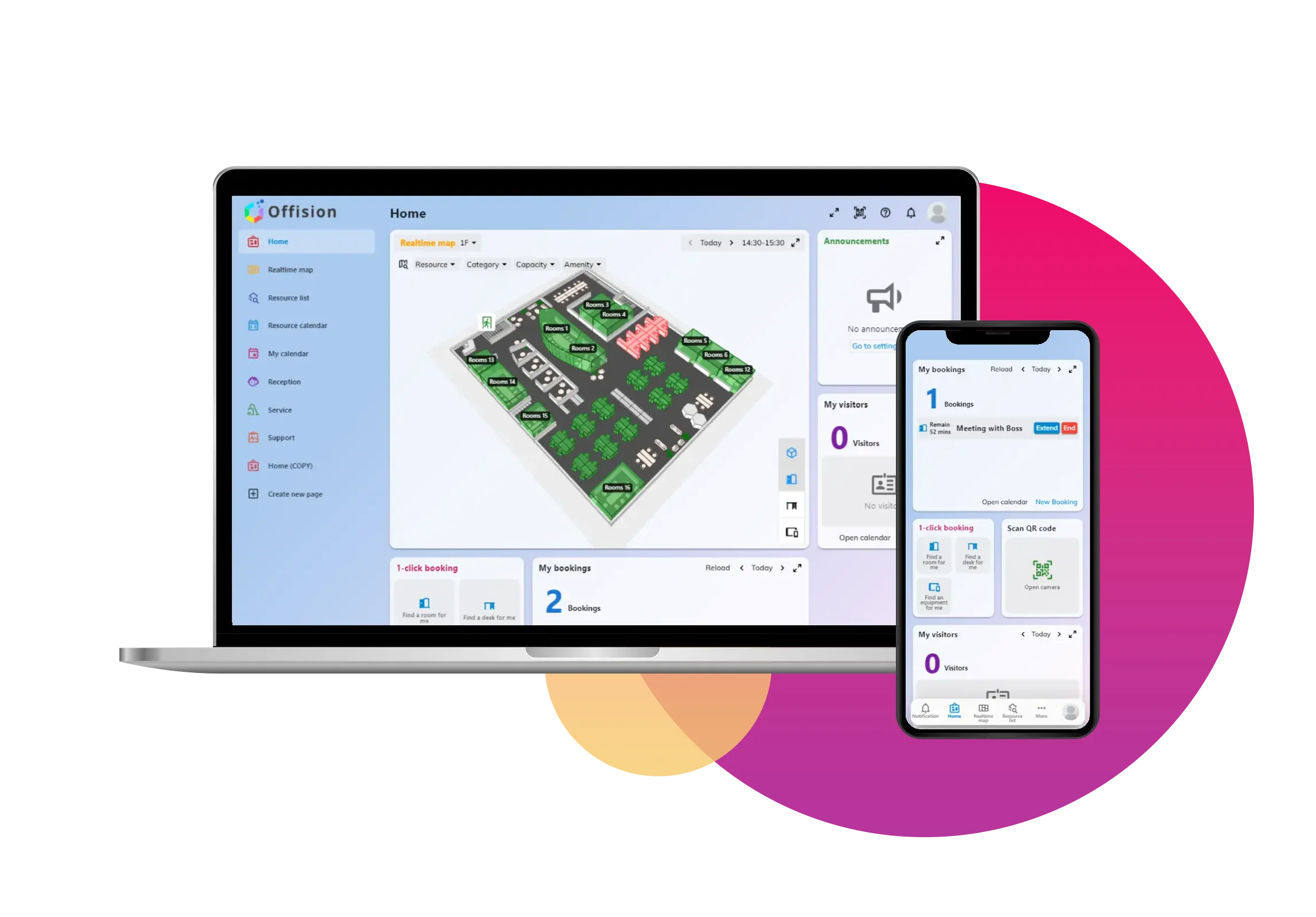
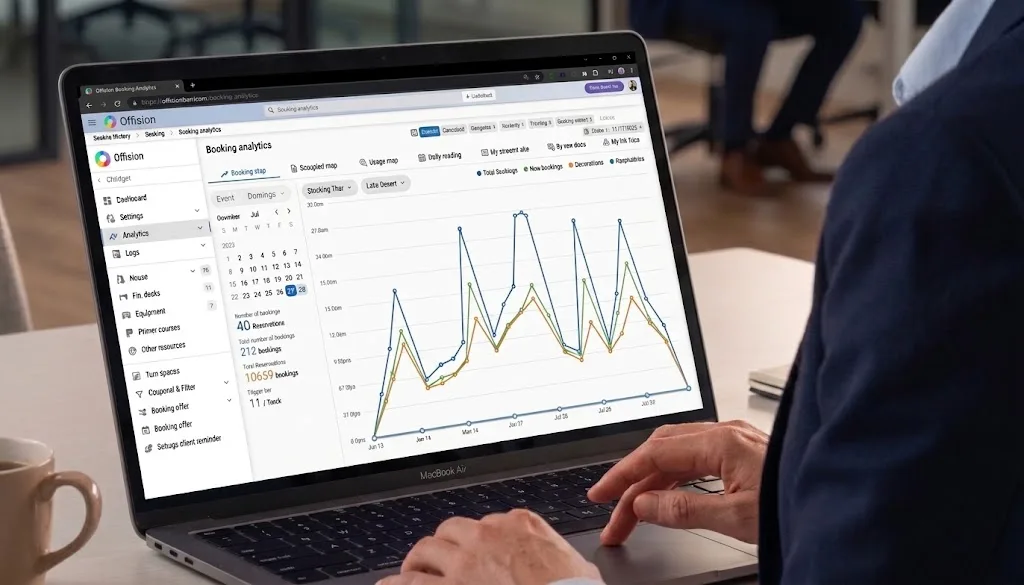
Model desks and floors once. Sync calendars with Microsoft 365 and Google Workspace.
Live maps show what's free. Reserve the right desk in seconds.
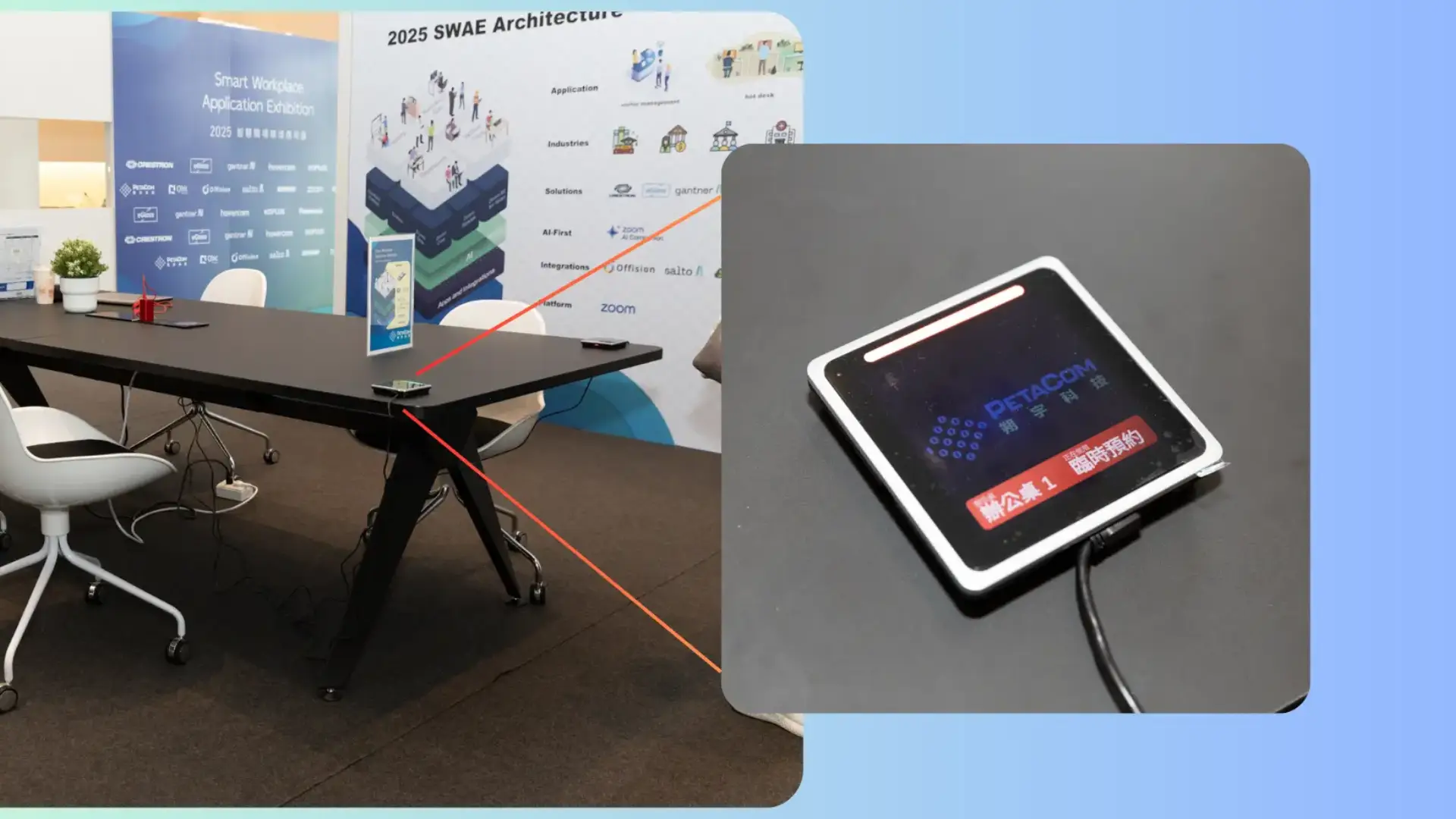
QR stickers for check-in and a smooth walk-up experience.
Try desk bookingAn unassigned desk available for booking and use on the same day. This offers maximum flexibility and supports spontaneous office visits.
Learn moreA flexible desk that can be reserved in advance for one or more days. This guarantees a workspace, allowing employees to plan their week with certainty.
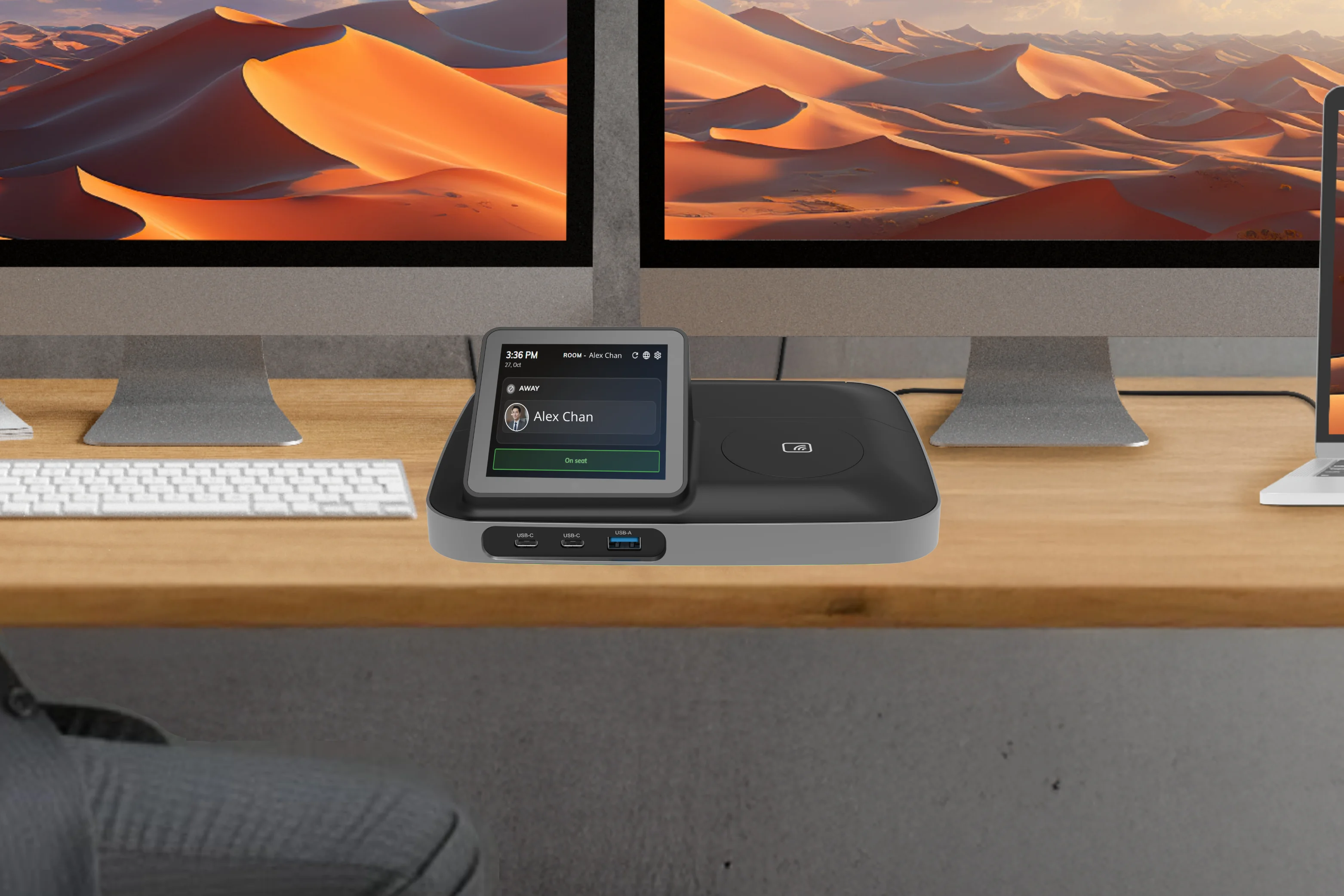
A permanent workspace dedicated to a specific employee. This provides stability and a personalized space, fostering a sense of belonging.
Learn moreOne assigned workstation shared by colleagues whose office days do not overlap, with priority booking windows for selected groups.
Learn moreHot desk booking software lets employees see available workstations, reserve a desk for a day or slot, and check in from mobile, web, or on-site devices. It supports flexible and hybrid office layouts.
Team members book before they arrive, view live floor plans, and policies like auto-release return unused desks so others can use them.
Yes. Offision offers mobile apps and web access so people can find and book desks from anywhere.
Hot desking is often same-day flexible seating; hoteling reserves a desk ahead for one or more days. Offision supports both patterns with configurable desk types and rules.
Real-time availability and booking rules ensure a desk cannot be assigned to two people at once, with optional check-in and auto-release for no-shows.