Neat
Neat
 Crestron






 1
1
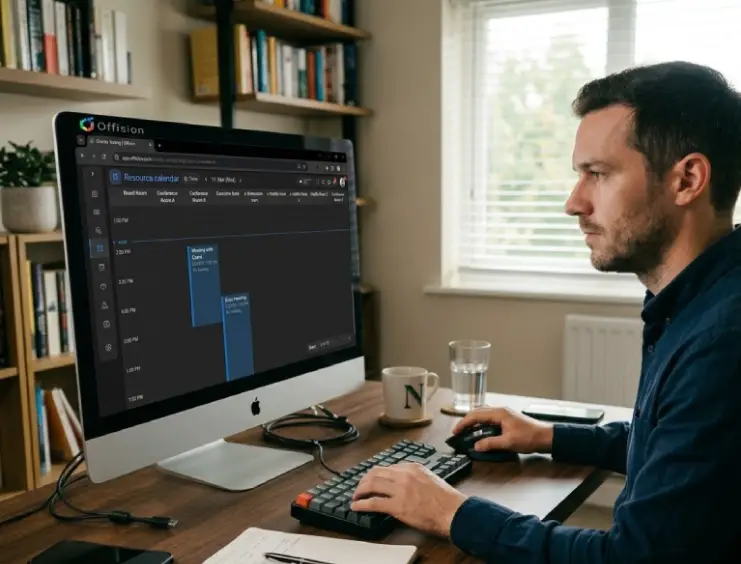
Connect your calendar
One-click sync with Outlook, Teams, or Google. Existing meetings carry over instantly.
Meeting Room Booking
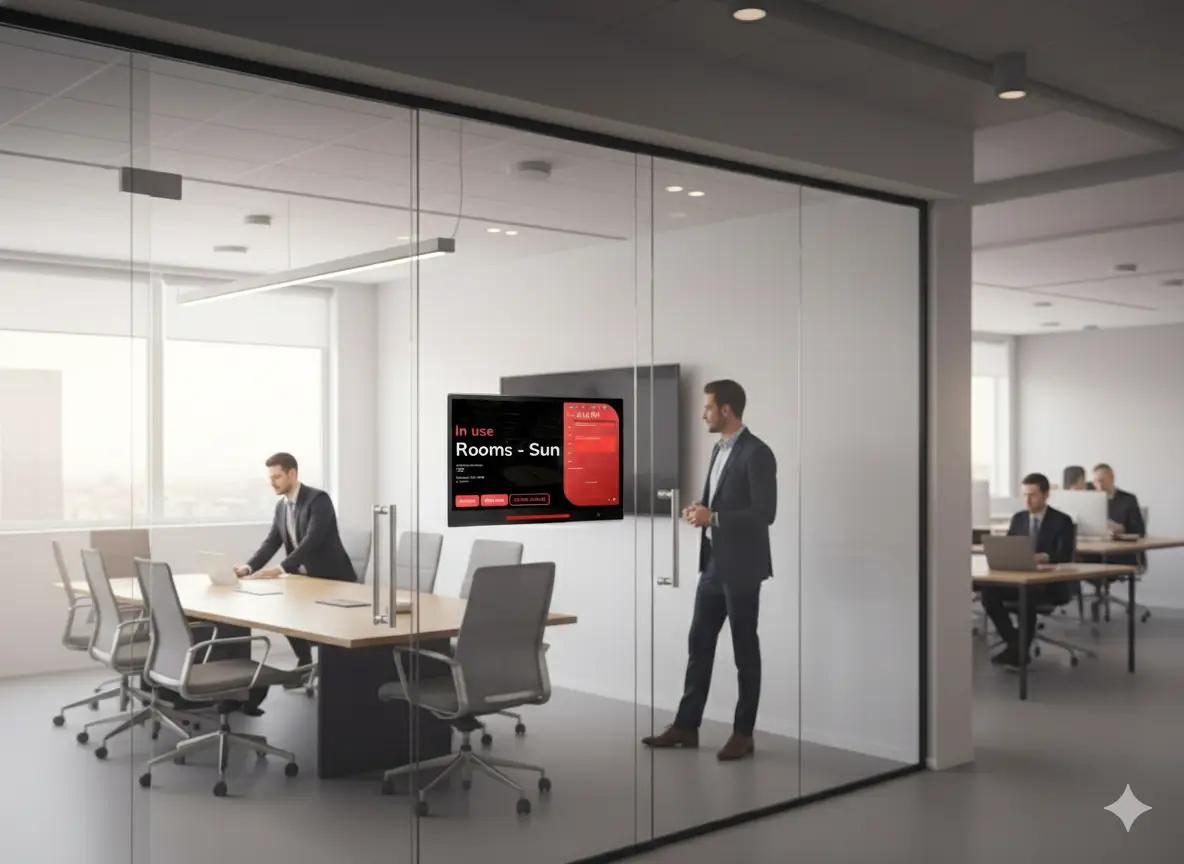
A meeting room booking system with live availability, Outlook and Google sync, and room booking displays at the door — so teams reserve the right space without double bookings.
Part of the Offision smart office platform — Learn about the smart office platform
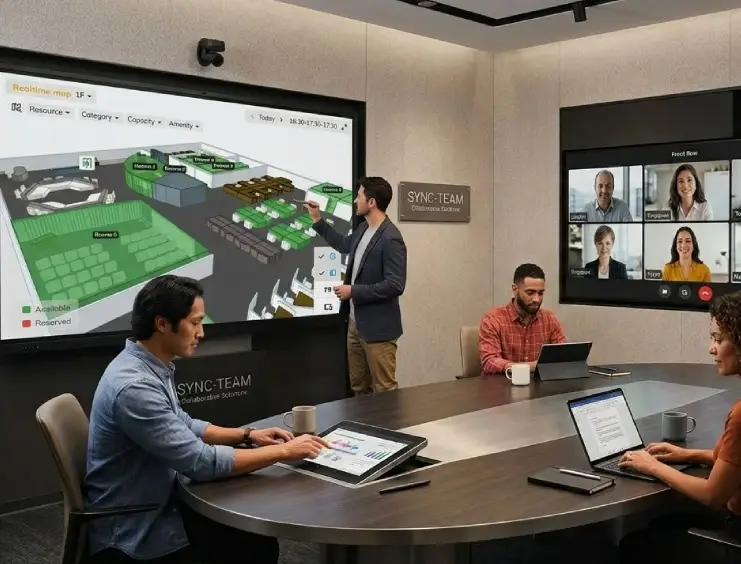
A meeting room booking system is software that lets employees find and reserve conference rooms from web, mobile, or on-room displays, with real-time availability, calendar sync, and rules that prevent double bookings. Offision adds workplace features such as desk booking, visitor management, and analytics so meeting room booking fits into a single workplace platform.
Most offices struggle with the same three problems. Offision solves all of them.
Teams book the wrong room — wrong size, missing equipment, wrong floor. Wasted time and failed meetings.
Two people show up for the same room. Calendar chaos, double bookings, and awkward confrontations.
Rooms stay "booked" but nobody uses them. Artificial scarcity while space sits empty.
Companies that adopt smart workspace management see up to 30% reduction in real estate costs and a 40% improvement in space utilization within the first year of deployment.
Ghosted rooms look busy on the calendar while the corridor is empty. Check-in and auto-release make availability true at the door.
JLL Future of Work Report 2025 Read how to stop ghosted room bookings40% improvement in space utilization
30% reduction in real estate costs
From calendar sync to one-tap booking — you'll be live in minutes, not months.
One-click sync with Outlook, Teams, or Google. Existing meetings carry over instantly.
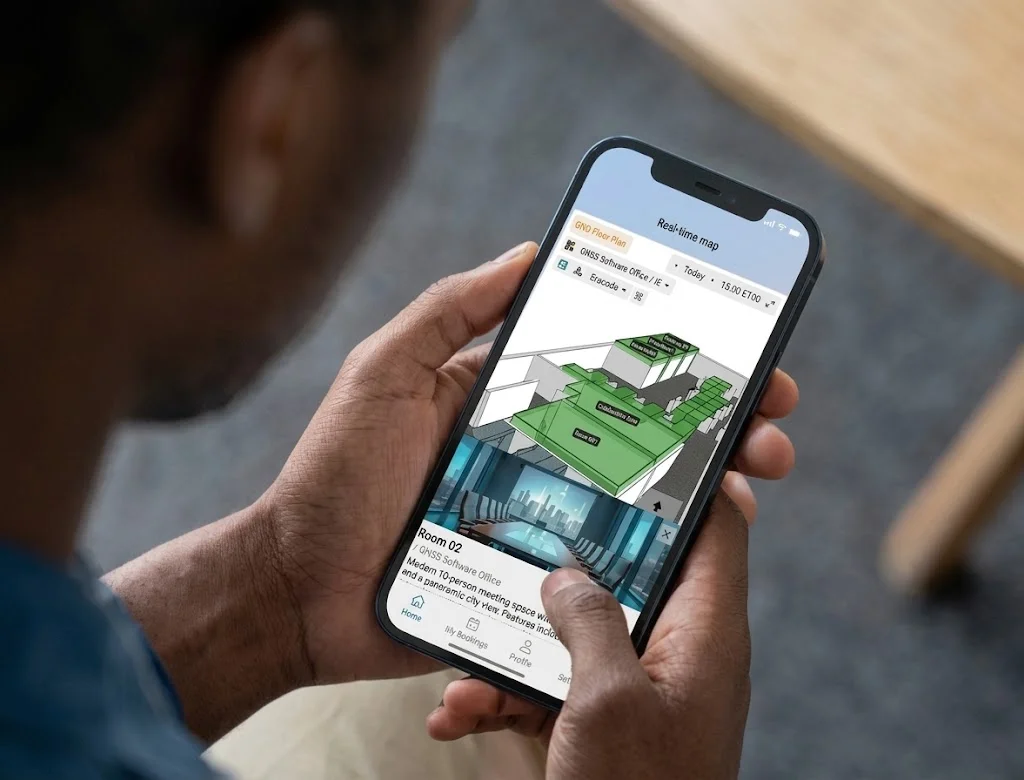
Real-time status, capacity, and equipment at a glance. Find the right room in seconds.
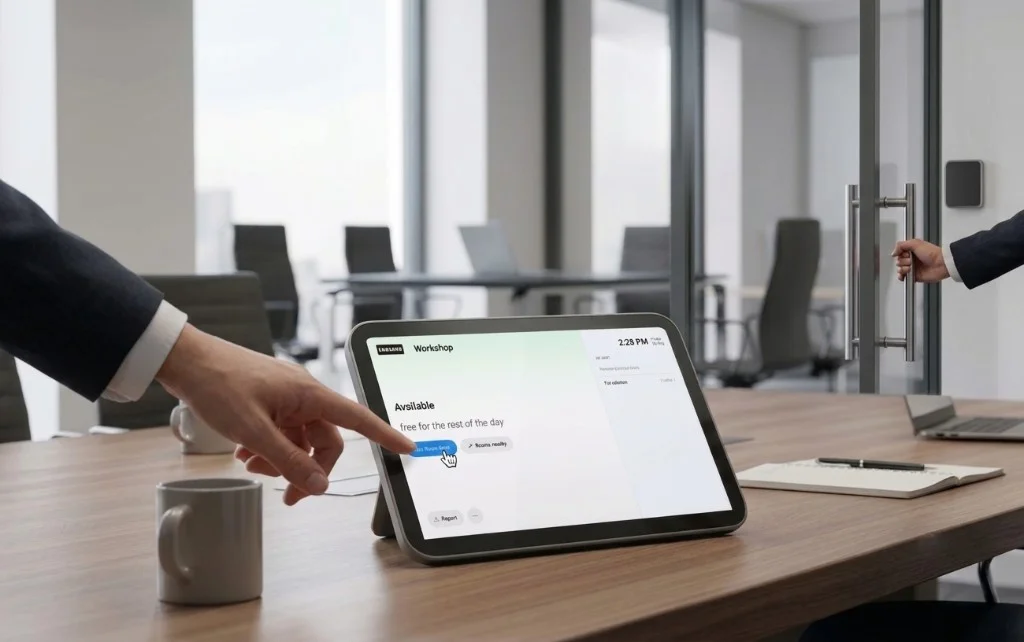
One tap to reserve, easy to modify. Auto-release handles no-shows for you.
Need to unlock the meeting room? Pair an AXIS lock with any Offision booking panel — people with the booking tap Open door.
Access room bookings on the go with mobile apps, and gain insights into how your spaces are being utilized with built-in analytics.
Find available rooms, check schedules, and reserve — all from your phone. No conflicts, no surprises.
Book rooms on the go. Filter by capacity, equipment, or floor — right from your phone.
No-shows detected, room freed—instantly. Wasted space: gone.
Let guests book without an account Learn more about the Offision user app Identify usage patterns
Create different types of resources and let your team book or assign them with ease.
Eliminate scheduling chaos and maximize your meeting space efficiency.
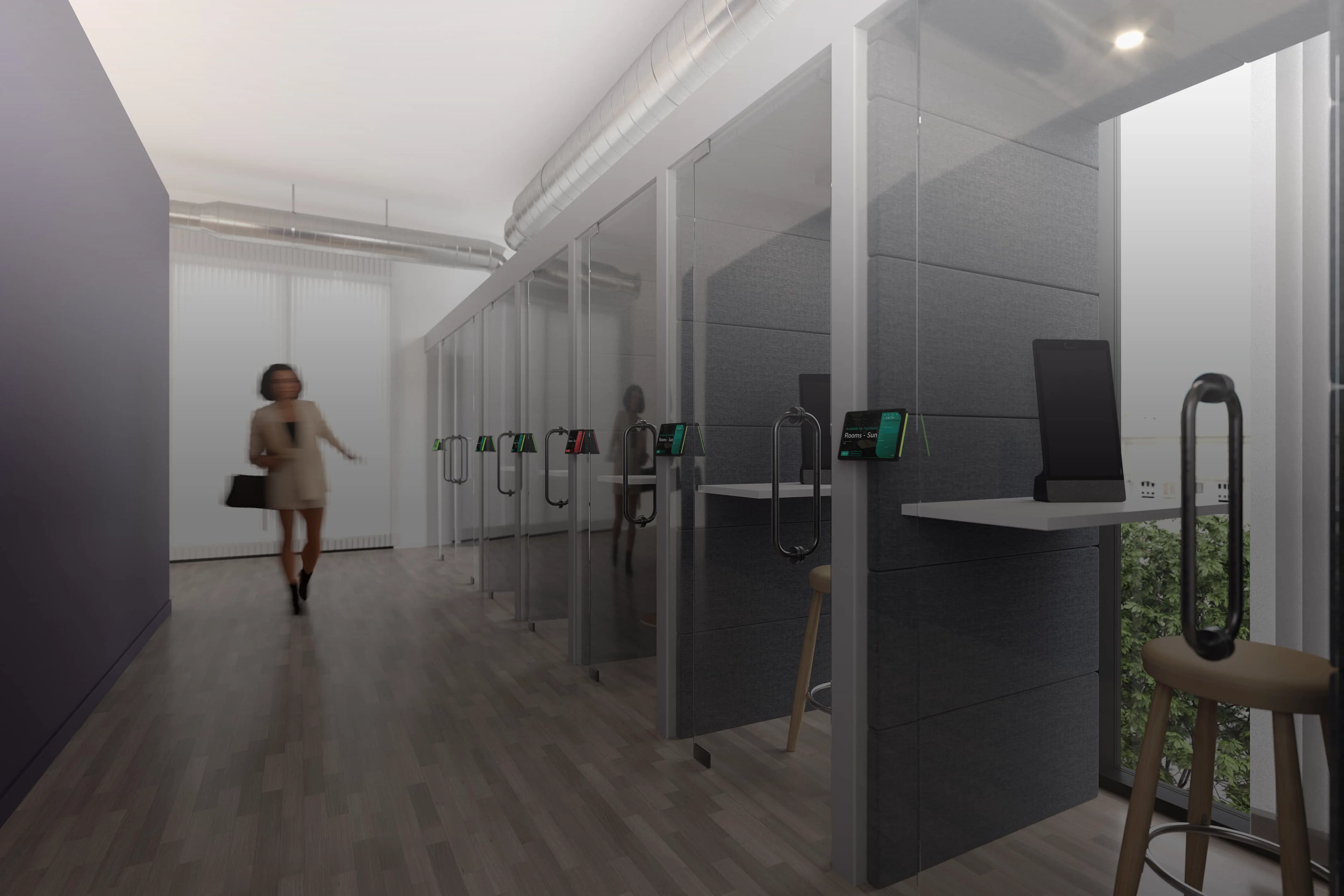
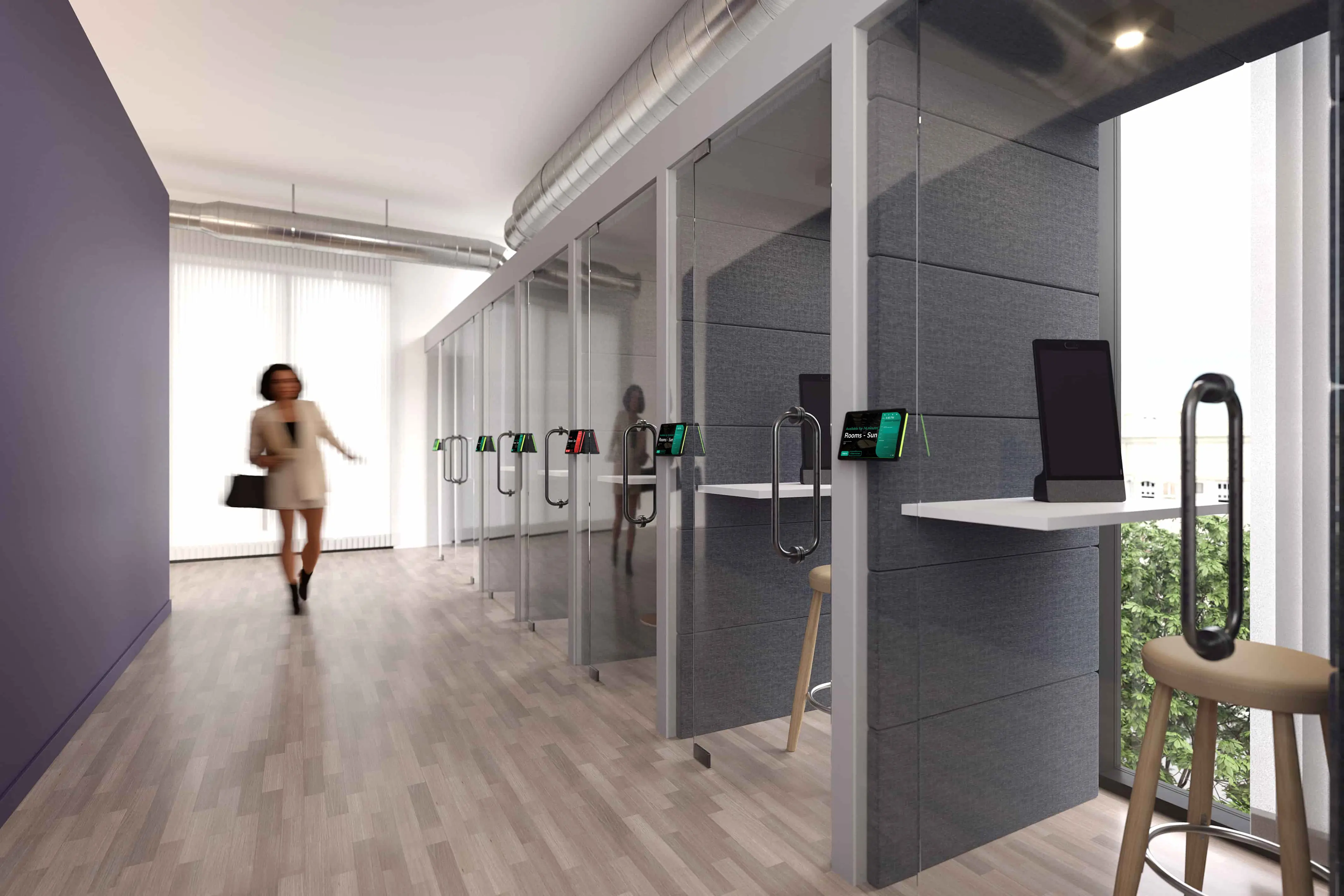
Jump into calls and virtual meetings instantly with dedicated private spaces.
Secure quiet, distraction-free zones for deep focus and confidential work.
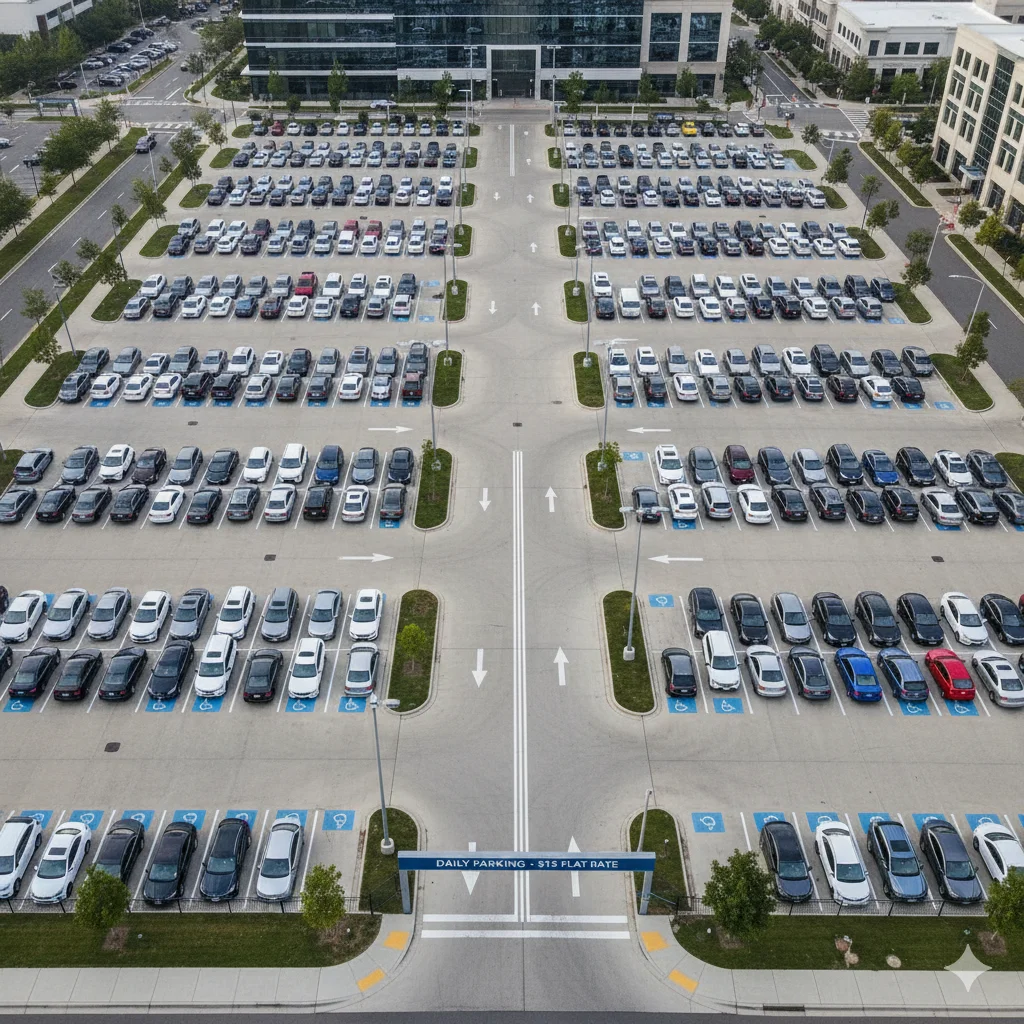
Streamline parking with smart, bookable spaces for your team and visitors.
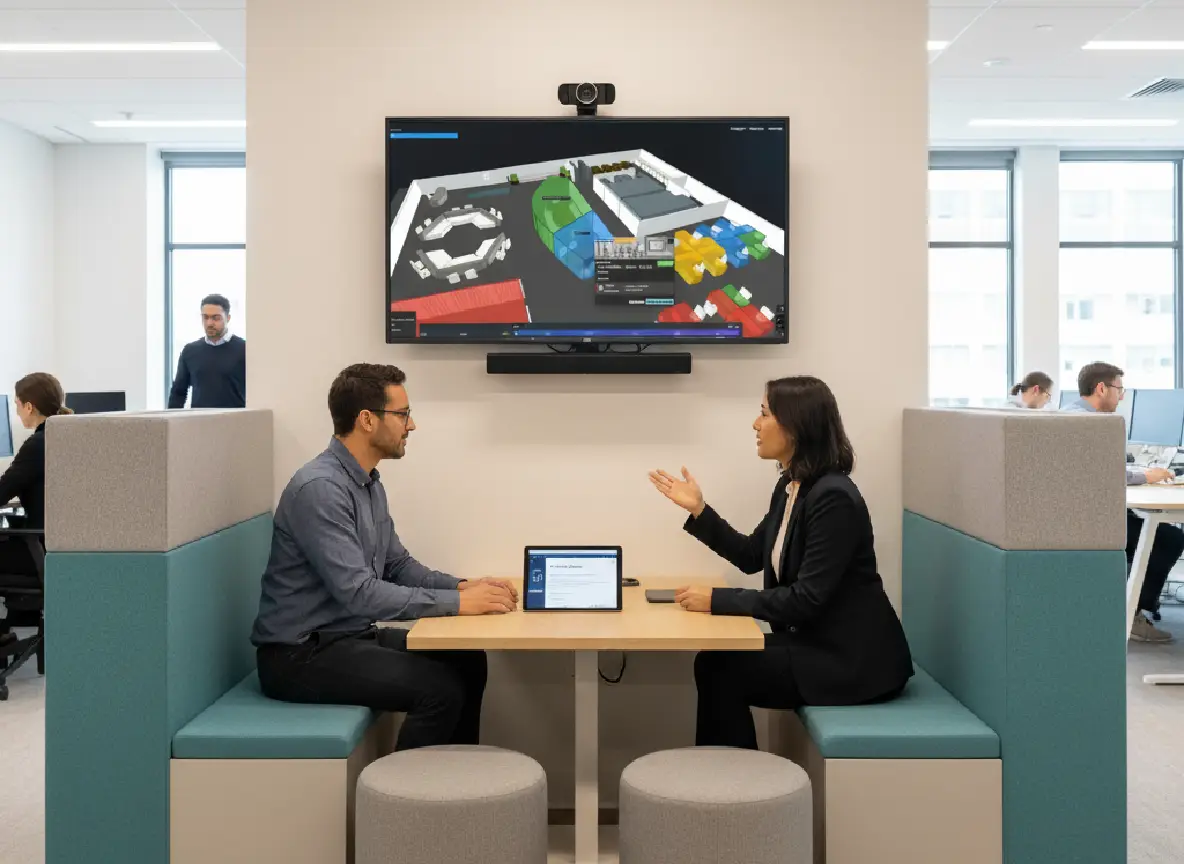
Room booking sits in the same workplace platform as desk booking and visitor management.
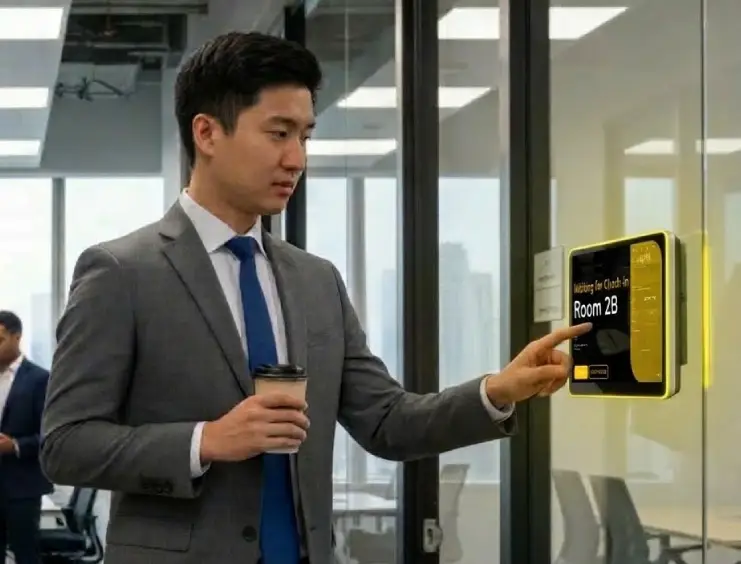
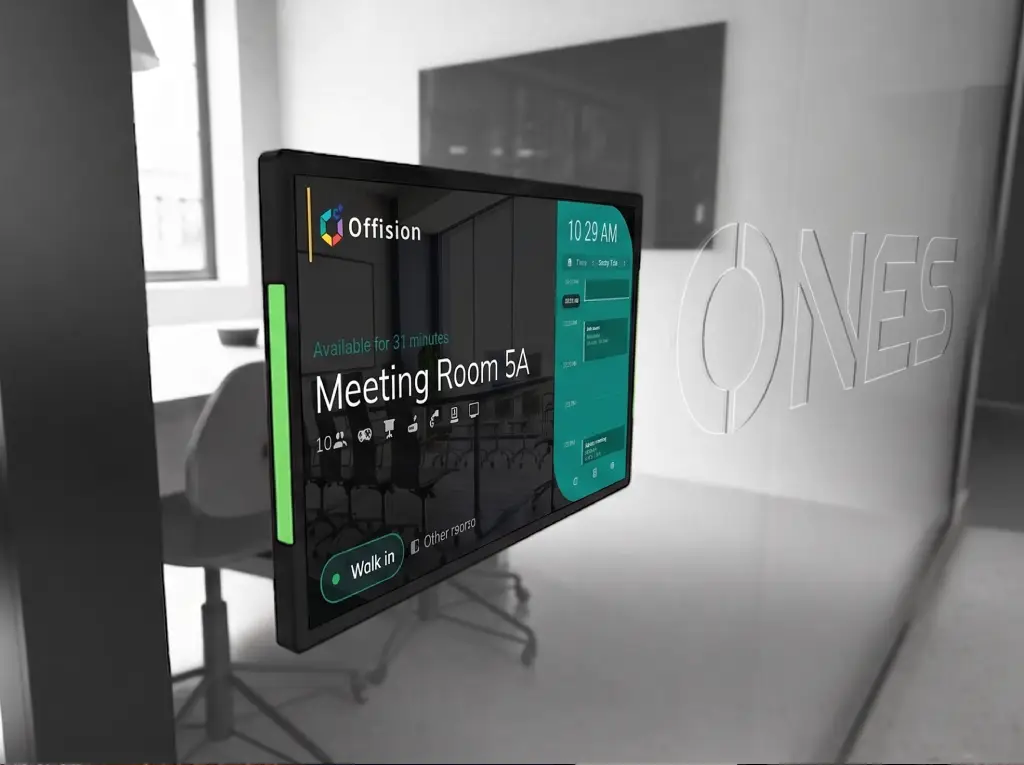
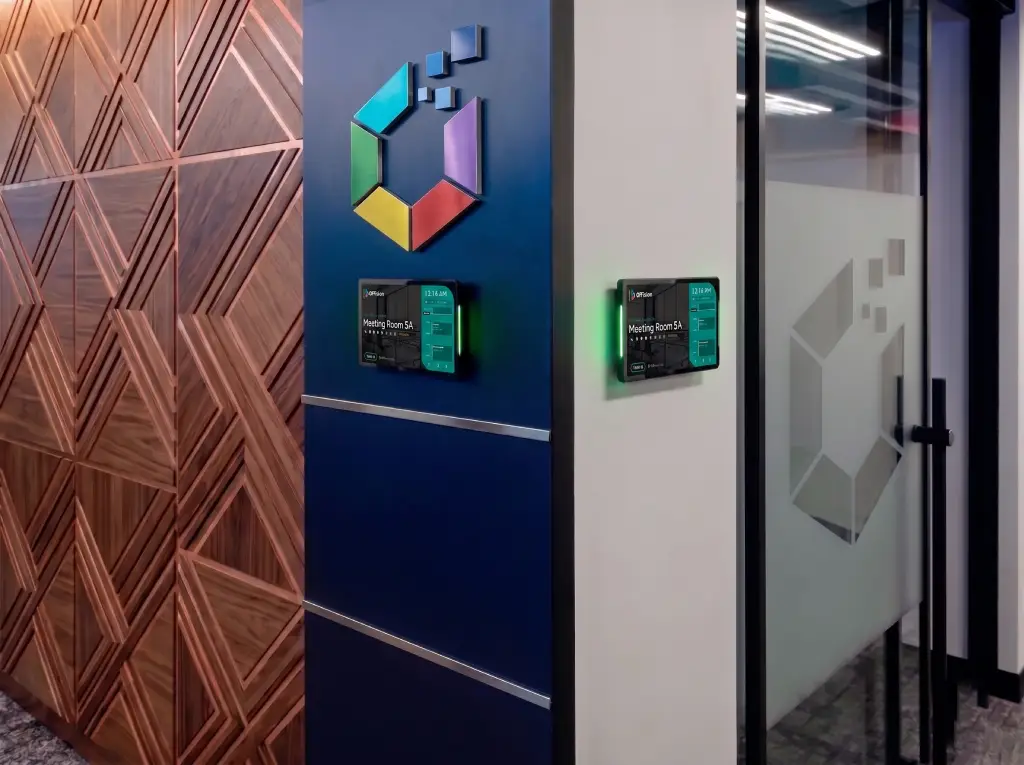
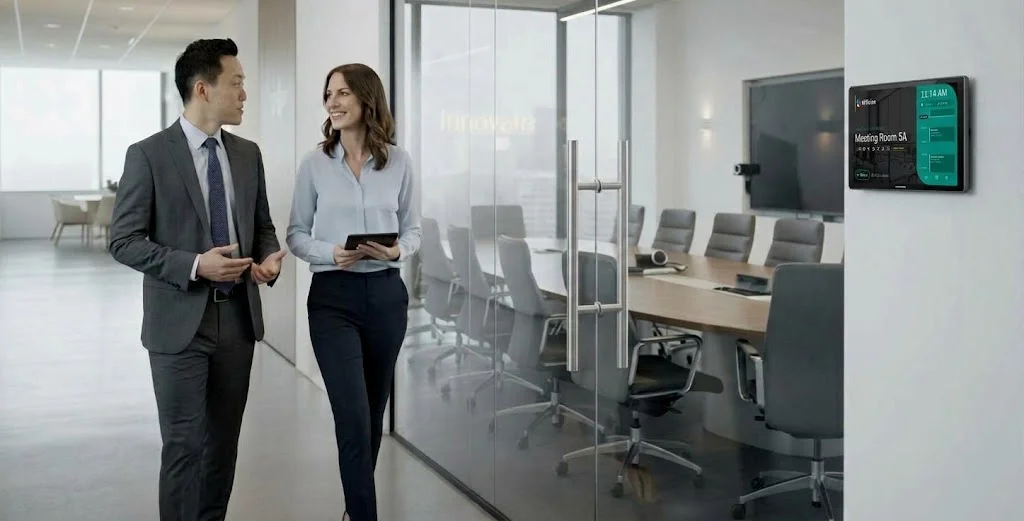
Purpose-built room panels for instant booking and real-time status at the door.
The TSS-1080 touch screen is designed to enhance and simplify room scheduling across an enterprise. It installs near a meeting room or huddle space and provides clear indication of its availability while integrating seamlessly with a variety of popular scheduling services.
The TSS-880 touch screen is designed to enhance and simplify room scheduling across an enterprise. It installs near a meeting room or huddle space and provides clear indication of its availability while integrating seamlessly with a variety of popular scheduling services.
Mount Neat Pad beside the door as an Offision room booking panel — see the day’s schedule, book a room, and check in on the glass.
Insights and best practices to optimize your workspace
Efficient meeting booking is crucial for maximizing productivity and resource utilization in any organization.
Learn more: What makes an effective meetingMeeting rooms booked but empty? Learn why no-show bookings block your calendar and how check-in and auto-release return unused rooms to the pool.
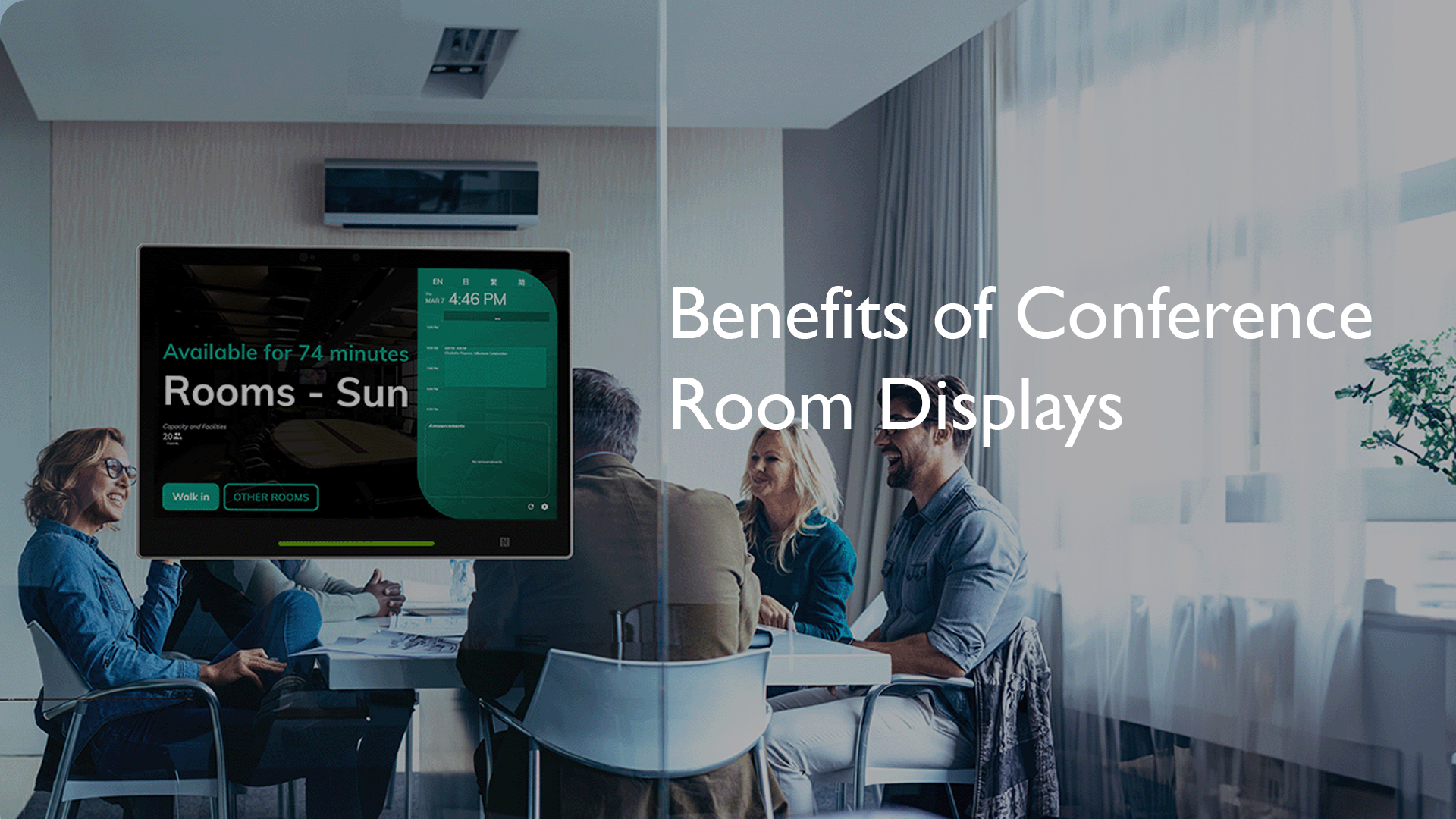
Read articleConference room displays, specifically room schedule displays, offer a seamless way to organize and utilize meeting spaces effectively.
Learn more: Benefits of conference room displaysEverything you need to know about Offision meeting room booking
A meeting room booking system lets employees find and reserve conference rooms from web, mobile, or room panels. It shows real-time availability, syncs with Outlook or Google Calendar, and can release no-show bookings automatically.
A room booking display is a digital panel outside a meeting space that shows current status, schedule, and sometimes lets people book or check in on the spot. Offision supports panels and signage so everyone sees accurate room state at the door.
Offision keeps one shared source of truth for rooms. Calendar integrations and real-time updates mean the same slot cannot be claimed twice, and policies like auto-release help free unused rooms.
Yes. Offision integrates with Microsoft 365, Outlook, Teams, and Google Workspace so bookings stay aligned on both sides.
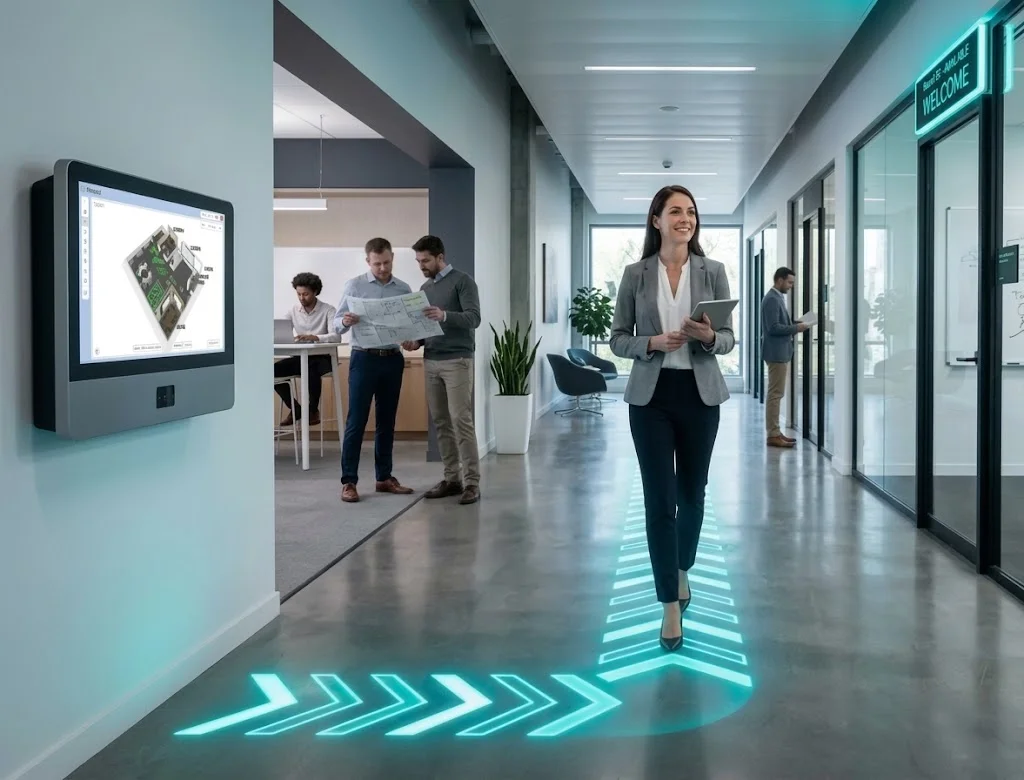
Yes. You can use room displays and workplace signage to show availability, book on-site, and guide employees and visitors.
A meeting room scheduler is software that shows which conference rooms are free, lets people book a time, and keeps calendars and door panels in sync. Offision is a meeting room booking system and scheduler for hybrid workplaces.


©2026 ONES Software Ltd. All rights reserved.