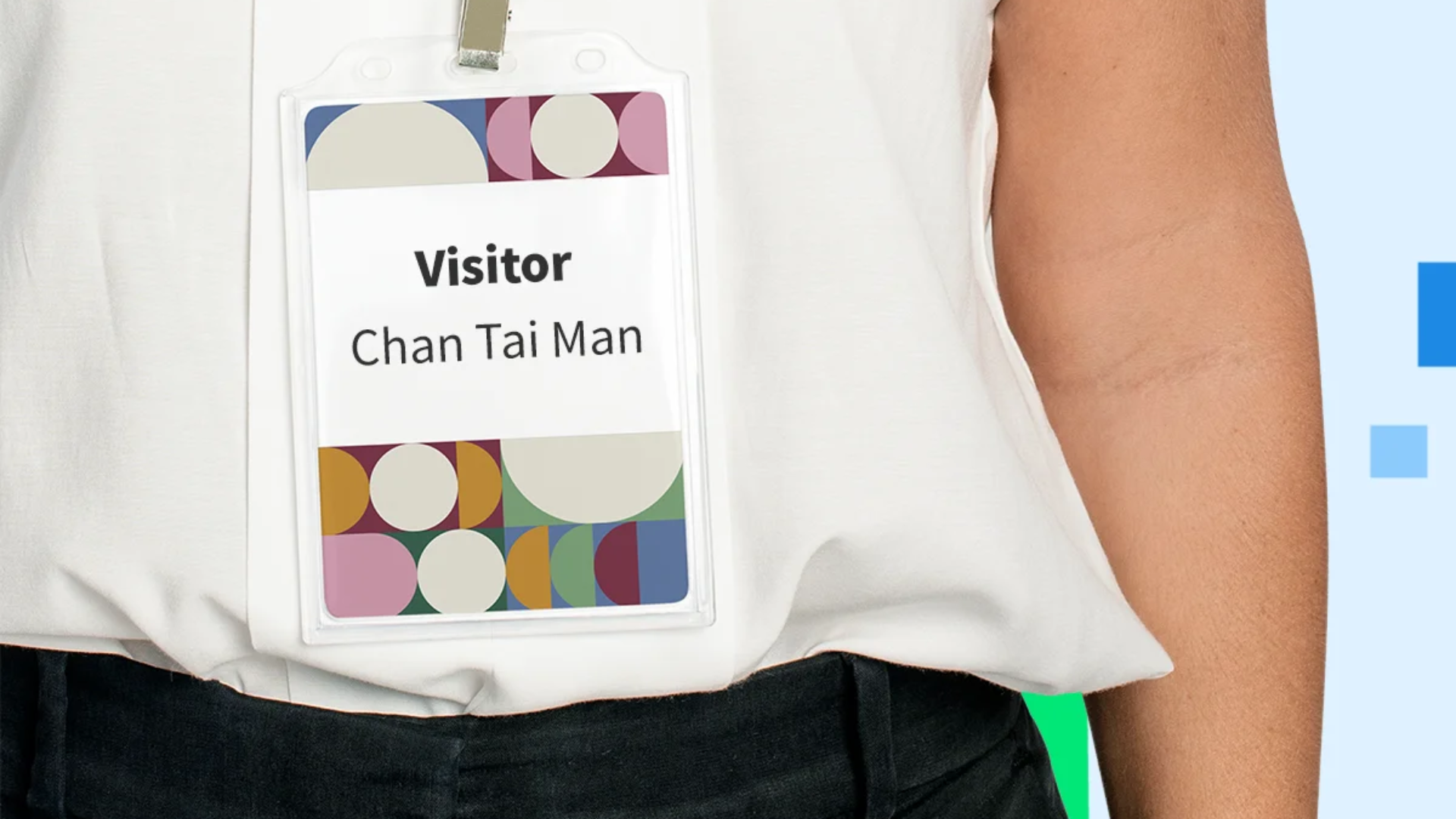
Admins can configure visitor label designs in Offision. Choose from four pre-designed templates. With a label printer, labels auto-print during visitor check-in, including visitor details and validity.
洞察與最佳實踐,協助您優化工作空間
The Visitor Label design setting feature in Offision ensures a professional and efficient way to manage visitor check-ins. Admins can configure and customize visitor labels effortlessly with the following key functionalities:
By implementing this feature, companies can ensure a secure, organized, and professional environment for their visitors.
Improved Security:
Time-Saving:
Professional Branding:
Seamless Integration:
User-Friendly for Admins:
Enhanced Visitor Experience:
The Visitor Label Design feature in Offision not only simplifies visitor management but also enhances security, saves time, and leaves a lasting positive impression on visitors. It is a must-have for any organization aiming to create a safe and professional environment.
請依照以下步驟操作
Navigate to "Visiting location" and enable a location for visiting.
Navigate to "Visitor settings" and select your desired label design on "Visitor badge setting".
Save your changes.
Navigate to "Reception" page of User portal.
Click "Connect printer" and download the Offision app for connect printer.
Open the Offision app, then click "Connect printer" and follow the instructions to connect the label printer.
Click setting button on the left-bottom of Signage to open the setting menu.
Input passcode: 0000, and click OK.
Enter device settings, and connect the printer on "Settings" tab.
Navigate to "Visiting location" and enable a location for visiting.
Navigate to "Visitor settings" and select your desired label design on "Visitor badge setting".
Save your changes.
Navigate to "Reception" page of User portal.
Click "Connect printer" and download the Offision app for connect printer.
Open the Offision app, then click "Connect printer" and follow the instructions to connect the label printer.
Click setting button on the left-bottom of Signage to open the setting menu.
Input passcode: 0000, and click OK.
Enter device settings, and connect the printer on "Settings" tab.
備受全球機構信賴
加入數百間使用 Offision 提升工作空間管理效率的企業


©2026 ONES Software Ltd. All rights reserved.

 Neat 裝置
 Crestron