Select another country/region to browse the content applicable to your location.
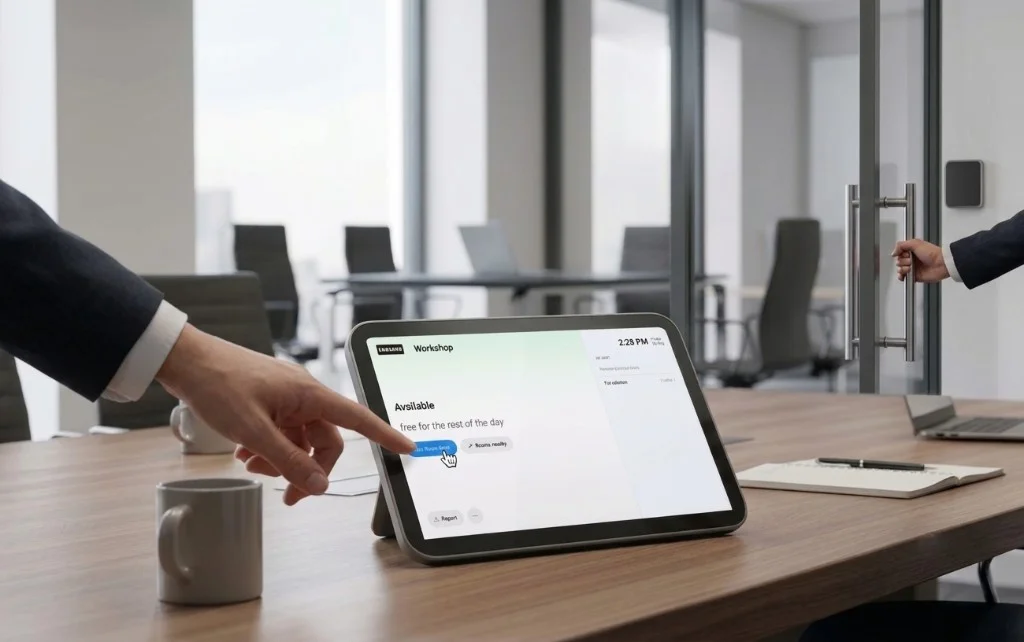
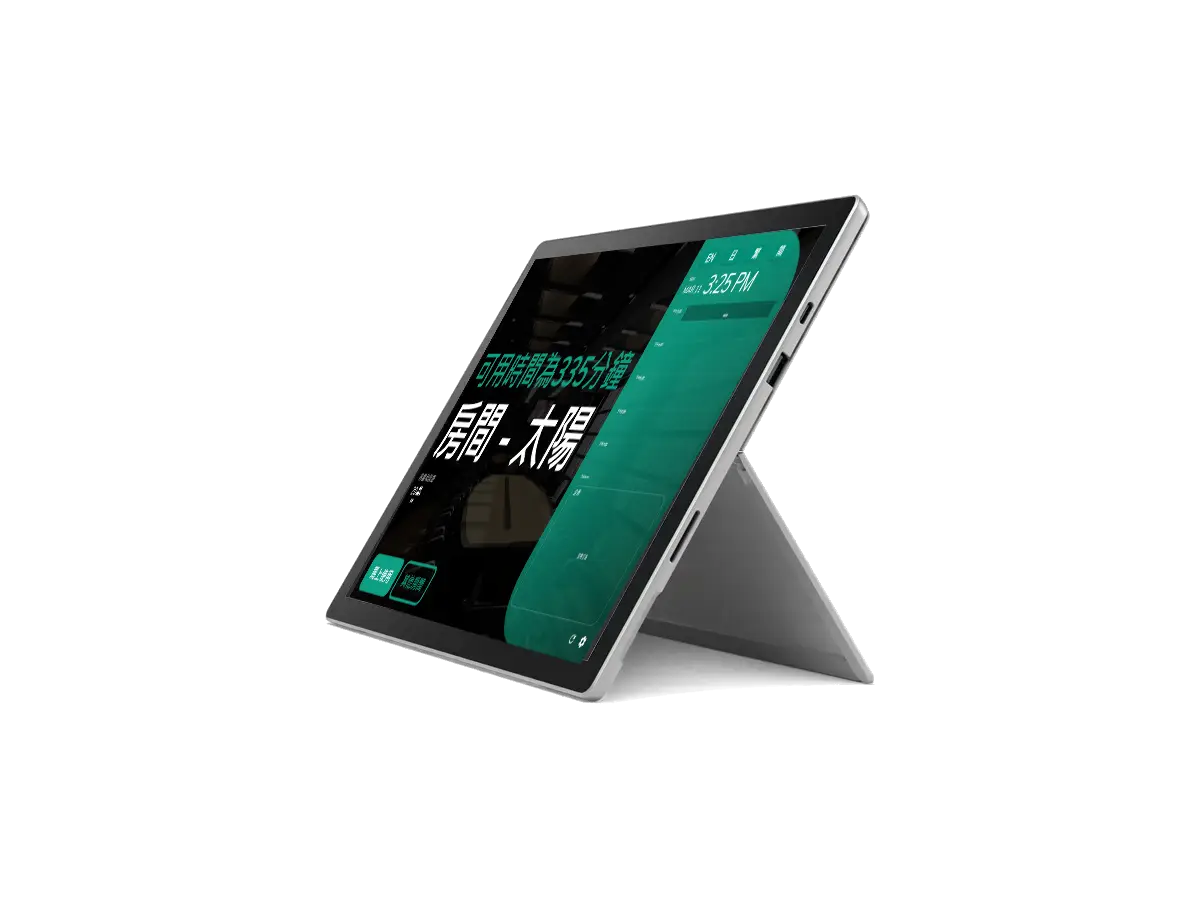
tablet_androidRoom booking panel

Room booking panel

Designed for efficiency, it integrates with existing office systems, reducing conflicts and optimizing workspace utilization.

Microsoft Partner
Room booking panel
check_circleAvailable

More than just traffic lights

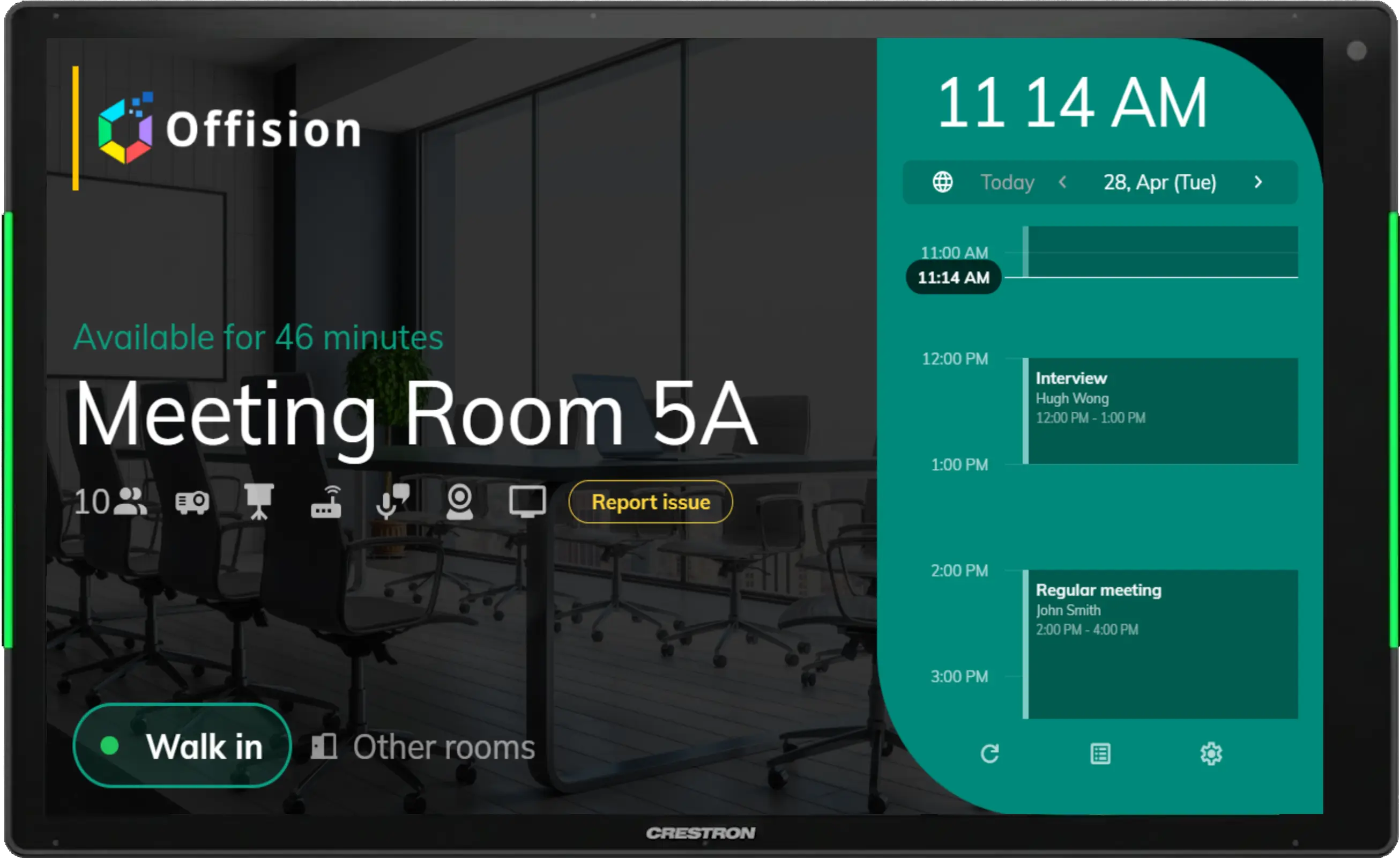
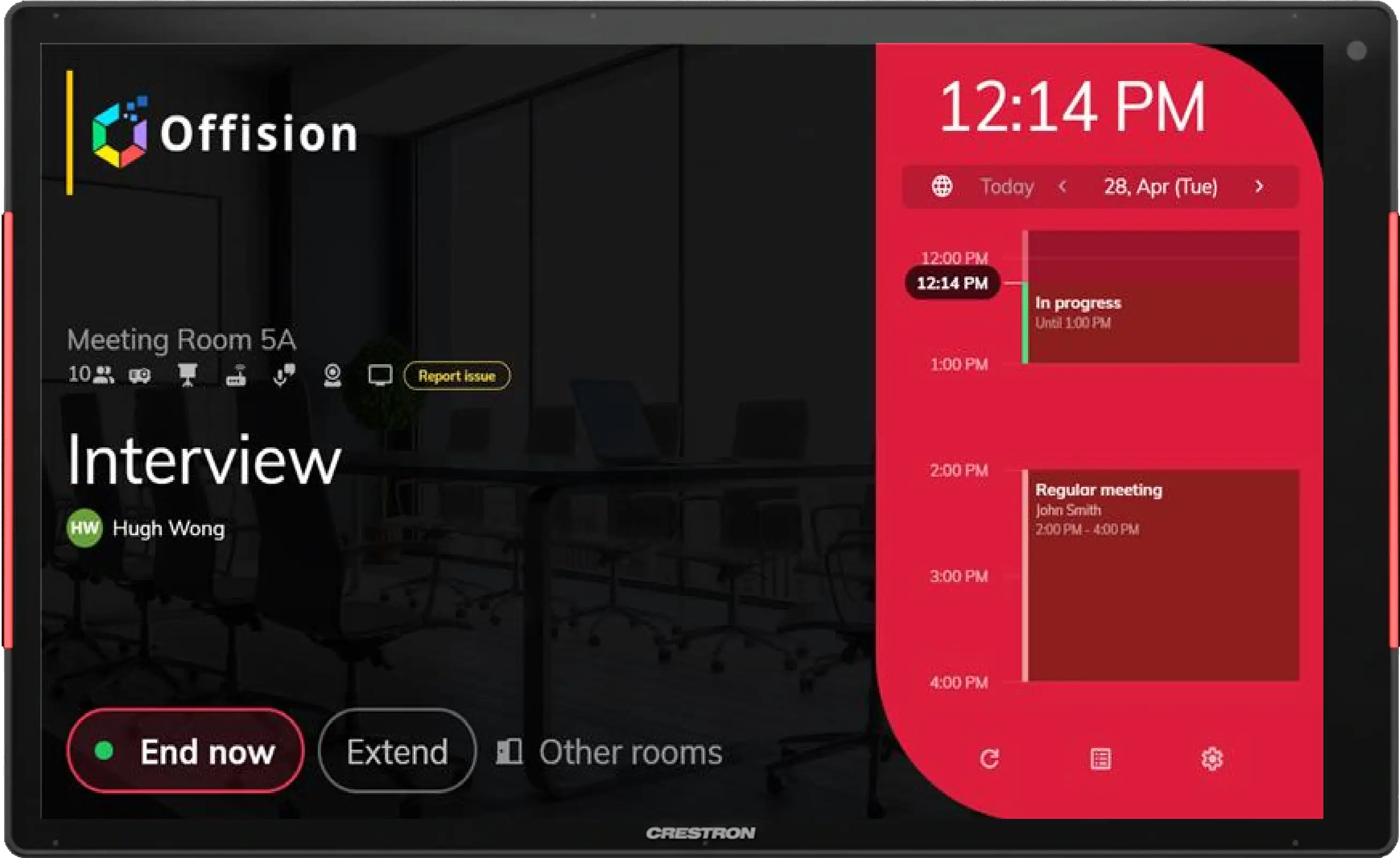
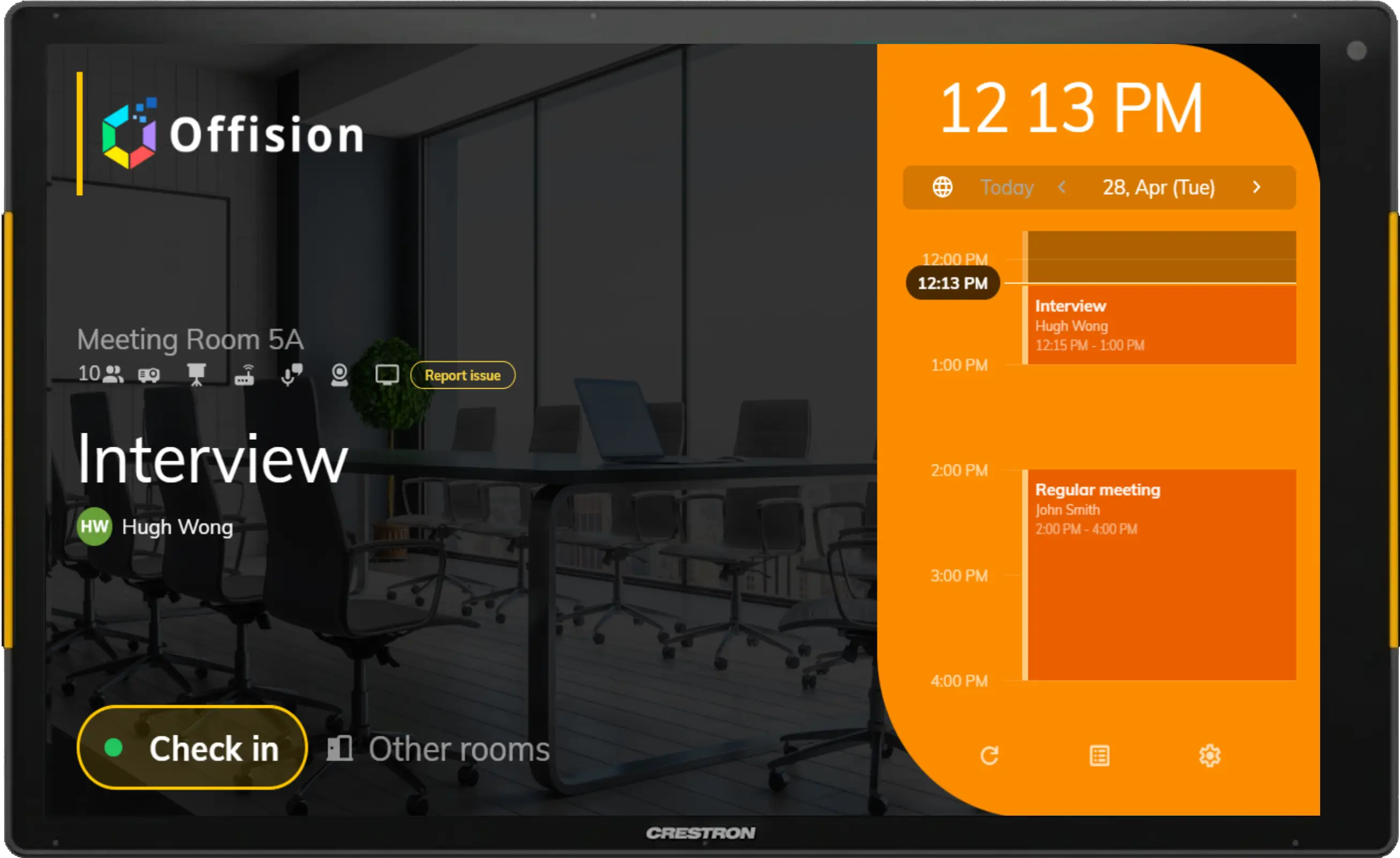
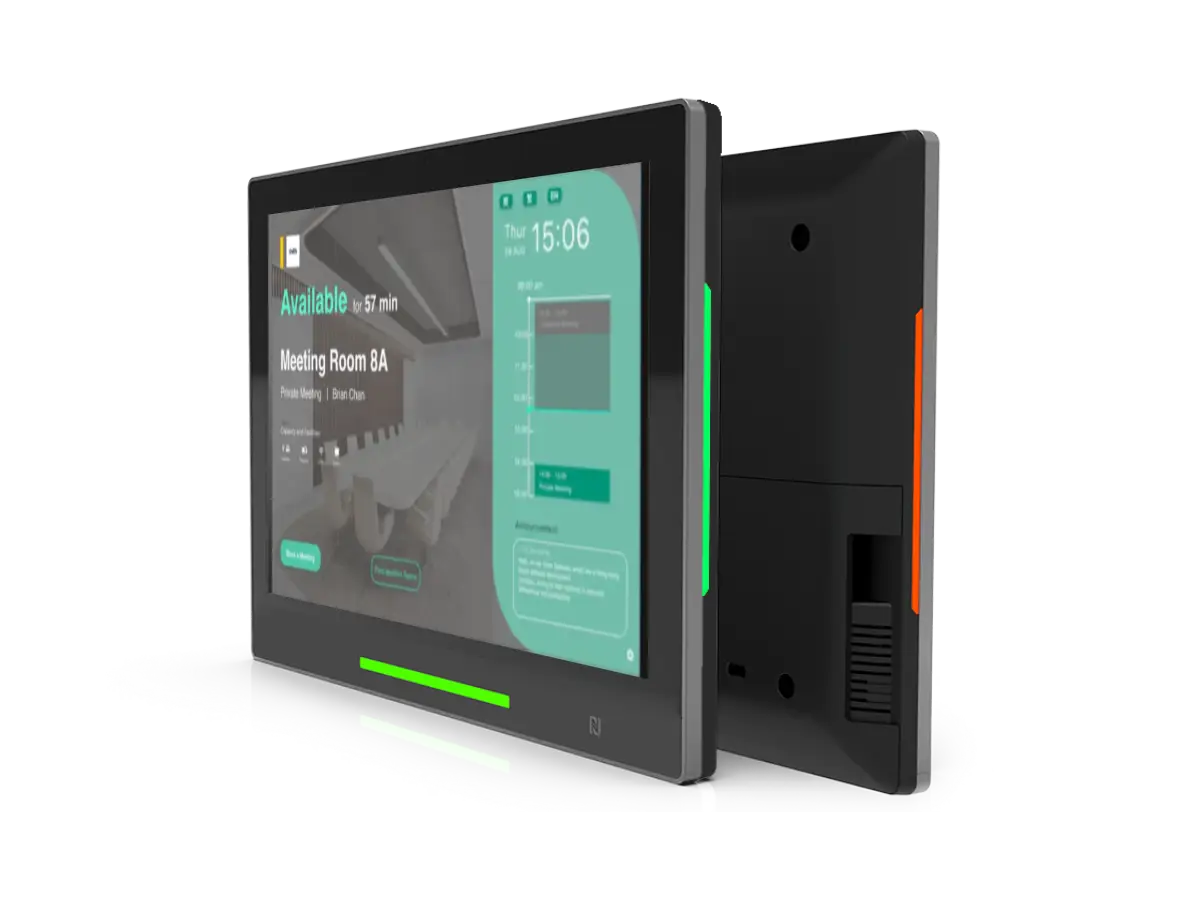
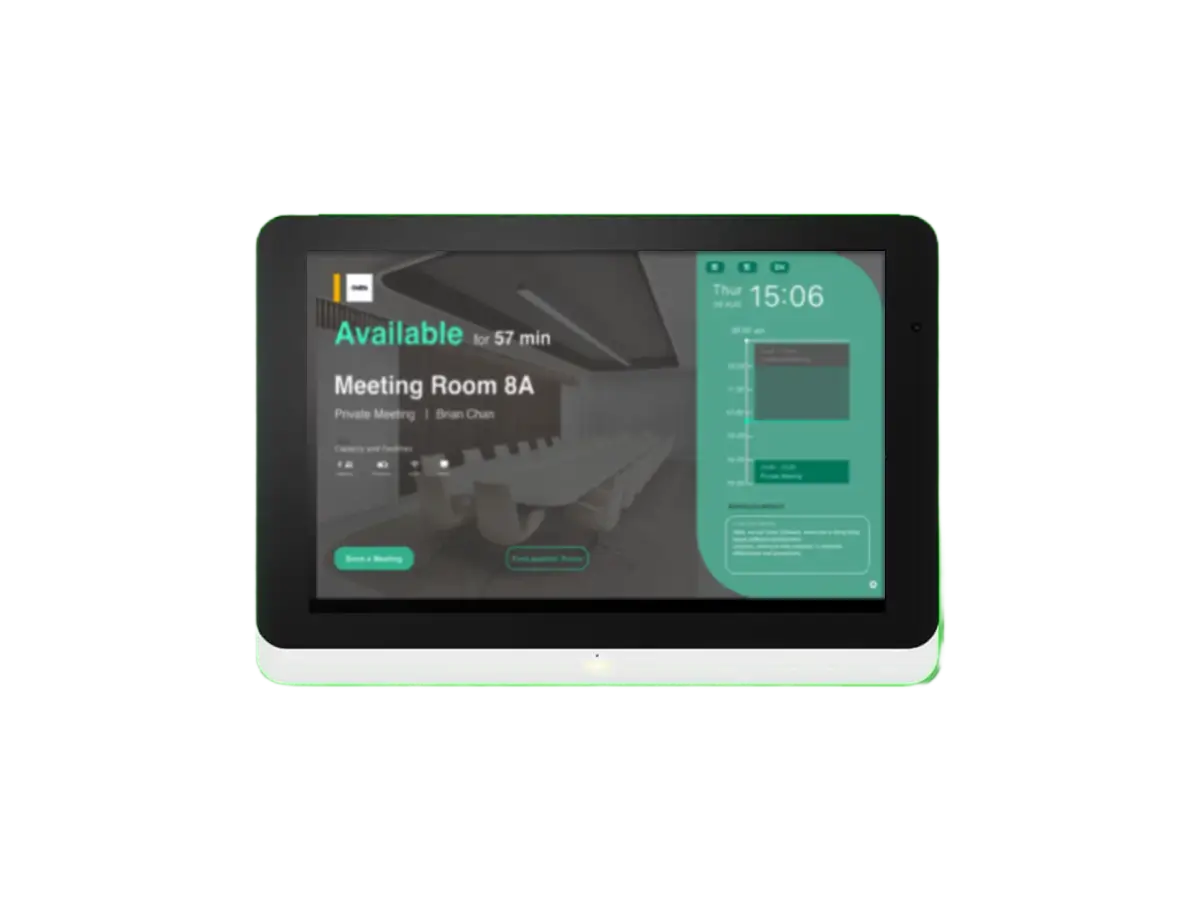
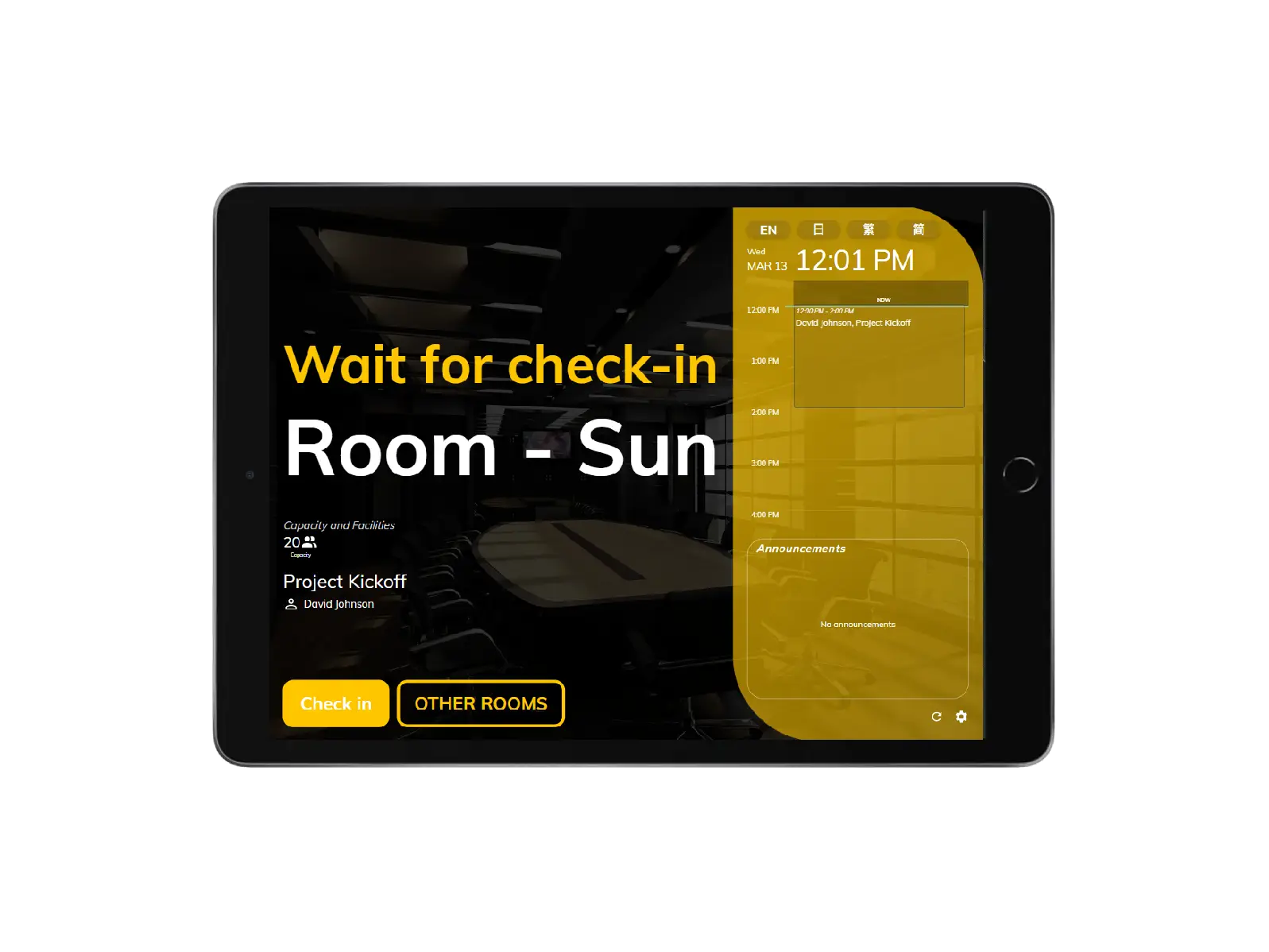
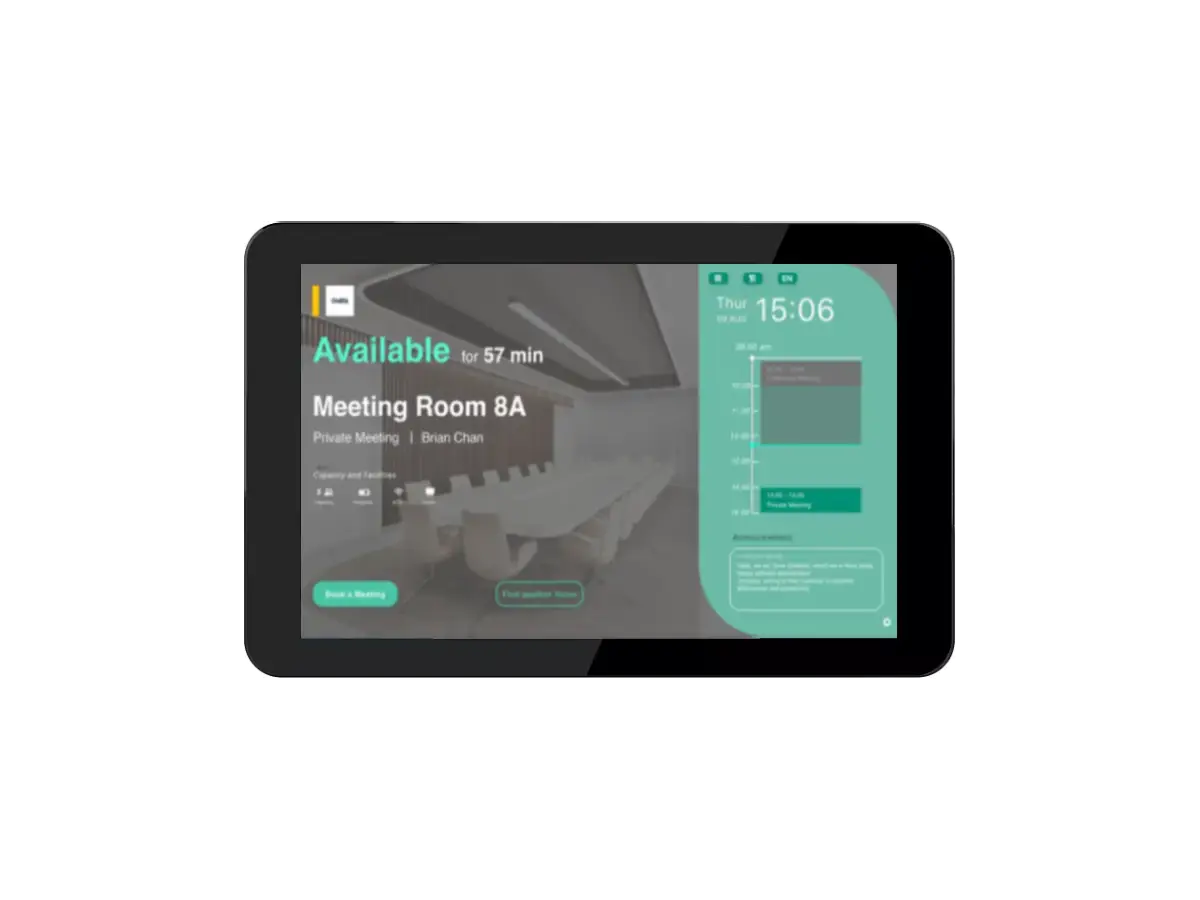
The booking panel's vivid colors indicate the room availability, from available, standby, and occupied, allowing the user to see the status at first sight.

Indicates that someone is using the room. Please do not disturb.

Now using

Indicates that someone is using the room. Please do not disturb.

The room has an upcoming booking and awaiting for check-in.

Wait for check-in

The room has an upcoming booking and awaiting for check-in.

The room is available for more than 30-minute-long meetings.

Available

The room is available for more than 30-minute-long meetings.

Real-time room status
cell_towerReal-time room status

Real-time room status

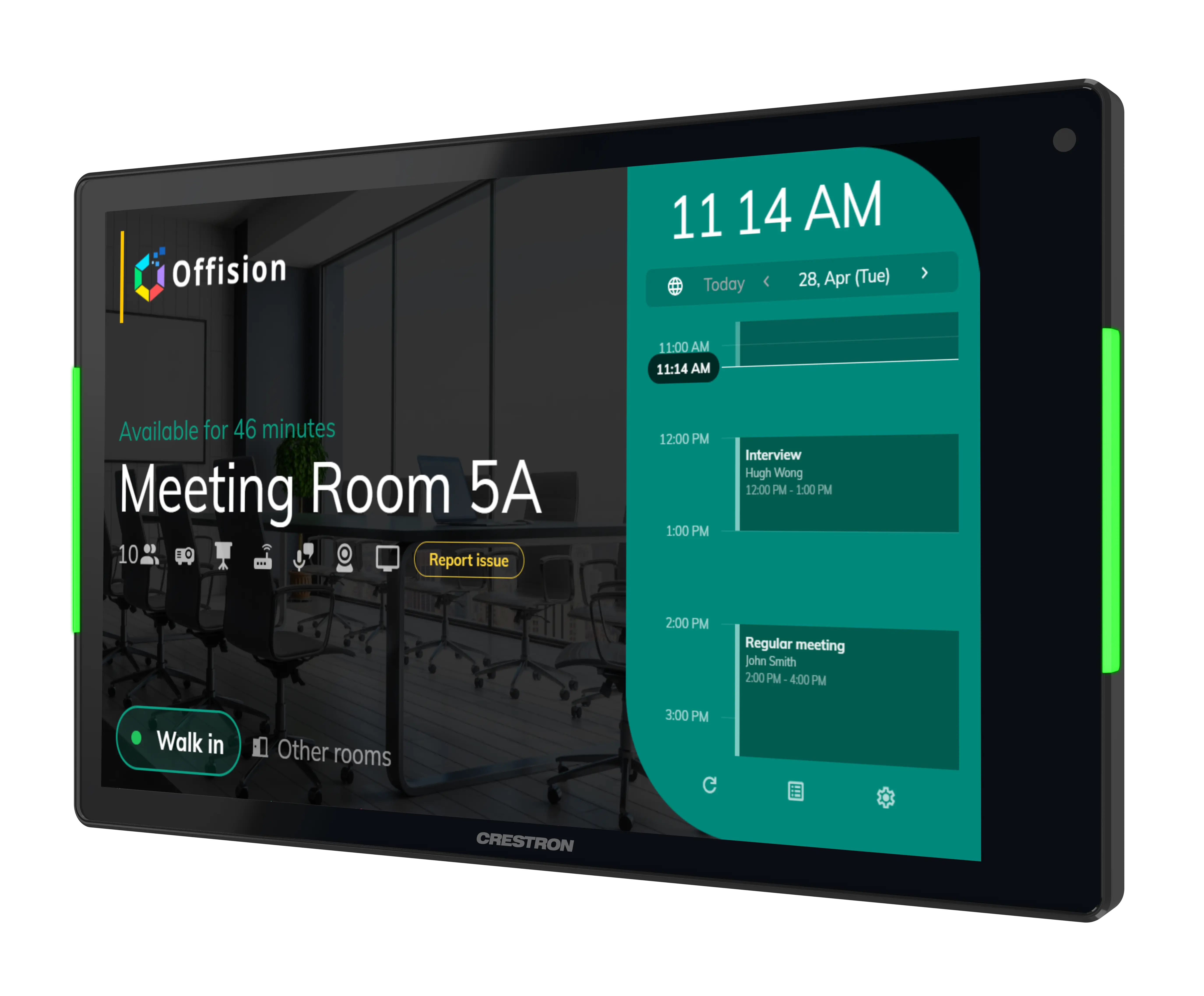
With a clear overview on the panel, users can easily know the room's real-time status, amenities, capacity, and meeting information such as meeting title and organizer.

sensors Real-time status
videocam Amenities
group Capacity
title Meeting title
person Meeting organizer
Offision - floor plan Offision - room detail Offision - tap card
publicReserve rooms in everywhere

Reserve rooms in everywhere

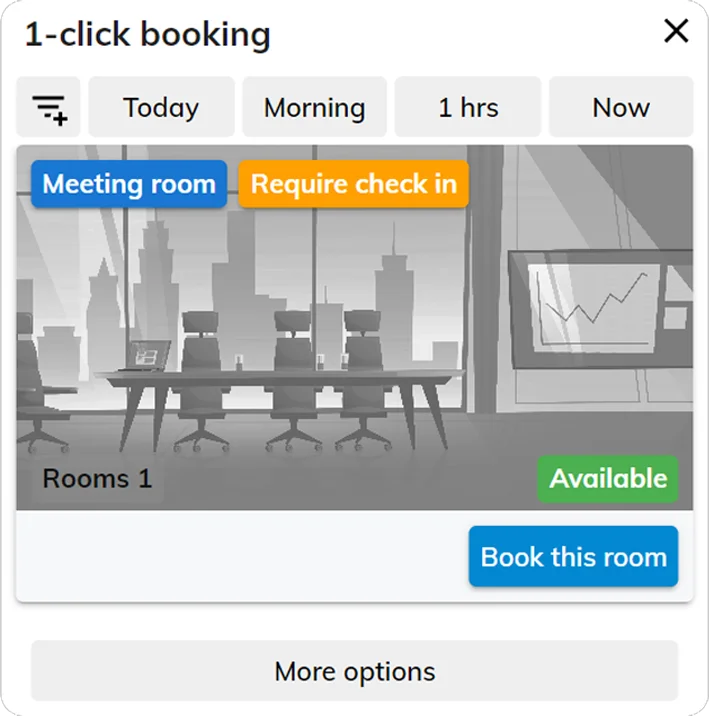
You can easily find, reserve, and check-in your room on mobile, desktop, and panel. Reservation status will be automatically updated on all platforms.

smartphone Reserve on mobile
tablet Reserve on panel
desktop_windows Reserve on desktop
sync Auto data synchronization
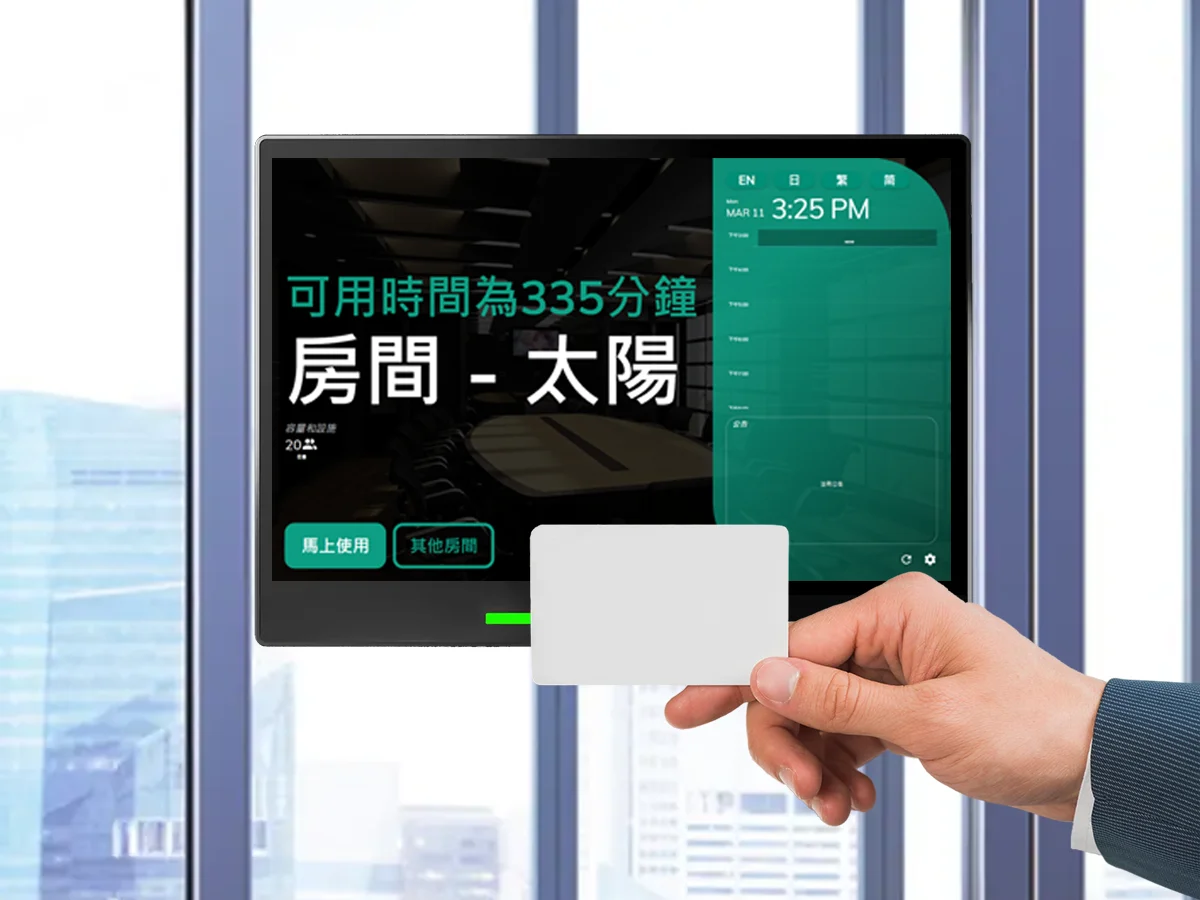
badge Support staff card check-in
language phone_iphone android Support browser & APP

Support hardware from a wide range of brands

Offision supports various hardware that can be applied to different business requirements.

Ready to transform your workplace?

Get started with Offision today and see how easy it is to manage your entire workplace on one platform.