Neat
Neat

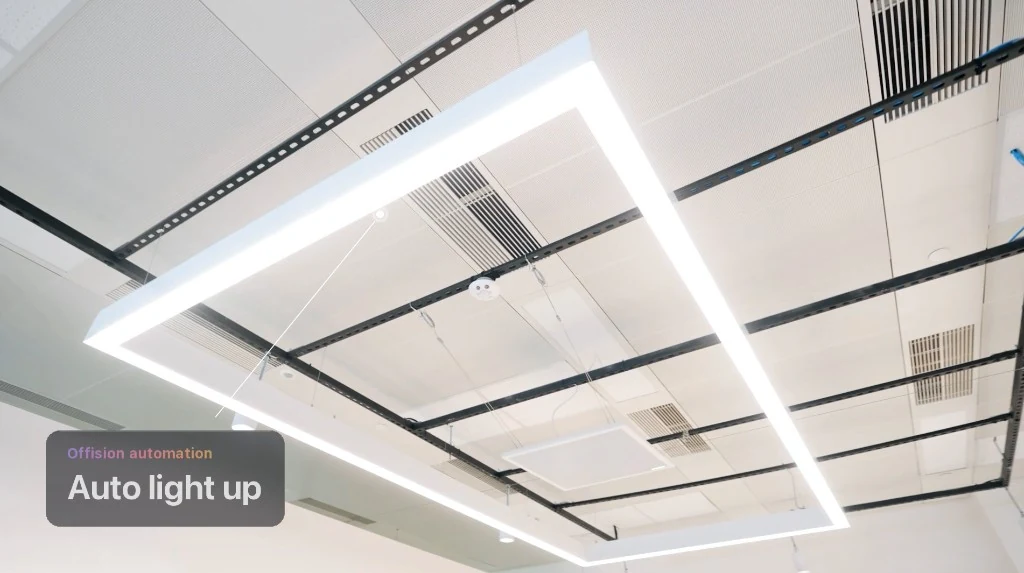
Ceiling fixtures come on with the meeting — no wall switch hunt.


Official Crestron Integrated Partner
Booking, desks, signage, and analytics on the Crestron hardware you already install — one platform, verified on Crestron’s partner directory.
View our Crestron partner profile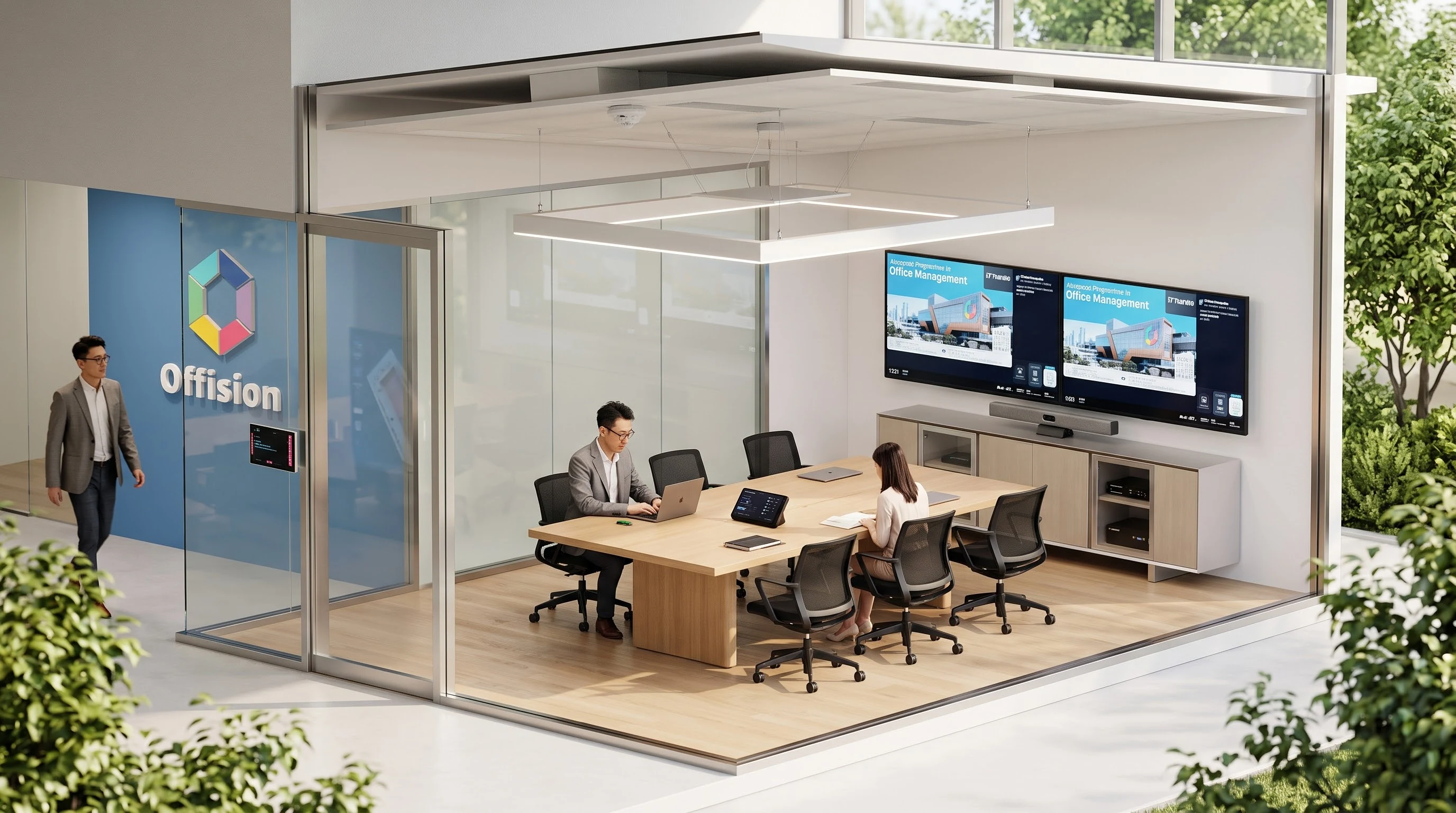
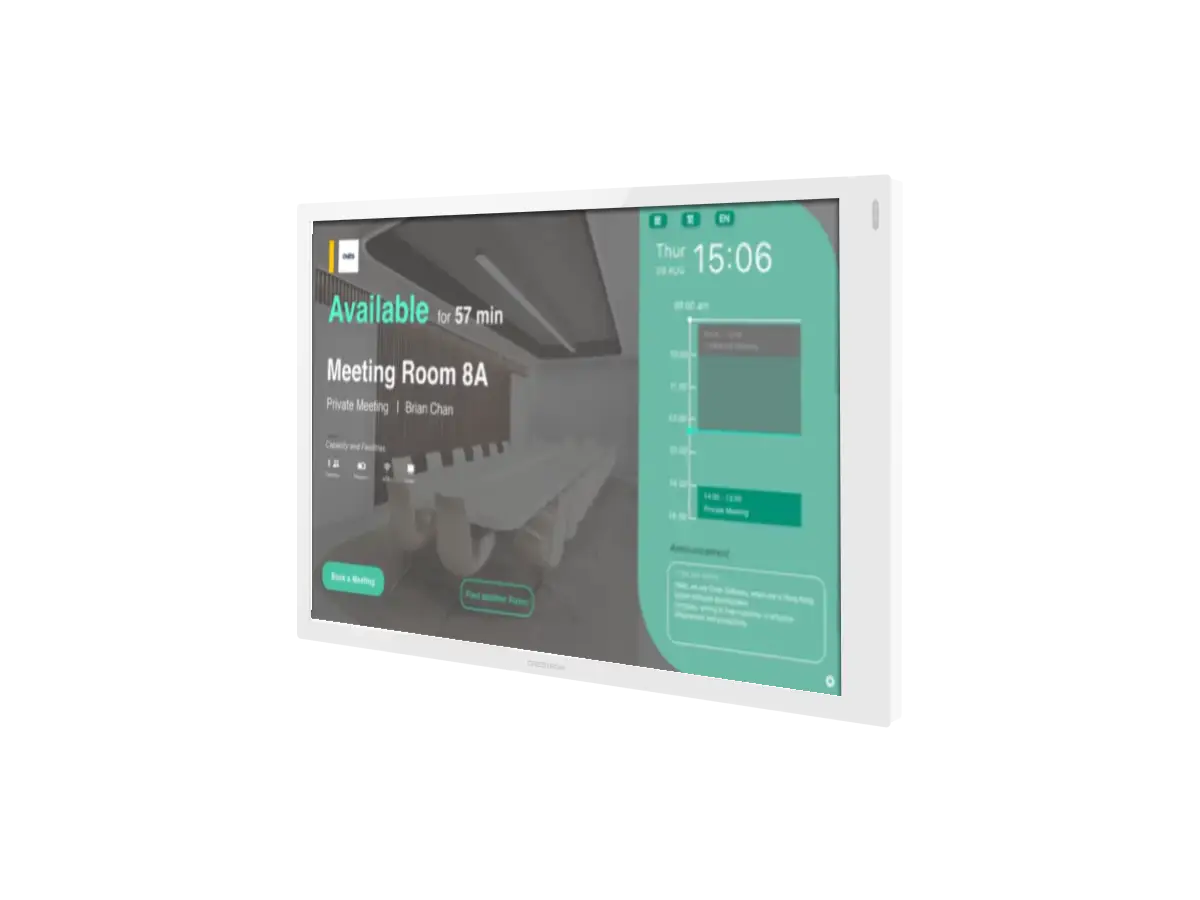
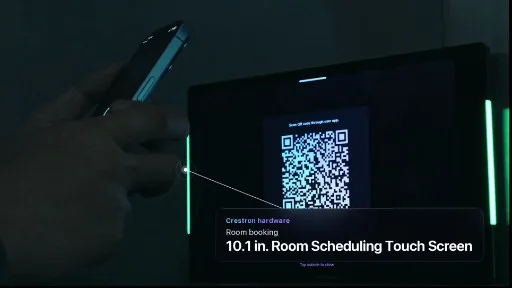
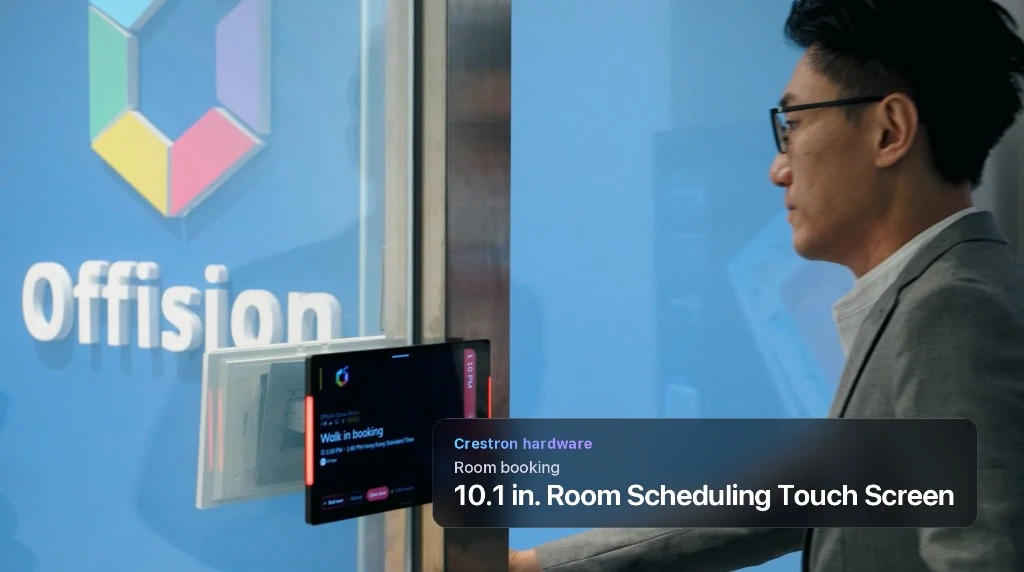
10.1 in. Room Scheduling Touch Screen — availability, QR check-in, and status bars at the entrance.
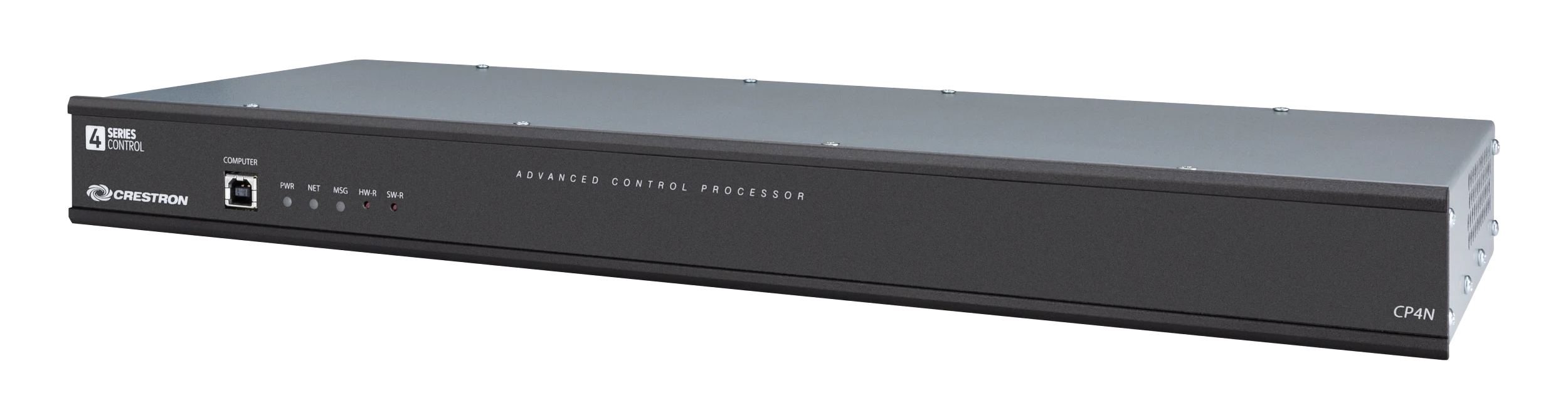
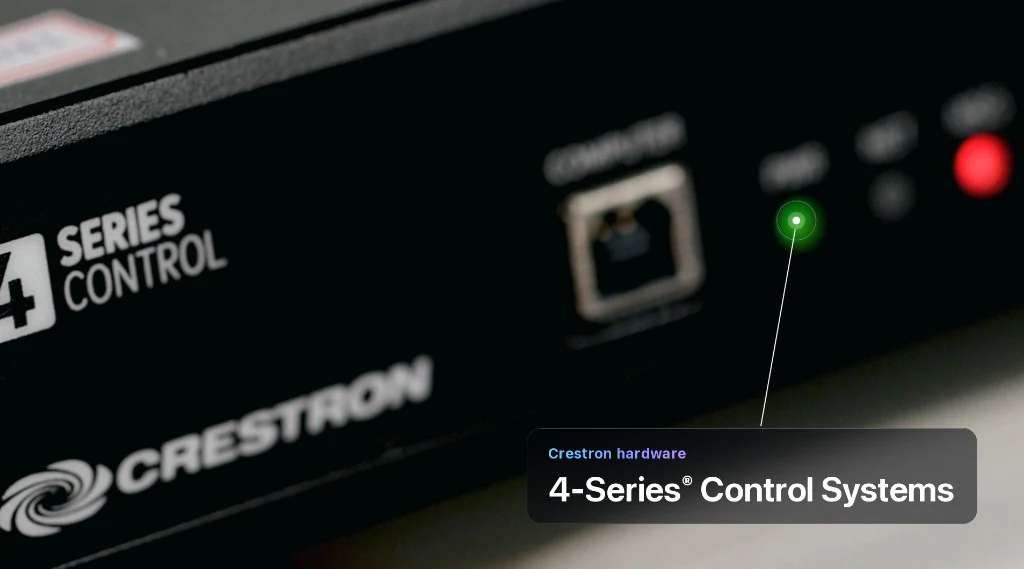
4-Series Control Systems execute what Offision schedules — lights, AV, and room logic in one processor.
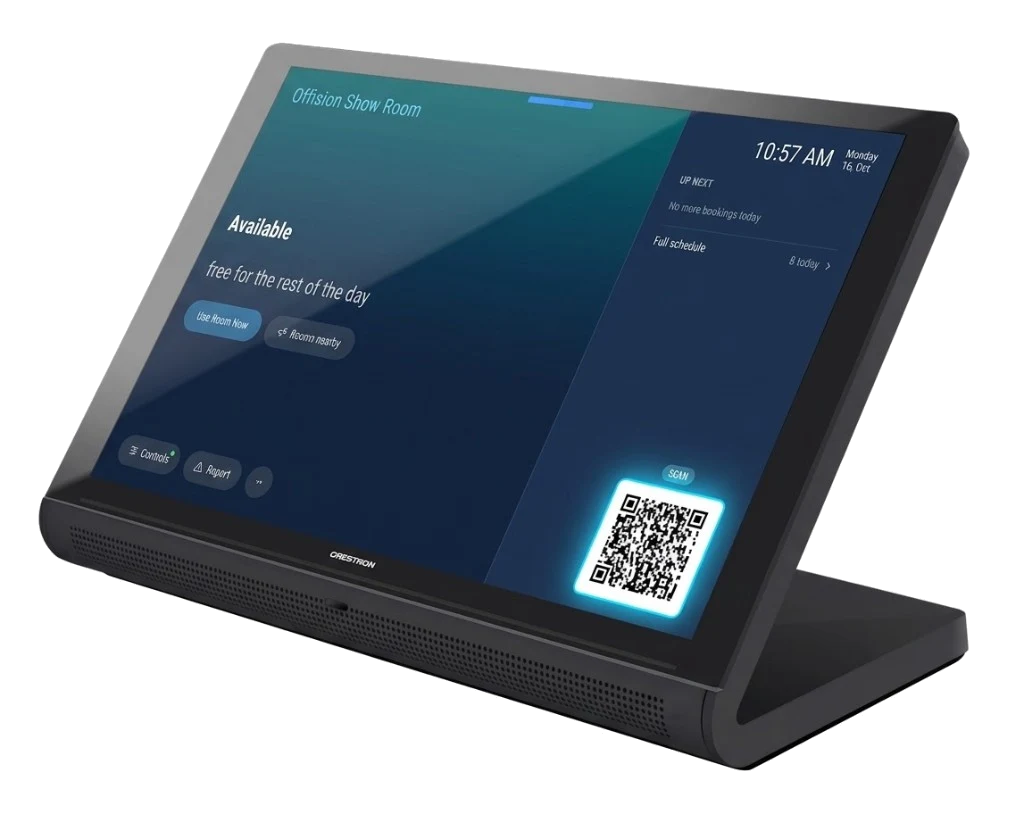
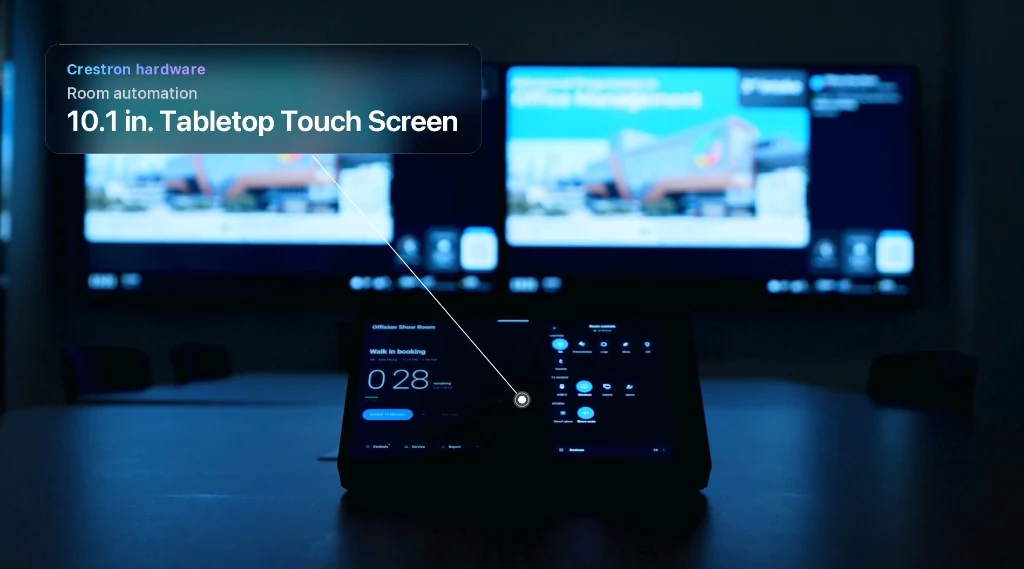
10.1 in. Tabletop Touch Screen for lights, displays, and volume — driven by the same booking.
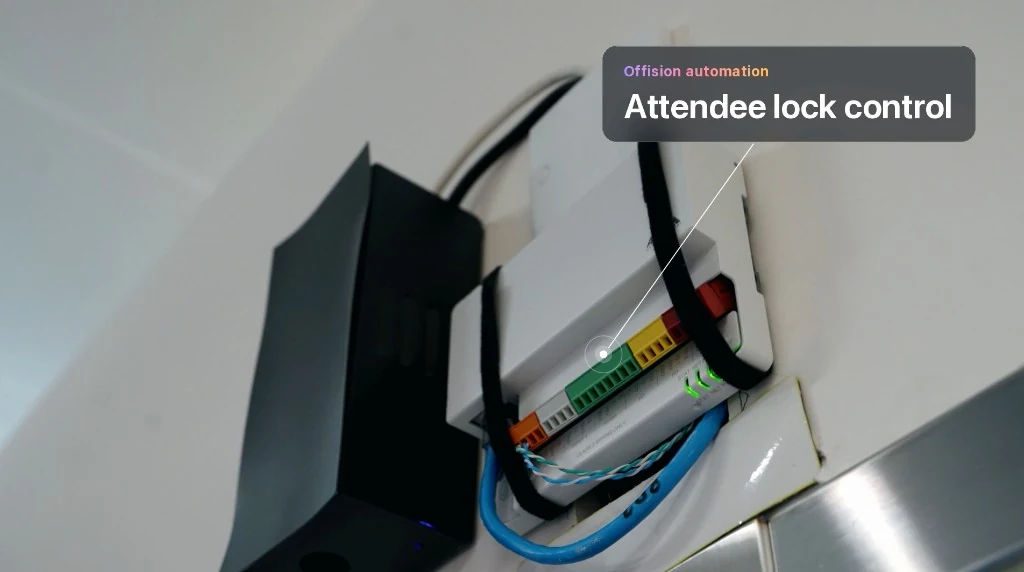
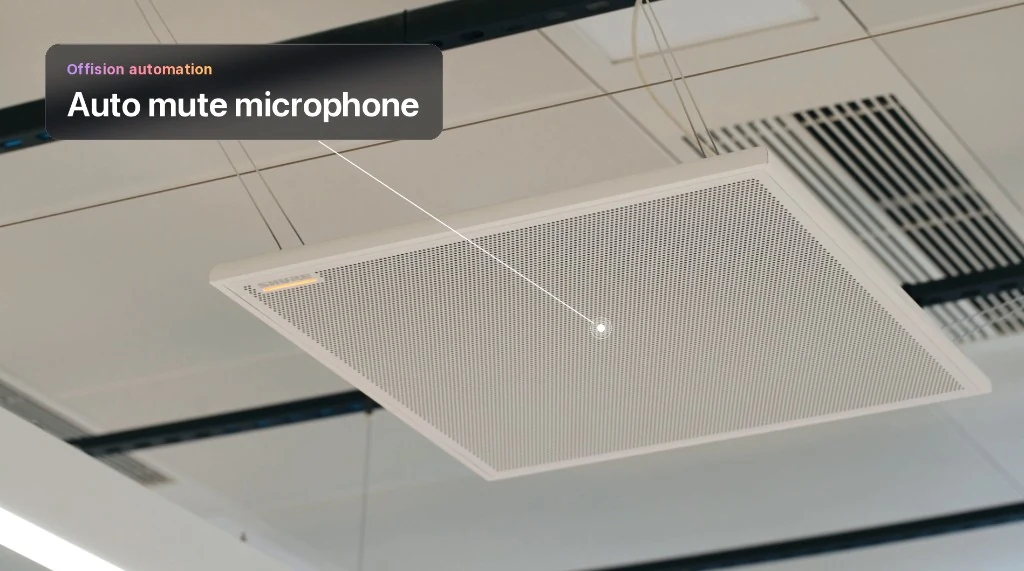
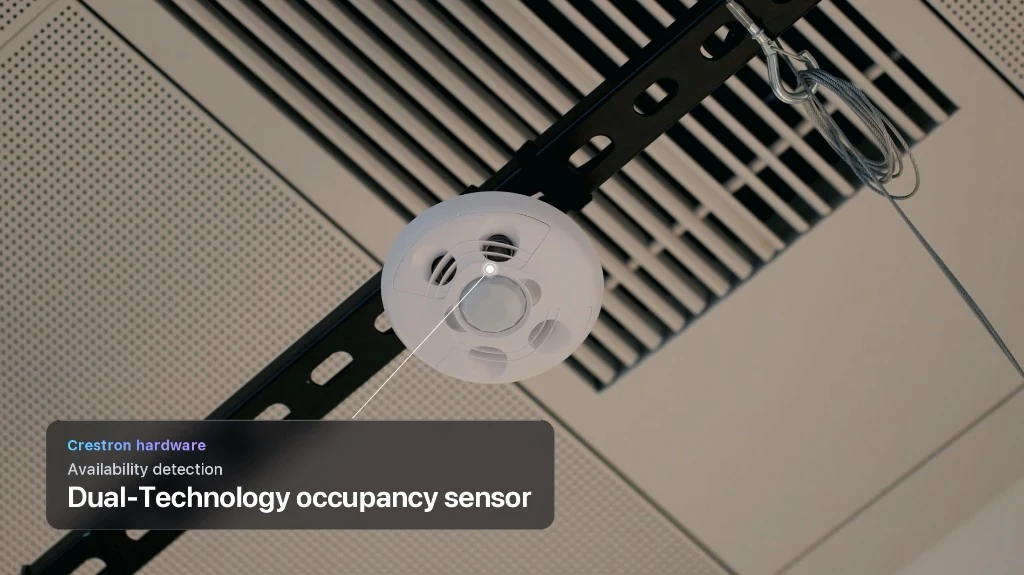
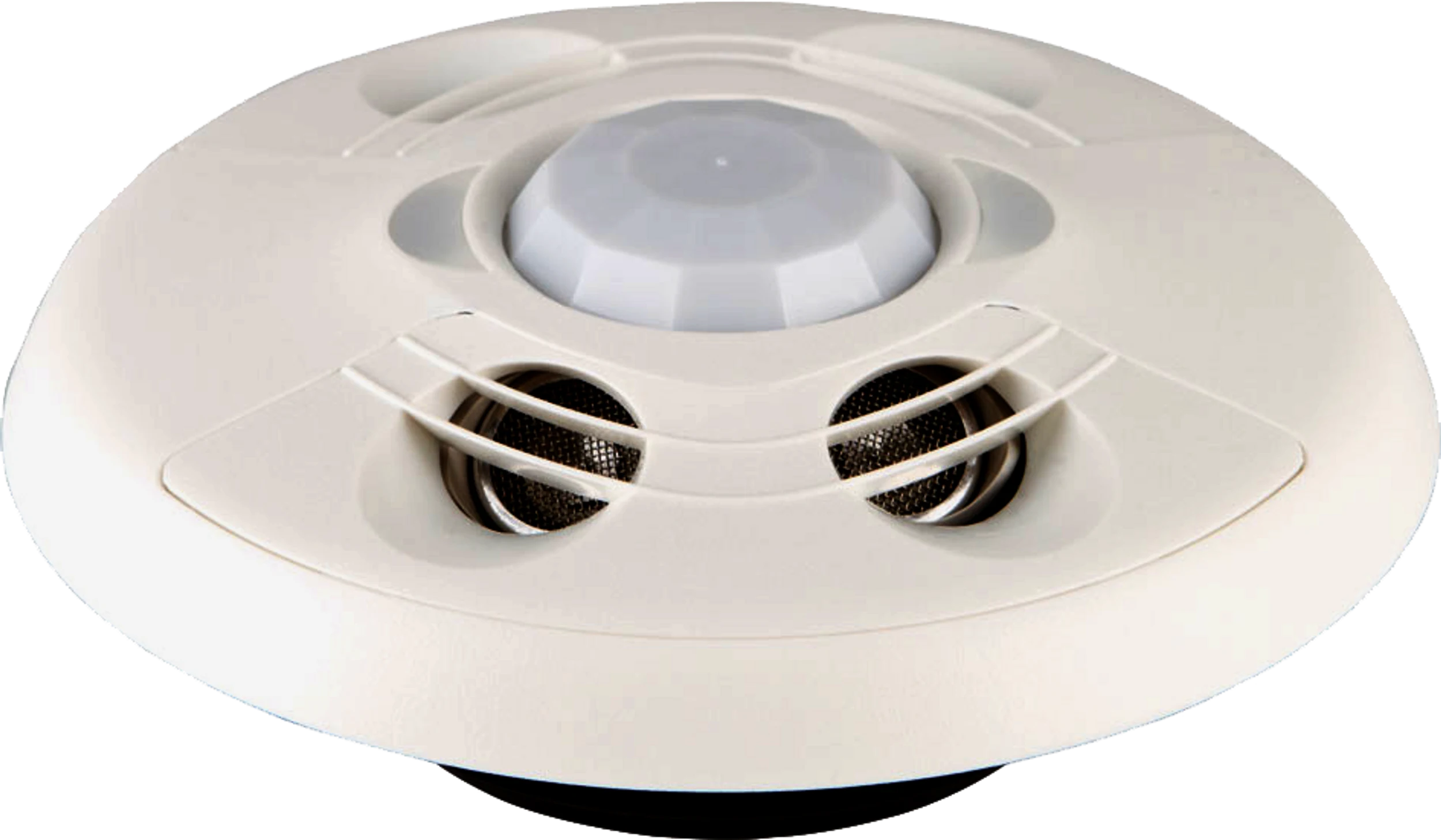
Lights, lock, microphone mute, and dual-technology occupancy — automation tied to the booking.
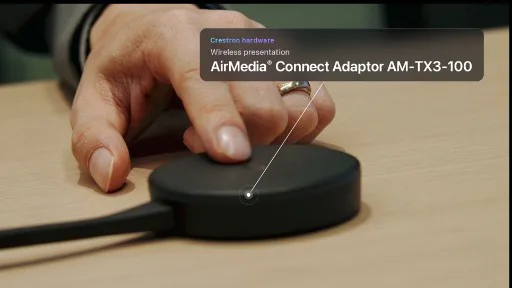
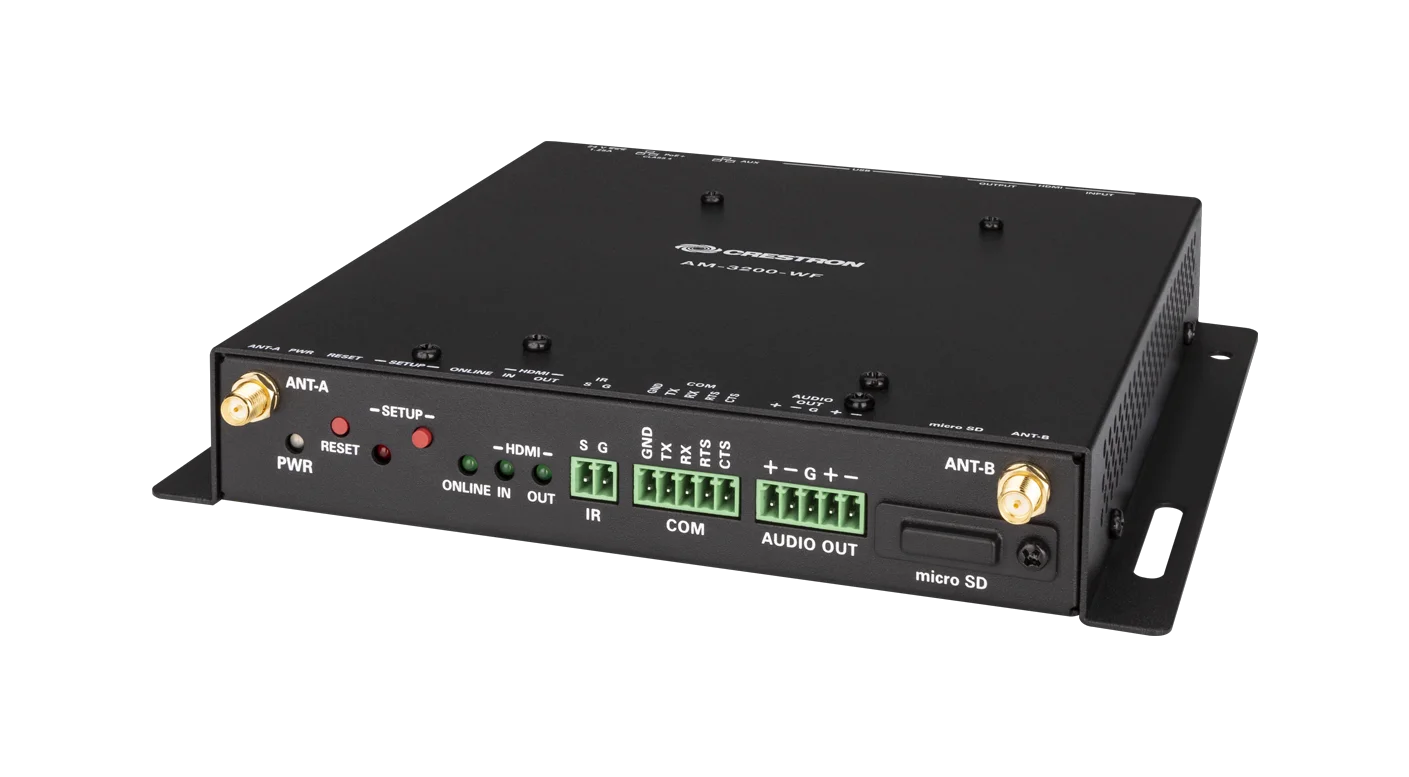
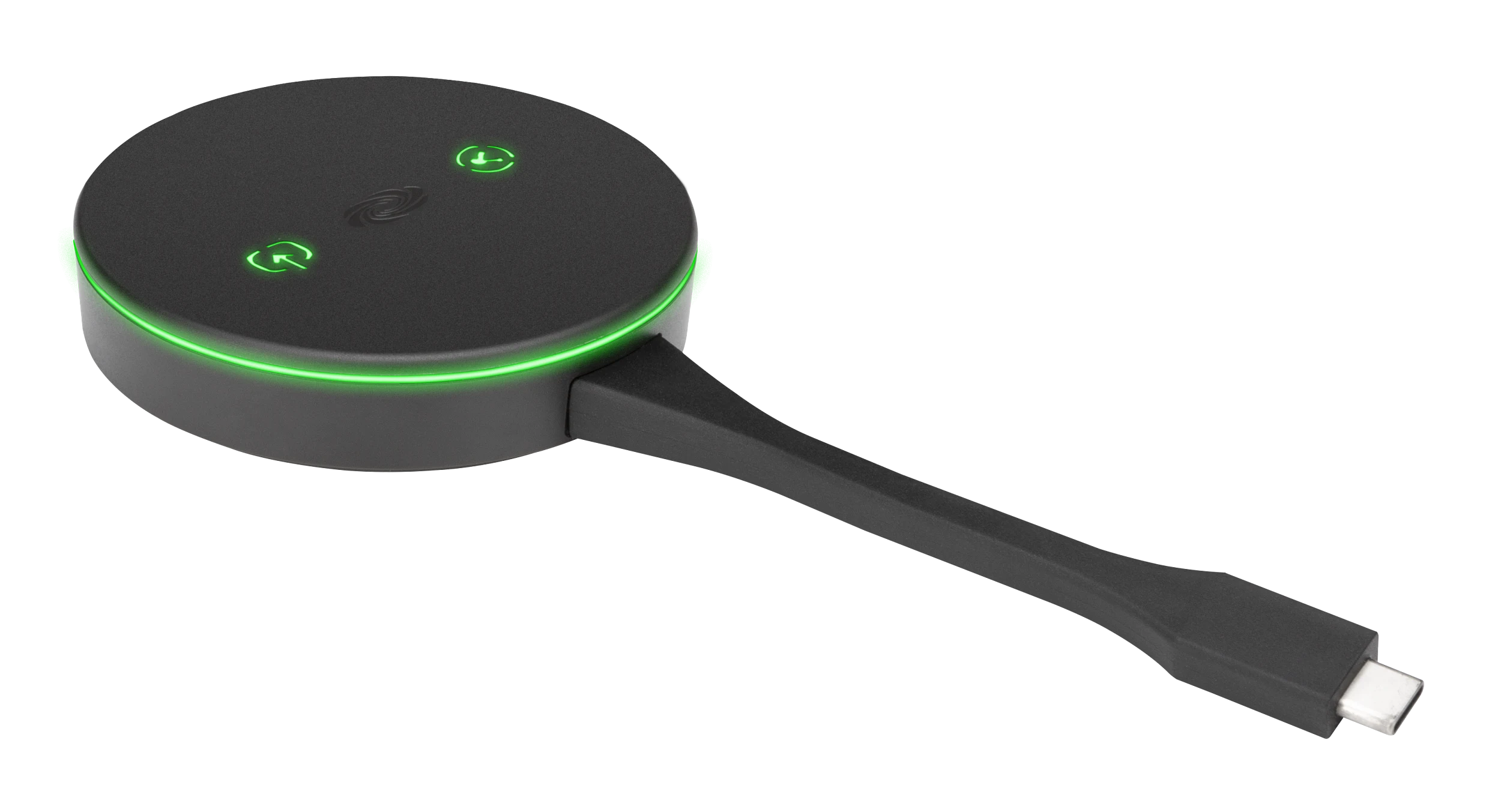
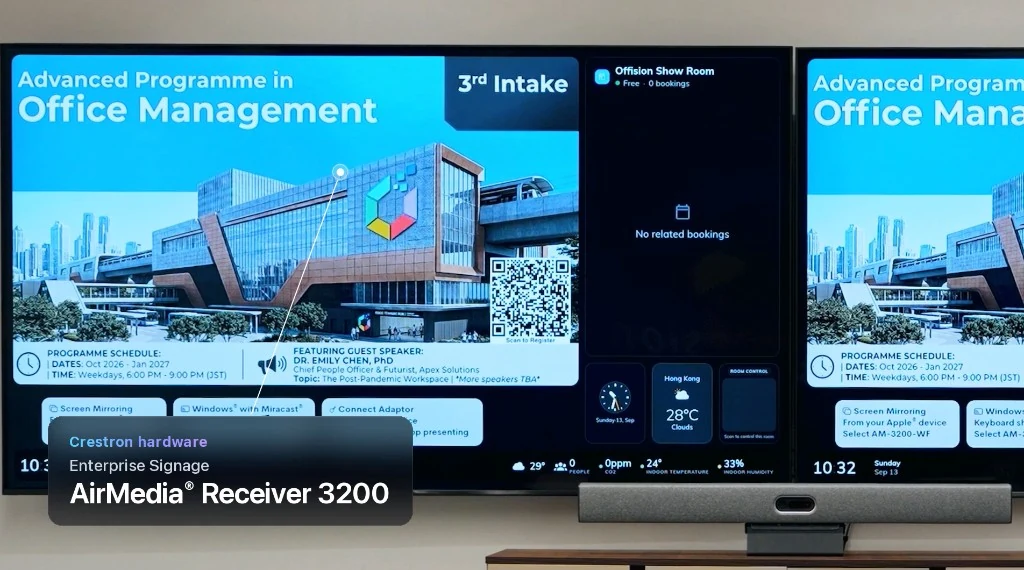
Enterprise signage on AirMedia Receiver 3200 and one-tap wireless presentation with the Connect Adaptor.
Room booking
The 10.1 in. Room Scheduling Touch Screen shows the booking Offision already made — green to enter, red when occupied, QR to check in from the user app.
Control systems
4-Series Control Systems are the backbone of the room. Offision tells them when a meeting starts and ends; Crestron drives the glass, sensors, and AV below.
Room automation
The 10.1 in. Tabletop Touch Screen puts lights, displays, volume, and timers in reach — the same booking that lit the door now runs the room from the table.
Automation
When Offision starts or ends a meeting, Crestron hardware and automation close the loop — lights, lock, microphone, and occupancy.
Ceiling fixtures come on with the meeting — no wall switch hunt.
Door and access logic follow who is on the attendee list.
Ceiling mic arrays mute when the room should stay quiet.
Sensors confirm real presence so ghost bookings release.
Hardware
Room booking
Shows the booking at the door — available, occupied, and QR check-in.
Room control
Runs lights, sensors, and AV when Offision starts and ends the meeting.
Room automation
Lights, displays, and volume from the table, on the same booking.
Occupancy
Confirms the room is really in use so empty bookings release.
Signage
Room status and announcements on the display, through the AirMedia receiver.
Presentation
One tap from a laptop to the room display.
Verified partnership
Offision is published in Crestron’s Integrated Partners directory — the same listing your AV and workplace teams use to validate supported software. No unofficial workaround: this is the partner path Crestron documents for a connected workspace.
View our Crestron partner profileDeploy Offision on panels you already specify — or talk to us about your rollout.