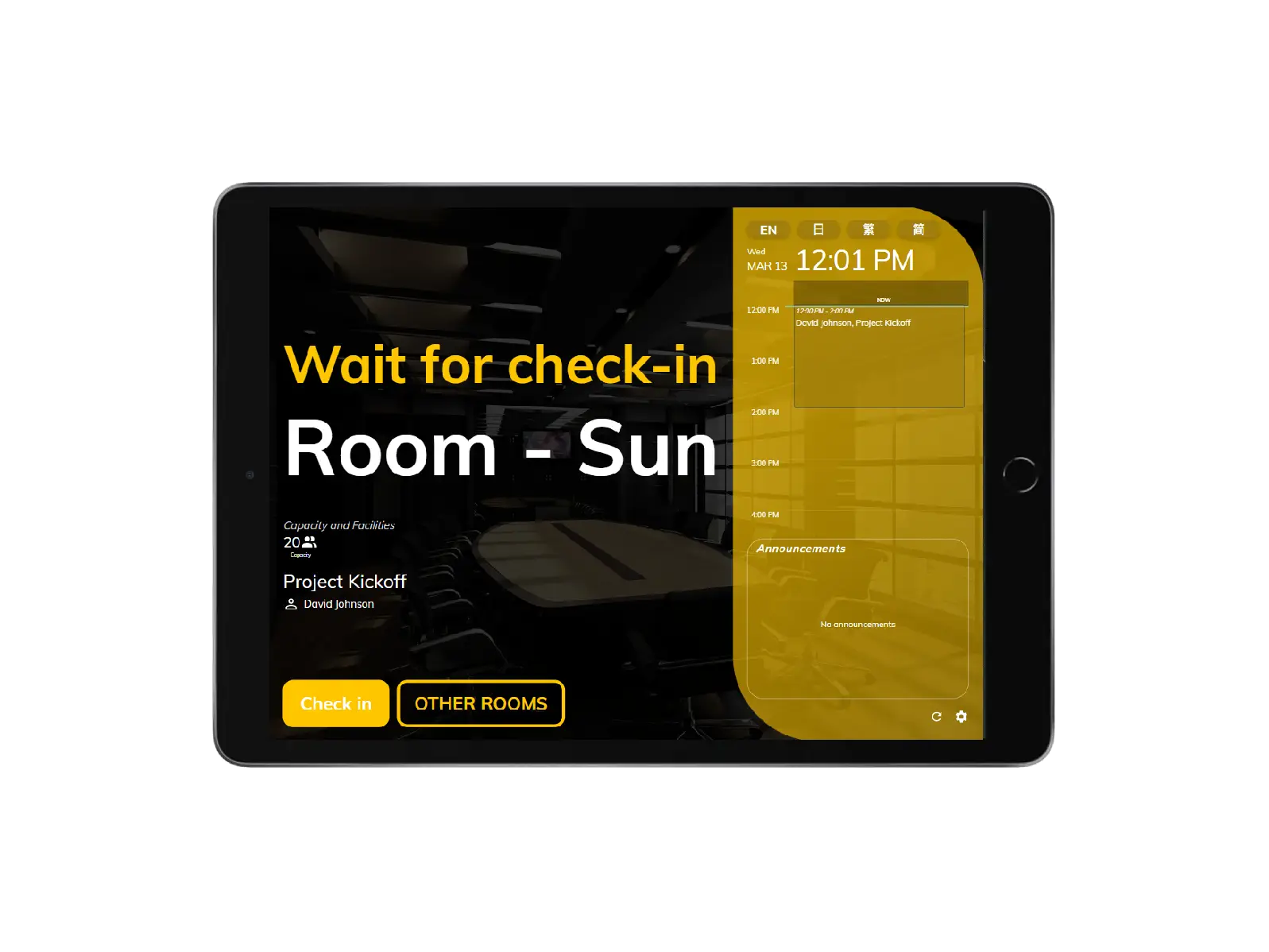
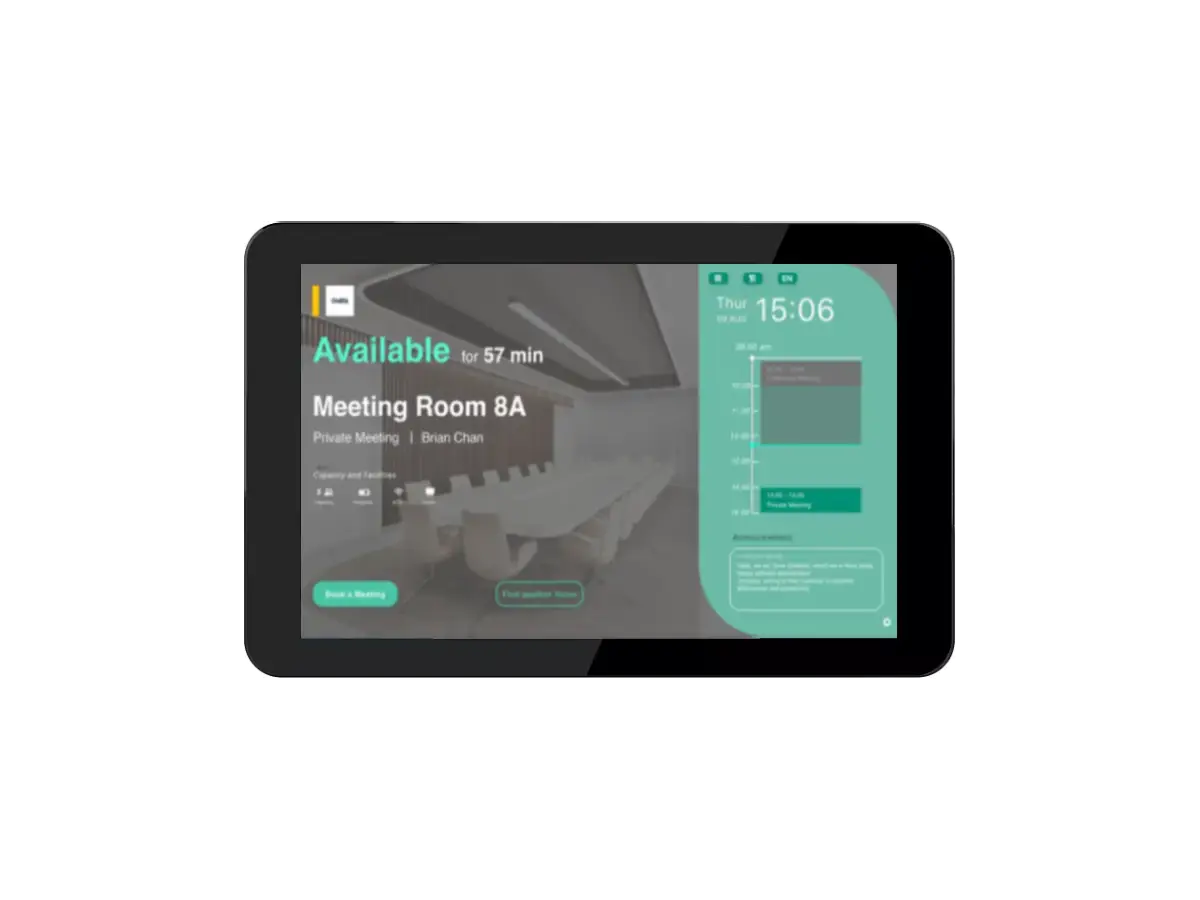
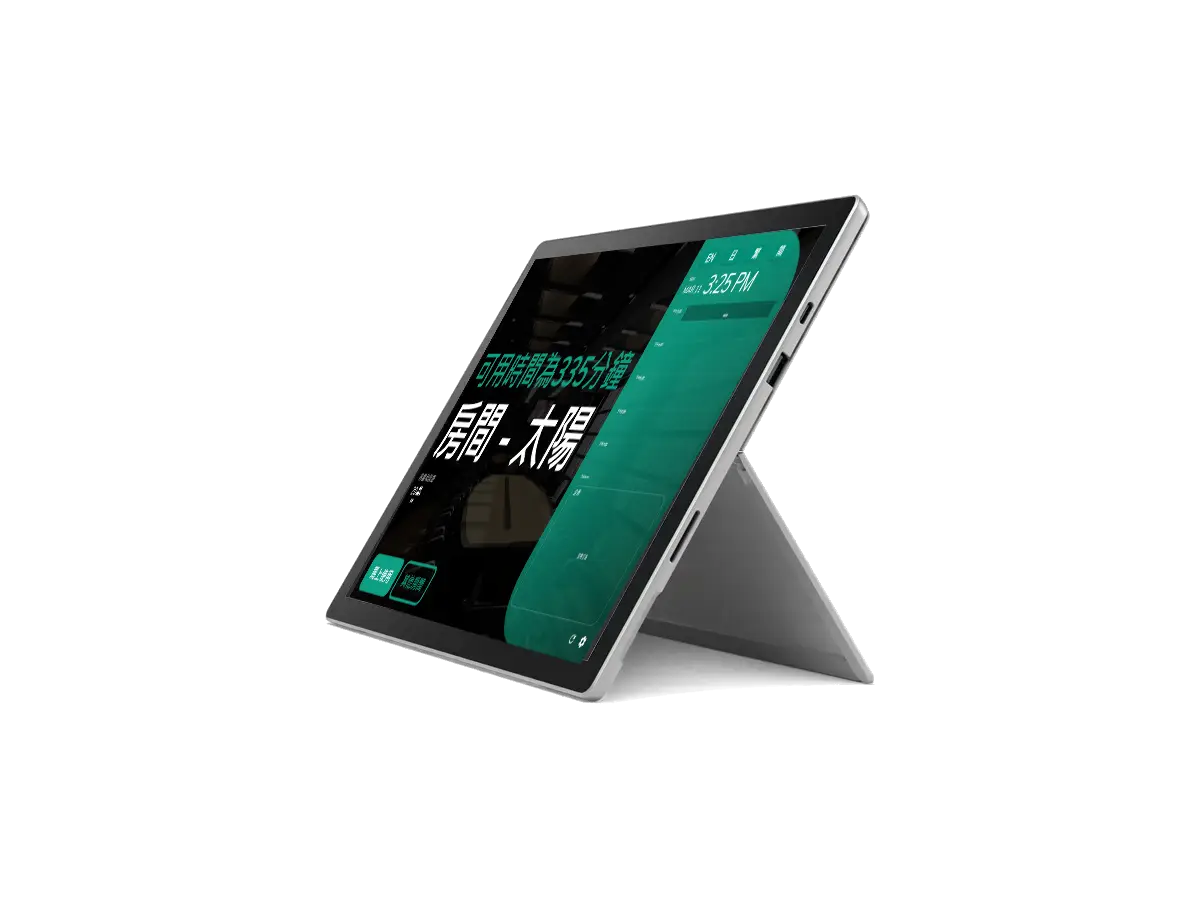
Neat
Neat
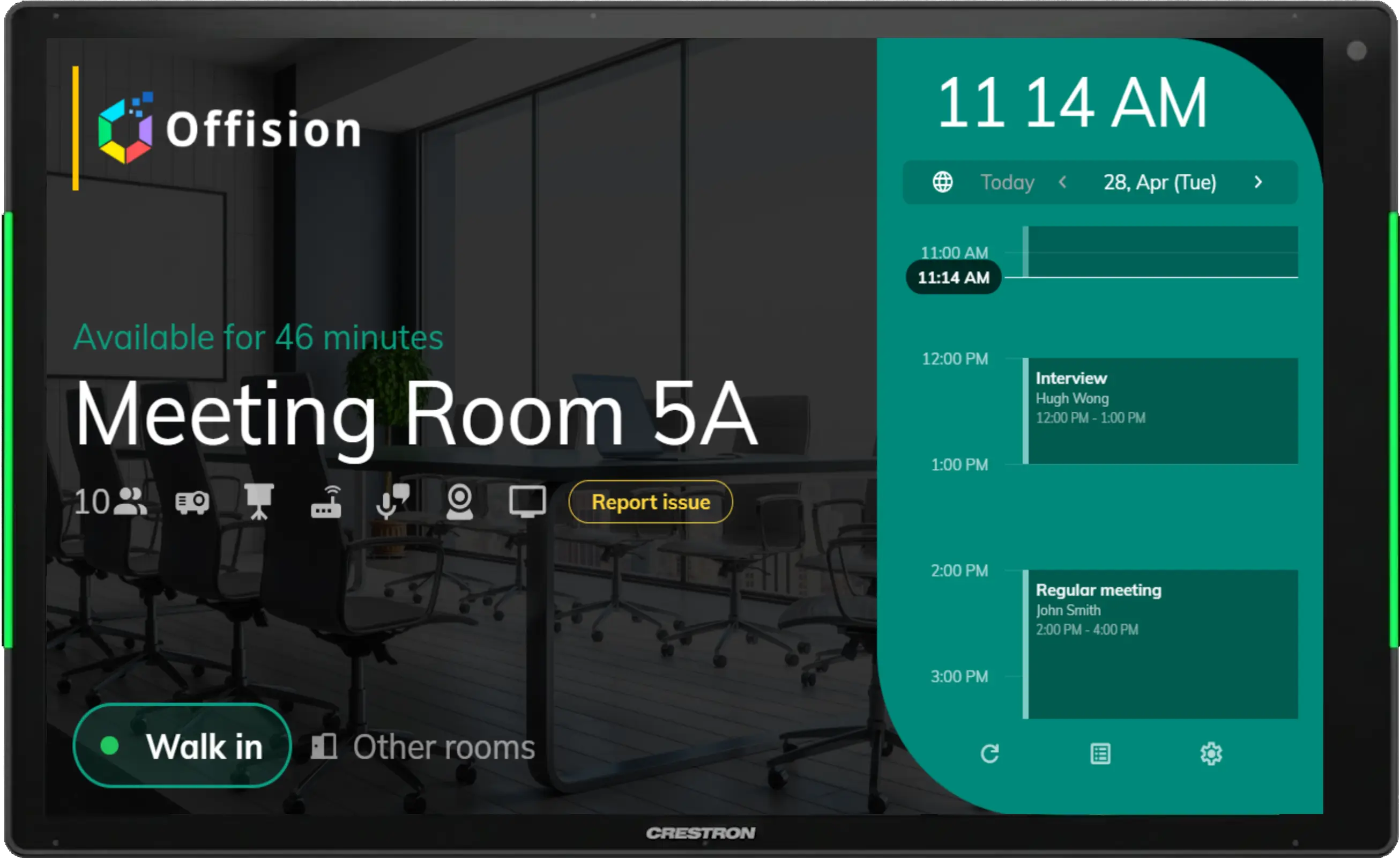
 Crestron






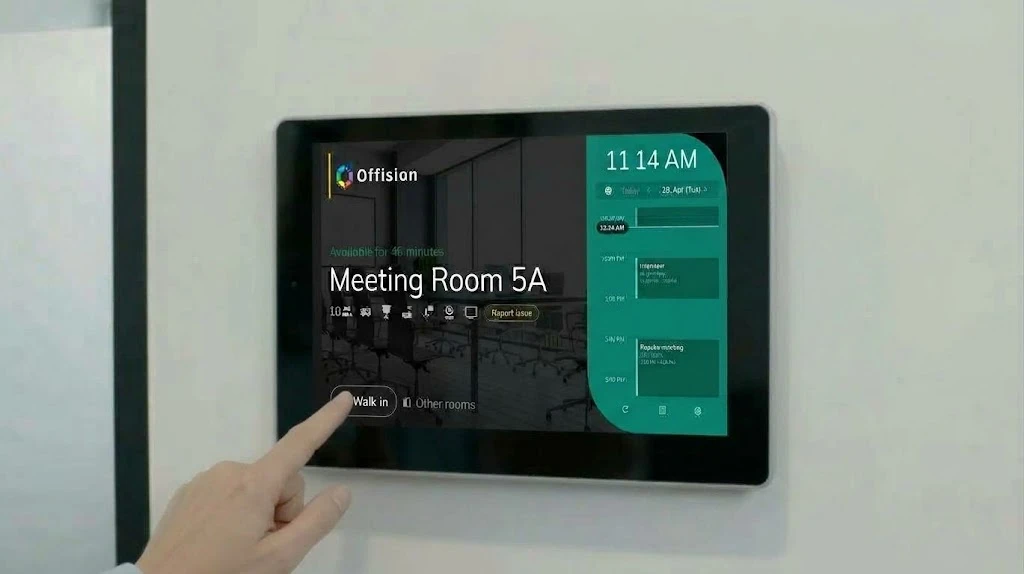
Walk in
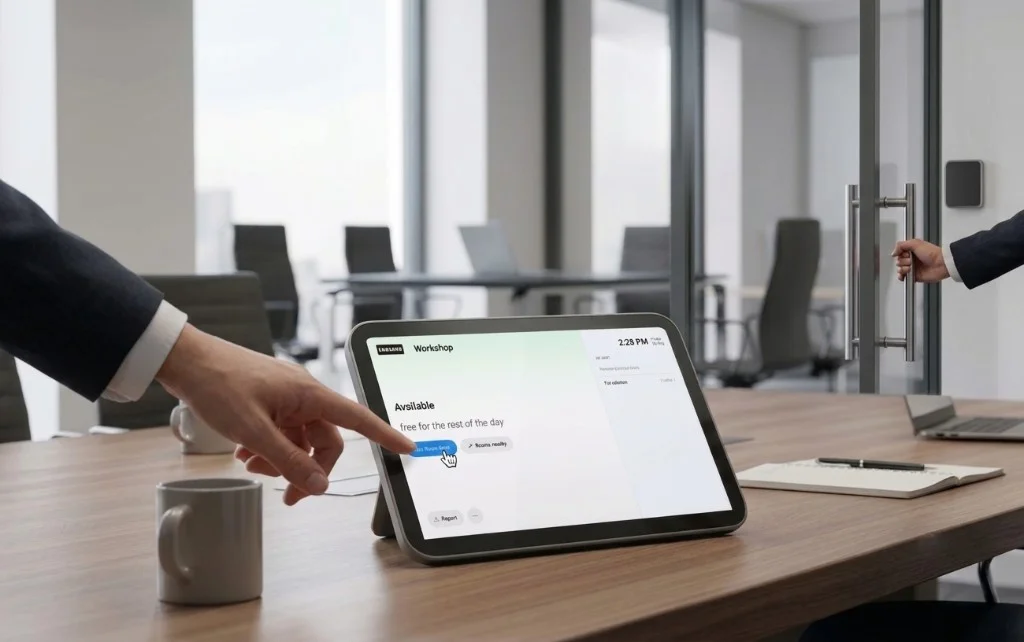
Book or check in on the panel when the room is free.
Room booking panel
Designed for efficiency, it integrates with existing office systems, reducing conflicts and optimizing workspace utilization.
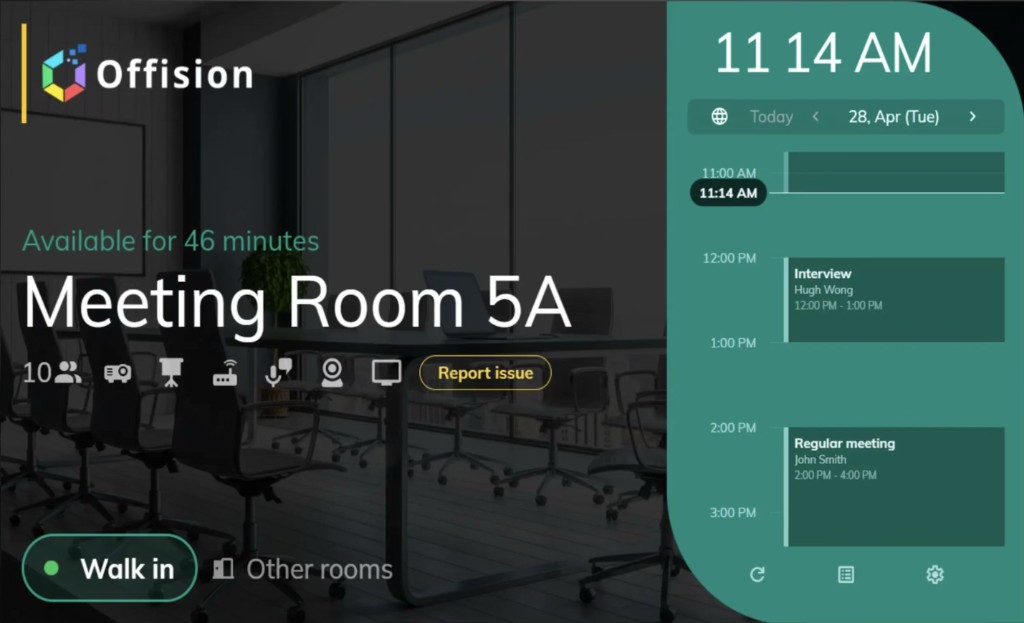
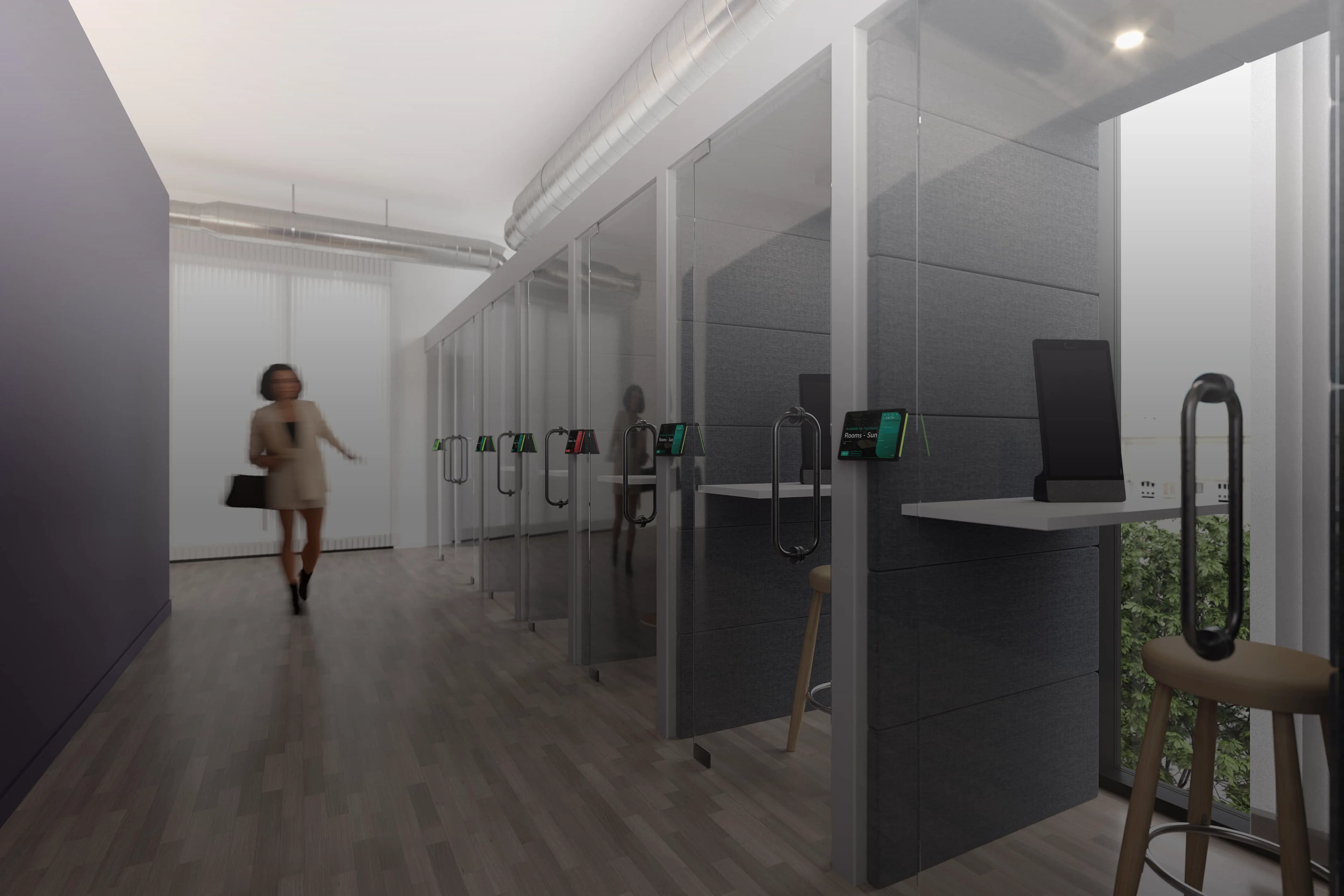
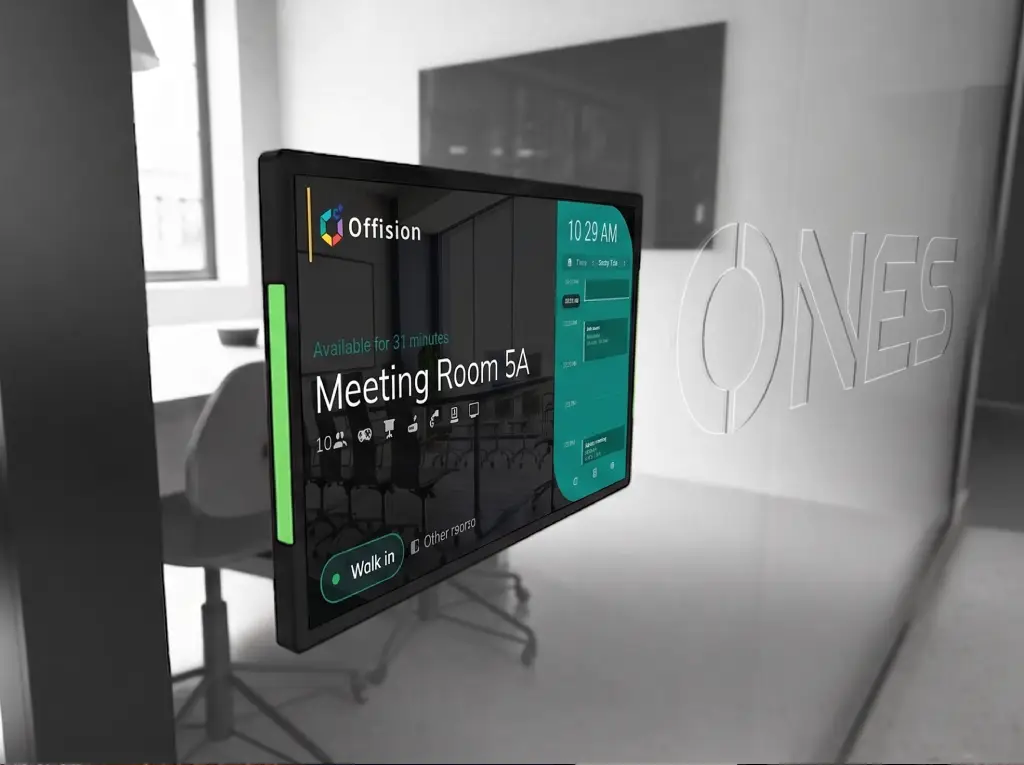
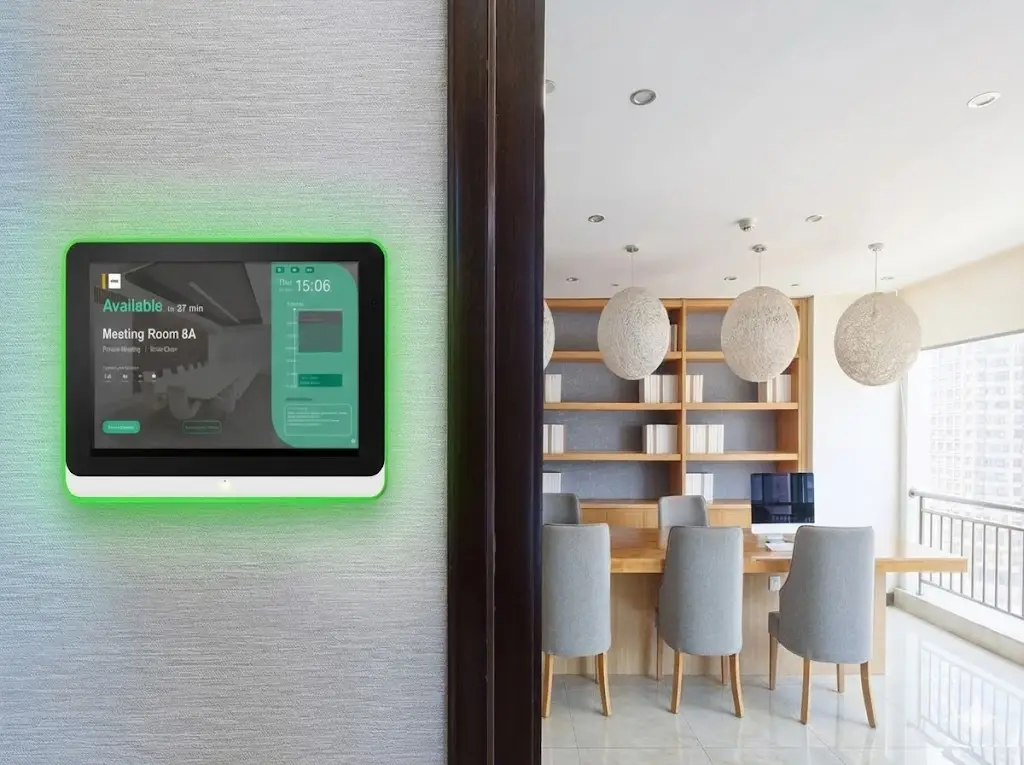
A room booking panel (also called a meeting room display) is a touchscreen mounted outside a conference room that shows real-time availability, upcoming meetings, and walk-up booking options. LED status indicators let people see whether a room is free, pending check-in, or in use—from across the hallway. Offision connects certified panels from Crestron, Qbic, IAdea, Neat, and iPad to your calendar so bookings stay in sync across mobile, desktop, and on-room displays.
Walk-in booking on the panel and wall-mounted displays stay in sync with your calendar.
Book or check in on the panel when the room is free.
Today’s schedule and status before anyone steps inside.
During a meeting, tap Open door on the panel. Offision signals AXIS and the strike unlocks — works with Crestron, Qbic, iPad, and more.
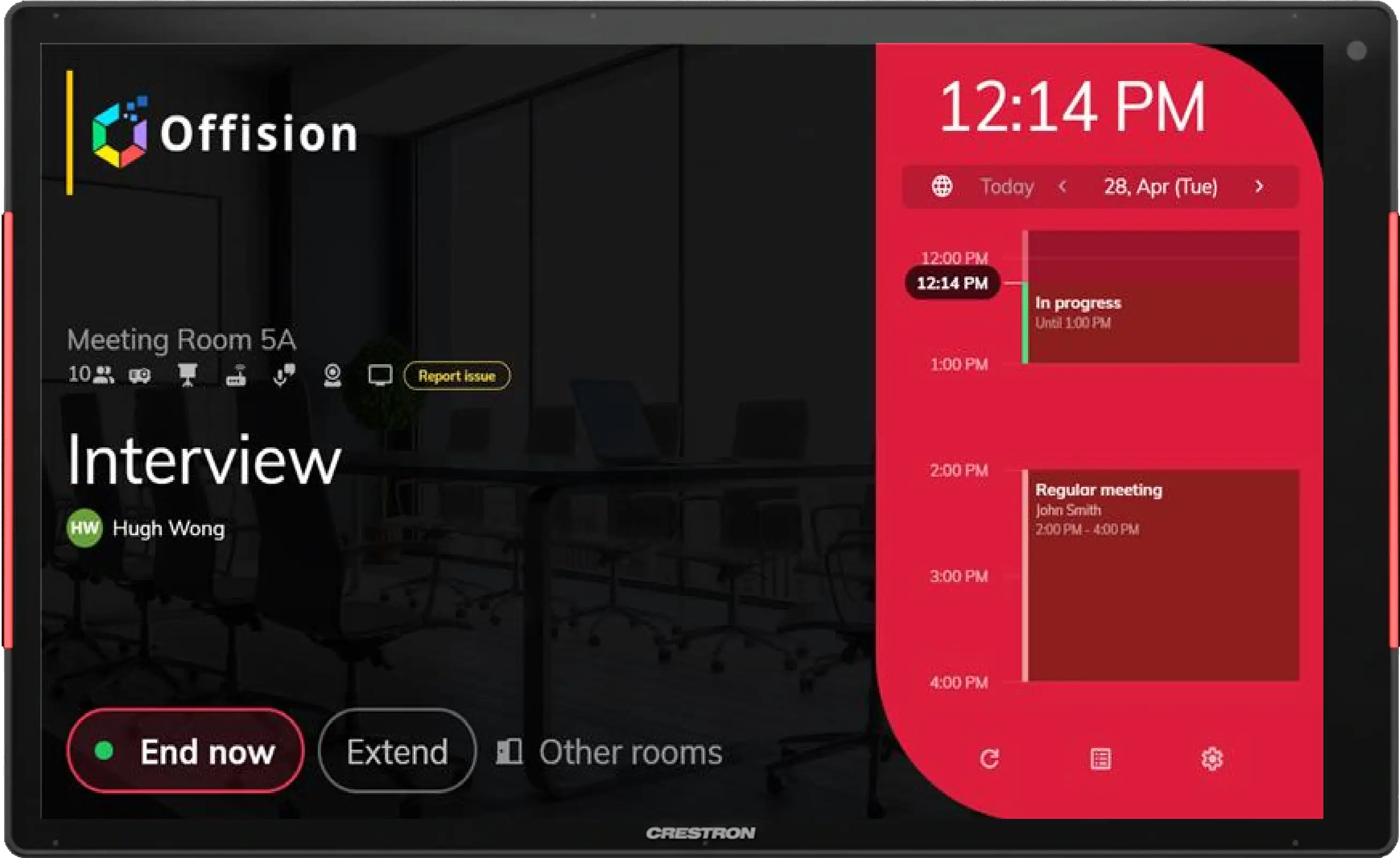
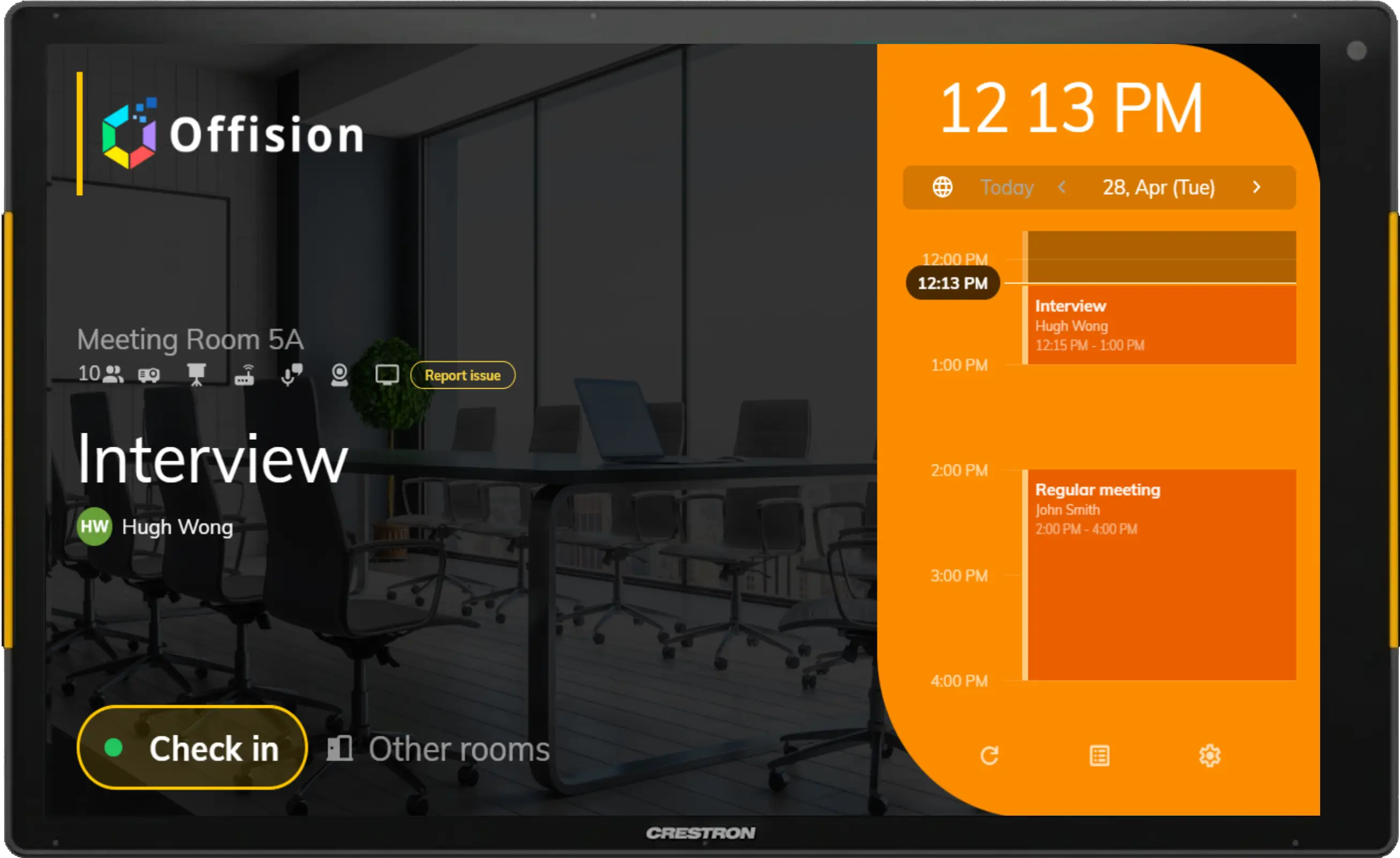
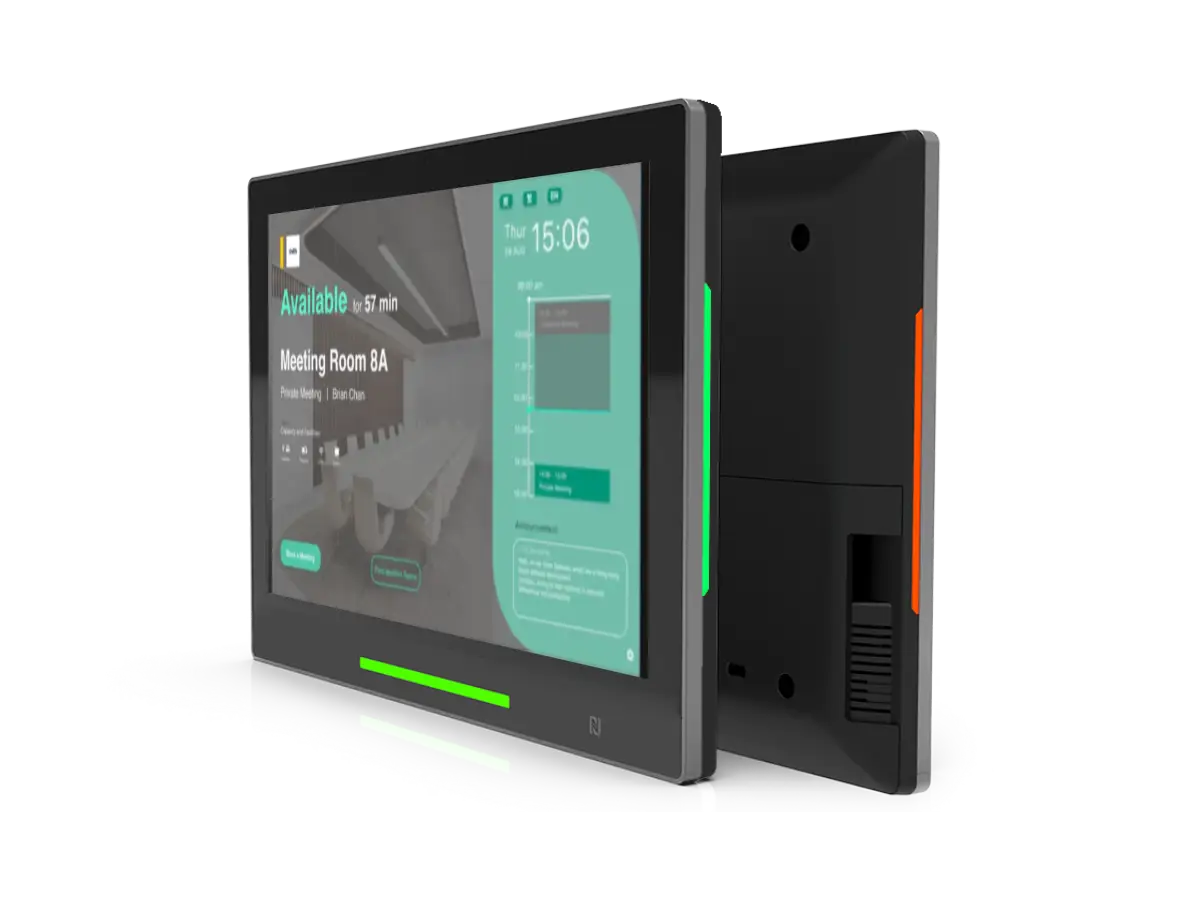
The booking panel's vivid colors indicate the room availability, from available, standby, and occupied, allowing the user to see the status at first sight.
Indicates that someone is using the room. Please do not disturb.
The room has an upcoming booking and awaiting for check-in.
The room is available for more than 30-minute-long meetings.
With a clear overview on the panel, users can easily know the room's real-time status, amenities, capacity, and meeting information such as meeting title and organizer.
Amenities
Meeting title
Reserve on panel
You can easily find, reserve, and check-in your room on mobile, desktop, and panel. Reservation status will be automatically updated on all platforms.
Reserve on panel
Auto data synchronization
Support browser & APP
Offision supports various hardware that can be applied to different business requirements.
Learn moreThe TSS-1080 touch screen is designed to enhance and simplify room scheduling across an enterprise. It installs near a meeting room or huddle space and provides clear indication of its availability while integrating seamlessly with a variety of popular scheduling services.
A Meeting Room Scheduler with unrivaled design and functionality. True aerospace-grade metallic unibody and frame construction with ultra-elegant appearance and feel.
A premium room panel with an integrated door lock access control interface, cable management, and enterprise security solution that improves room booking experiences.
A masterpiece of simplicity, effortlessly orchestrates your smart office and resource scheduling needs.
Support Display with Android Version at least 5.1.
Designed to deliver unprecedented levels of performance in an ultra-versatile package, highly support as an one-stop visitor self-service panel.
Answers about meeting room displays, booking control panels, and on-door reservation.
Contact usA room booking control panel (预订控制面板 / meeting room display) is a touchscreen outside the room that shows live availability, the current meeting, and walk-up booking or check-in—so people know the room status before they open the door.
Yes. Depending on your policies, users can book, check in, extend, or end a meeting from the panel. Changes sync automatically with Outlook, Teams, Google Calendar, and the Offision apps.
Offision supports certified panels and tablets including Crestron, Qbic, IAdea, Neat, iPad, Android tablets, and Windows devices such as Surface—so you can standardize the experience across offices.
Yes. LED or on-screen status indicators show whether a room is free, in use, or pending check-in, visible from down the hallway.
Mount a supported display outside the room, install or open the Offision booking panel app, link it to the room resource, and sync with your calendar. Status and bookings stay consistent on mobile, desktop, and the panel.
Get started with Offision today and see how easy it is to manage your entire workplace on one platform.


©2026 ONES Software Ltd. All rights reserved.