1
Get access from your organization
Your IT or workplace admin enables Offision for your team. Contact them if you need an account.

Download the latest Offision app for employees on desktop and mobile.
Your IT or workplace admin enables Offision for your team. Contact them if you need an account.
Choose your platform above and download the latest Offision installer.
Open Offision, sign in with your organization account, and start booking.
Discover why teams rely on Offision to book desks, rooms, and workplace resources.
Book desks and rooms from desktop or mobile, wherever your day takes you.
Official builds from Offision servers, backed by ISO/IEC 27001 certified practices.
Get the latest features, fixes, and improvements with every release.
Bookings and schedules stay up to date across every device, instantly.
Manage desks, rooms, parking, and visitors from a single app.
Works with Microsoft 365, Teams, Outlook, and your existing workplace tools.
Offision runs on the devices your teams already use — desktop, mobile, panels, and web.
 Windows
 macOS
 Android
iOS
Software for booking panels, kiosks, and admin devices.
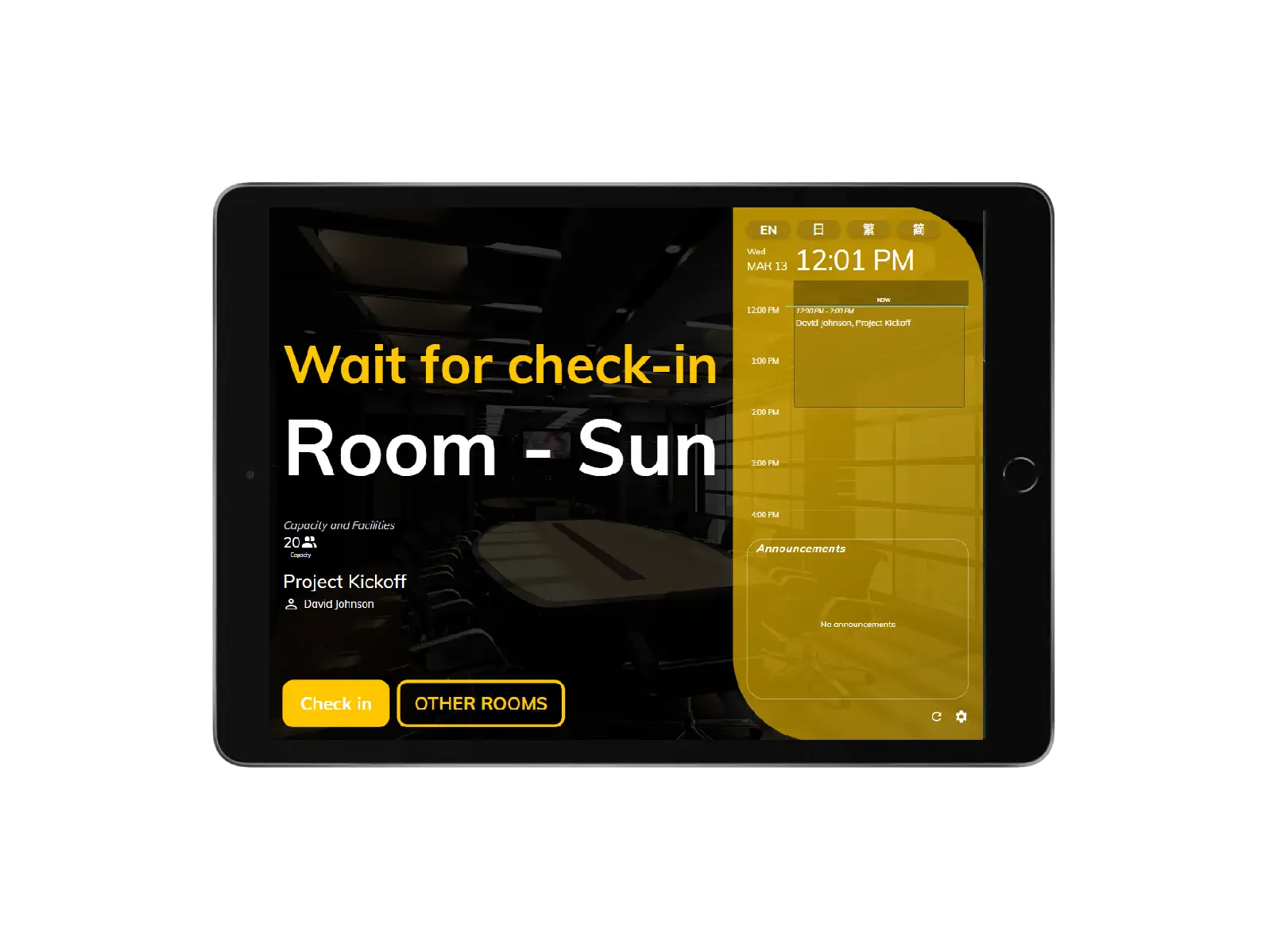
A masterpiece of simplicity, effortlessly orchestrates your smart office and resource scheduling needs.
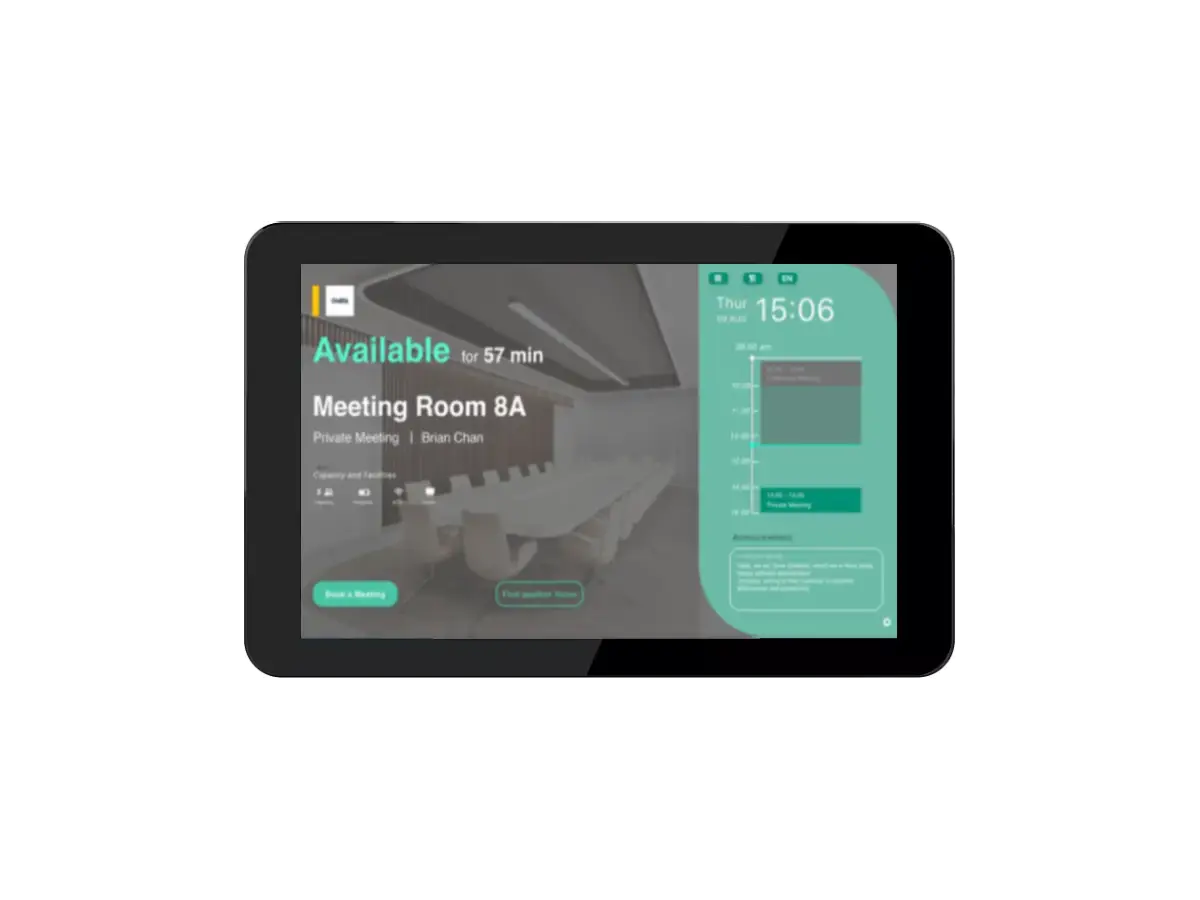
Support Display with Android Version at least 5.1.

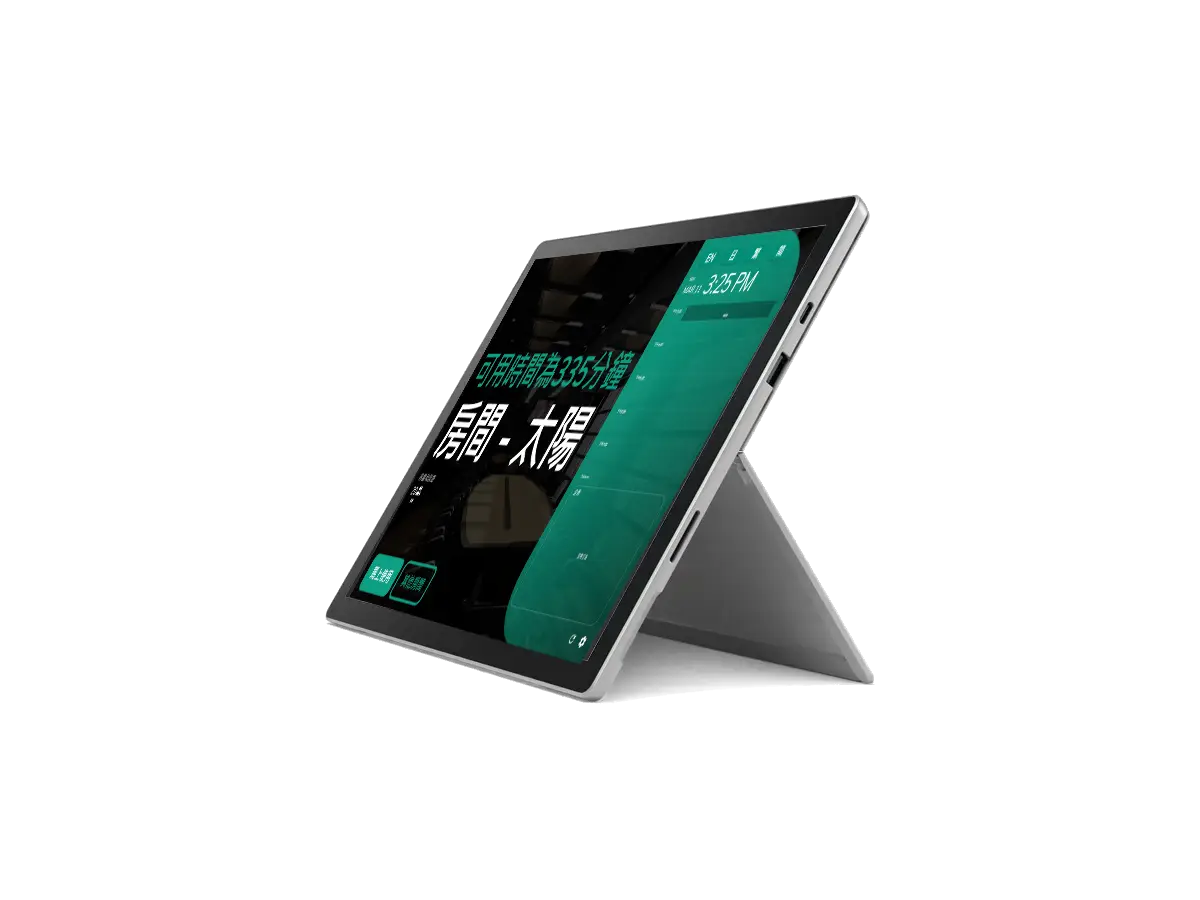
Designed to deliver unprecedented levels of performance in an ultra-versatile package, highly support as an one-stop visitor self-service panel.
Download Windows Exe file
Q&A
Common questions about downloading, installing, and using Offision on your devices.
Employees can download Offision for Windows, macOS, and Android from this page. Booking panel software for iPad, Android displays, and Windows kiosks is listed under Partner & Admin.
Download the installer for your platform, open the file, and follow the setup steps. Then sign in with your organization account to start using Offision.
Yes. All files on this page are hosted on Offision servers. We follow ISO/IEC 27001 certified security practices to protect your data.
Offision is provided through your organization. Your workplace admin or IT team sets up access — download the app and sign in with your organization account to get started.
Yes. Sign in with the same organization account on Windows, macOS, and Android. Your bookings and preferences sync automatically.
The employee app is for staff to book desks and rooms from their own devices. Booking panel software is for shared screens — such as iPad room displays, Android panels, and Windows kiosks — listed under Partner & Admin.