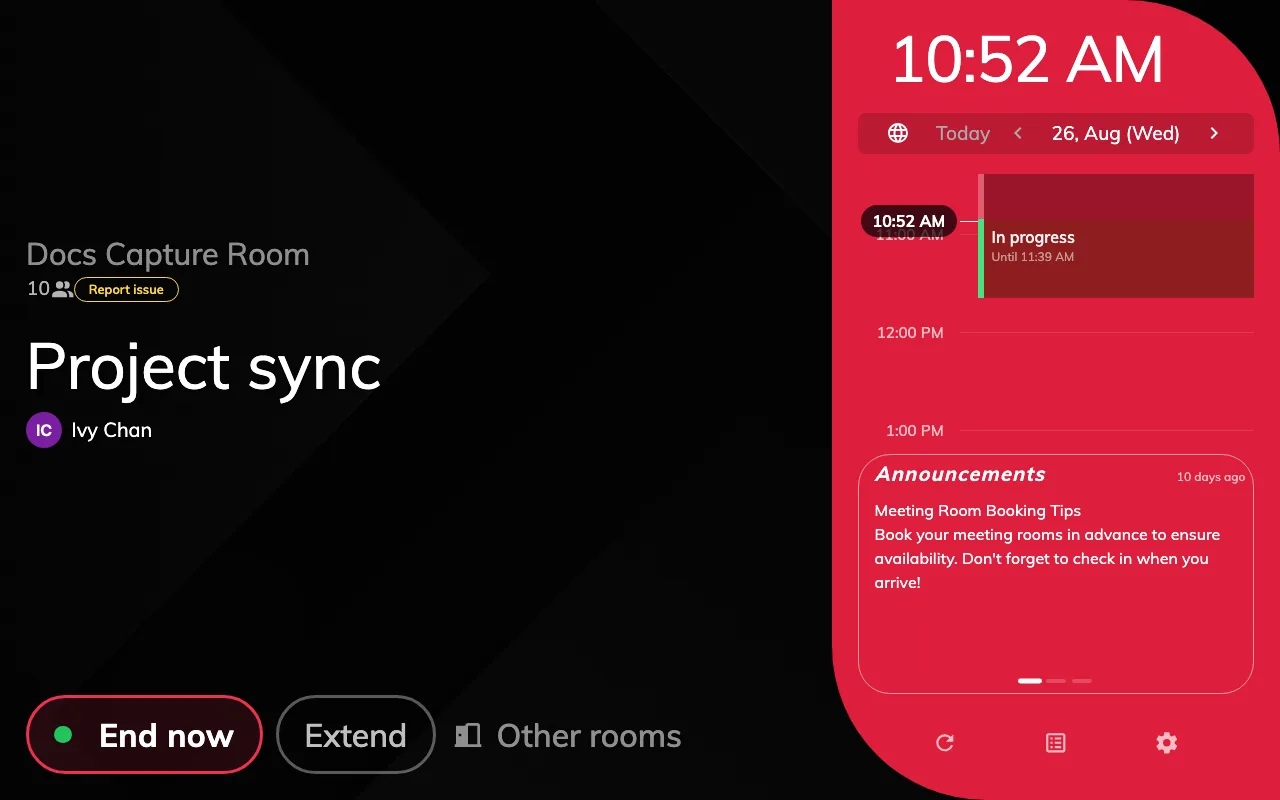
Indicates that someone is using the room. Please do not disturb.
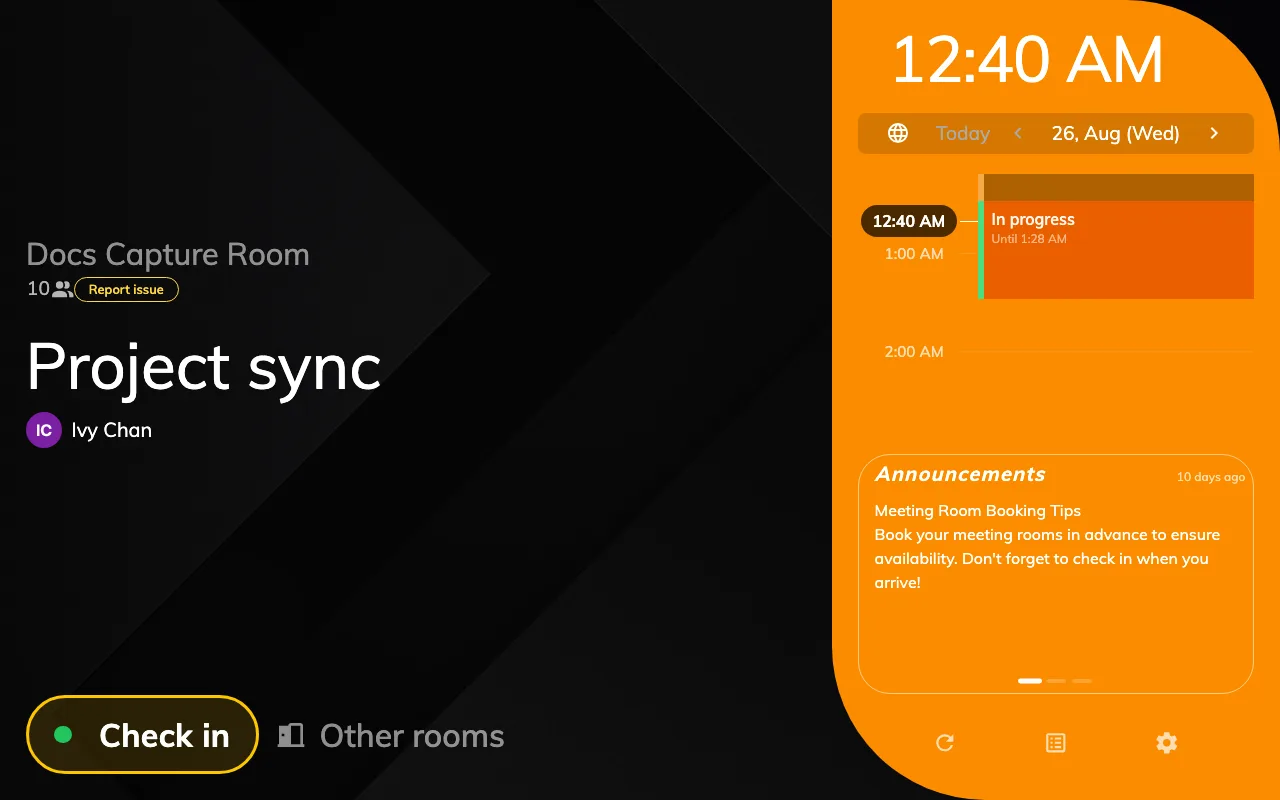
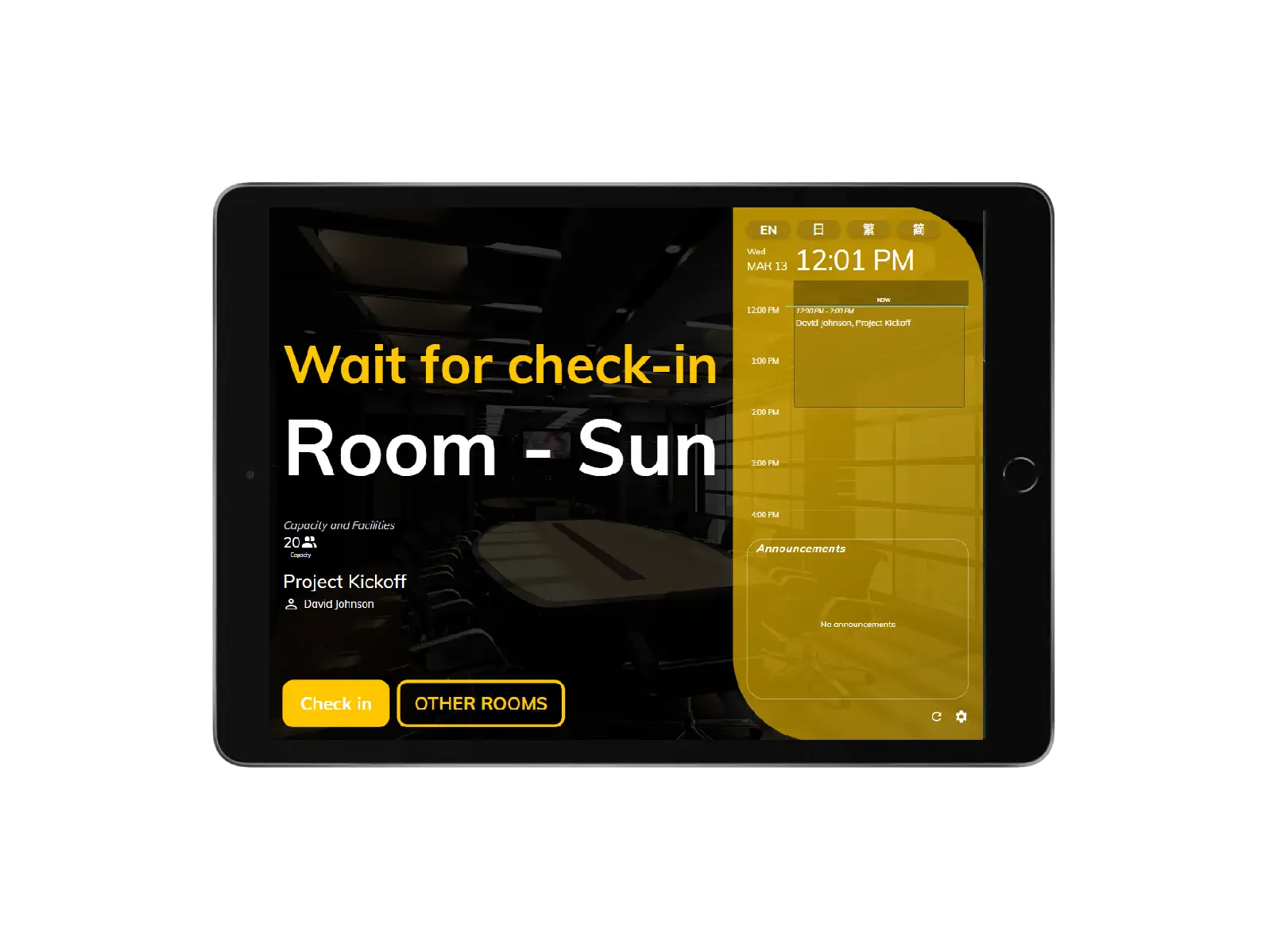
Wait for check-in
The room has an upcoming booking and awaiting for check-in.
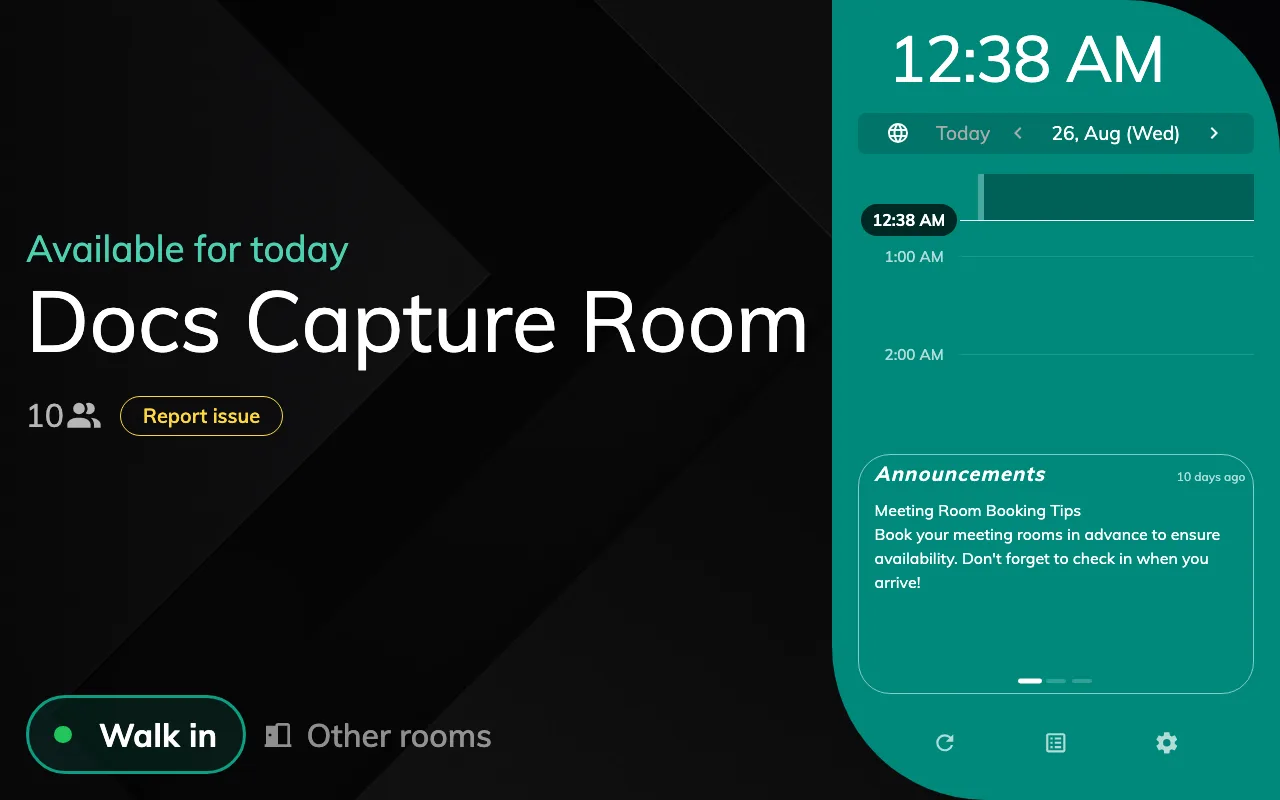
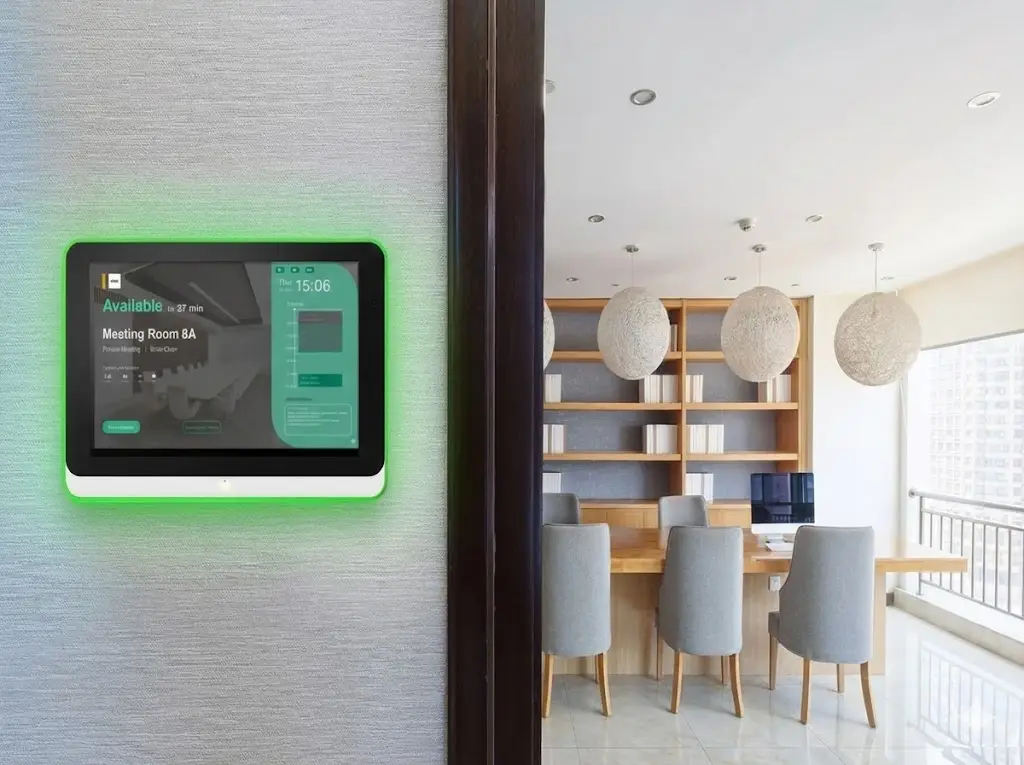
Available
The room is available for more than 30-minute-long meetings.
Take a closer look.
Real-time room status
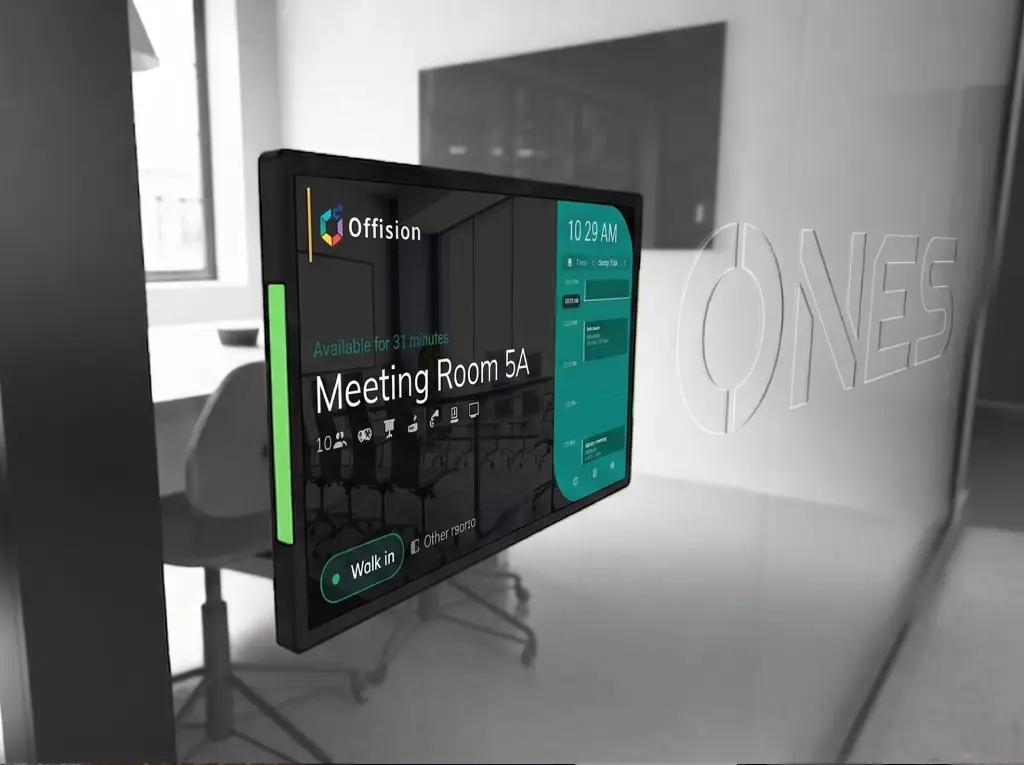
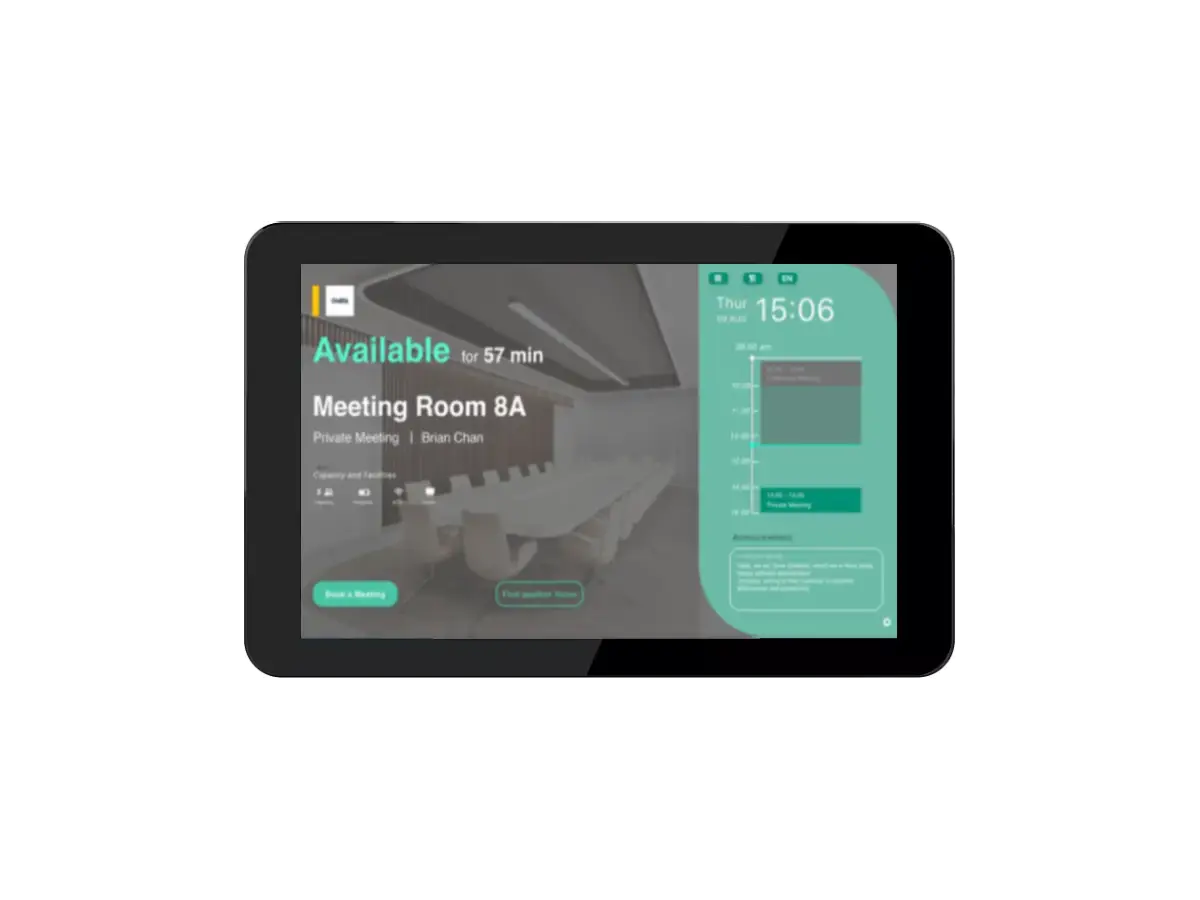
With a clear overview on the panel, users can easily know the room's real-time status, amenities, capacity, and meeting information such as meeting title and organizer.
Reserve a room from anywhere
You can easily find, reserve, and check-in your room on mobile, desktop, and panel. Reservation status will be automatically updated on all platforms.
The panel is also the room key
During a meeting, tap Open door on the panel. Offision signals AXIS and the strike unlocks — works with Crestron, Qbic, iPad, and more.
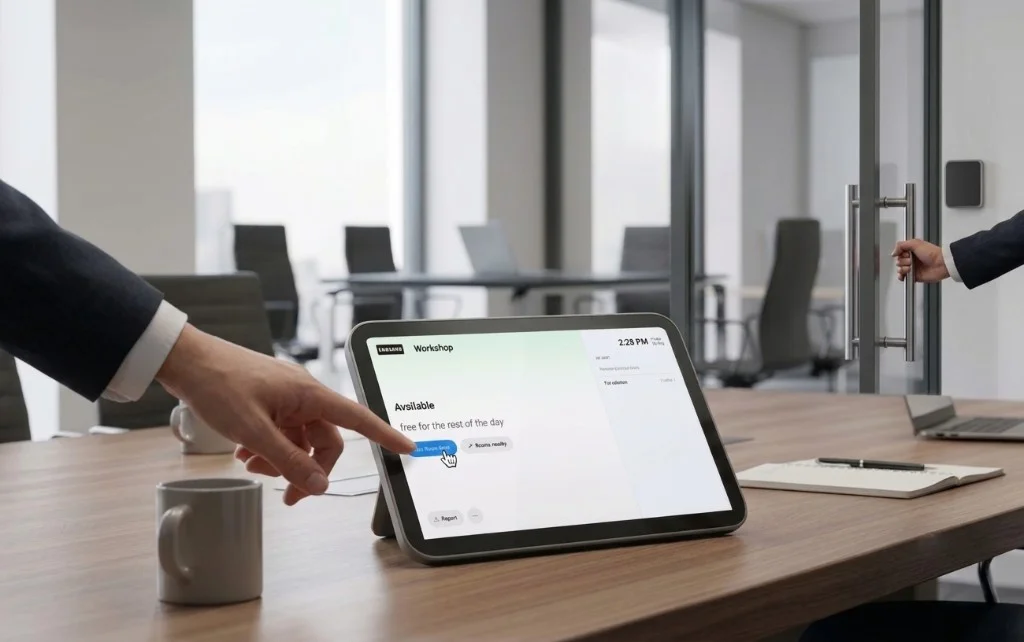
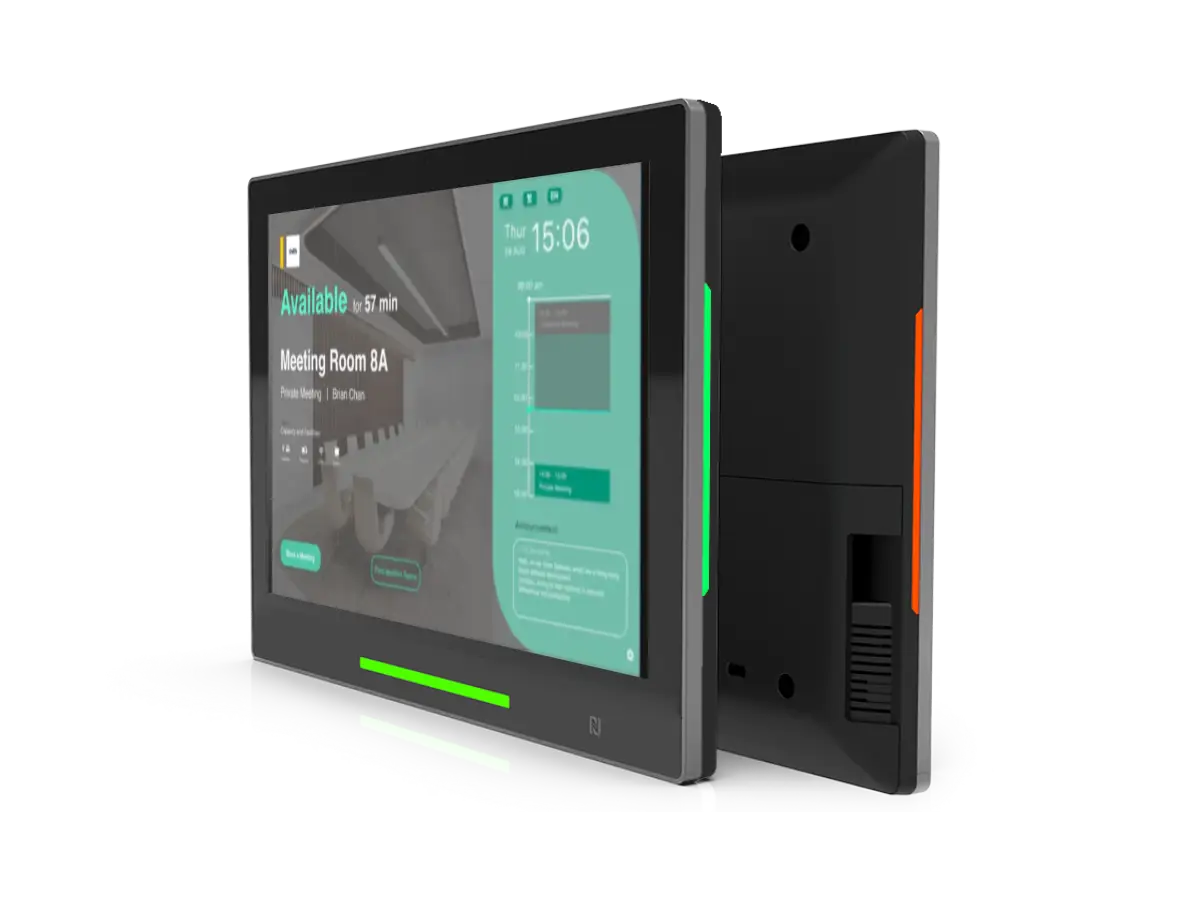
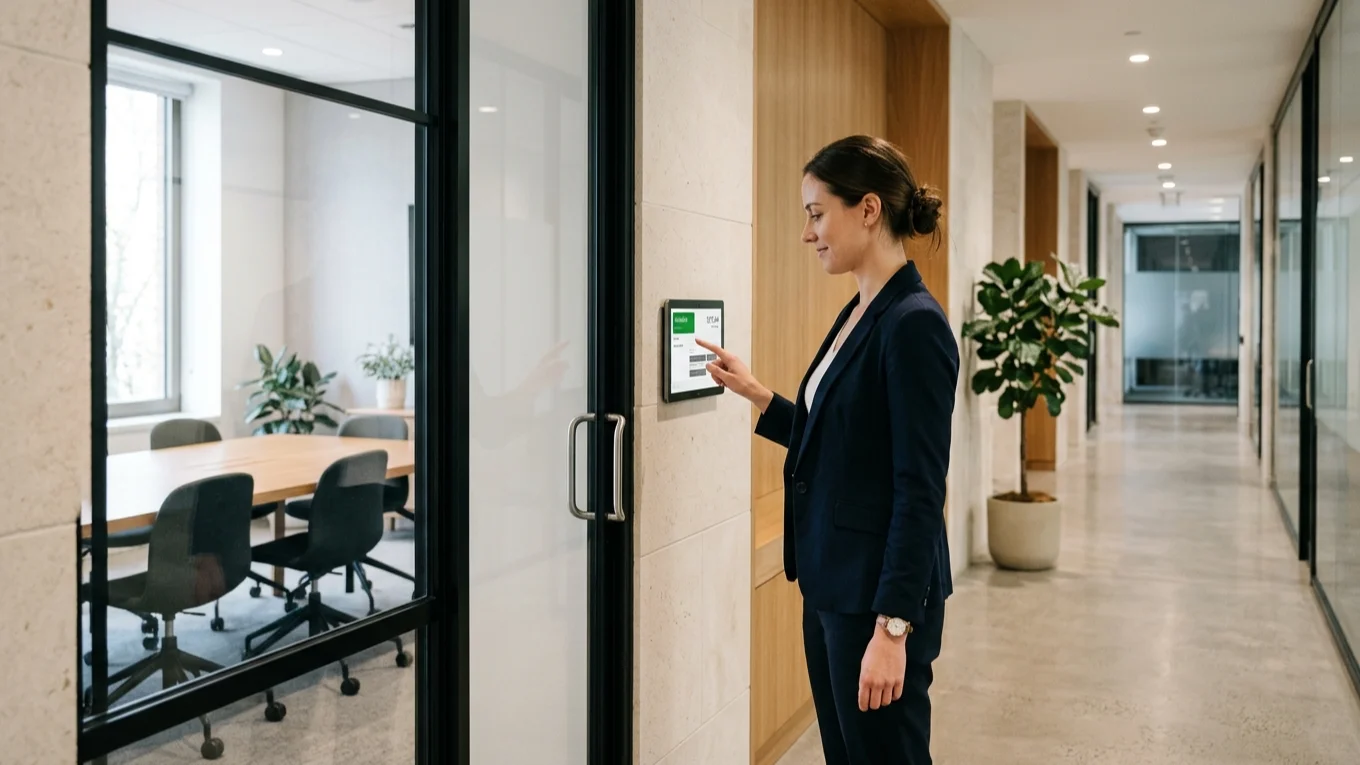
A room booking panel (also called a meeting room display) is a touchscreen mounted outside a conference room that shows real-time availability, upcoming meetings, and walk-up booking options. LED status indicators let people see whether a room is free, pending check-in, or in use—from across the hallway. Offision connects certified panels from Crestron, Qbic, IAdea, Neat, and iPad to your calendar so bookings stay in sync across mobile, desktop, and on-room displays.
Room booking panel FAQs
What is a room booking control panel?
A room booking control panel (预订控制面板 / meeting room display) is a touchscreen outside the room that shows live availability, the current meeting, and walk-up booking or check-in—so people know the room status before they open the door.
Can I edit or manage a booking from the panel?
Yes. Depending on your policies, users can book, check in, extend, or end a meeting from the panel. Changes sync automatically with Outlook, Teams, Google Calendar, and the Offision apps.
Which devices work as Offision booking panels?
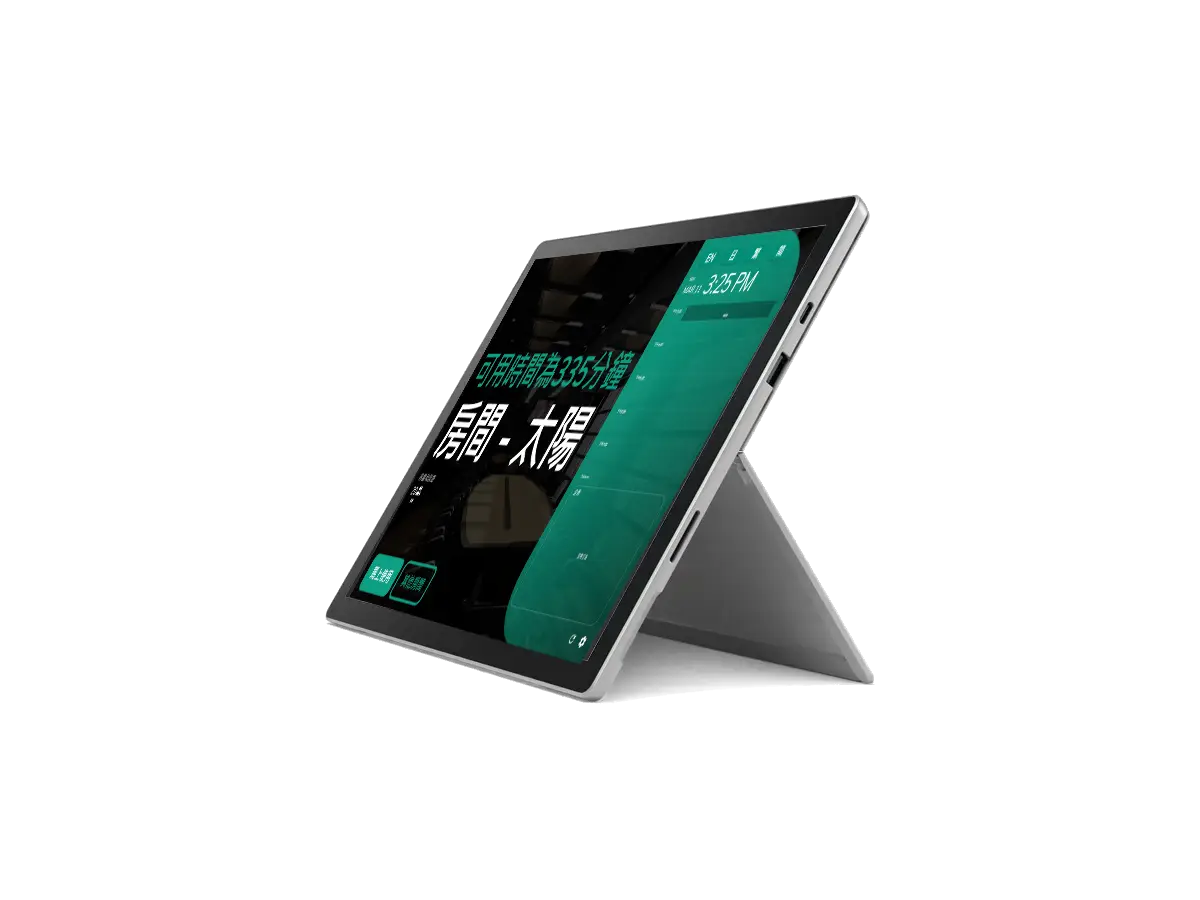
Offision supports certified panels and tablets including Crestron, Qbic, IAdea, Neat, iPad, Android tablets, and Windows devices such as Surface—so you can standardize the experience across offices.
Does the panel show traffic-light room status?
Yes. LED or on-screen status indicators show whether a room is free, in use, or pending check-in, visible from down the hallway.
How do I deploy a booking panel with Offision?
Mount a supported display outside the room, install or open the Offision booking panel app, link it to the room resource, and sync with your calendar. Status and bookings stay consistent on mobile, desktop, and the panel.